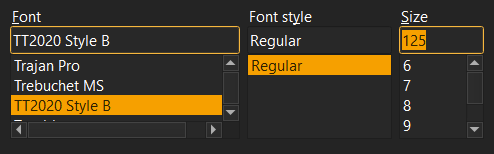
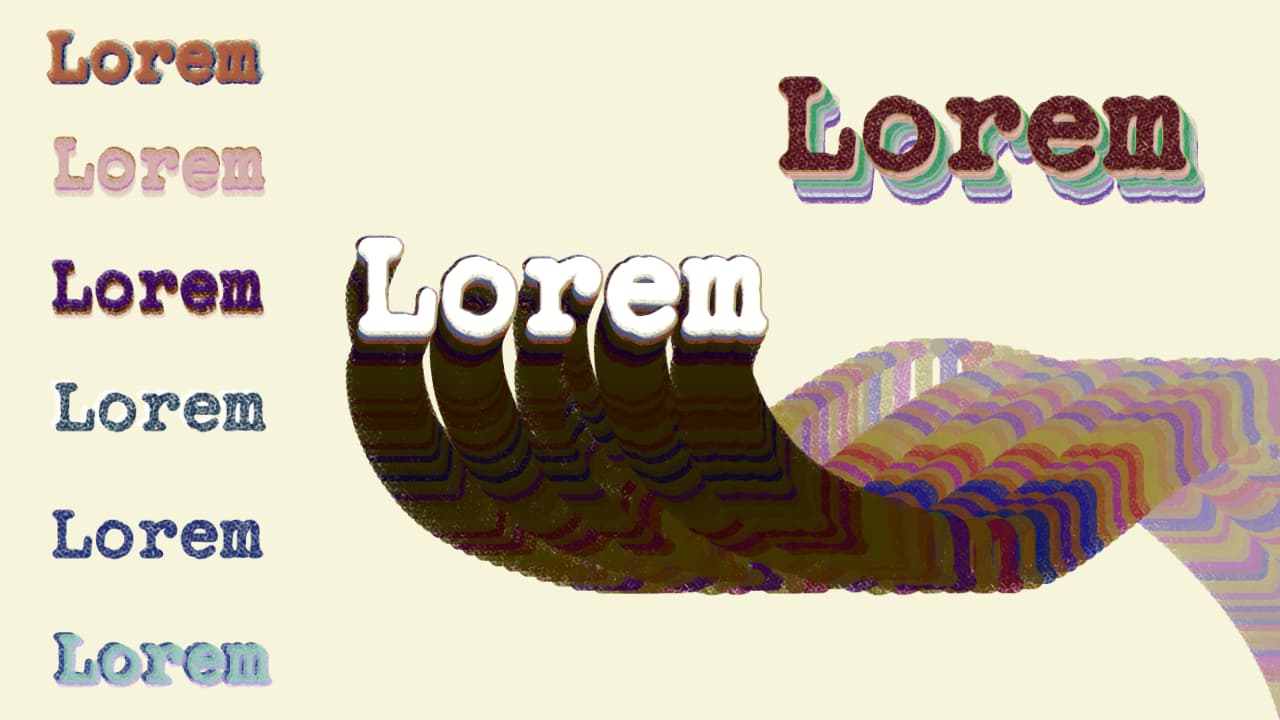
A bundle of two brushes for Krita 5+ with text tips. One has a texture, the other one does not. The font used was TT2020 by Fredrick Brennan.
Download the bundle here: Download the bundle
A bundle of two brushes for Krita 5+ with text tips. One has a texture, the other one does not. The font used was TT2020 by Fredrick Brennan.
Download the bundle here: Download the bundle
I remember seeing the text option while playing with the brush editor once, and then completely forgetting it… These seem like cool brushes!
Thank you!
Um… I don’t know if it’s only with me, but when using the brushes, I have to change manually the font in the brush editor because I probably don’t have your font on my system (if that’s how you say it?)
Also, when changing (in the brush editor) the text for the “Text” brush, Krita tells me “NO!” in the sacred language of softwares (crashing)
Maybe I’ll look if I can tweak them for myself, maybe I’ll delete them… I don’t know, might be that my computer’s too old, no idea… sorry 
You’re correct. I have updated the download and it now comes with the appropriate font file for installation, as well as the OFL licensing terms that the font uses. Kindly install the font on your system first before trying out the brushes.
Krita’s still crashing when trying to change the text from the “text” brush, and I tried to change the text from the “text smudge”. It’s also crashing, exactly at the same time I press the backspace key (just as if I were pressing on a detonator). The only one working is the third one. I’m sure it’s coming from my side… But hey, I got at least one brush and a cool new font!
Are you using the latest Krita version? The text tab is quite finicky even on my end. I didn’t crash, but opening the tab of the “Text” brush extends the panel past my screen size so I wasn’t able to edit it after I initially set it up.
I’m using Krita 5.2.2, downloaded on the official Krita page.
Oh no… It’s also not changing in size 
waitwaitwait… where is THAT?! I could change the brush size, when changing IN the brush editor, but only when in the “general” category, the “size” option was checked.
Ah yes… I can only see it once, when I open Krita. Then, with switching brushes, the font showing box becomes so large that the button disappears into oblivion
That’s the issue I am facing as well. It only happens on the “Text” brush with pipe. The other two don’t have that issue on my end. I’ve tried making a new text brush from scratch using Times New Roman, but even there, the issue persists. I’m still experimenting to try to find a workaround.
Hey, when I unchecked the “pipe” option of the “text” tool, I could change the text without crashing. But then the button disappears… Did this brush pack get cursed or something? 
LMAO. But yea, the text brush tip is still buggy, it seems. Maybe I’ll just make a normal text brush with the traditional method and replace the bundle.
I’ll be happy to try it!
I was able to recreate the No Pipe brush, but not the Text and Smudge brushes, unfortunately. I don’t exactly know how to report a bug, either. There’s a ton of potential for the text brush tip, if only the bugs could be ironed out. I’m gonna replace the files soon with just that one brush.
Yeah, it would be good, especially for comics, with onomatopoeia.
Maybe asking in the develop category? Or look there if you find something;
There, I replaced the old bundle files. Hopefully they don’t cause any more problems, since they’re just normal brushes now.