I am trying to export my storyboard, made with the Storyboard Docker, as a one-panel-per-page PDF. I have tried using the “Export as PDF” dialogue with both the built-in Board Layouts, selecting 1 row/column or a 1x1 grid, as well as making my own SVG Template in Inkscape. In all cases, my storyboard panel is exported at a much lower resolution than it actually is (3840x2160). After experimenting with different options, it seems to me like the panel is compressed before it is placed in the SVG template. Does anyone know how to fix this? I assume the solution requires coding a plugin or changing the code within the docker, but I have no experience in doing things like that.
I can only guess here, but I assume that the reduced resolution when exporting storyboards is a conscious decision. A storyboard is not a work of art; by definition, it serves to plan the progression/sequence of a film in advance. This does not require a storyboard with HD scene rendering; it is sufficient if the output size can be freely selected so that large amounts of text or additional sketches can be added, and it is sufficient if the rendering allows the scene to be recognized and assigned, which I consider to be a given.
And yes, I fully understand that you, and at least one other user, see this differently. Could it be that this is just your aesthetic discomfort with the lower resolution and pixelated display? For a normal storyboard, I can’t see the purpose behind it.
For this reason, I consider your assumption that additional code is required here to be correct. If you can find someone who is willing to develop something like this for you, you could possibly suggest to that person that they implement your requirements as well.
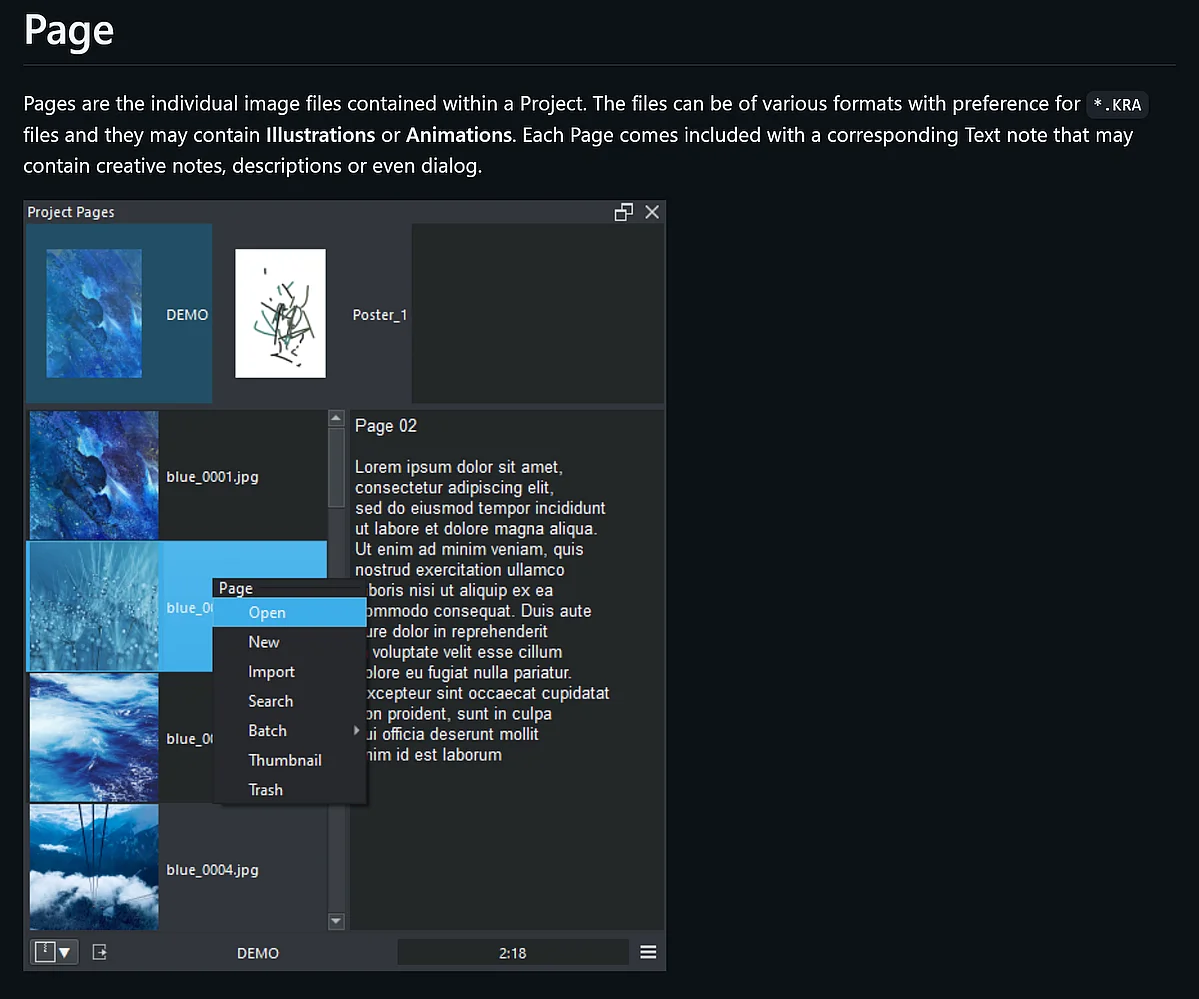
On the other hand, this may no longer be necessary, at least if you are/could be satisfied with the capabilities of the “Project Pages” plugin from @EyeOdin.
Hi, thank you for the reply! I’m preparing my professional storyboarding portfolio in Krita, so I was worried that the reduced quality would read as unprofessional. After testing it on my website, displaying it at a smaller size and thus with a lower quality is fine.
I tried out the “Project Pages” plugin! Unfortunately I wanted to be able to export my comments with each frame; Project Pages exported only the frames. If I wanted to only export the frames of my storyboard at their true resolution, selecting “Render Animation…” in my storyboarding file would also be an option, since the Storyboard Docker uses the animation timeline.
I think I will leave a feature request for determining the frame resolution when exporting a storyboard, but I’m happy that I can keep working for now. I appreciate your help!
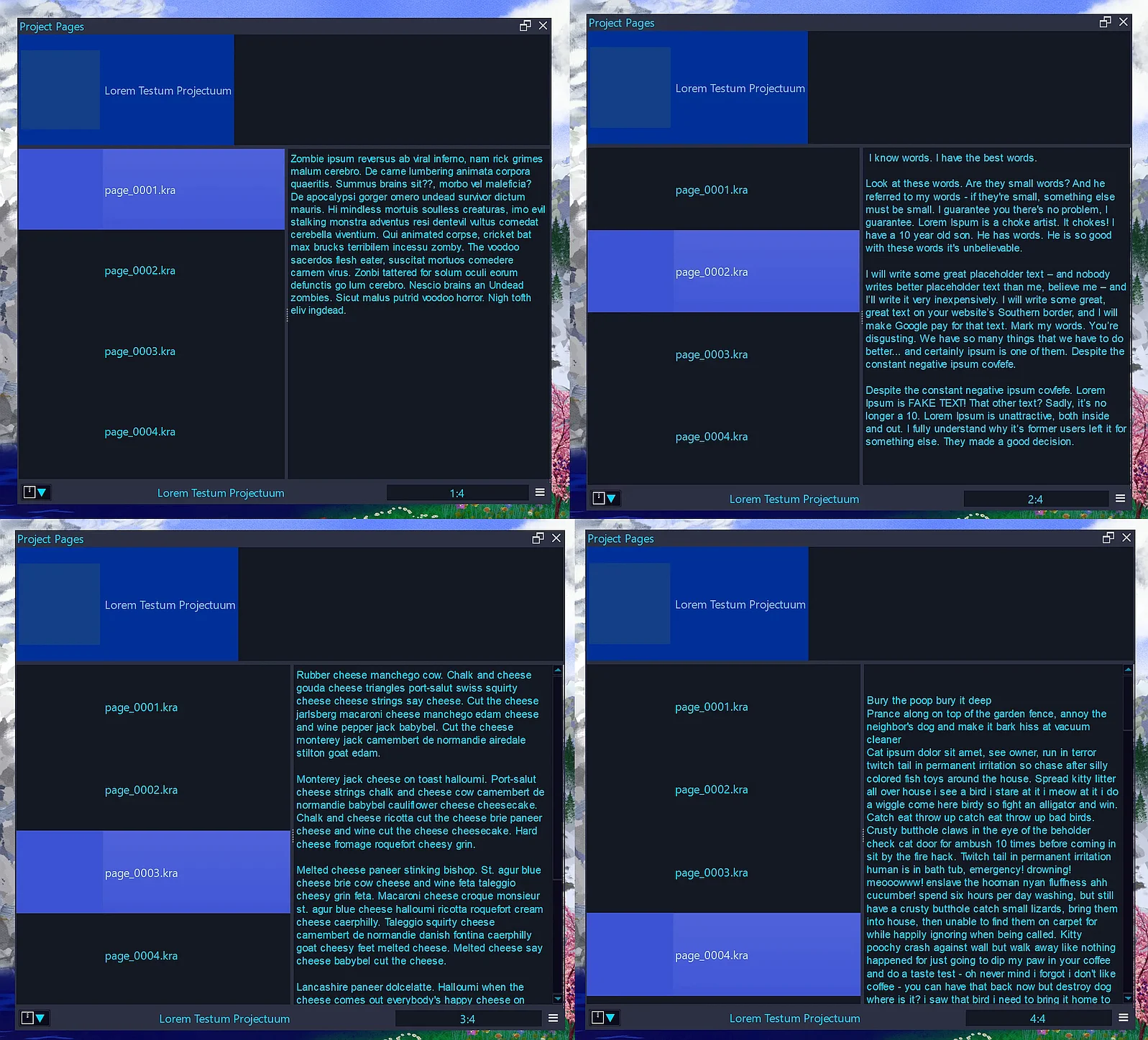
Although I never plan to use this plugin, I think it is able to add text to each page you set up, my test and screenshot below at least indicates this.
Therefore, I created a project, added 4 pages and gave each page their own text, as you can see in these 4 screenshots each page has a different text added - if that is what you want, then you may have overseen it.