I am trying to make a stickers for my kids. Hence the subject of my image is PawPatrol, just using it as practice for other applications.
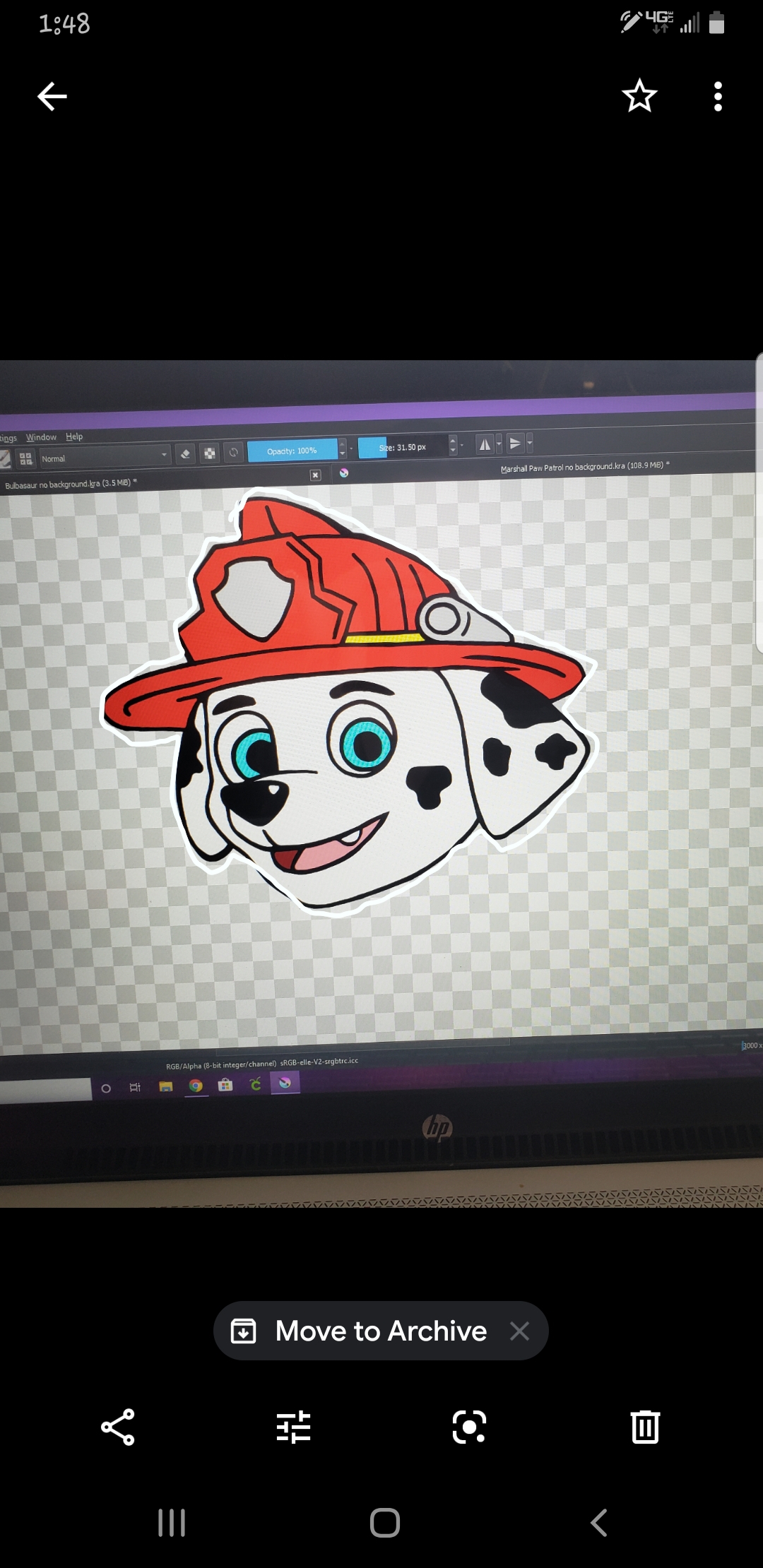
I painted the Marshal head when I first started playing with Krita and was finally able to change the back ground to be transparent. Now I want to make a white border around the image so my cutting machine will cut around the white border instead of the black lines of the image. I made 2 paint layers under the image. First dark blue and the second white. I was following a youtube video that was made for photoshop trying to just find a different button in hops of figuring it out. They were using a blending method to make the white layer blend around the image.
Can anyone tell me or know a good youtube video to make a white border around only the painting?
Do you mean a white border shape that follows the contours of the picture, or a rectangular ‘frame’ type of border?
Can you post a rough sketch of the type of effect you’re looking for?
Both are easy to do. I’m wondering what type of cutting machine you have.
When you say, “…was finally able to change the back ground to be transparent.”, it’s always a good idea to do artwork on a new transparent paint layer and not paint on any existing background layer.
Like this? 
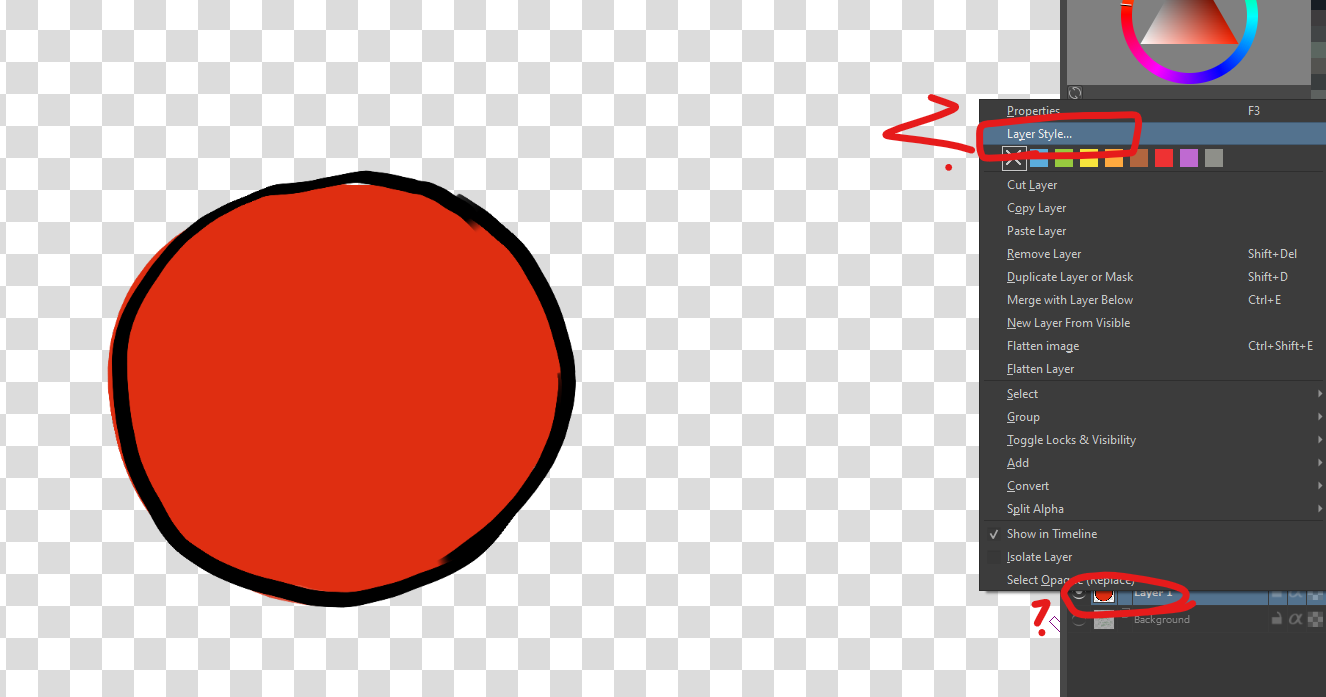
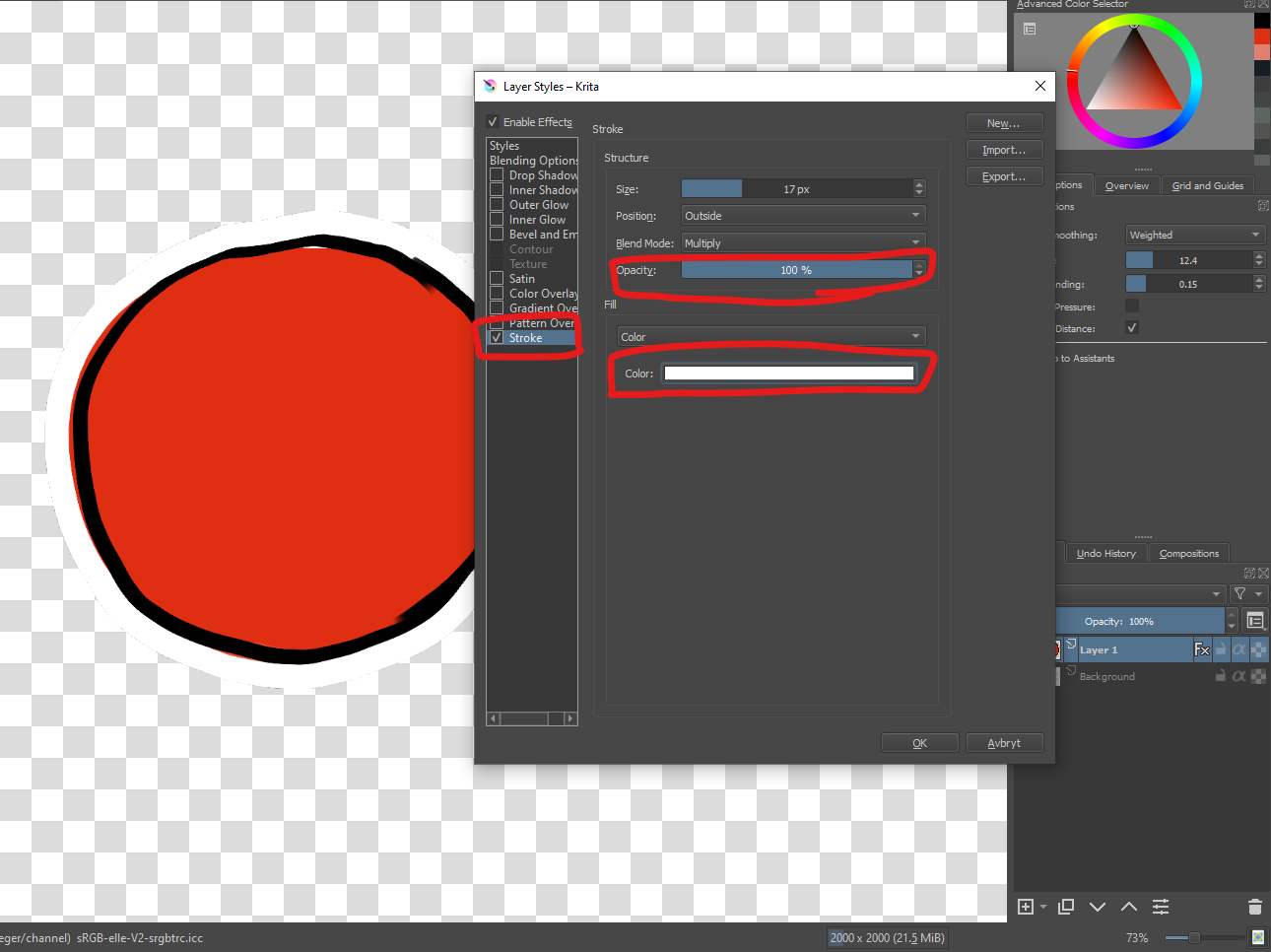
Right click the layer, and set the layer style to have “stroke”
I see everything you are saying and clicked the buttons but the white border doesnt appear. I tried selecting the layer and also selecting the image.
You also need the Enable effects box at the top to be ticked which many people don’t realise/notice the first time they try to use Layer Effects.
Following the contours of the picture.
When I first created the file I set it to Background canvas color and Blue not realizing what it ment and then root merged the layers and saved it. I was finally able to figure out how to take the foreground and put it on a new vector layer deleted the old layer. (all in a new file as to not mess it up even more lol)
Oh I just have a Cricut. It always me to use a print and cut. Their application sends the info to the printer with added guide lines on it and then I put the paper on a mat and load it into the Cricut so it will cut out the paper layer .
Cricut: I’ll have to read about that. It’s always interesting to see what tools people use.
Are you ok with the stroke layer style now? (The size/thickness can be varied as well.)
Ah I wasn’t checking the box next to Stroke. 
Thank you so much!
Yes I tested it on another file and adjusted the thickness of the border as well.
The Cricut is used more for crafts. Its a name brand and im sure there are other cutting machines that are cheaper or better at cutting the edges but its what i started my crafty journey on and got me back into drawing and into starting digital art.
Awesome, never knew about that! Krita is just such a dense software, that you can forever keep learning, pretty much