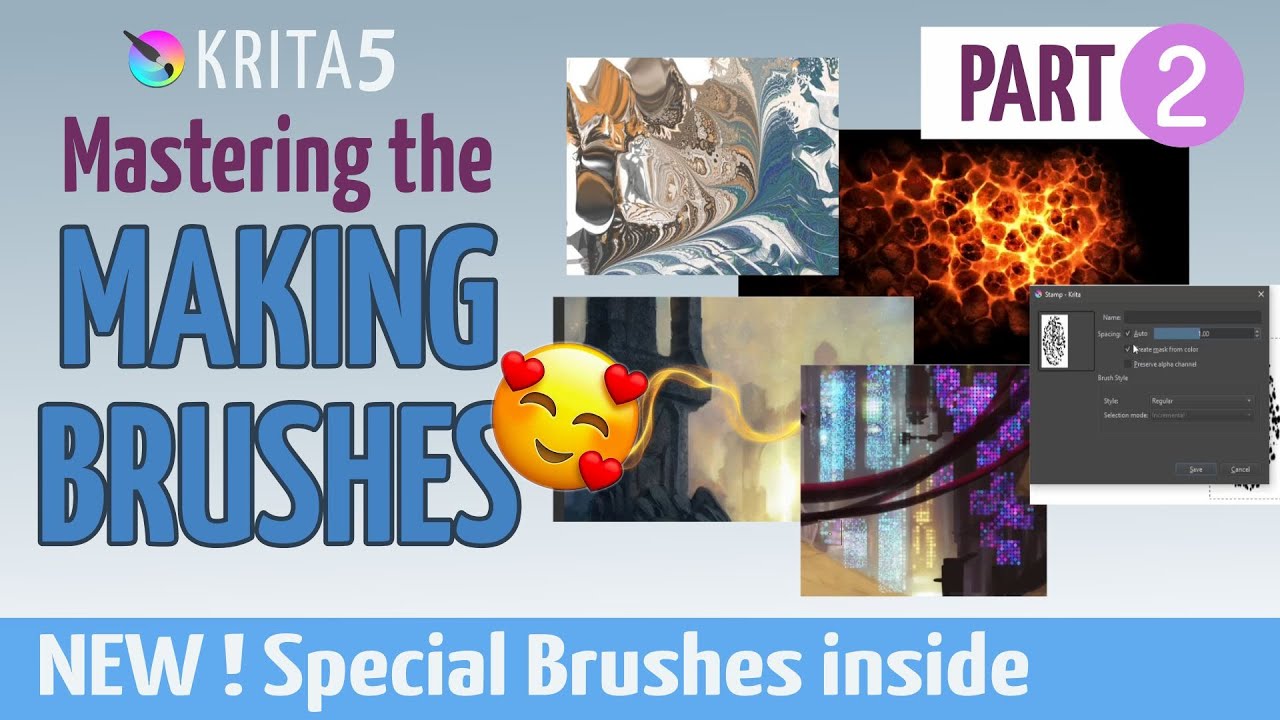
Hello everybody. New video released in Krita channel with some supercool weird digital brushes to create FX. I love the brushengines in Krita.
Let me know your feedback
Hi @RamonM . The " energy" brushes in this bundle don’t work. They just draw thin lines. No energy effects as in the video? And the brush size (1) doesn’t change. I’m using the latest 5.1.5 version.
Computer specs:
AMD Ryzen 5 2600 Six-Core Processor 3.40 GHz
|RAM|16,0 GB|
64 bit
Windows 10
By the way, if you want to ping someone here, you have to put the @ in front of their username. Otherwise they may never know you addressed a question to them on an old post like this one.
No. It’s not in erase mode. If I tinker with the settings (brush size settings), it paints some thicker lines but not similar to those in the video. They have some webbing but not all that intricate. And also I need to paint fast for thicker lines to appear?
What size of canvas are you using? Maybe is too big? Also have you tried to change the brush blending mode to normal instead of addition? Can you share screenshots?
I’ll try to share screenshots. Canvas: W:3508 H:4960 and res: 300. Actually, after some experimentation, I took some more satisfactory results when I decreased the particles and gravity settings a bit (to 165/0.660, respectively). However, the default settings of these brushes only resulted in thin lines for me.
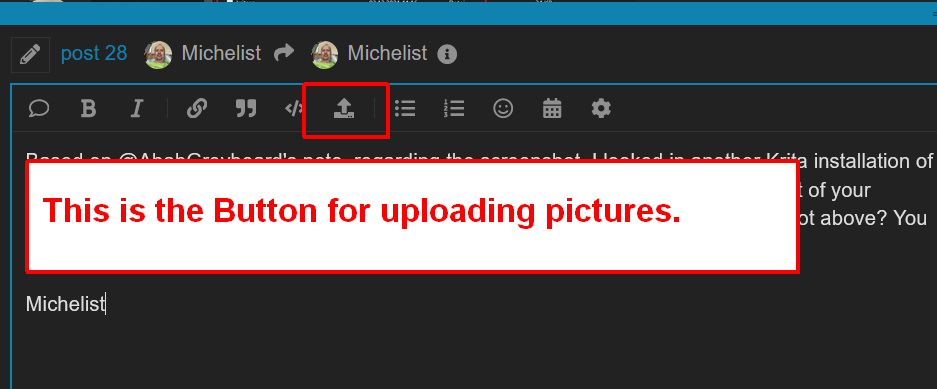
Is it possible to share screenshots on this platform?
In case your picture is too large, you’ll get an error-message, that should say how large your picture is allowed to be, but I think it is around 3 MB and about a maximum of ~3000x4000 Pixel, maybe less. If needed you can reduce its size with Krita.