This is Marc Brunets photoshop brush set remade for krita. you will need the original brush set for this one to work and you can find it at his store on cubebrush, it is the free starter pack
21 Likes
Downloadable here too FREE Brush Set by MarcBrunet on DeviantArt
nvm thought the download was the pack but its just the image. i was having trouble on mobile to get it free on the cubebrush site. got it on my PC
2 Likes
Thanks for the sharing but I don’t understand why we need the PSD version - and how to manage it.
You will (probably) need them as Brush-Tips (I haven’t installed them by now, so I can’t say it definitely, but that is the one and only reason I can think of). They can be imported via the resource-management of Krita, or by copying them manually into the folder “brushes” in Krita’s resource-folder.
Michelist
2024.01.26, Attention!
A link to the recreated and working bundle can be found below!
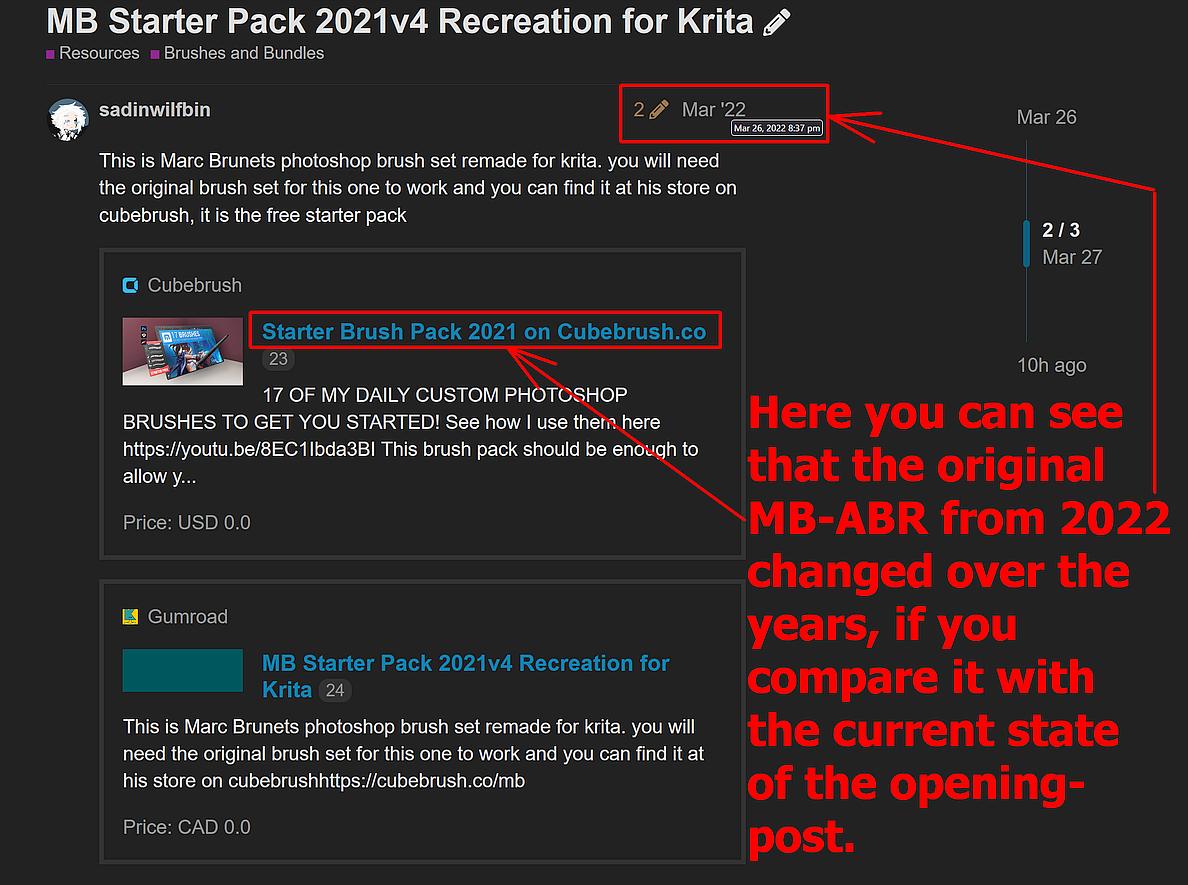
For everyone wondering why this bundle-combination has brush-presets that do no longer work as expected, unfortunately the additional bundle from the MB-Website has changed! So, it is in no way @sadinwilfbin’s fault!
Initially it was MB Starter Pack 2021v4.abr but in between you’ll get MB Starter Pack 2023v5.abr with a different collection of brushes.
But don’t worry, the earth keeps on turning, it hasn’t perished!
I was so cheeky and have recreated this bundle, you’ll find the post with the recreated bundle down below if you read through the topic. If you are in a hurry, because you fear to die in the next ten minutes and want to check out this bundle before:
>> Follow this link to find the new bundle <<
If you compare this screenshot, from 2022.02.28, with the opening post, you can see that cubebrush now offers a different ABR file via the link above:
Michelist
OK thanks.
yes that is why you need them and i will make it so you dont need the original
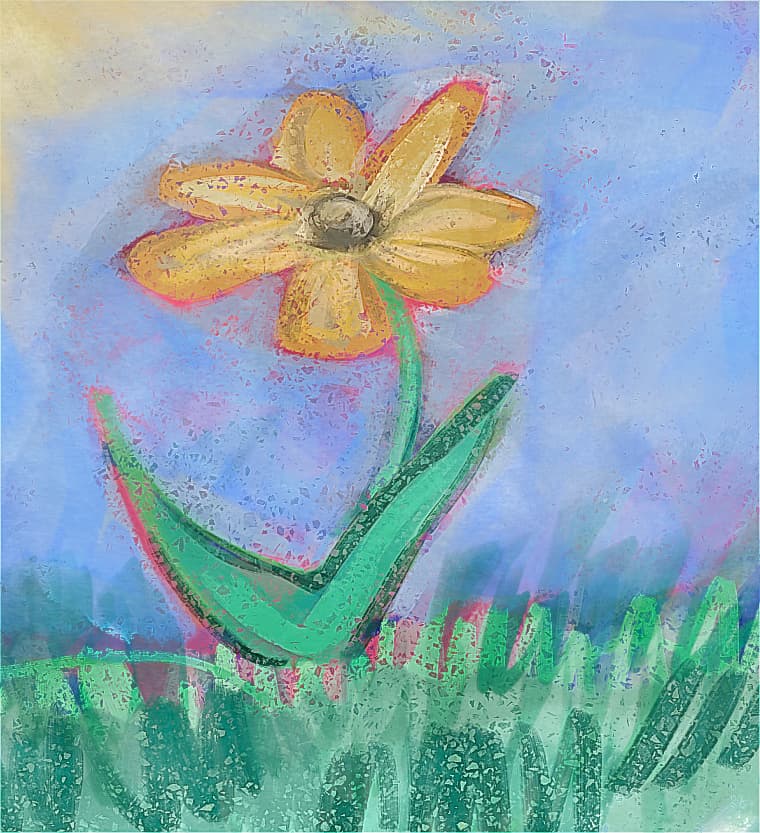
really like the brushes. this was made mostly using the legendary one with some filter effect
And water color pattern overlay layer and filter
4 Likes
nice! im glad you like them
So, Marc’s original PS file goes into Manage Resources > Brush Tips, is that correct?
Also, I think there might be a brush missing in your port…? I counted 16 brushes/brush tips on Marc’s original file but, there only seem to be 15 brushes in yours. Am I missing something? Did I do something wrong?
Correct, you can import it via ‘‘Settings’’ >> ‘‘Manage Resources…’’ >> ‘‘Import Resources’’.
Alternatively, you can import it as a bundle too, then you have to go via ‘‘Settings’’ >> ‘‘Manage Resource Libraries…’’ and import it there, Krita allows both ways for ABR’s.
I don’t know much about ABR’s, but it may be that they do not only contain brush tips but also patterns, like Krita does, and if that is the case, then you could probably find more PNG’s in an ABR as brushes, but that is guessing.
Michelist
Oh, I didn’t know that. That’s pretty nice from Krita! 
So, Marc’s Hair brush (the one I believe to be missing) could technically be your MB Lineart Bold but maybe with different settings?
To answer that, I would have to have Photoshop, or some other software that fully supports ABR’s, to be able to look at Marc Brunet’s set in the original.
I can’t rule it out, only @sadinwilfbin can.
Michelist
Thank you so much! These are working on my Krita 5.x | x64 | Linux Mint.
I Placed the Brush ABR in my:
$HOME/.local/share/krita/brushes/
I then placed my Bundle in:
$HOME/.local/share/krita/bundles/
I imported the Bundle via the Resource Manager and restarted Krita.
They work Great!
I’ve stored both Files in my Dropbox Cloud, so I don’t have to re-register to the Newsletter to download.
It’s okay though, because I’m already a member 
Thanks again!
1 Like
yes you are right that the hair one is missing and i will include it as soon as i can
I’ve just been really busy lately and that is one reason that i have not been able to respond but i am free now and will fix it
1 Like
downloaded the Krita bundle but most of the brushes are not working how they are supposed to and I don’t know how to make them work plus it seems the brushes tips are wrong too or is it me?




1 Like
You need the photoshop brush pack file as well, not just the Krita bundle since it uses the tips from the photoshop brush pack.
2 Likes
Thanks, now it’s feeling right although I’m not sure to have successfully chosen the right tip for each brushes at least they are usable now
The bundle is now UPDATED!
3 Likes
do we still have to download the photoshop brush files btw?
Which one is the updated version ?
The original one from above ?