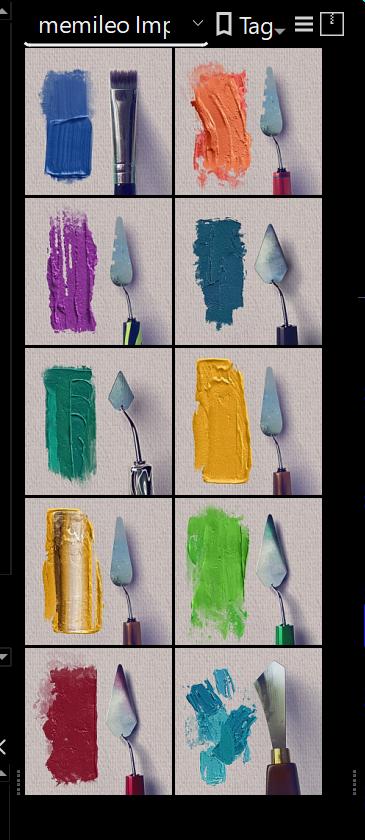
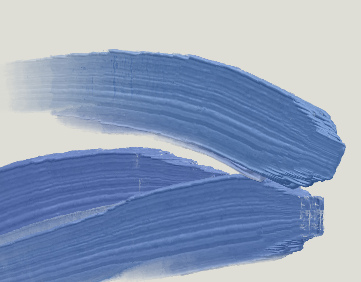
Ok I’ve always been a bit on the fence on impasto brushes in krita because they usually have a big downside: the impasto effect changes the overall values of your stroke. So you either end up with much darker or much lighter color than what you want.
This bundle is a game changer, it’s just right and I’m going to use it all the time, thank you so much for sharing this !
Have you tried the 5.2.3 beta or krita plus build? There were some speedups to the handling of animated brush-tips. I believe the resource cache have to be rebuilt for the changes to take effect:
Settings —> Manage Resources.. —> Save Tags to Folder
Open Resource Folder
Quit Krita
Rename resourcecache.sqlite to something else like resourcecache-backup1.sqlite
Start Krita, it will take a bit longer for the cache to build
Can you elaborate in more detail? What did you do and what didn’t work as expected?
Which bundle do you want to change in which way to this one?
Which version of Krita do you use exactly?
i already download the bundle file and already import it on my krita, but when I try to change the bundle from the previous one to the new one the bundle doesn’t want to be replaced but it only happens to impasto brushes bundle, when I try to switch to another bundle it can. krita-x64-5.1.5- setup
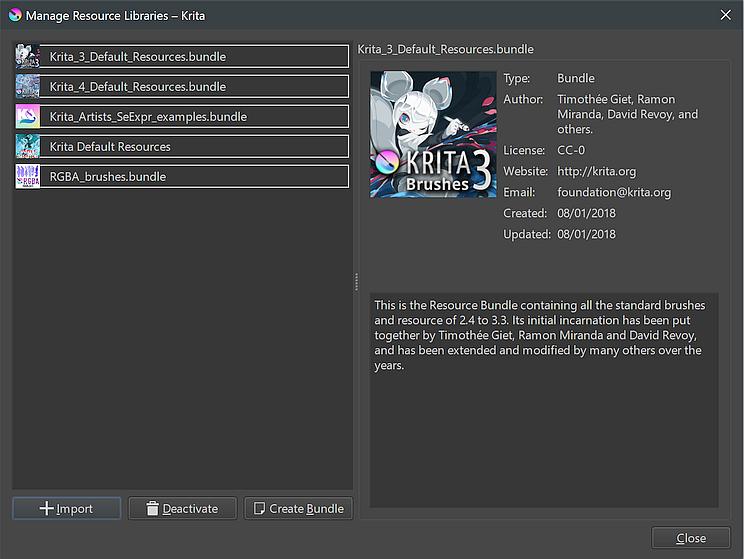
With switch, do you mean to deactivate the old bundle and activating the new one in the dialog you find via ‘‘Settings’’ >> ‘‘Manage Resource Libraries…’’ shown in the screenshot below:
Have you selected the old ones via their tag? If so, be aware the new ones use a different tag.
If they don’t can be found under this tag, you will have to let Krita rebuild its resource database, therefor you need to enter the resource folder, close Krita and delete the file resourcecache.sqlite, when you start Krita the next time it will rebuild that file from scratch. It will include all files in your resource folder, in case you deliberately deleted files from there, you have to delete them again, because they don’t were physically deleted but were marked as no longer available in the database.
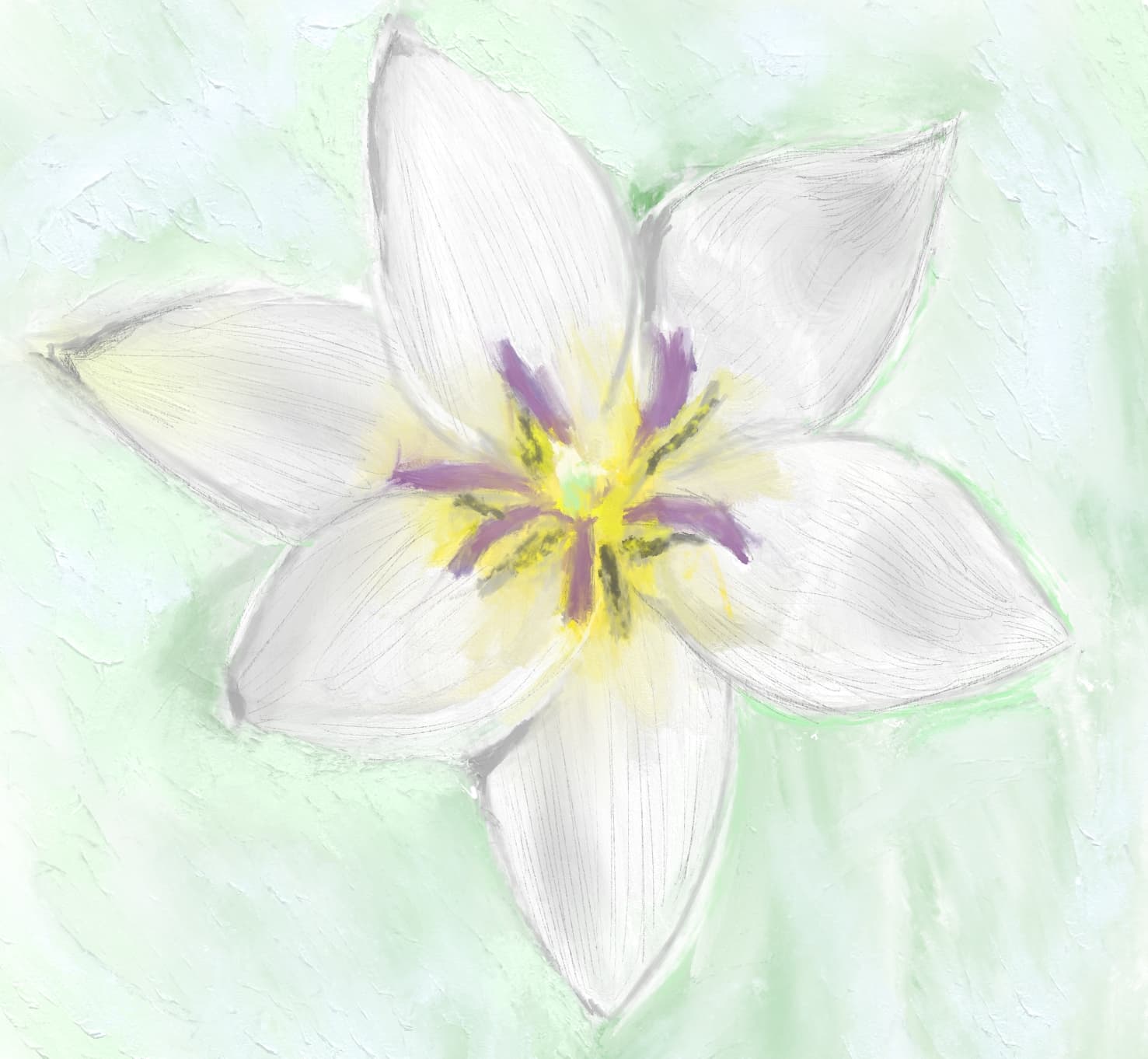
I’m thinking on starting to do traditional oil paintings and watercolor, mostly botanical stuff. But, at the moment, i’m almost finished with my anatomy drawing study, so in the meanwhile i’ll use those wonderful brushes to do some quick botanical drawings.
Hi. I was wondering if I can keep the ‘edge’ of the brushstrokes consistant regardless of the pen pressure. (like, I want my brushstrokes to look thick even with light touches)
I tried to turn off the pen pressure on paint thickness but it didn’t really help. Is it ingrained in the brush tips and how it works?
@acc4
Hi! Yes, it selects from three different layers in the gih-file depending on pen pressure. So you’d have to remove those from the gih-file, keep every third picture. Save/export with settings:
Rank 18 Angular
Rank 5 Random
Here is a single-pressure-layer version if you don’t want to do it yourself:
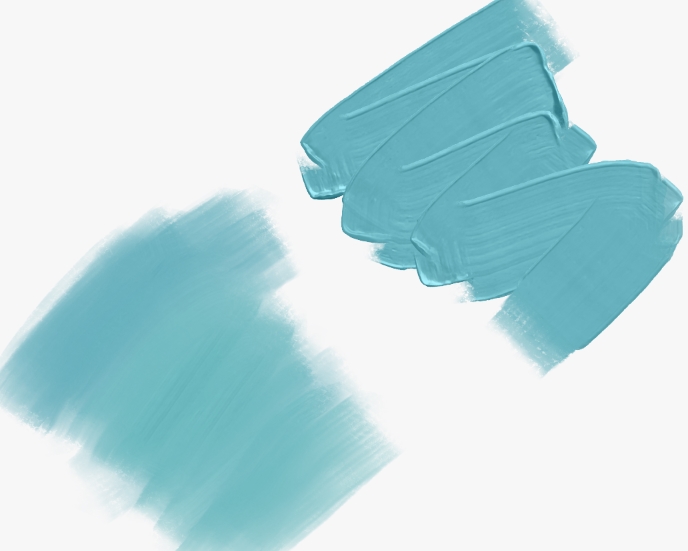
You might want to turn off the size pressure curve as well, or it’ll produce edge artifacts like this:
I’ve been eyeing these brushes from afar, not daring to mess with bundles until I had a better grasp of Krita… and I’ve got to say these are some of the coolest brushes I’ve seen in a long time!
Immensely fun to work with, they feel so right, and switching from brush to eraser to quickly tone down their effects is seamless because there’s still enough texture in them to make it work. And then you went the extra mile pre-tagging them and sharing alternative configs!

 Hello
Hello