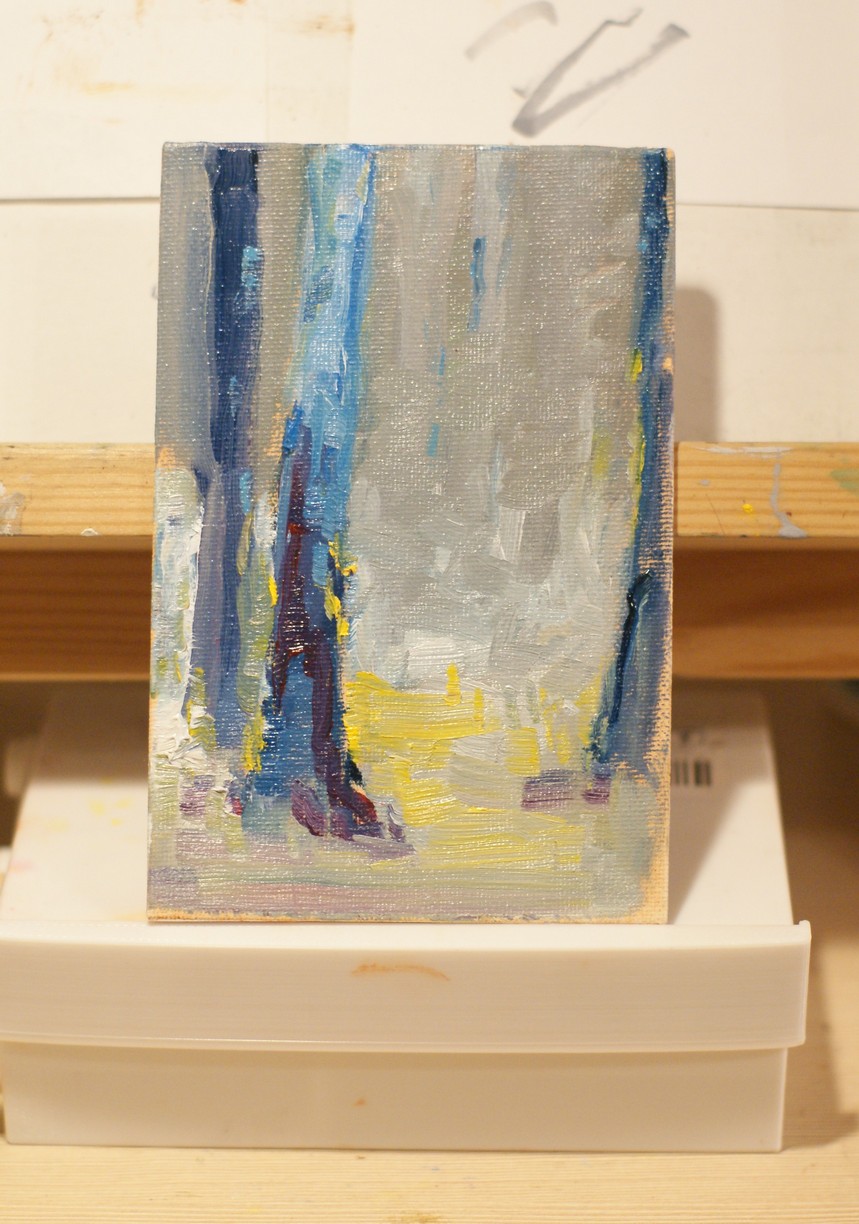
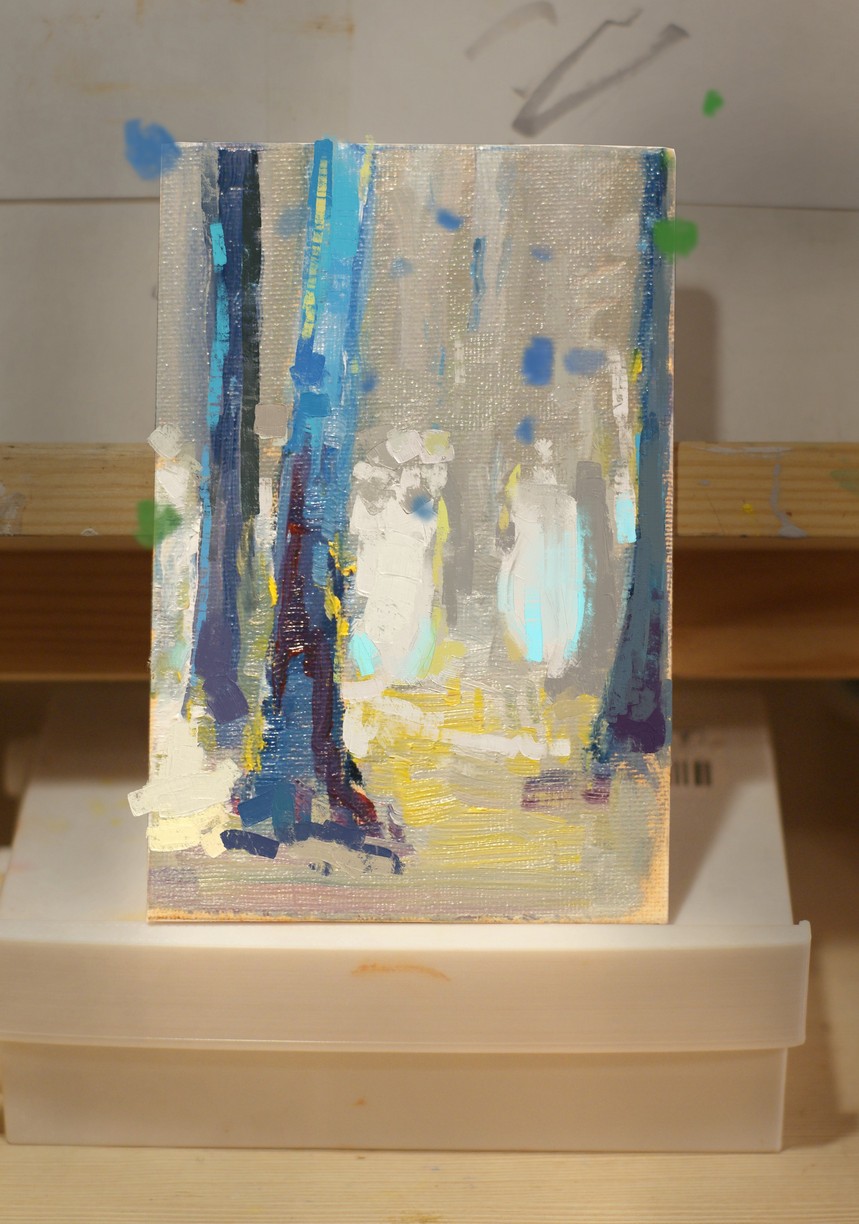
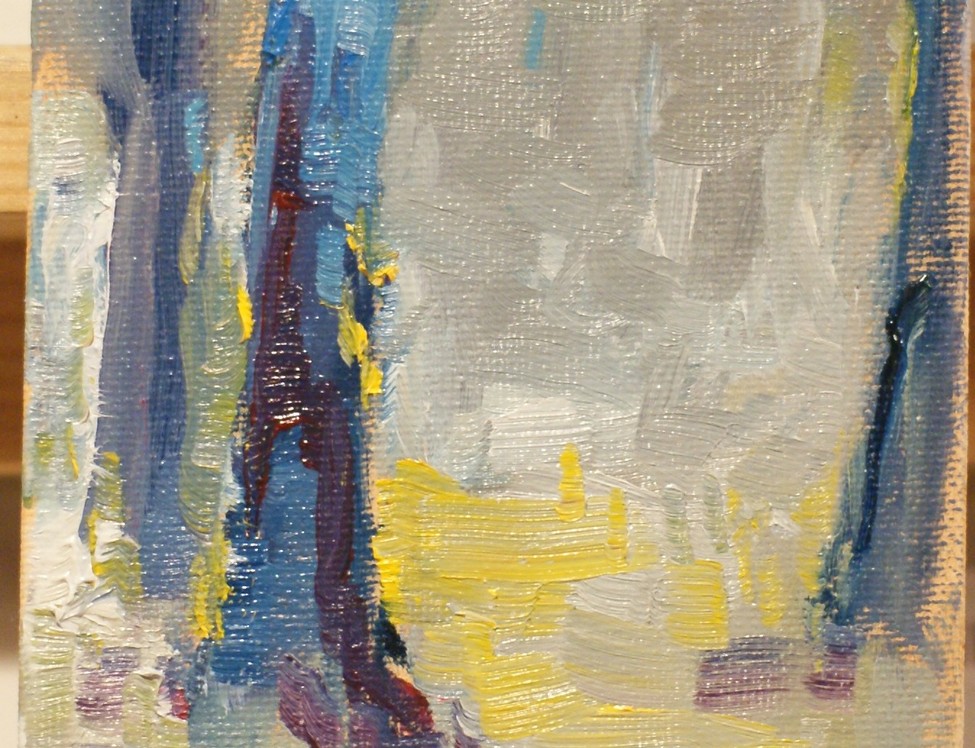
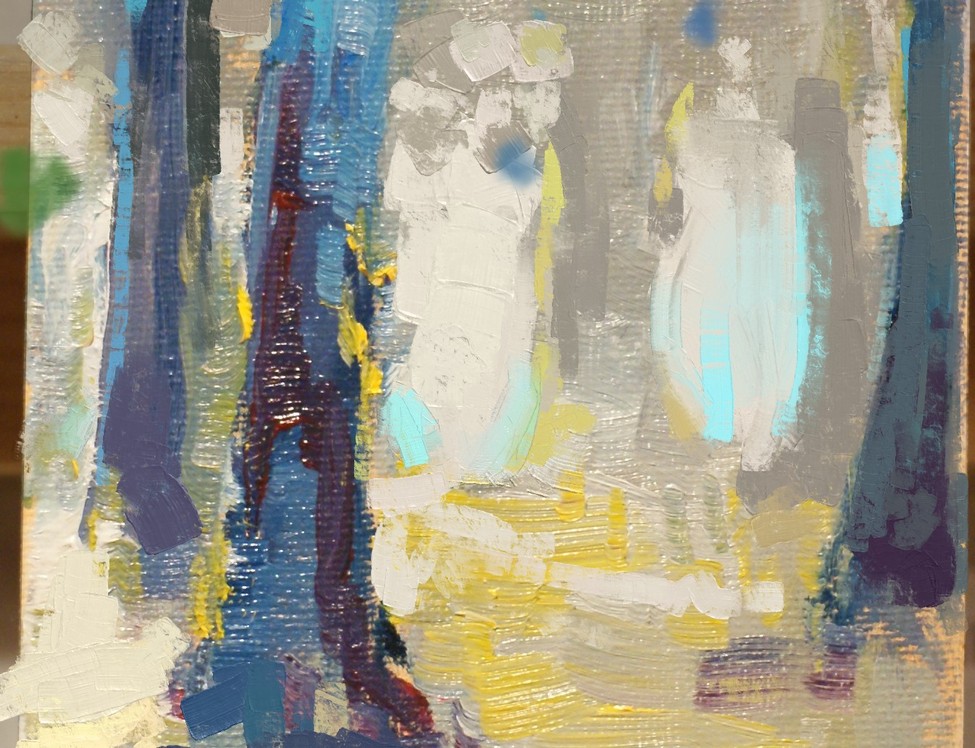
Love these brushes! Thanks a million.
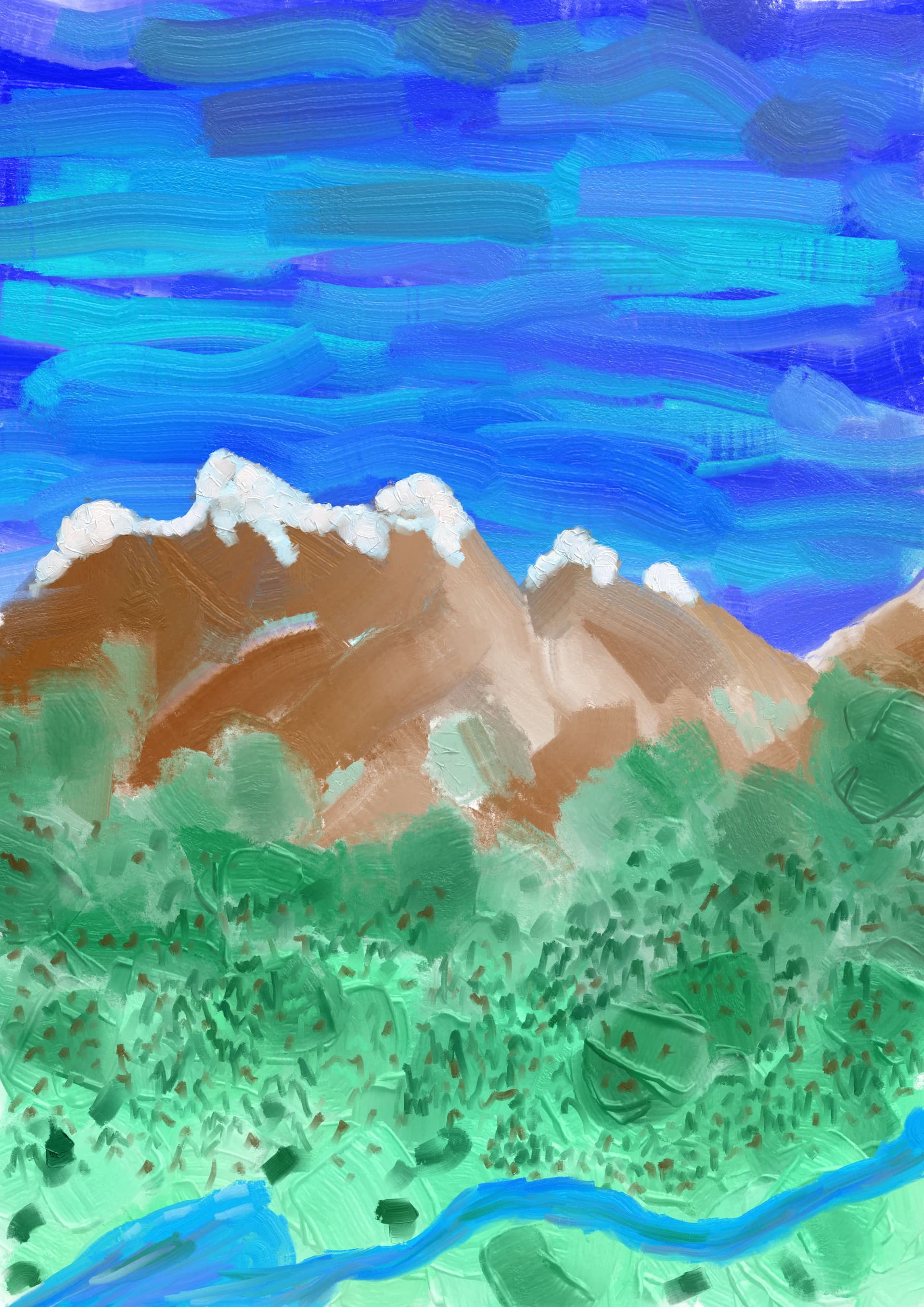
Did this little blob using only brush 1 from the bundle.
Shocking, when I was researching GIH brushes before, I had envisioned the possibility of creating brushes with over 100 patterns.
I didn’t expect someone to actually use it to make such great brushes
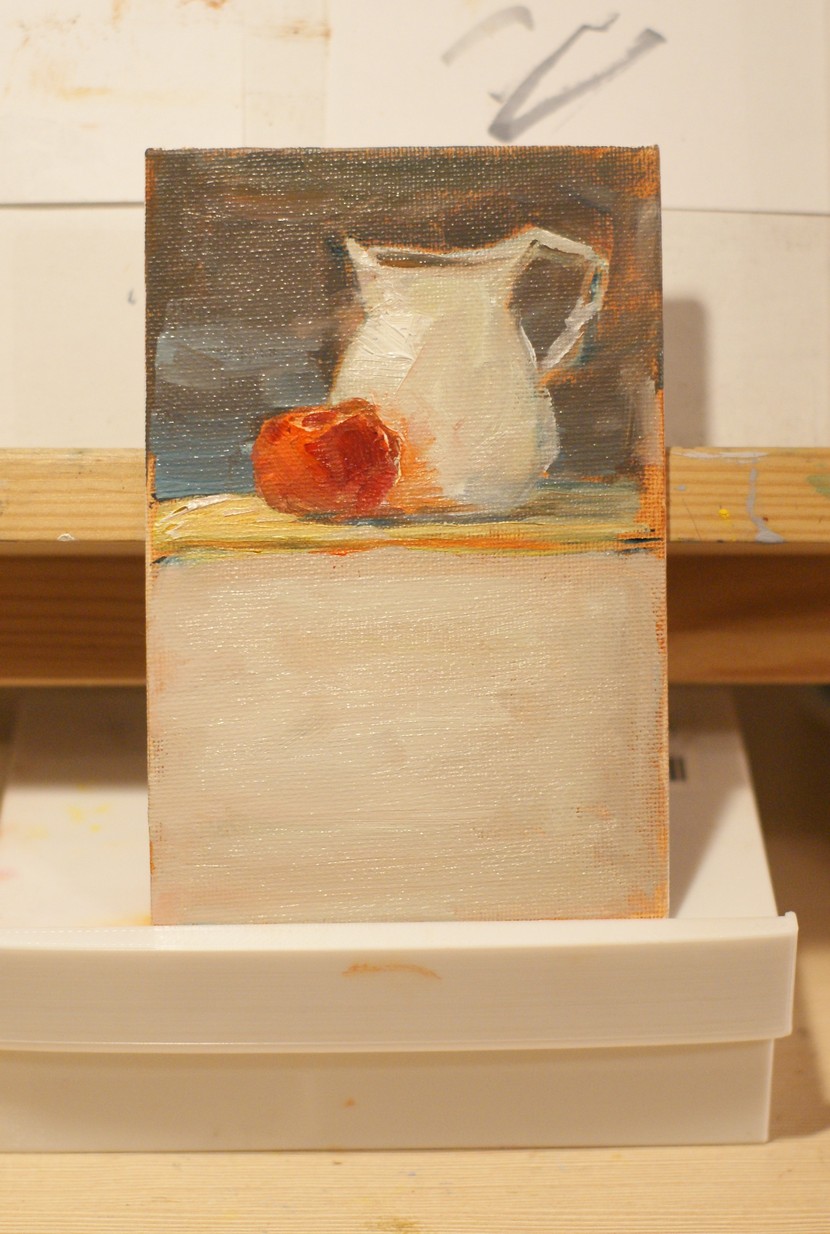
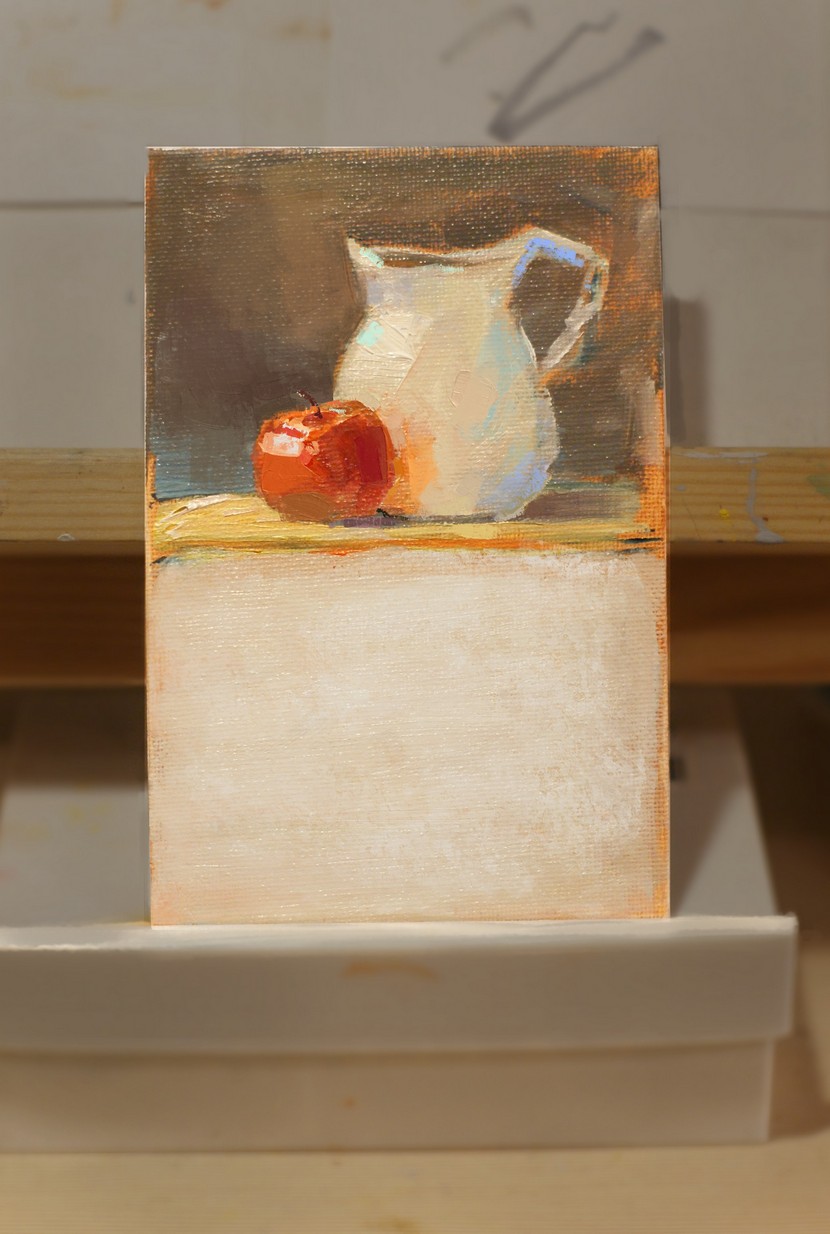
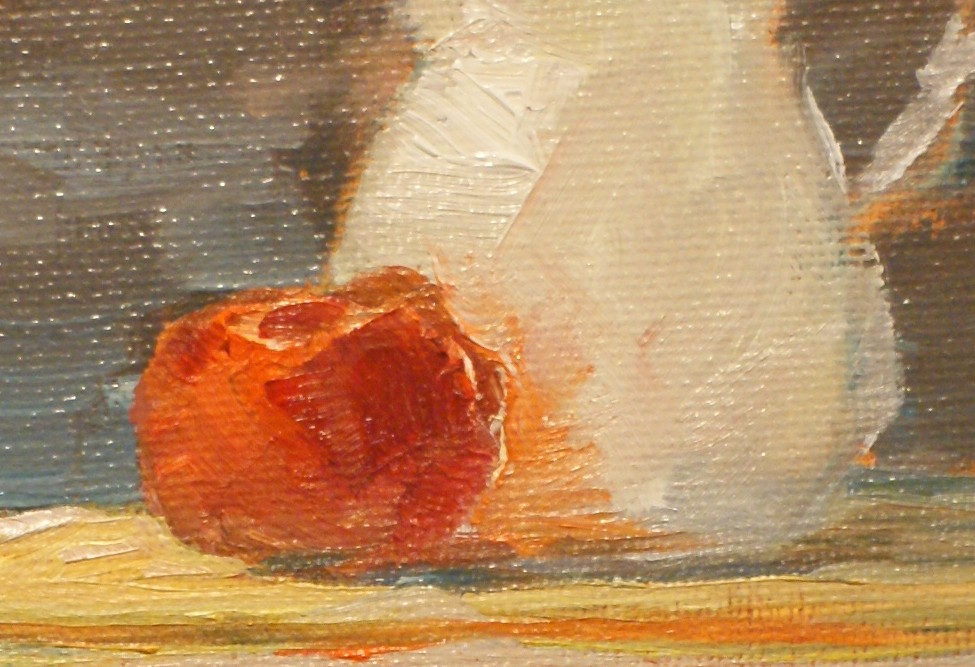
Trying to combining real oils with brushes.
I did 20min life drawings, than take a photo and edit with Emilm brushes. It seem turned out pretty well.
I use wip v3 brushes, because in the final version brushes takes time to switch between presets (about 3 seconds).
I have tried replacing the resourcecache.sqlite with one from a flatpak install which i know it works fine. It kind of worked? brushes are imported, or at least visually theyre there on krita, but i am unable to select them and observing the logs i get when openig Krita from the terminal i still get Libpng warnings

Now my issue is that i dont use NixOs, i use EndeavourOS which is an Arch-based distro and it uses Pacman as its package manager. I tried digging on the arch wiki and searched online if there is a way to do a patch similar to what is shown here but i didnt found much.
im not sure if anyone here has any idea on what i could do im still new to linux and im still learning.
So far i’ll just have to move all my configurations to the Flatpak install as a workaround
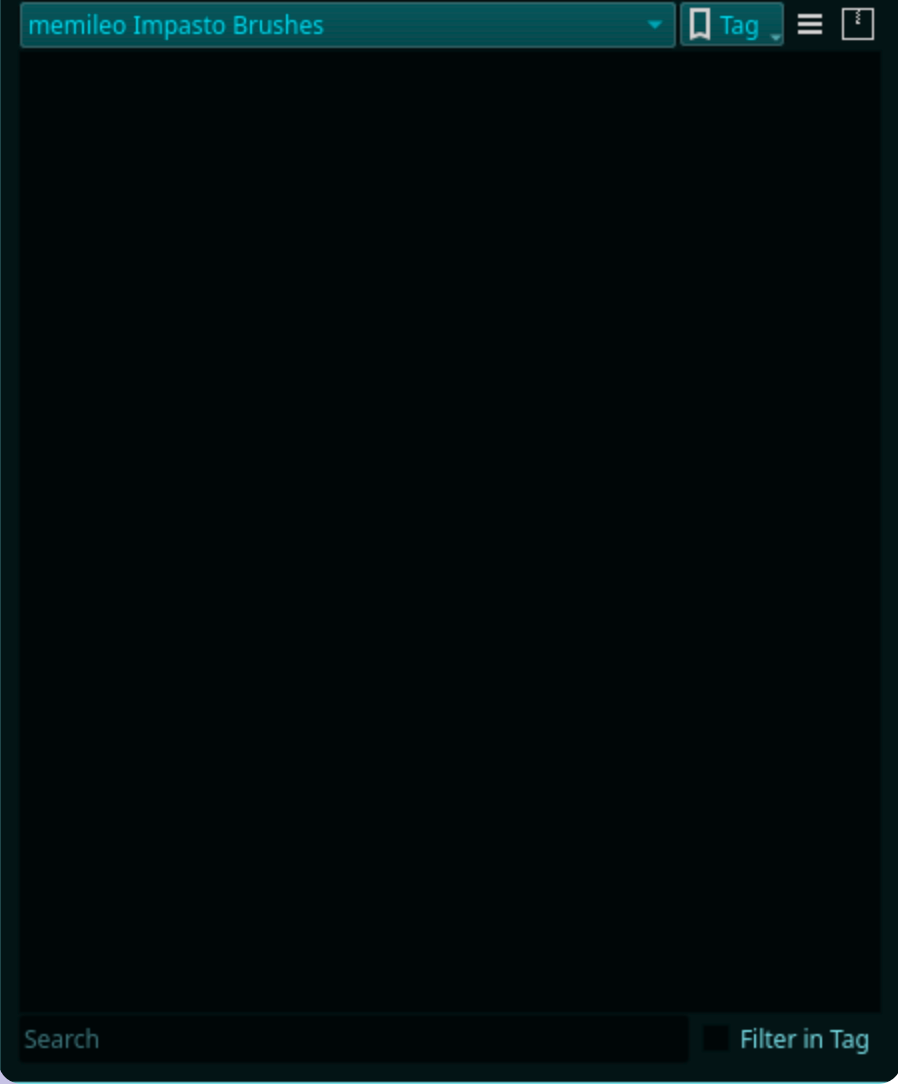
Hi all, I’m experiencing a very strange bug where this brush set is activated and installed on my computer, but the brush category is completely empty. I’ve tried overwriting the brushes with a “fresh” install, and navigating to the resources folder to delete the brushpack but neither has worked. If anyone has any ideas please let me know!
You must have the bundle physically available in Krita’s resource folder, only adding the resource database is not sufficient, from your text it is hard to decide/recognize what you exactly did, and how the current situation in your resource folder looks alike.
But anyway, reading of Pacman and flatpak gives me to shudder.
To rule out issues, and to have an installation of Krita that has everything in it that should be in it, you should always use the AppImage, as it is the one and only official version of Krita for Linux that exists¹.
About ⅔ up to ¾ of all Linux issues can be solved using the AppImage.
If libpng claims issues with brushes under Linux, it may be that the brush tip is too large in size of MB. Without being absolutely sure, but I know this issue was already bespoken in the forum and I believe to remember that at least the AppImages now use an updated or patched version of libpng to solve this issue. This leads me to guess, that if your flatpak version handles this brushes fine, then the usual Linux issue hit again, a too intelligent repo maintainer who did not adhere to the Krita build instructions decided to not use the libpng that is named in the build instructions, because they know better … 

Michelist
¹ And, as kind as this is against their maintainers, in my opinion it is a terrible idea to offer Flatpak and snap versions via Krita’s homepage to support their maintainers (whoever they may be), because a lot of users don’t get that these versions are Maintained by the community although it is written directly behind, and thus are not official, and we had it far too often that non-official versions were faulty and lead to support requests that are essentially not necessary. And this is not only true for snap and Flatpak, it is also true for any kind of repository variants out there.
I’ve tried overwriting the brushes with a “fresh” install, and navigating to the resources folder to delete the brushpack but neither has worked.
You overwrote the bundle with a fresh/re-installation of the bundle, or did you re-install Krita (which would NOT overwrite the bundle)?
And: a deleted bundle can’t show up. 

What do you mean with:
the brush category is completely empty
Were, after installation of the bundle, all your other brushes gone?
Your description is not really informative because it is interpretable in different ways, the only clear thing is that you have an issue with these brushes.
Whether we know the OS you are using nor the version of Krita you use, which is an essential requirement for help requests. Please name them.
If, after importing of a bundle, the brush presets of the bundle are not shown in Krita, you can solve this in most cases through then restarting Krita two times.
In the case, that after these restarts, a bundle’s resources refuse to show up, you should delete your resourcecache.sqlite and let Krita rebuild it the next time you start Krita. You can find your resourcecache.sqlite via Settings → Manage Resources... → Open Resource Folder, at the very end of the resource folder. To be able to delete this file, Krita must be terminated, so please close it before you try to delete the resource database.
After deletion, Krita can be restarted. Depending on the number of installed bundles, it can take a bigger amount of time to rebuild the database, I even experienced it that Krita crashed while rebuilding an extremely huge collection of resources, with alone over 600 bundles, before it could finish the rebuild the second try.
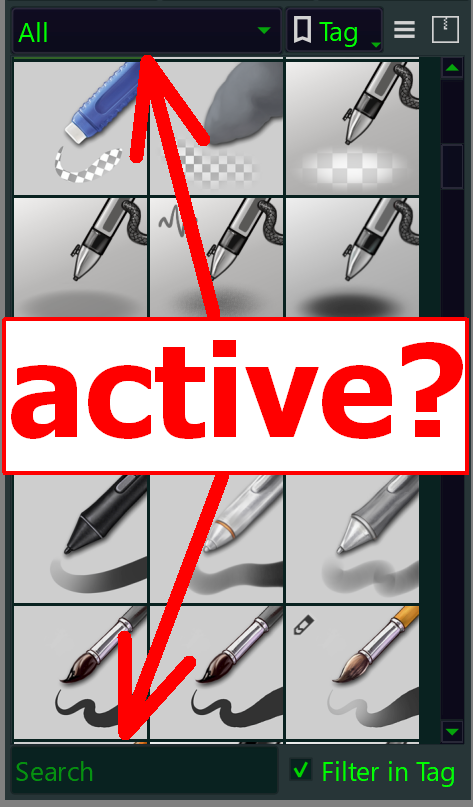
But that nothing is displayed with your brushes may also be because of a tag or search active.
Can you please look if you have selected to show only a certain tagged selection of brushes, or an active search for a brush?
Set the selection to All and empty the search box.
Usually this will solve these issues. If it does not work for you, then please report back. Describe briefly but precise what you did so far and answer the questions asked above.
Michelist
I attempted the following fixes:
Downloaded the bundle again and overwrote the existing bundle with it when importing (unsuccessful)
Deactivated and reactivated the bundle from manage resource libraries (unsuccessful)
Deleted the bundle directly from the resources folder and copied a new download of the bundle into the folder to replace it (unsuccessful)
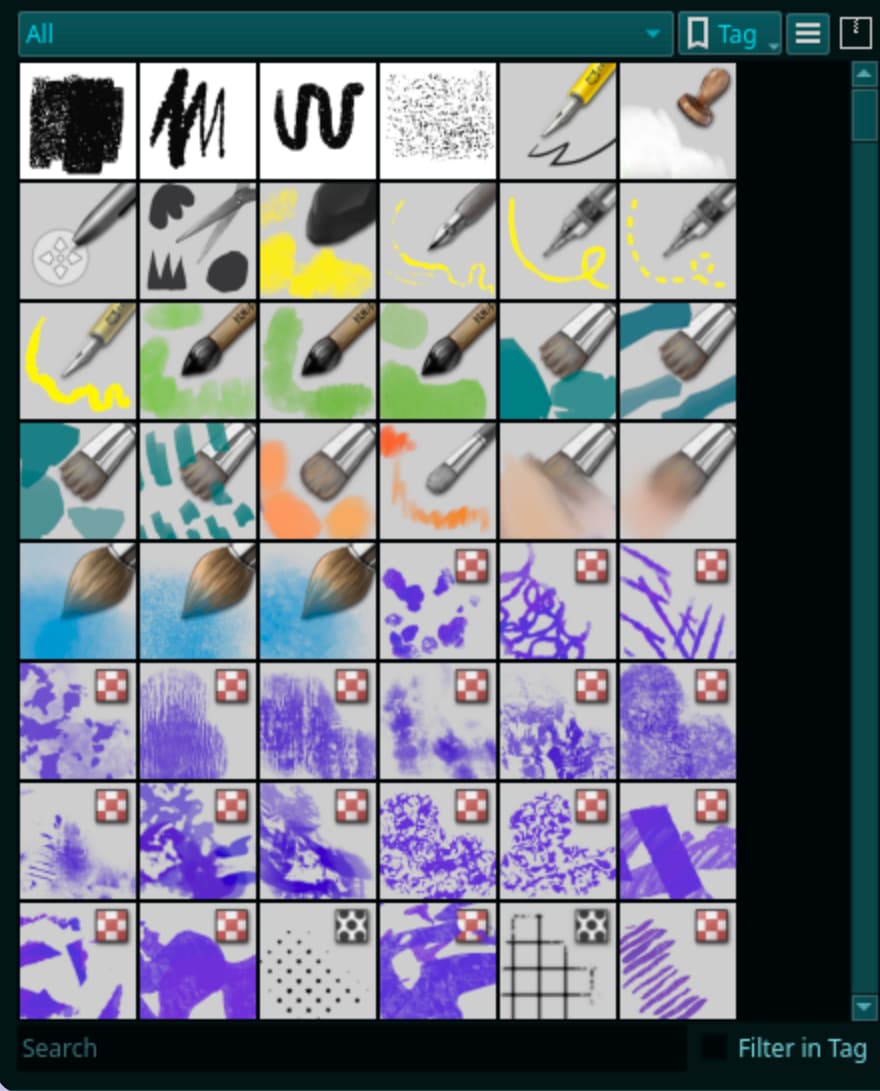
The Brush section is set to all with no tag filtering or search active , same as yours. I’ll try the sqlite fix you’ve mentioned.
Well I tried to delete the sqlite file like you suggested and still had no luck. I keep copies of all my brush bundles backed up on a filesharing service, perhaps my bundle itself has some kind of error? I’m really struggling to see the cause of this, and why this brush set is effected in particular.
i suppose that makes sense, thanks for letting me know. I have used the AppImage version of krita before, i like it for portability but honestly this package format is not my cup of tea. Still i appreciate you tell me this to keep in mind in the future as i didn’t thought this would be an issue that is not Krita’s fault but a community maintainers fault.