My most important keys and shortcuts are all mapped on my tablet keys and kritas canvas input, in addition I also use the pie menu plugin.
expected result
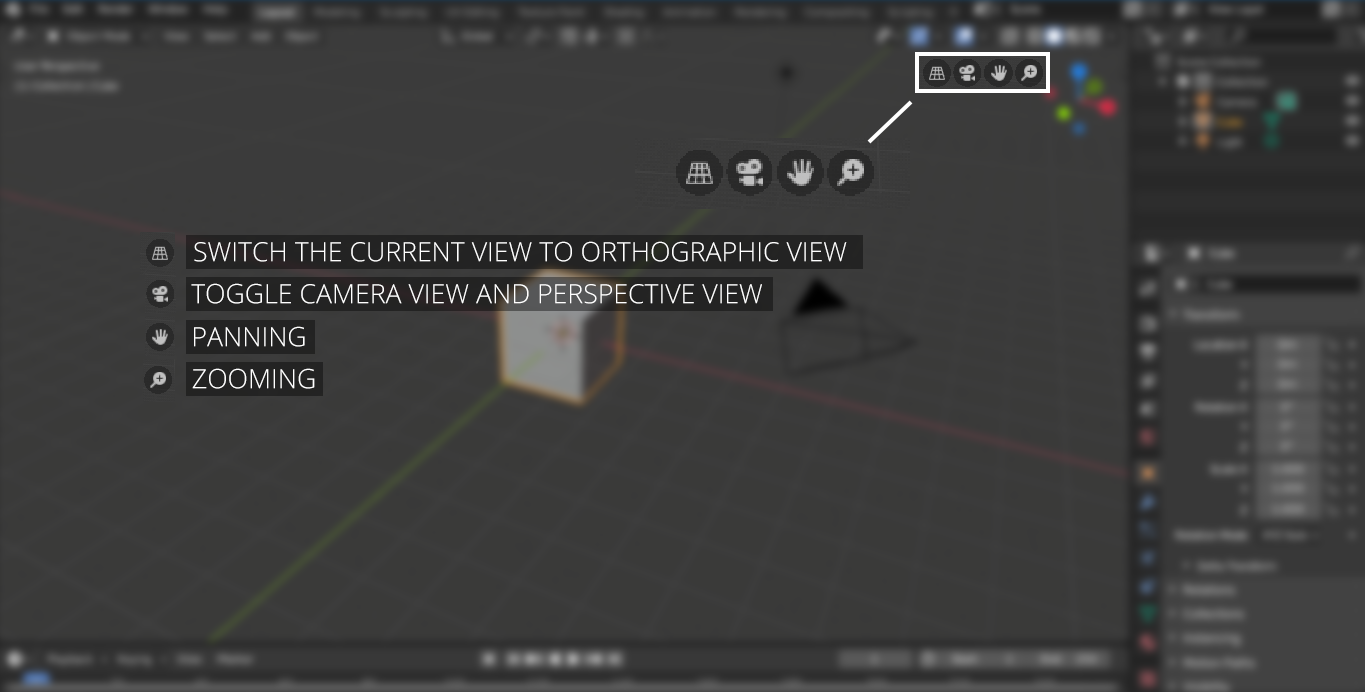
Still, often I miss a quick and immediate way to pan and zoom, similar to blender 3d pan and zoom widgets, see example picture below:
zoom and pan are always available in the main window. Basically this kind of widget works like a modifier key - you need to click and hold it to activate zoom or pan.
This solution is a more minimalistic approach than using the navigator pane and would free some slots on our tablet mapping.
Maybe this is of help for you.
I use the Krita UI redesign plugin, which allows me to make the full toolbox accessible on the canvas, even in canvas-only mode. I can also make the tool options accessible on the canvas, both options can be turned on and off at any time.
The most recent version can be downloaded from here:
Then you additionally need KanvasBuddy and ShortcutComposer.
With those three plugins, you should be able to work most of the time in canvas-only mode, without the need to leave the mode.
I’m currently busy, but you’ll find both plugins in the resource-category of the forum. For KanvasBuddy you need to download the patched version by @Halcyoen, to find it scroll from the last post upward. @Halcyoen’s patched version KanvasBuddy 0.5 is found in the archive (it is an archive in an archive).
That’s fine Michelist, you gave me good directions
The shortcut composer will be a great help I actually heard about but didn’t use it yet
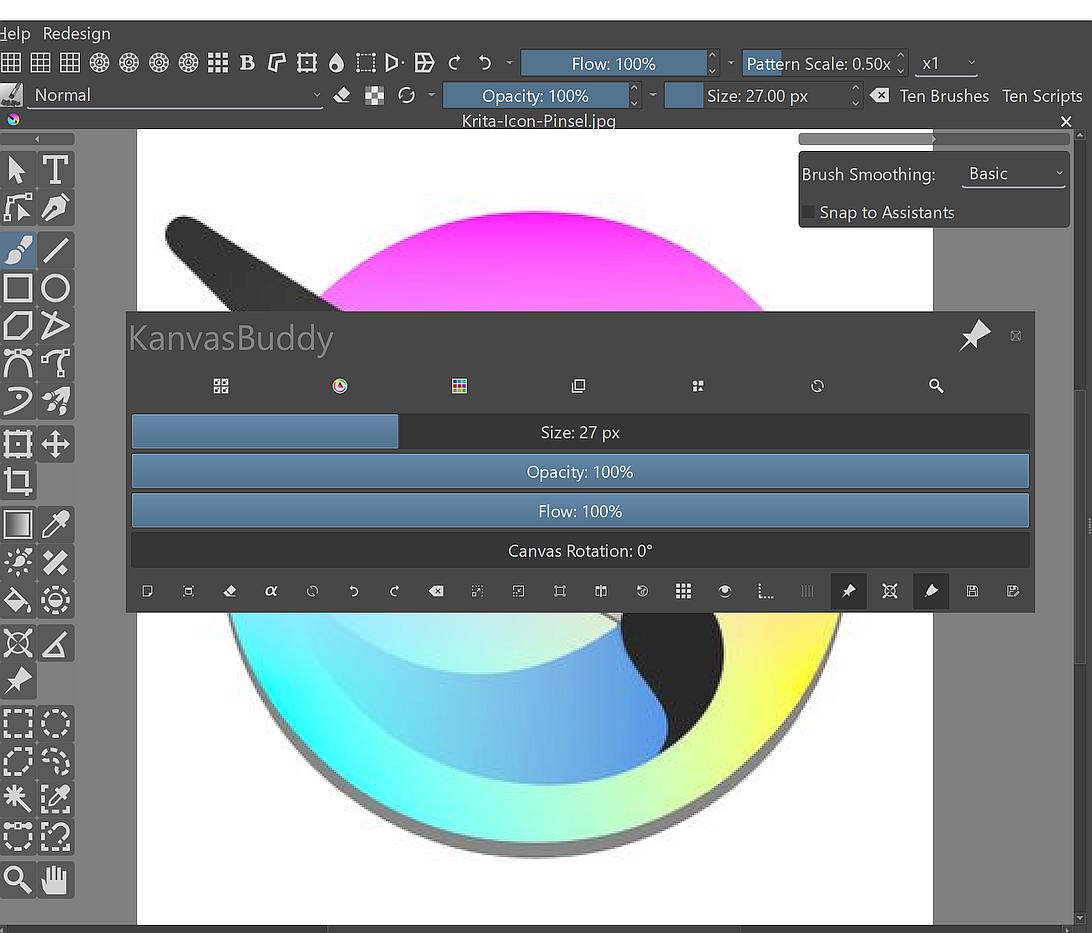
Kanvasbuddy is very nice and uses the very same panels as in my workspace, but the window is too small for my taste. Pity it cannot be resized. Maybe I’ll give Kb another go. And, Kanvasbuddy was designed for fullscreen mode, imo.
Pity that I can’t use the fullscreen mode, krita enters successfully but it doesn’t exit very well. When I exit, Krita contacts to its smallest possible window at the center of my monitor .
And scaling kritas window up, each time you exit from fullscreen mode is pretty repetitive… and troublesome task on the long run.
Today i removed kritas resources folder to force a fresh resources tree and several old issues finally disappeared, but it’s sad that I’m still unable to use fullscreen. Therefore I asked for widgets too - because now by now I got used to paint in window mode, where I adjust zoom as well.
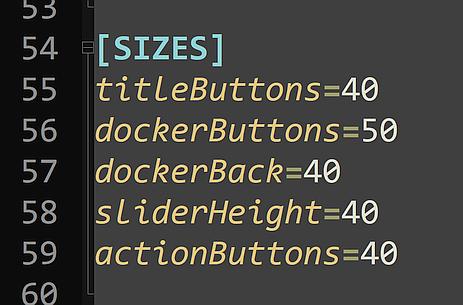
That was only true for the original version (although, you could customize that too, but there it was the file “data.json” you had to adjust), the patched version by @Halcyoen, which also works with Krita 5.x offers the possibility to set this in the file “config.ini”.
Here is an example, KanvasBuddy with strongly enlarged buttons and the settings used:
This is unusual. I have tested this on myself with no problems using Krita versions 3.3.3, 4.2.9, 4.4.8, 5.0, 5.0.6, 5.1.0, 5.1.2, 5.1.5, 5.2.0 on Windows 10 and versions 4.4.8, 5.0.5, 5.1.0, 5.1.5 and 5.2.0 on SUSE Linux Thunderbird. Would you have the ability to verify this behavior on another computer? If this were a common problem, I’m sure there would be many support requests about it, but at the moment I’m not aware of any such request.
Thanks for your feedback
Haha, cool KB window, yeah KB’s original window size is pretty small for let’s say, the color wheel. Great, will check these settings.
To replace the tool palette i found the toolkit docker, very nice one. And the shortcut plugin provides the rest. Better than the pie menu plugin I used before .
Now back to my fullscreen issue:
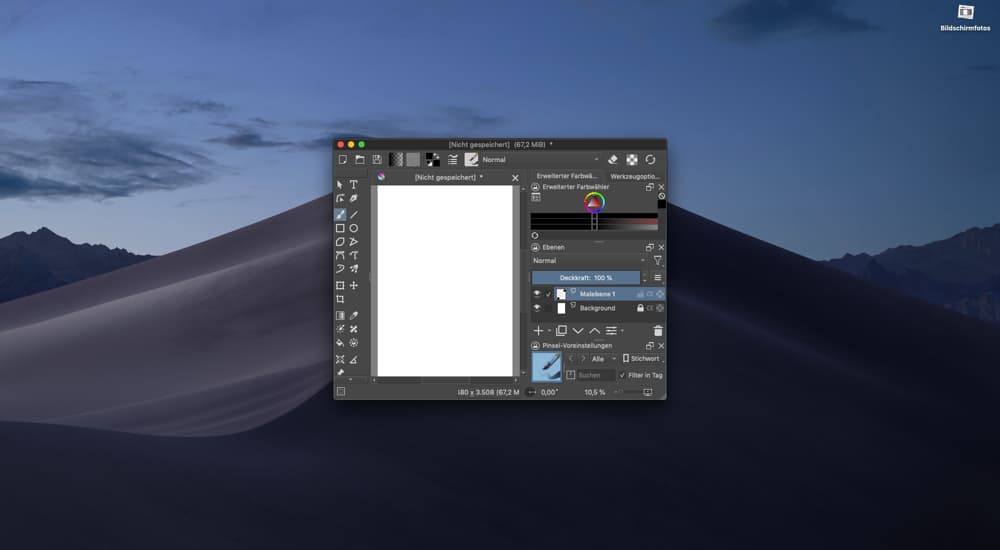
Maybe I could try Krita as a fresh install on another account (default without any 3rd party additions, not just plugins) to see if full-screen doesn’t work at all on my machine. Btw, I’m using a Macpro. The problem must be an ancient preference file of Krita, one that modifiers window geometry. What could I possibly do to trap this bug more efficiently, in your opinion?
Edit
I installed Krita on a new account, this one has never seen any preference or file related to krita.
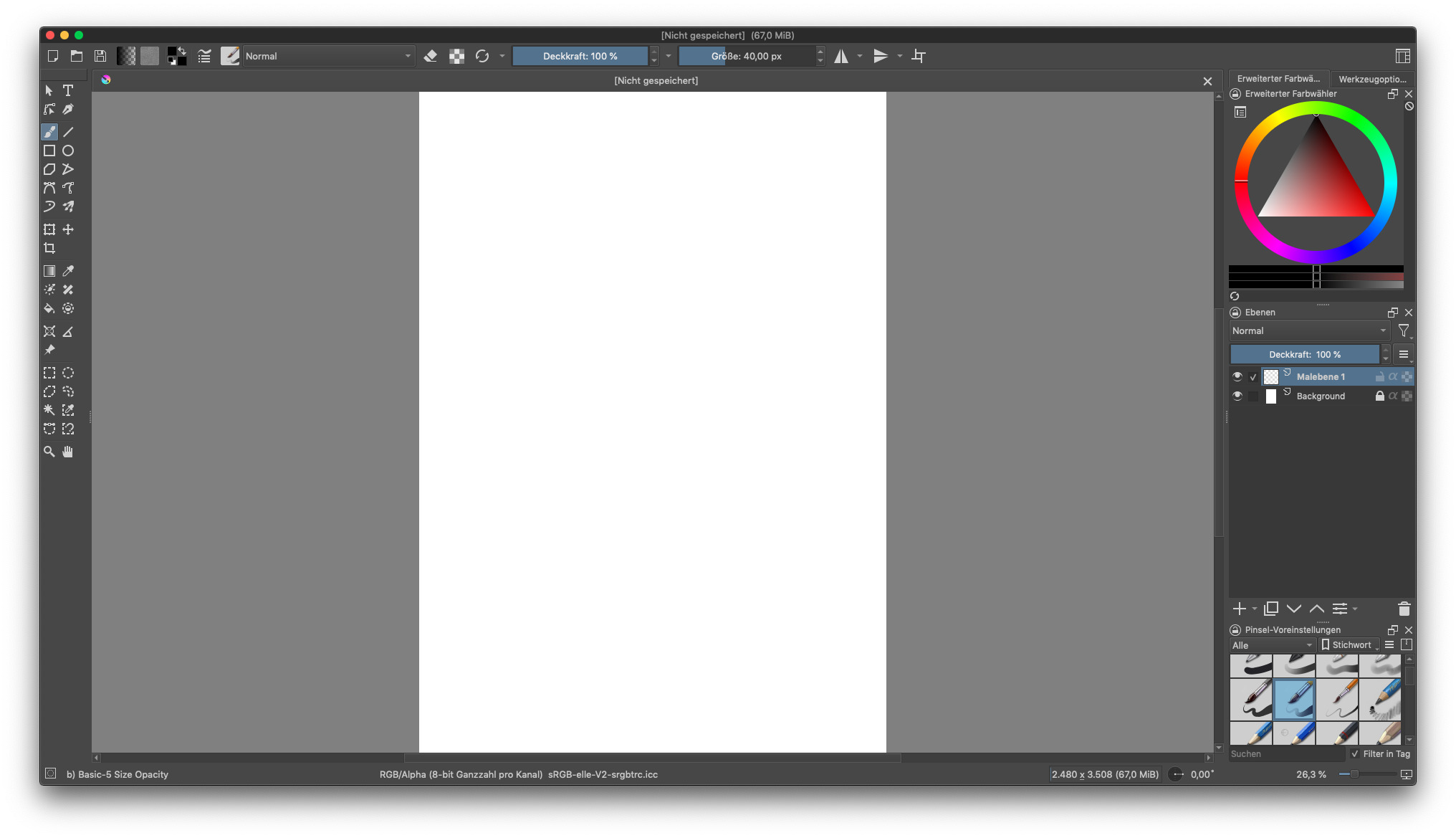
After launching krita I picked a template, (A4 300dpi ) then I switched with tab to fullscreen mode. Unfortunately, exiting fullscreen caused the same window issues as on my other account. I didn’t change anything in kritas preferences. Likewise on my other account, I enter fullscreen without problems, but can’t exit normally from fullscreen mode as my whole window contracts and this happens with any workspace configuration, including the default workspace configurations. (As we can see from my screenshots below)
That is at least a strange behavior, and I can not imagine what the reason may be.
By the way, why don’t you use the keyboard for panning, did you assign the space-bar to another shortcut? Because with the keyboard you can pan comfortably pan holding down the space-bar and dragging with LMB.
Yeah I know this is odd, Krita is the only app to contract windows like that. None of my apps with different frameworks (qt, electron, etc) behaves like this because of fullscreen mode. I had to live with this bug for a long time already, since Krita version 3 if I remember well. Before I could use fullscreen too, that was cool.
Keyboard? Sorry I use a tablet. And pan is on my pen buttons.
There are kritas canvas input settings for panning. And well, I love Gimp’s panning and don’t like Photoshop panning at all
You suggest, eventually a misconficuration in canvas input settings may cause kritas window issues? I’m really clueless where to look for this bug. Maybe I try to assign other buttons than tab
Found the fullscreen bug. Thanks for sharing your thoughts.
To resize windows I use a window manager and place windows on-screen as I need them. Mac doesn’t have commands to place windows left/ right / top / down.
Krita doesn’t like windows resized by my window manager, if I drag the window boundaries manually to cover the monitor, krita doesn’t contract after fullscreen mode.
I just write this down to help other users and and to thank for your assistance. This bug bugged me for years, just crazy - I should submit a bug report so this small issue gets trapped.