I stand corrected. Happy TEXTING everyone 
4 Likes
It’s close to done…
I thought about learning how to wrap the text around the globe, but I’m gonna wimp out on downloading the nightly and playing with the new text editor. I have to try hard just to keep everything stable and running on my laptop! Maybe that will be a cool Optional Challenge once it’s released in the future!
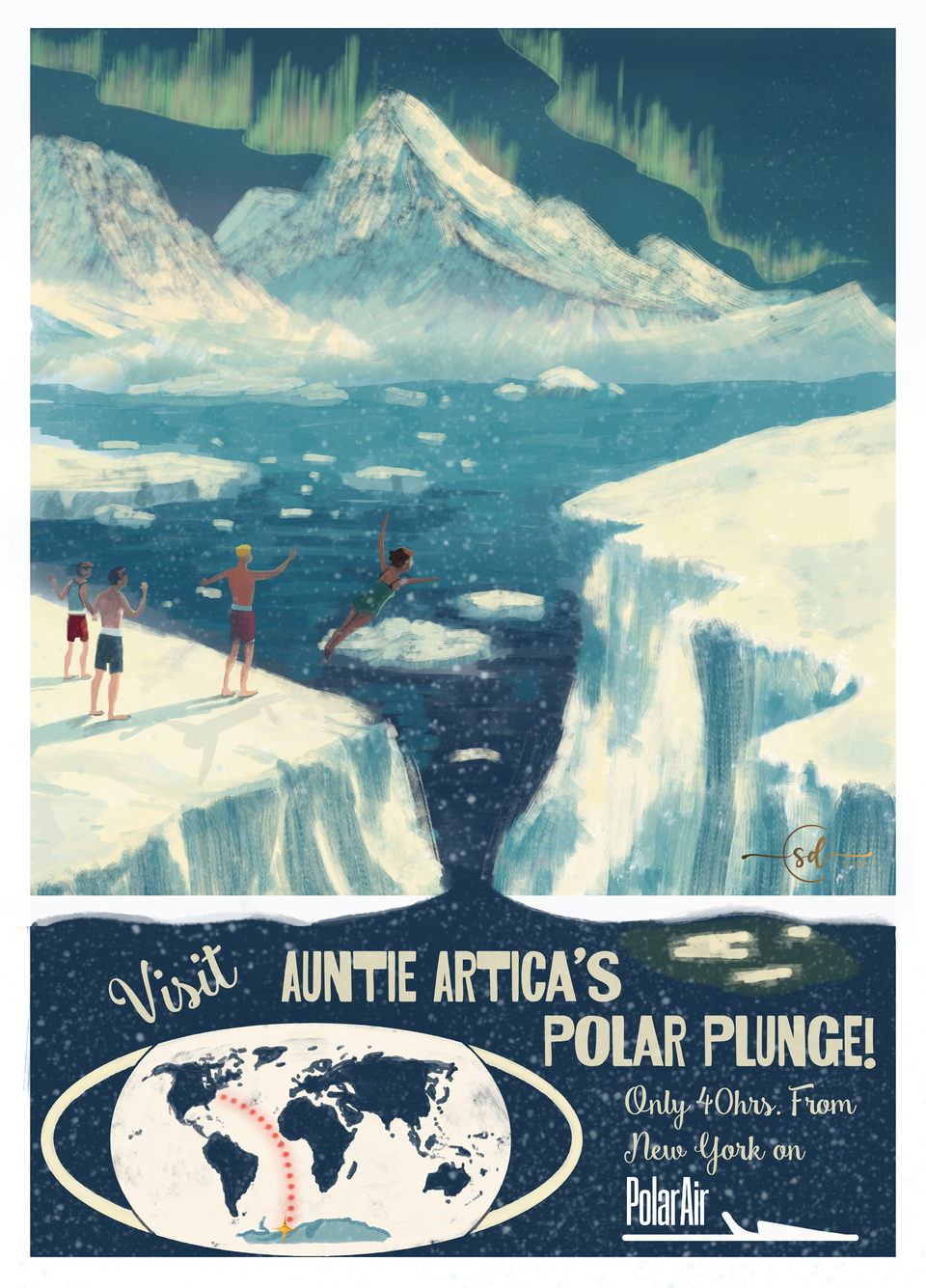
Fonts Used:
https://www.behance.net/gallery/40157073/Smoothie-Shoppe-Free-Script-Font?locale=en_US
11 Likes
@edgarej Very cool Mars theme! I saw your post on the main page… I just wanted to point out that using text is optional for this challenge so you can submit whichever version you feel best about (or both)! 
3 Likes
I will submit both 
1 Like
Love the idea of using a vintage style for this month @steve.improvthis!
A couple of ideas have popped up from my travel bucket list.
Attempting to use perspective and the text editor. Detailing is going to be a nightmare  ! As usual!!!
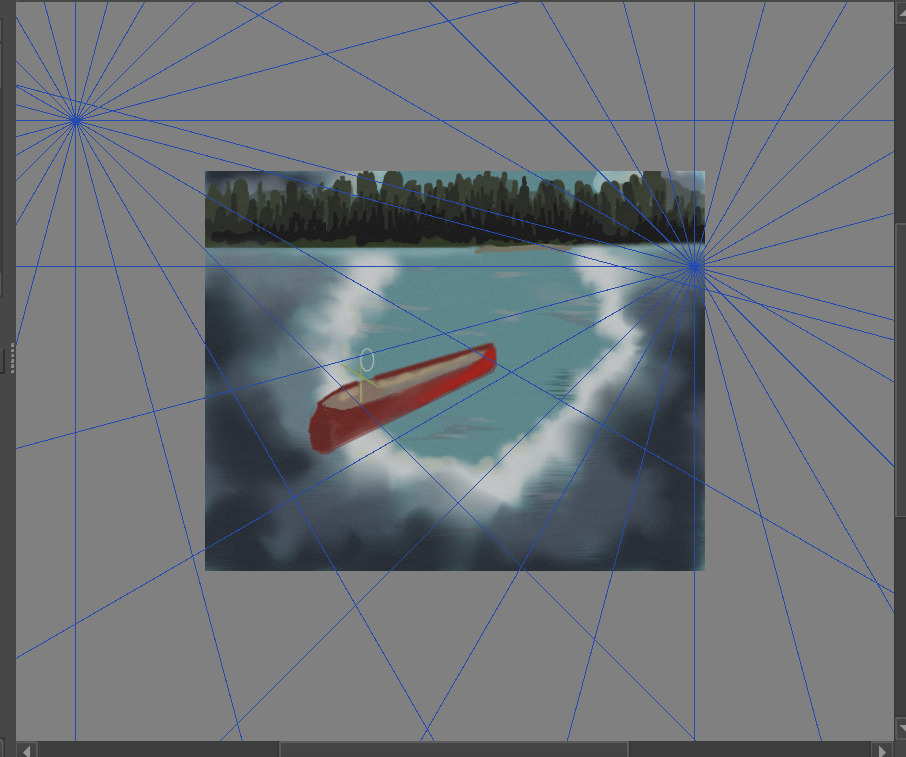
And then there’s this idea in a similar concept to @steve.improvthis.
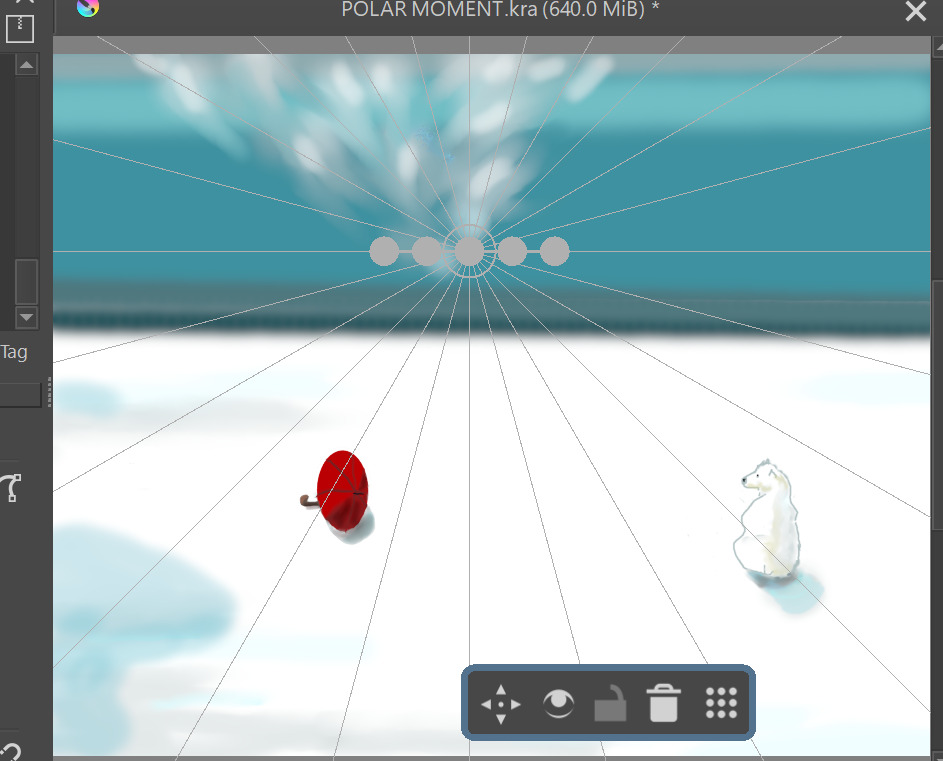
And then something warmer.
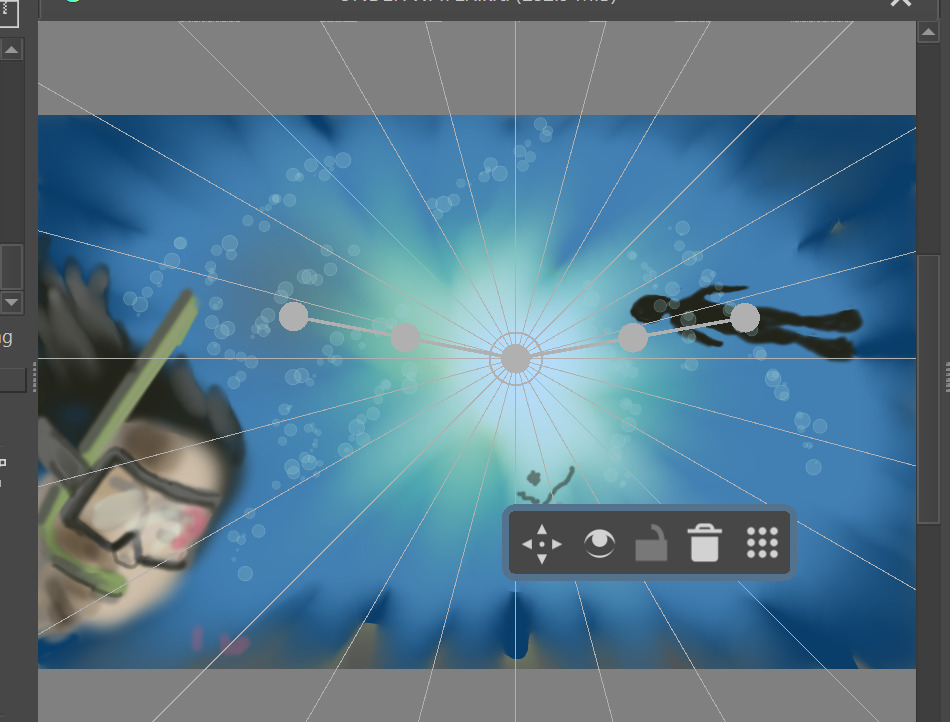
Not sure which I’ll post yet….?
7 Likes
The month is young, why not try all?
Michelist
3 Likes
Ahh…you guys are so ecourageable…don’t ever stop! 
3 Likes
@edgarej beat me to Mars, so I’ll have to look a bit further out.
Here is a concept for Uranus Cruises, the inspiration was from The Fifth Element’s cruise to Floston’s Paradise:
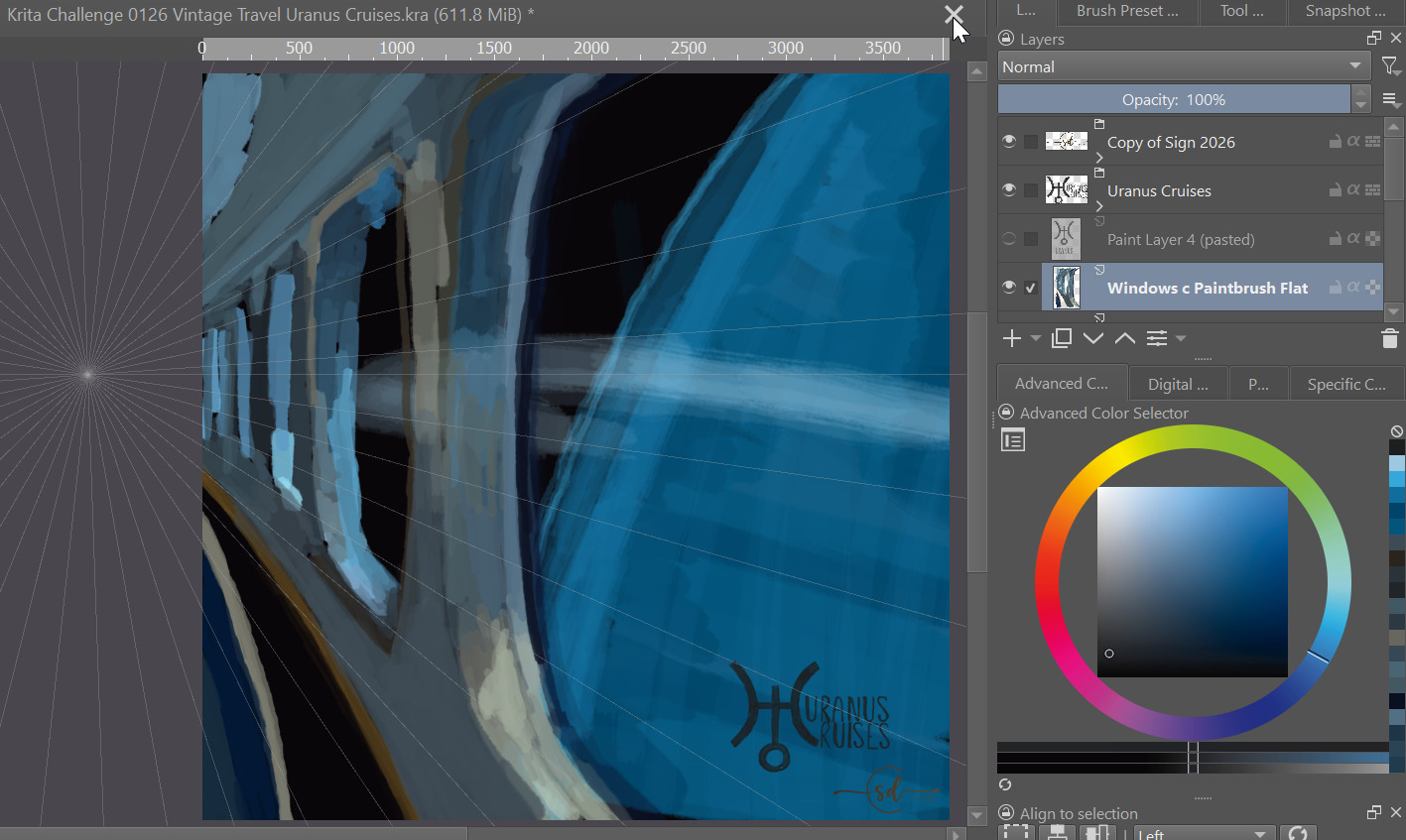
Lots of blending to do here, we’ll see if I decide to do more work on this to get it submission ready or just leave it as a doodle.
Fonts are hand drawn… for now.
UPDATE:
There seem to be a bunch of space themed posters, so I’m going to pause my work on this one.
10 Likes

4 Likes
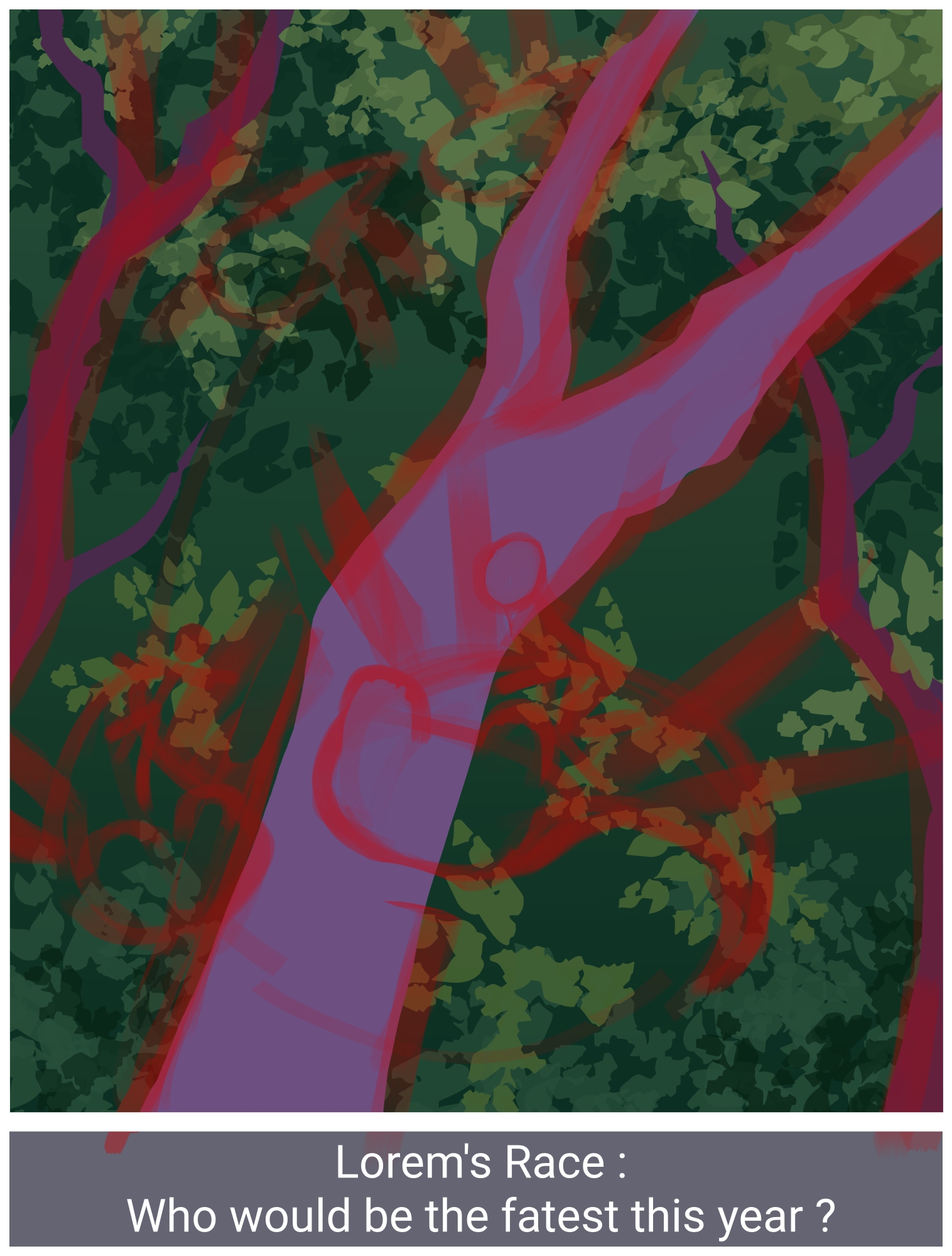
I need to adapt the leaves and the font… maybe just the whole promotionnal poster part in fact. Well, creature race is the idea anyway.
6 Likes
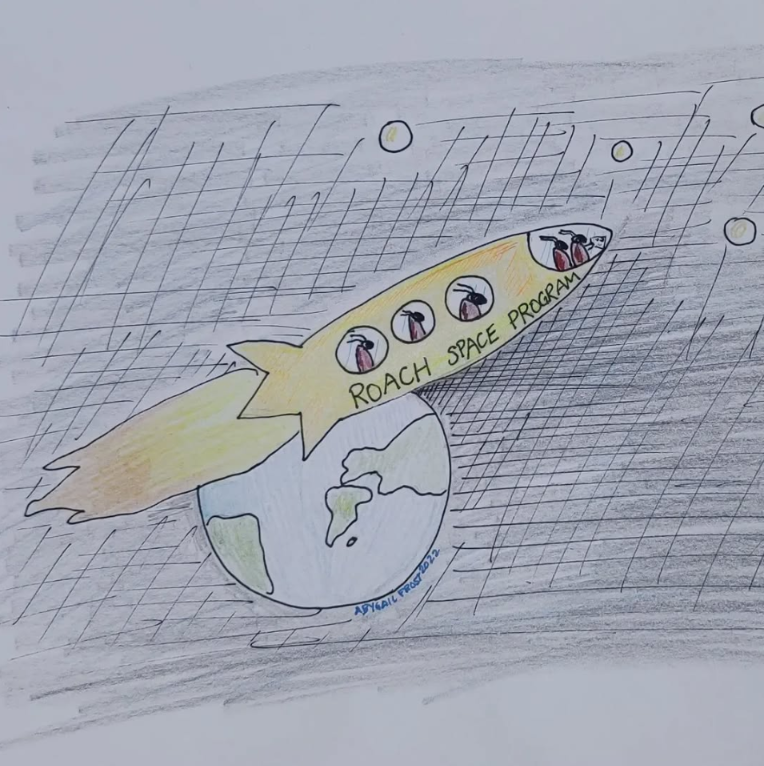
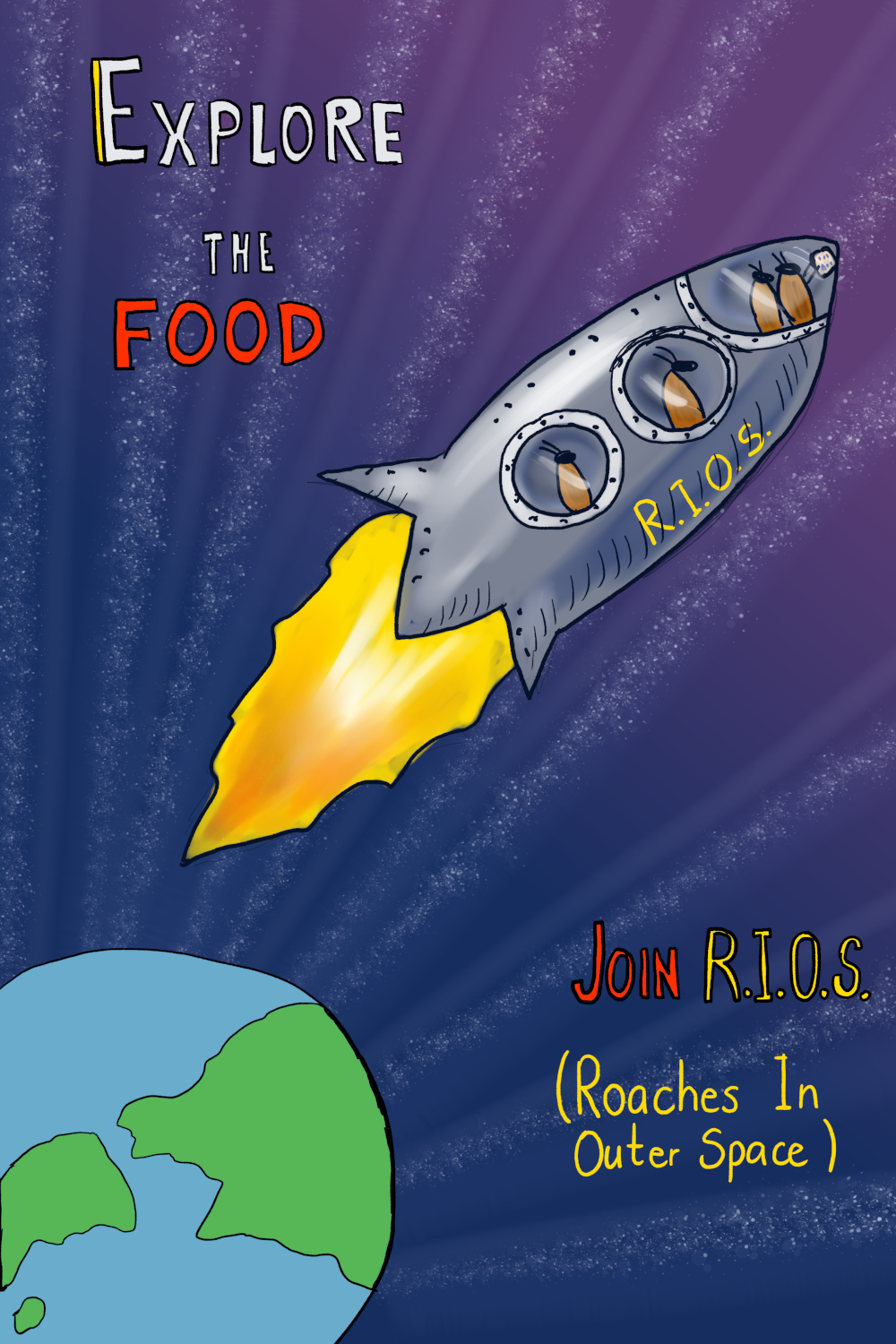
Just if anyone was curious, I got inspired by an old drawing I made in 2022, on paper, for a drawing challenge that existed in Instagram at that point. I thought it was fun to make a little remake of it for this theme.
9 Likes
R.I.O.S.! How fun @Gaillycool ! 
I also like how the stars are all going to the Earth vanishing point!
2 Likes
thank you! I was a bit in a doubt about the stars, but thought that it looked funny, so I kept it.
1 Like
Still a WIP, but here’s something with a bit more warmth. I’m not set on the text location or the fonts yet and there’s still a bit more detail work to go, for now here’s my thoughts on a poster for the USVI National Park
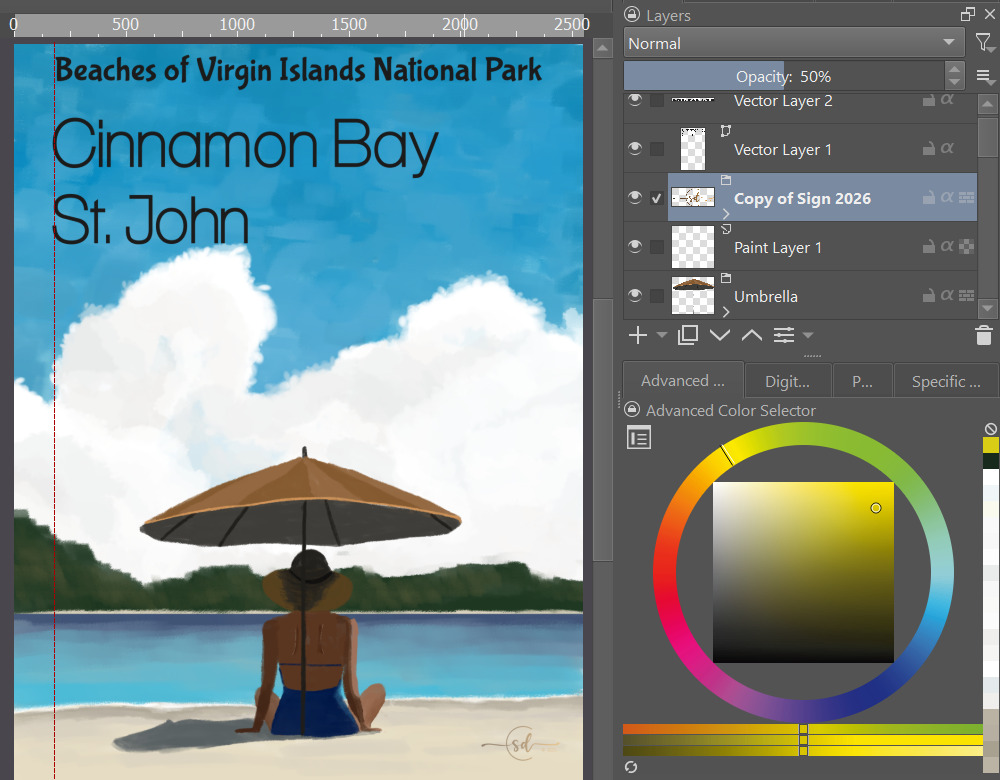
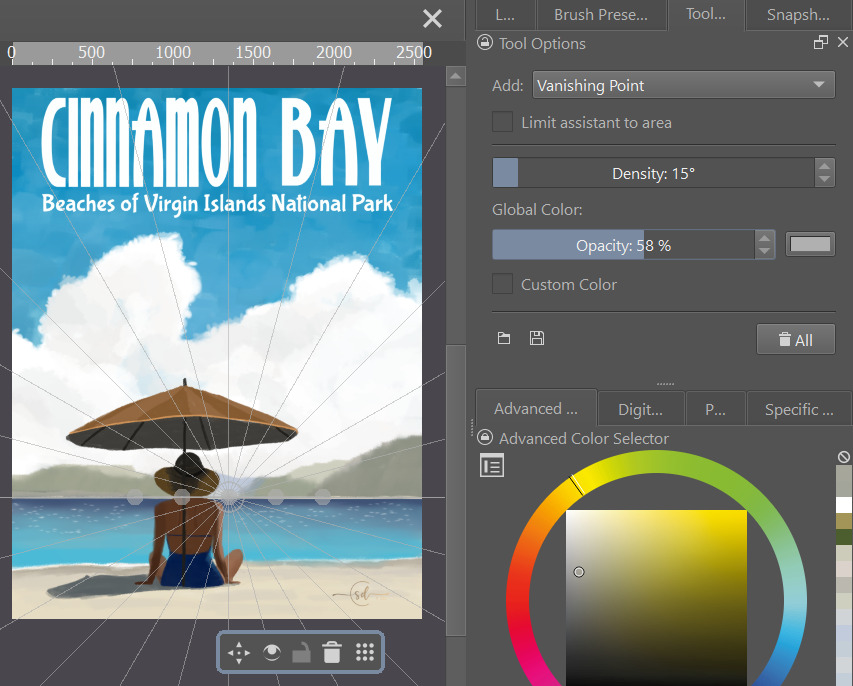
Updated bay to better match the view from Cinnamon beach, muted the colors for a more retro vibe, changed the fonts, and moved the umbrella to a bit off center using the vanishing point tool.
9 Likes
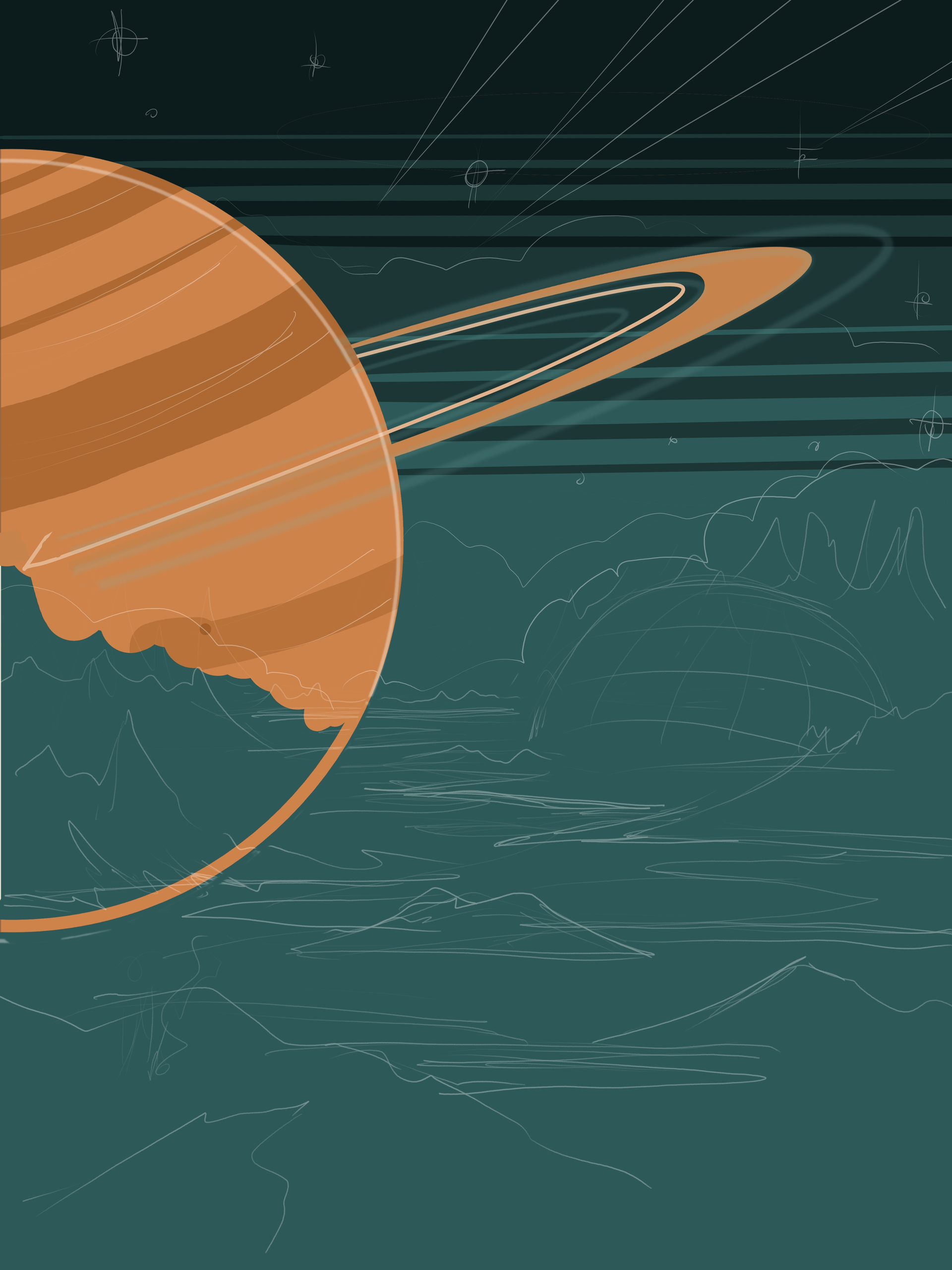
I’m going with an interplanetary theme. After browsing through a bunch of old poster photos for ideas on colors and elements, I put together an interplanetary theme with a aged yellowish tint and limited palette, like old prints frequently have. I haven’t decided on wording or fonts yet. 
10 Likes
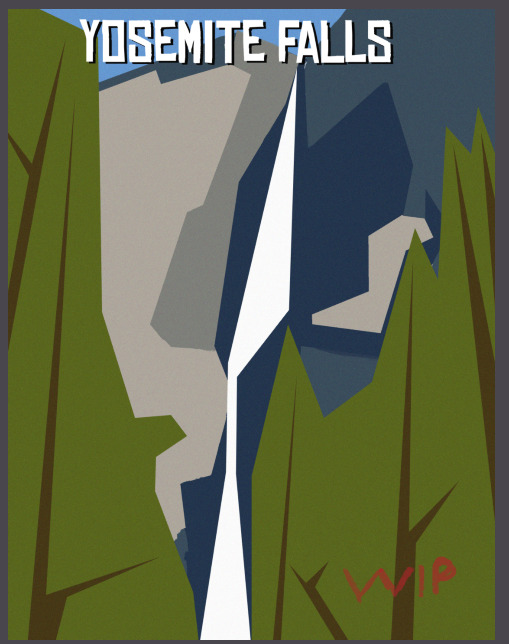
Another quick doodle idea having fun with the polygonal selection lasso. Not sure if I’ll keep going or not yet…
11 Likes
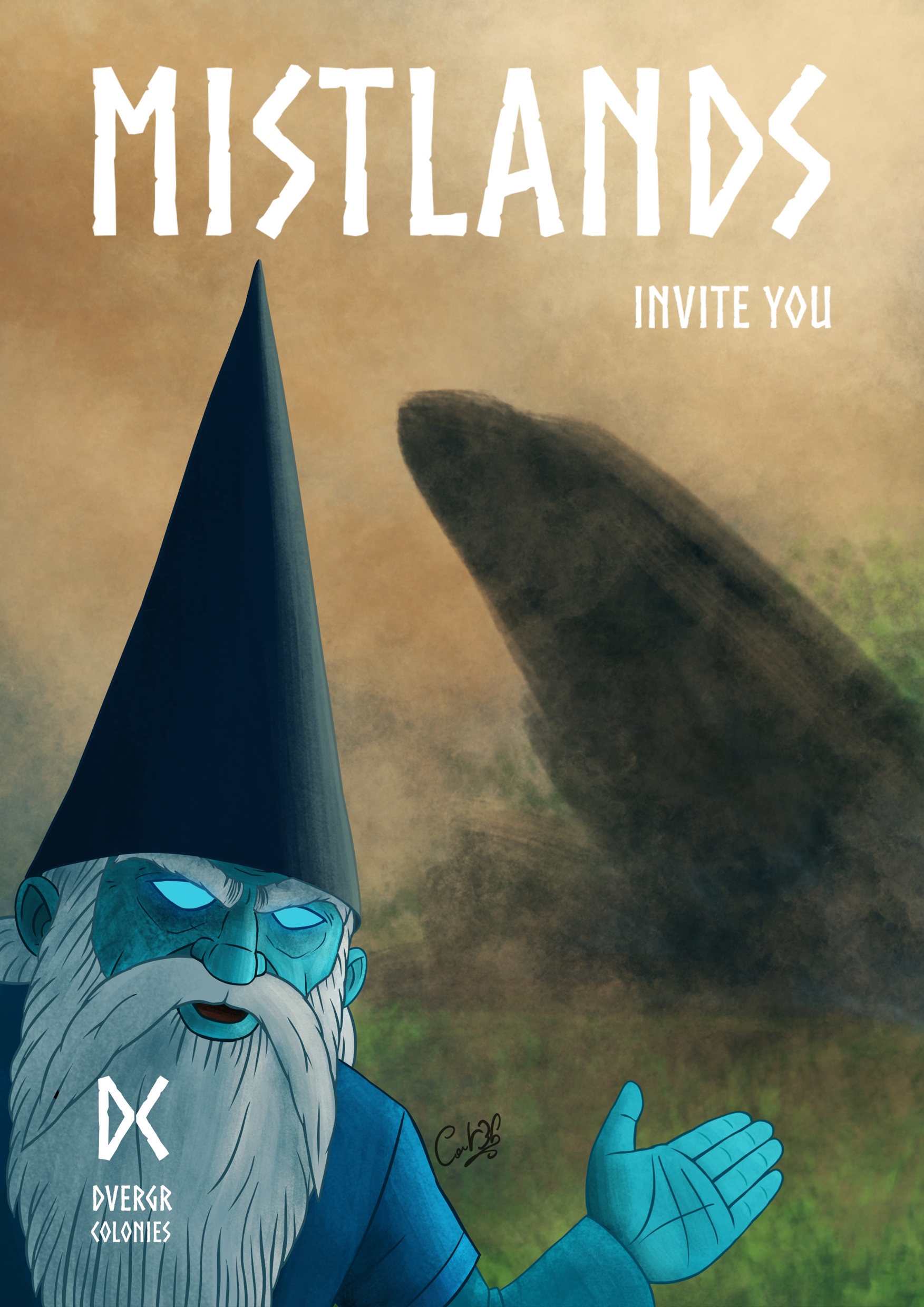
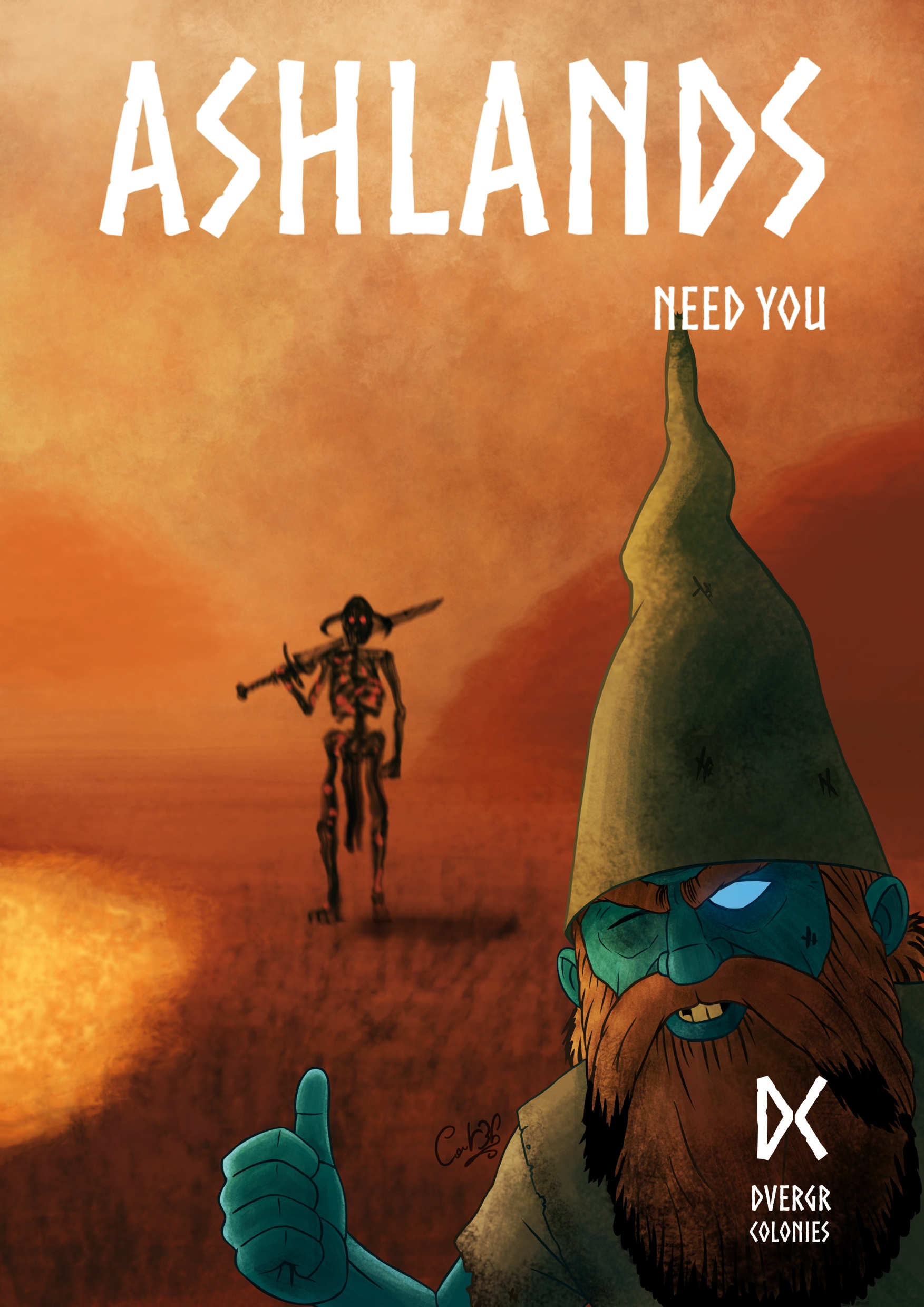
@steve.improvthis You are so good at putting simple shapes together to make a balanced composition! Something I struggle with. My detail oriented brain fights me the whole time. Beautiful as is, or you could go on with it. Keep up the good work! 
3 Likes
Thanks @Elixiah ! I totally feel the same way about how awesome you are at putting all those amazing details into your works! It’s so much fun to come here every month and see how a simple prompt can deliver so many different interpretations and styles… and they are all so amazing!
I think this is close to finished. As I look at it posted here I see that centering things in Krita is still… challenging. I’ll clean that up. Ya ya, it really is all in the details.

And with your encouragement, here is a close to finished vintage travel poster for the Yosemite Falls.
8 Likes
When I see how productive some users are here, and with just under ⅔ of the challenge time elapsed, I wonder whether the restriction of only being allowed to submit three images is a painful limitation for some.

Michelist
4 Likes