This is a discussion thread and WIP thread for our Monthly Art Challenge for January 2026. Ask any questions about the challenge or share your works in progress.
Pfffff… My first idea was to make a parodic travel poster about Mordor, but a quick Google search taught me it has already been made countless times, and better than I could… I guess I’ll have to search a bit more to find something off the beaten paths.
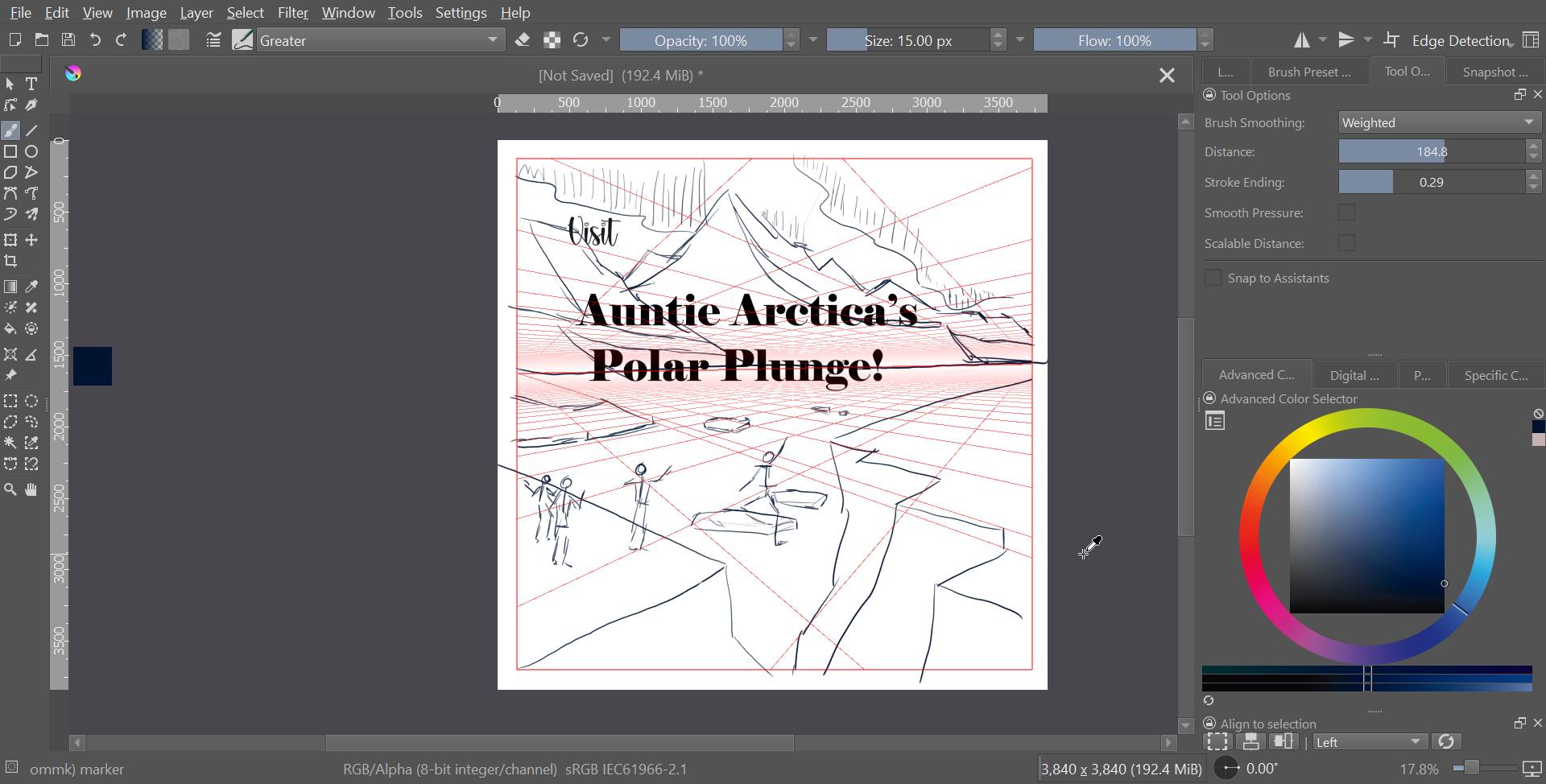
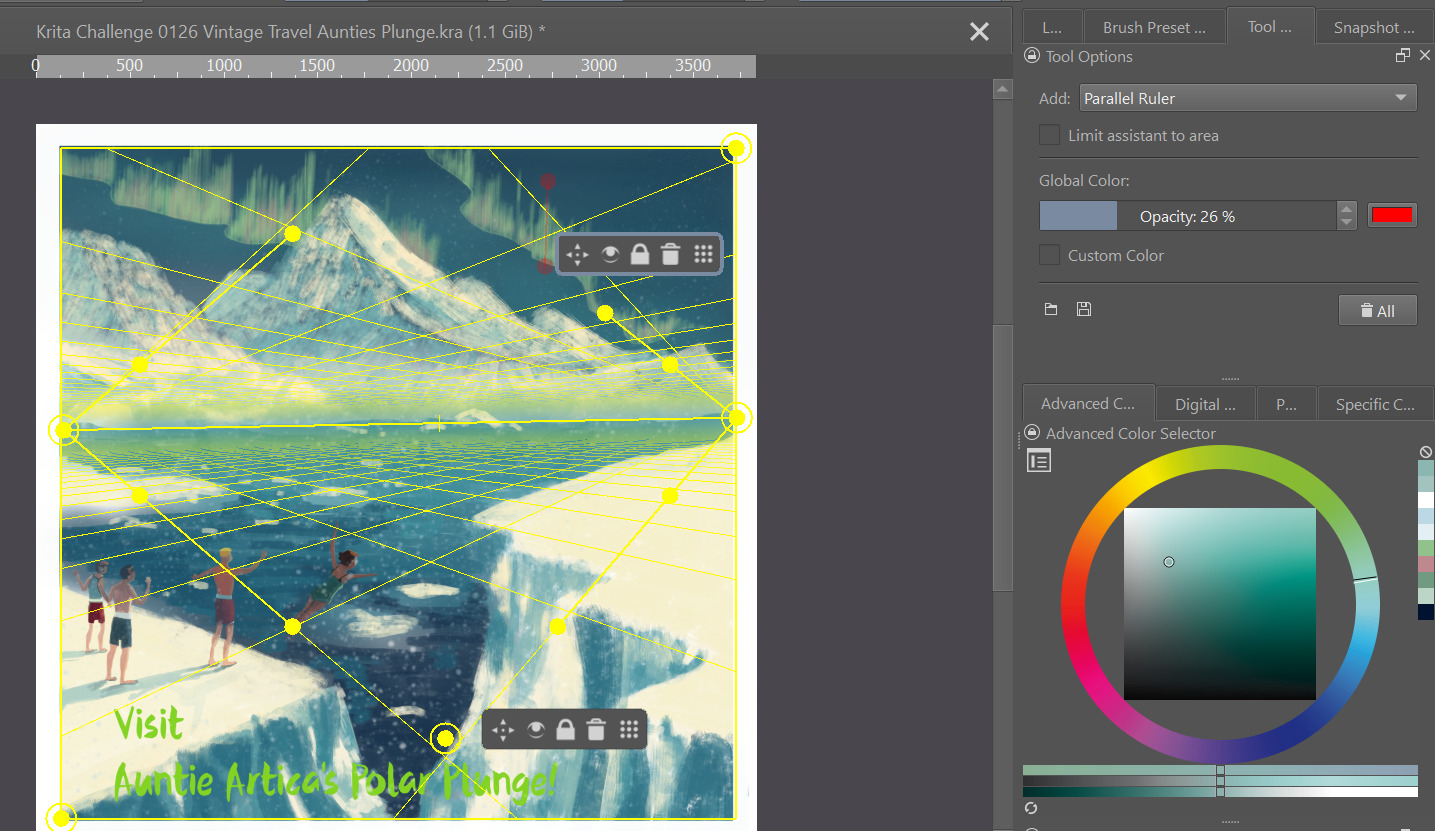
No idea if I’m going to go in this direction or not, but I liked the play on words…
The further we get in to January, the more likely I’ll move on to something tropical, or at least not frozen.
Thanks! I’m trying this brush for the first time, I like it so far. The devil in this one is going to be in the details, for sure.
And I’m really looking forward to everyone else’s ideas being even more incredible!
For me, this month’s challenge is an opportunity to learn more about using Krita’s text editor. Always before, I used CorelDraw for it’s easy on-canvas text editor. Krita’s text features always seemed difficult to me, but I understand there have been recent updates to the text editor. So I’ll be learning more about how to use it.
Notepad or Word are text editors, also apps like Kate, Notepad++, VIM, Emacs, and many more are text editors.
And Krita in its current release versions has a text editor too, but one that is not a joy to work with, but a future Krita will get a newly written text editor, you could even test it and check out its abilities when you try one of the Krita NEXT Nightly versions. These are pre-versions of Krita development builds made for testing and for hunting down bugs before releasing them to the public.
You edit text with them, like with the editor you use to write in this forum. Text editors can have many different “shapes” and purposes.
Cool that there are changes coming to the text editor! I don’t play around with the beta versions, so I’m not sure what goodies are around the corner, but I’m looking forward to them!
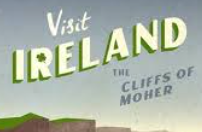
One of the things I’ve been wondering about is how can I do “Text on a path” in Krita. Right now, I’d resort to doing it best I can freehand.
I know how to put text on a path, circle, etc. in Inkscape, can Krita do something similar?
See the random screenshot below as an example. I’m talking about the word “Ireland” notice how it curves in a sort of wave up and to the left?
Last I checked, the improvements on the text editor are all under the hood. From my understanding, they are rewriting the base code of it… so unfortunately there are still no nifty tools/effects with the text editor. Effects like what steve requests are still not possible. I had to render the vector text as a paint layer on mine just so I can edit it.
Soon it can!
And it gets abilities other programs will want to have then too, because they don’t have them.
Call it text on steroids if you want to, and you wouldn’t exaggerate …


 My first idea was to make a parodic travel poster about Mordor, but a quick Google search taught me it has already been made countless times, and better than I could… I guess I’ll have to search a bit more to find something off the beaten paths.