This is a discussion thread and WIP thread for our Monthly Art Challenge for June 2024. Ask any questions about the challenge or share your works in progress.
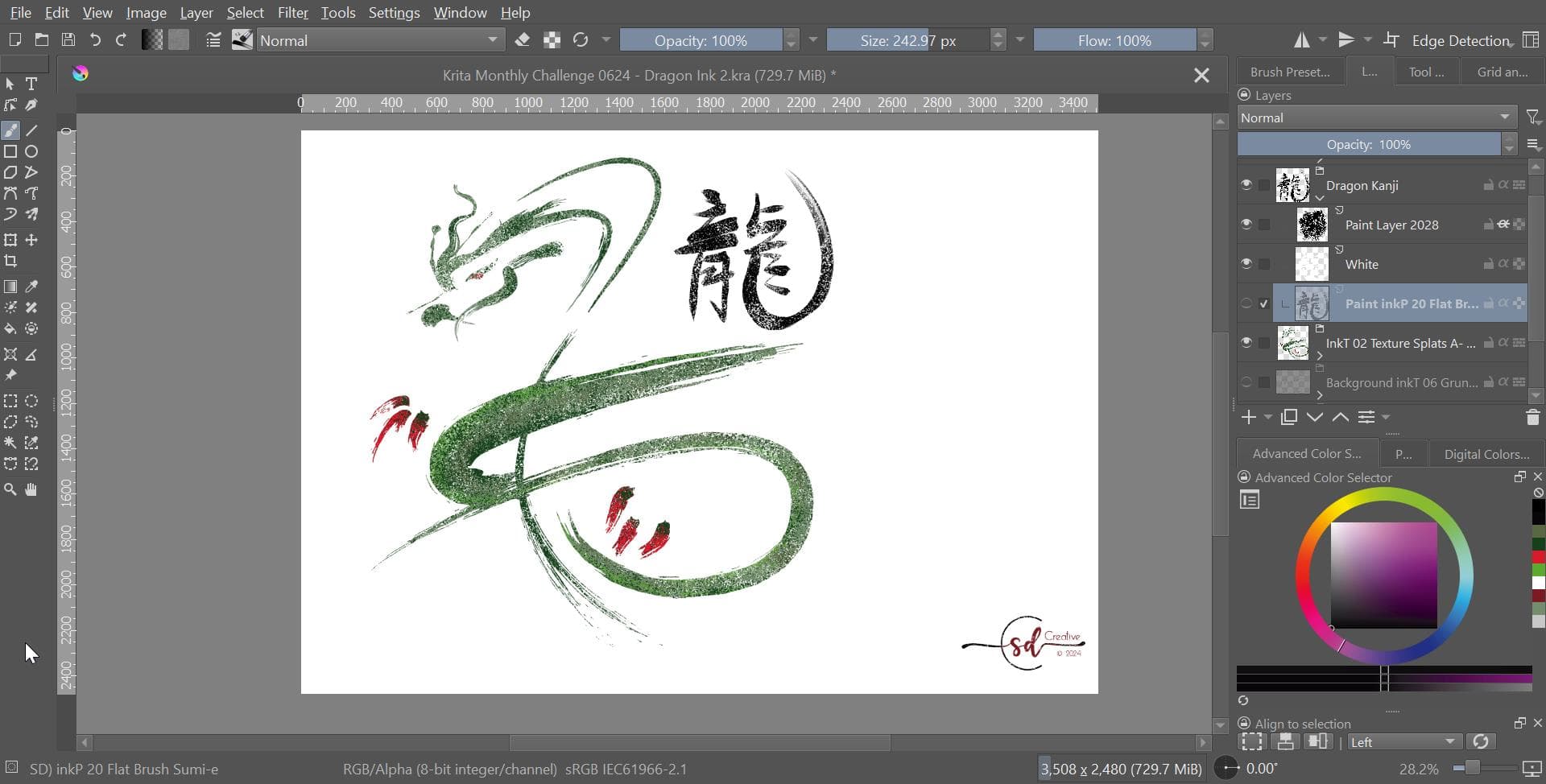
Just doodling around this morning and had this idea. I got it down to 2 brushes, a modified inkP 20 Flat Brush from the Ink_Pro_Artist bundle for the base and the inkT 02 Texture Splats A from the inkT bundle for the coloring. I used the Flat brush to draw the dragon and the kanji and turned it the same color as the background. (Please forgive my poor Japanese here. I was working on internet reference images, not knowledge. I think it says “Dragon”…) Then I used that layer as an inherited alpha and sprayed on color layers above. So in the end… I suppose only one brush’s work is visible?
Not sure if I’ll submit this yet… it seems too simple and derivative to me. I’ll keep playing around and see if I can better capture the Magnificent part of the challenge.
For the optional challenge, No on blenders that use a different brush engine from your selected brush for the painting. Use the opacity and flow tools for that. Or customize the brush in it’s options window to achieve the look you want. Sometimes, just toggling the eraser for the brush and adjusting the opacity will do the trick.
@Elixiah That sounds fun and interesting.
If the brush has a pattern, can you change the many options for Pattern such as Scale and Texturing Mode?
If I can think of any further awkward questions then I’ll certainly ask
Yes, you can change the settings of the brush any way you like. My intention is to get familiar with all the options that Krita’s brush customization offers.
Oops. I don’t think that fits with the spirit of the challenge, @PurpleEden. The artwork should be created from scratch for each challenge. I would say a copy/paste element from another piece of art is photobashing.
Submissions must be done from scratch in Krita, no paint-over or tracing allowed. Photobashing is allowed only when explicitly specified in the topic.