Hello everyone! As the title suggests, I’m new to digital art and really just drawing in general. Instead of going straight to a search engine to be met with a wall of information of varying quality, I wanted to ask actual artists what resources they would recommend for developing fundamental skills. I’ll basically be starting from the ground up, I’ve doodled here and there but I couldn’t even draw a straight line to save my life.
1 Like
The “Blade and Quill” channel on Youtube is good for learning basic processes and Krita at the same time. The videos are posted here on the forum also as she is a member. https://www.youtube.com/@BladeandQuillartacademy
Another is the actual Krita channel on Youtube to learn the ins and outs of Krita. https://www.youtube.com/@KritaOrgPainting
6 Likes
Welcome @CircuitSpecter
My advice is to familiarize yourself with basic things to draw also familiarize yourself with your hardware.
As for resources there are tutorials and info here.
David Revoy has some really good tips and also has extensive knowledge Blade and Quill has some very good videos as well
I think if you start small and build upon your skill they will evolve, you could also use reference images and practice with them try not to 100% mimic the piece at first just get basic images and do your best trying to learn to recreate it.
6 Likes
Here are some links I bookmarked:
5 Likes
Welcome to drawing!
Drawing In General
I recommend targeting resources focused on perspective drawing/thinking. You can pick up on a thing or two by imitating someone’s finished work, but to effectively reverse-engineer their process, you’d have to figure out how they were thinking, and, more often than not, they were thinking about perspective. Some people find the perspective grind boring, but learning to love it means you can then fluently figure out how to draw whatever you want, and save yourself a lot of confusion and frustration in the long run.
I personally learned a lot from the book “How To Draw” by Scott Robertson (the school of drawing where you can, for example, calculate how a curve would look mirrored, or how to cut a box into quarters), but it’s hard to recommend because it almost assumes you’ve already learned 1, 2, and 3 point perspective. Fortunately, ModernDayJames and Proko have you covered there. MDJ adapted a bunch of the lessons into video form.
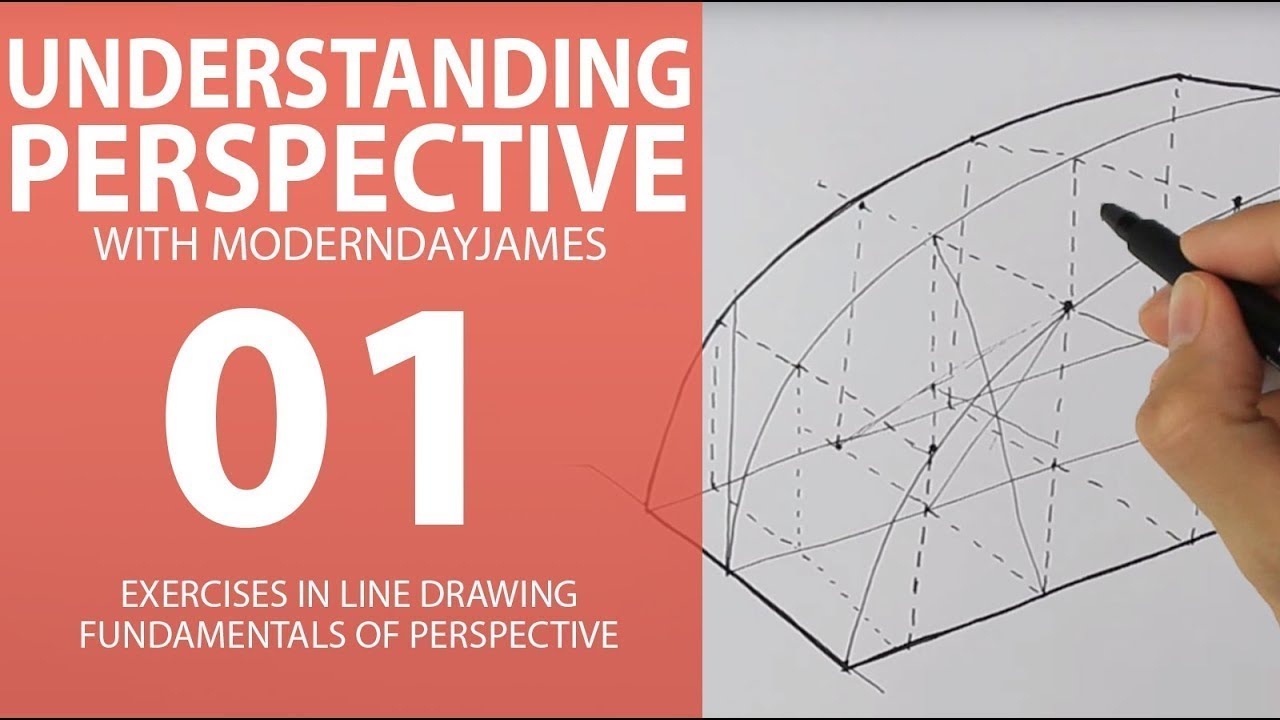
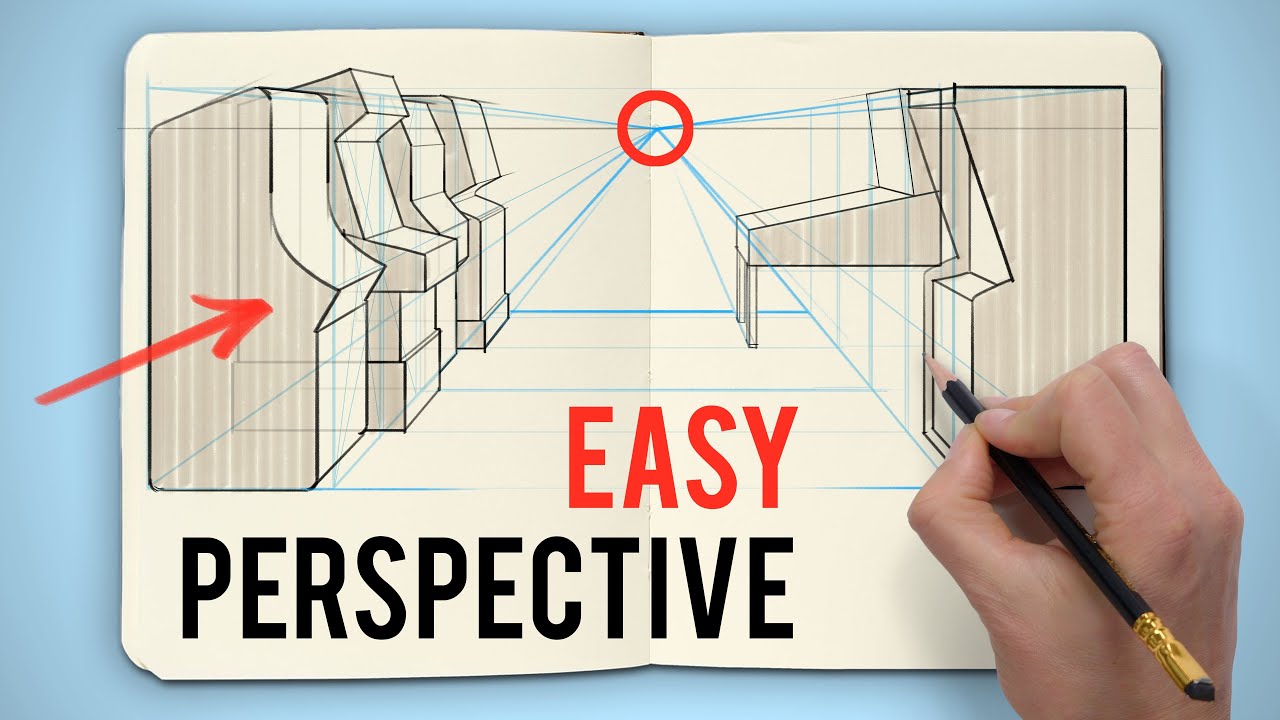
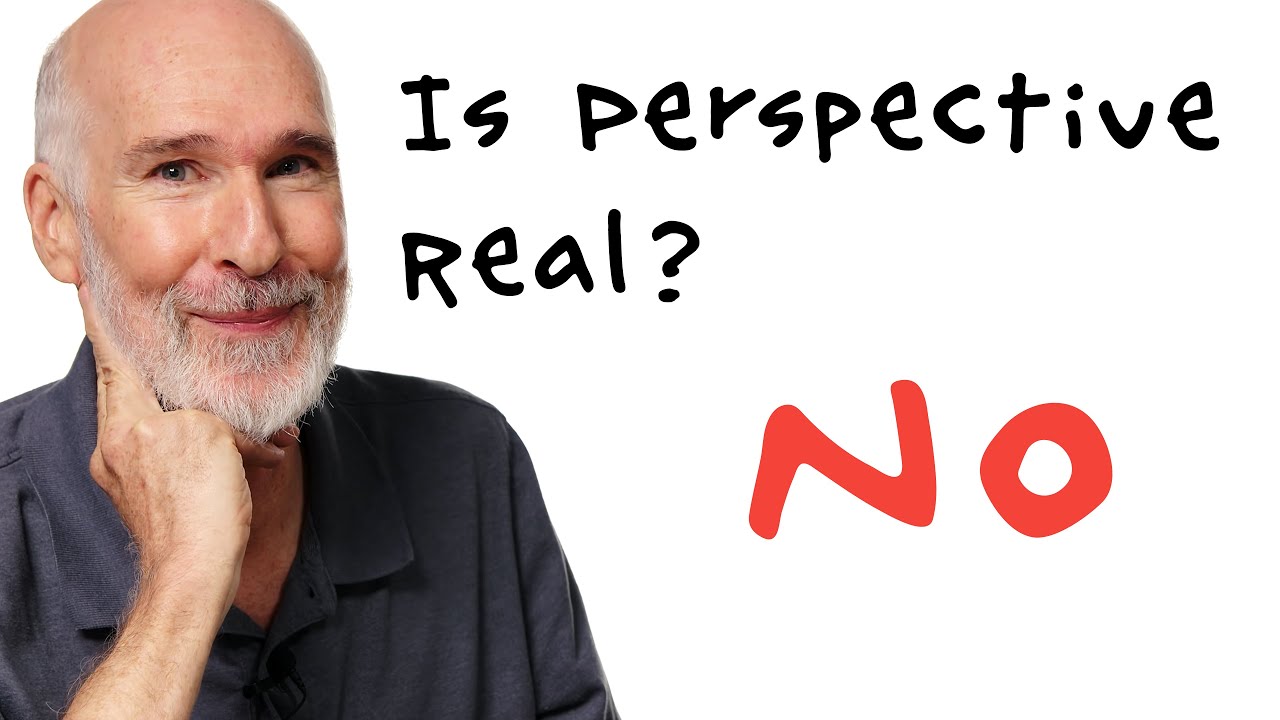
Typically, people are taught to learn in that increasing number of points (1, 2, 3). I think 3 point perspective is actually the easiest to understand and effectively apply of the three. An argument could be made that intuitive/observational perspective is the way to go since those systems are oversimplifications (going to link a discussion from Proko on the subject), but you sort of need to learn them to understand how that would be the case anyway.
Particular To Digital Drawing/Painting
I agree with those links. The sooner you get comfortable with alpha and masking, the better. Other stuff to investigate:
- Freehand Selection Tool (Try the Bezier Curve Selection Tool too.)
- Reference Images Tool (Nice that it’s there, but nowadays I just offload references entirely to PureRef, which has a “pay what you want” model (donate or type in $0 to get it for free). It has its own window, and you can set it to always be on top of Krita.
- Horizontal Mirroring: In Krita and some other programs like CSP, you can mirror the view of the canvas, which is different from mirroring the layer as an actual transformation/edit. I don’t know where it is on the manual, but the default shortcut is M. Mirroring is very important for checking the accuracy and balance of a piece, and being able to directly draw onto a mirrored image is one of the big advantages of digital.
- Assistants/Perspective Guides
There’s a bunch of other things like the different blending modes and symmetrical drawing tools, but those are more project-specific.
Have fun!
1 Like