Hello Krita Artists!
This thread is a friendly place to ask questions about the challenge, share your works in progress (WIPs), and even ask for help if you’re stuck.
When your submissions are ready, post them in the submission thread linked below.
Hello Krita Artists!
This thread is a friendly place to ask questions about the challenge, share your works in progress (WIPs), and even ask for help if you’re stuck.
When your submissions are ready, post them in the submission thread linked below.
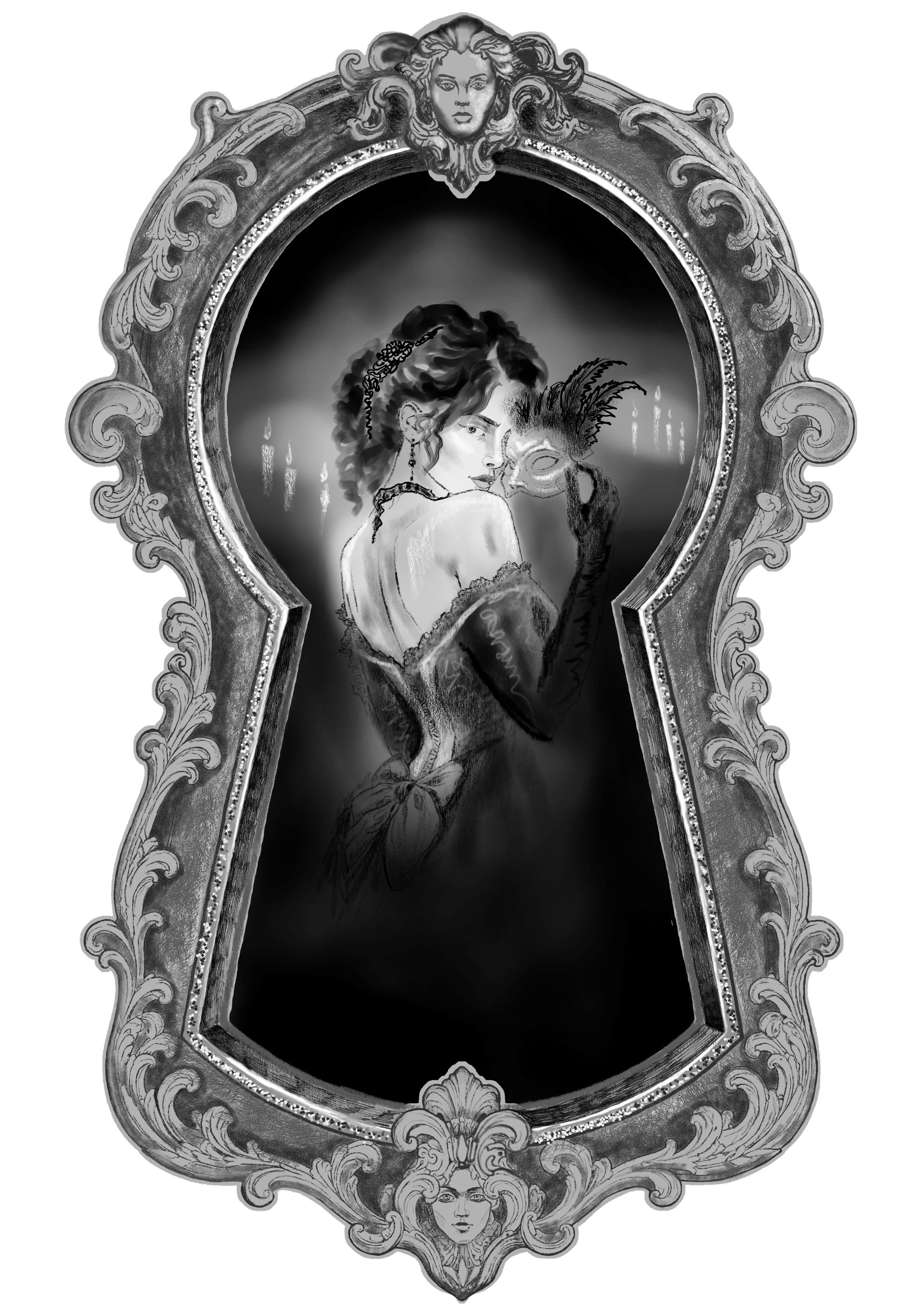
So, the non-standard form will be a keylock shape and we will have a look trough it to a woman who takes off her mask 
Hello! I was wondering, if for the challenge can the shape be similar to the one of an animal? Like possibly a Unicorn head silhouette and the drawing inside, or a persons silhouette with said drawing inside. Or if it could be the shape of household shapes like a spoon, glasses, etc. I’m not sure if it needs to be a geometric shape or not. I’m sorry if it sounds so confusing!
I do not believe there are limitations on the form you choose. I was thinking about a cat
Thank you so much, I think a cat would be good idea!
No limitations! Just have fun, what I’m working on ended up with two shapes in it.  It’s optional, so anybody looking to give it a shot fills me with happiness.
I love the border to the keyhole, looks spooky! So creative
SOOOOOO do I just post it here???
Yes. All the rules are in the post at the very top of this thread. There is also a link to the thread where you can ask questions or share your wip if you feel like it.
Oh… Can u send me the thread cause I’m kinda new to this stuff :3
This thread, first post, even the link to the WIP thread is there.
Michelist
Tysmm
Hi @Shyvixie - are you all set now? I moved your initial question and all its replies into this thread which is where all questions about the art challenge belong. This thread where you had posted your question is for submissions only, that’s why I moved it.
If you have more questions, don’t worry, we are here to help. Just hit the reply button on this message and ask all of your other questions.
@Shyvixie Yep… if it’s still a work in progress you post here
Tysm :3
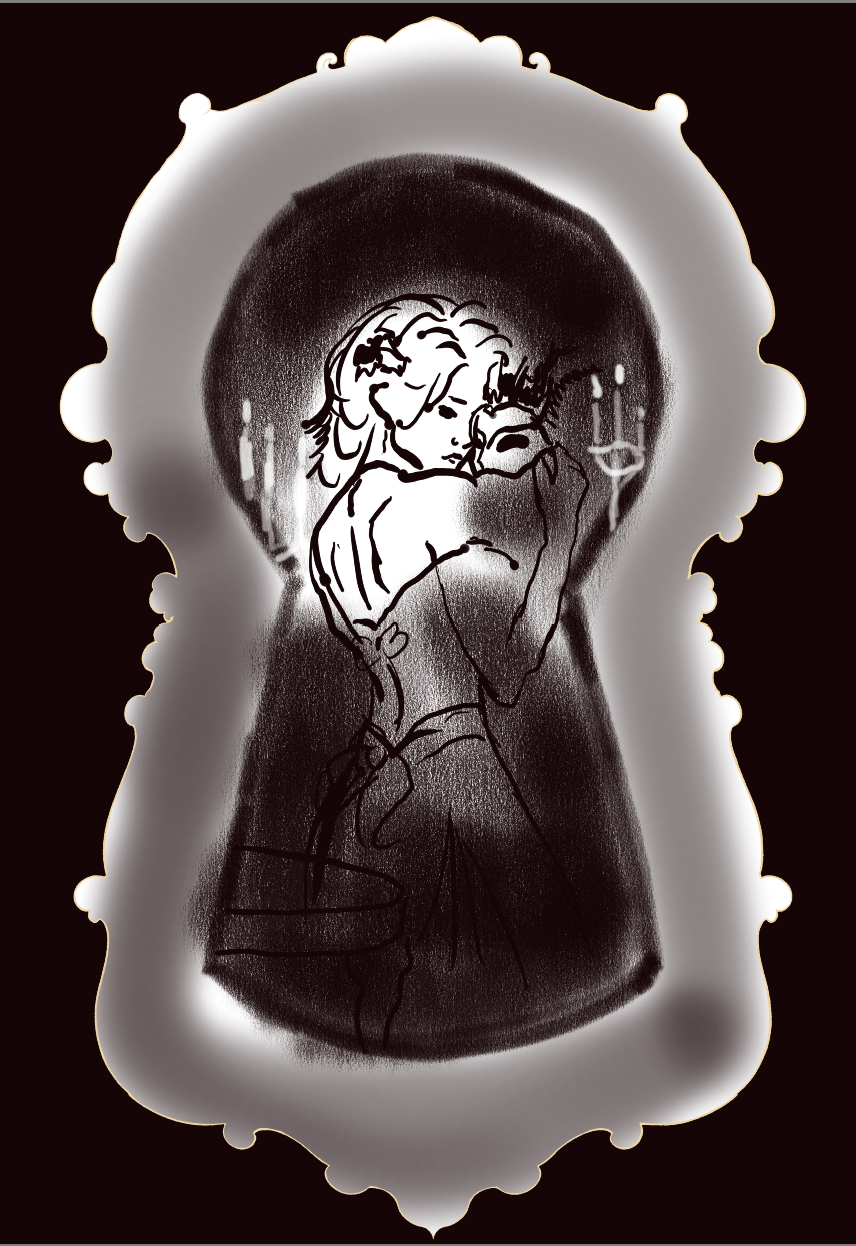
Hm, I lost some of the shading when I converted the file to .png . I think that was the idea, in order to show the non-standard shape of the drawing but seems I do something wrong… still WIP but I need some advice how to deal with this issue
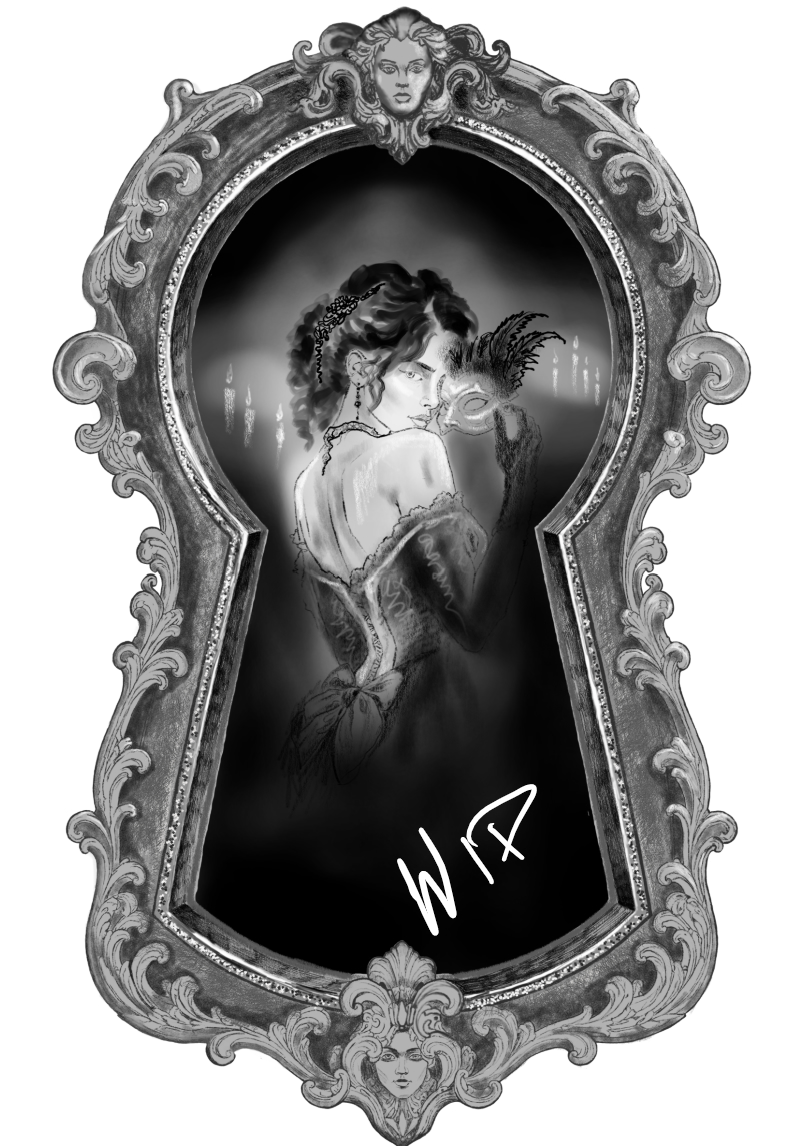
here is how it actually looks like for the time being, still some more to be done
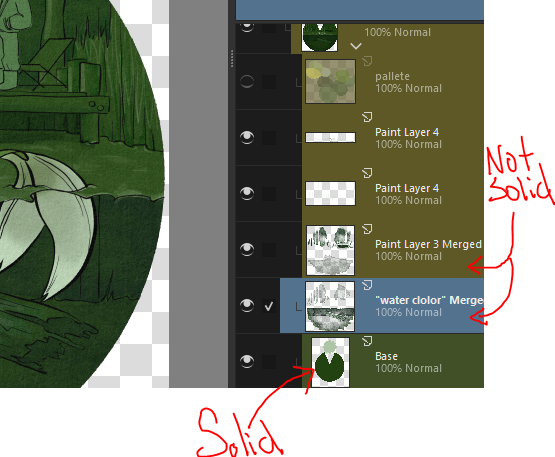
I think you just need a solid white background that’s in the shape of the of your piece beneath everything? The quickest pain free way to add this without spending 10 minutes precisely selecting everything out is to use the contiguous selection tool, tap the negative space, invert the selection (ctrl+shift+i), then fill. Make sure when you save as .png there’s no checkers showing where you don’t want them. If that doesn’t fix it/not the issue lmk.
p.s. the detail on that keyhole is amazing! :0 and I kinda like the unintended transparency, makes it look phantom/ghost like.
Hey, thank you very much for the useful tips And thanks for the nice words Still trying to figure out the proper brushes for drawing metal surfaces
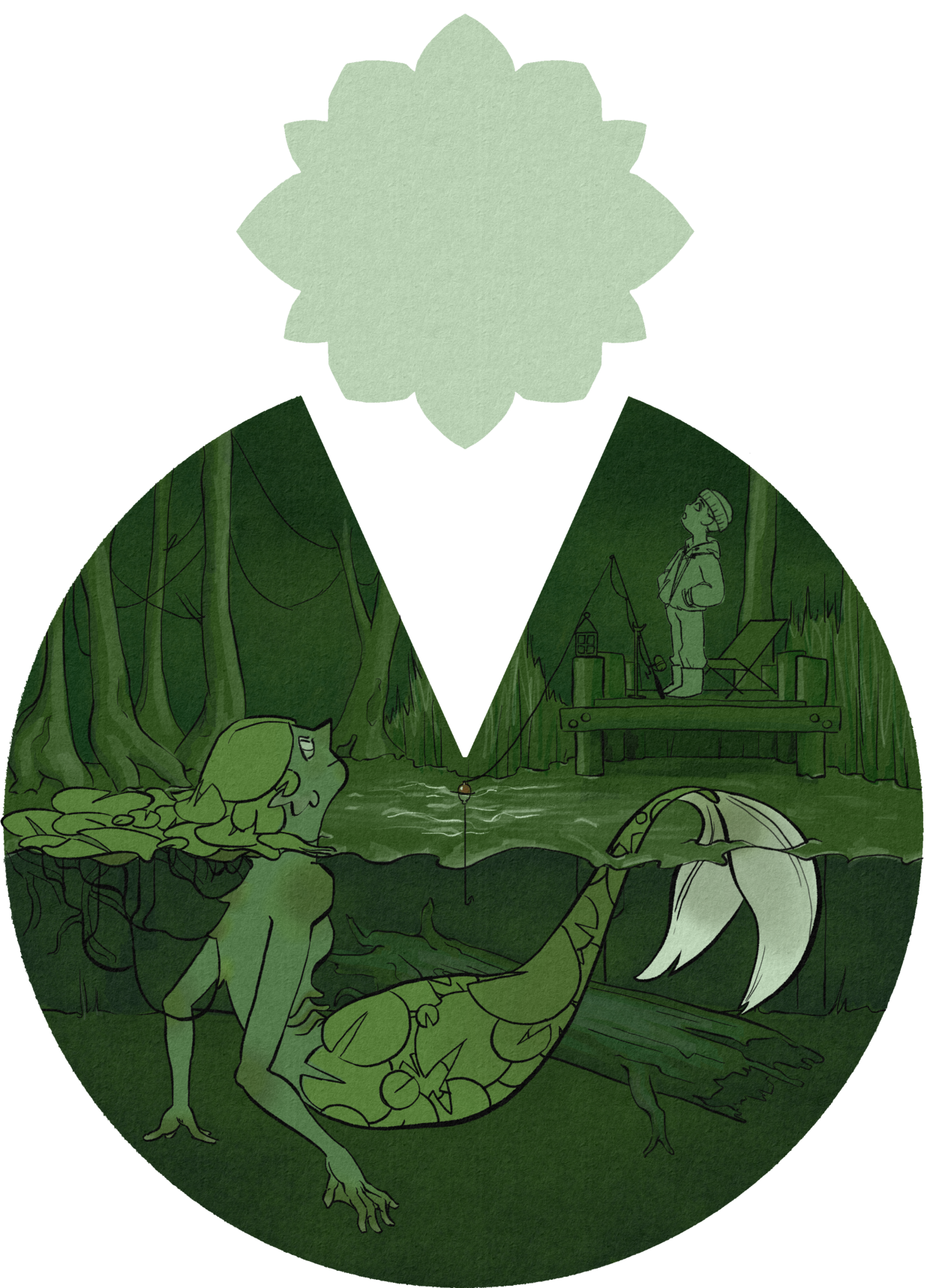
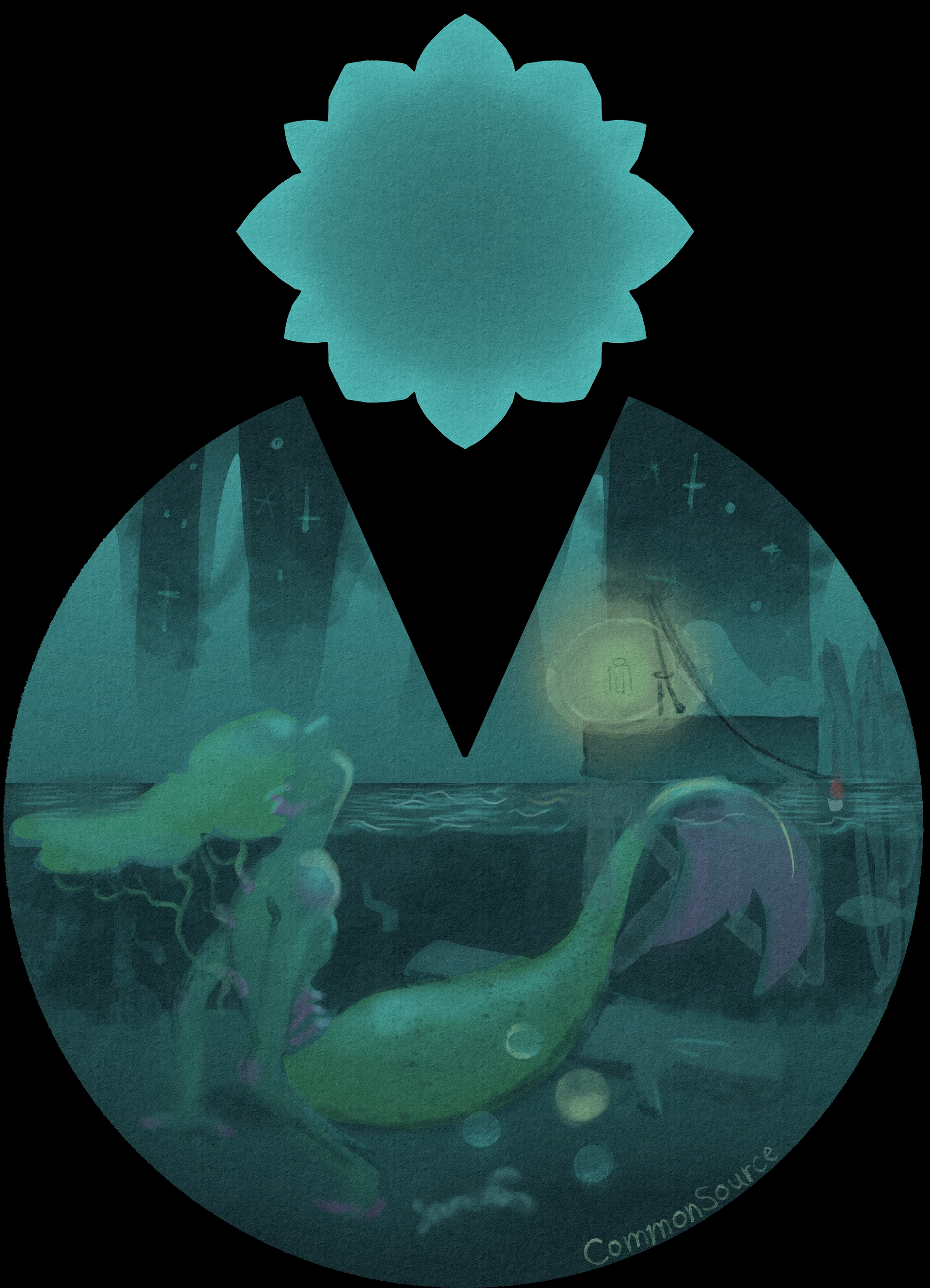
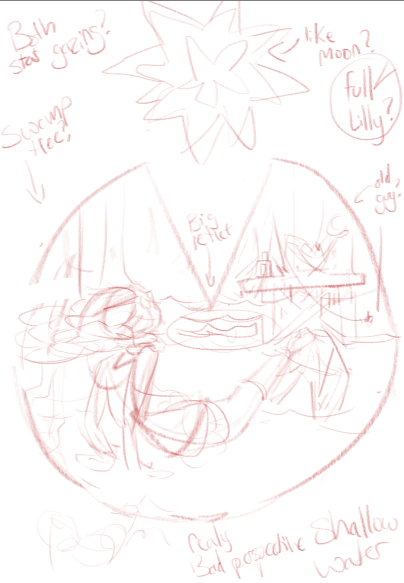
lily pad mermaid fusion thing. I’m getting lost in some sauce with these colors. I really like blue but there aren’t blue lily pads out there and I think it makes it harder to see what the shape is supposed to indicate if its not green. I did line work this time cause I felt the the pressure of inktober. Also tried out the .webp file type, had like 2 failed attempts of messing with settings until I saw there was an “Icon” preset, and increased the quality. Success!
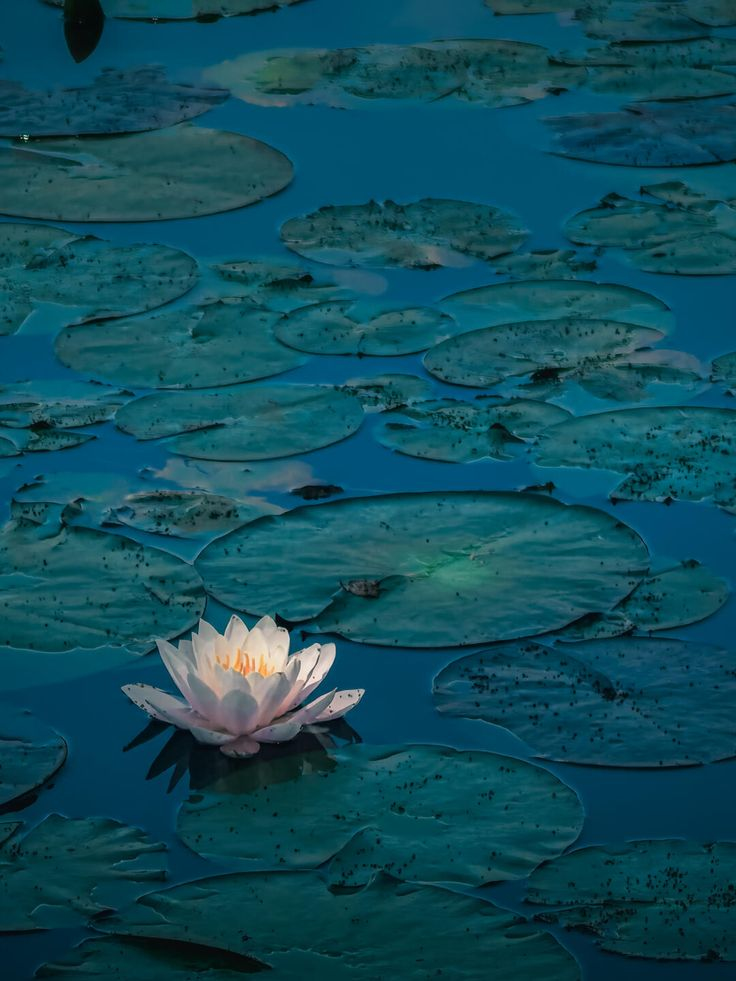
Source: Pinterest (Ancient Beauty 3D | Wallpapers)
It can be kind of deep green - blueish, so in my opinion your second blue version works just fine