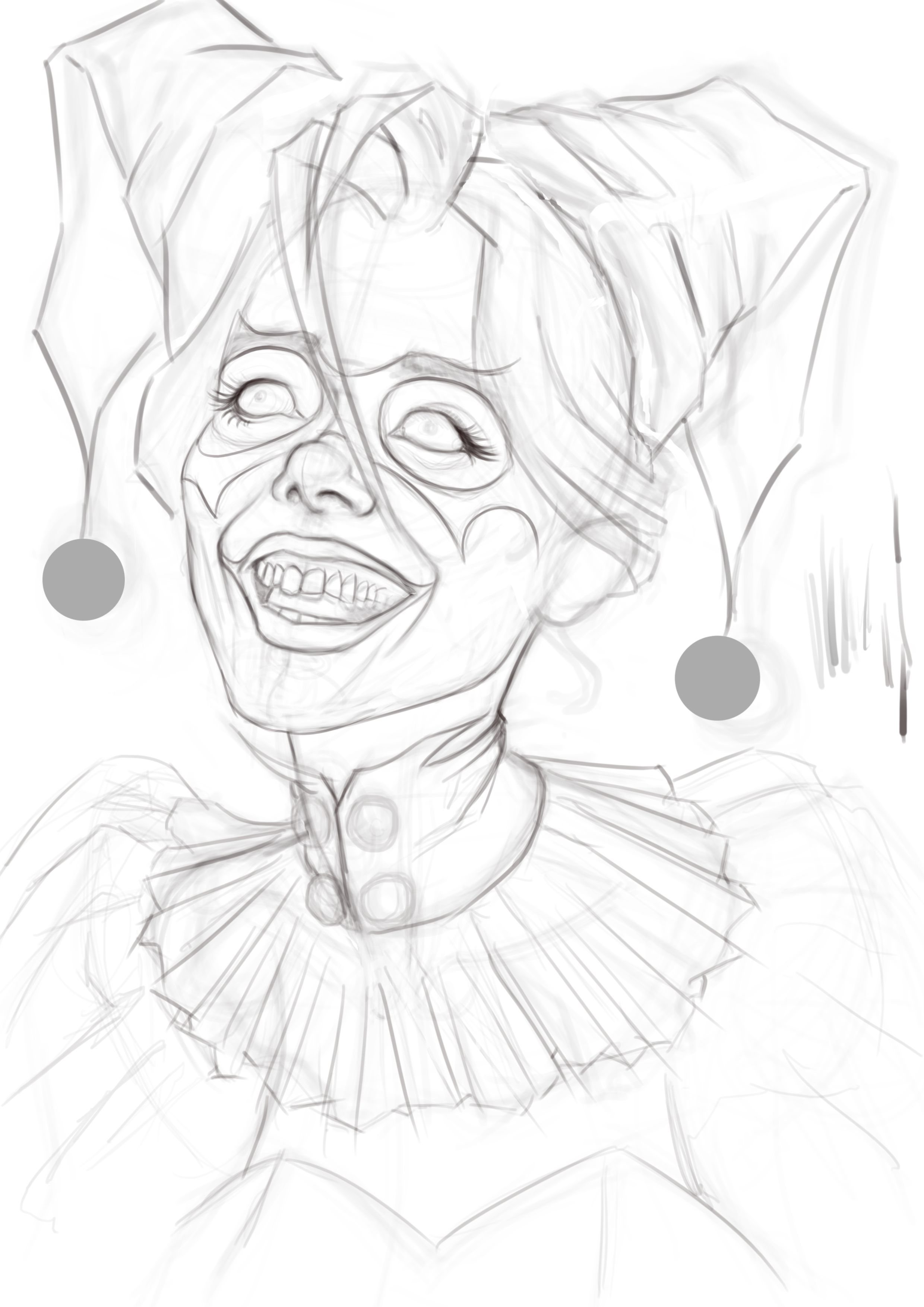
Hi, for now I'm working on the drawing; I haven't yet decided whether I'll incorporate it into a shape.
8 Likes
Welcome, @Sly. What a great costume.
1 Like
ai image 
But yeah ill keep tweaking my colors, it will probably end up blue again lol.
1 Like
Hey! I was wondering, are we allowed to draw fictional characters for the challenge? Like Superman, for example?
Hi @jinri.raon
Submitting fanart might be ok, it depends on how the trademark owner views fanart. When it comes to the challenge, you’ll want to read the rules: October 2026 Monthly Art Challenge - Costume / Disguise
If you still have questions, you’re in the right place. Ask away.
1 Like
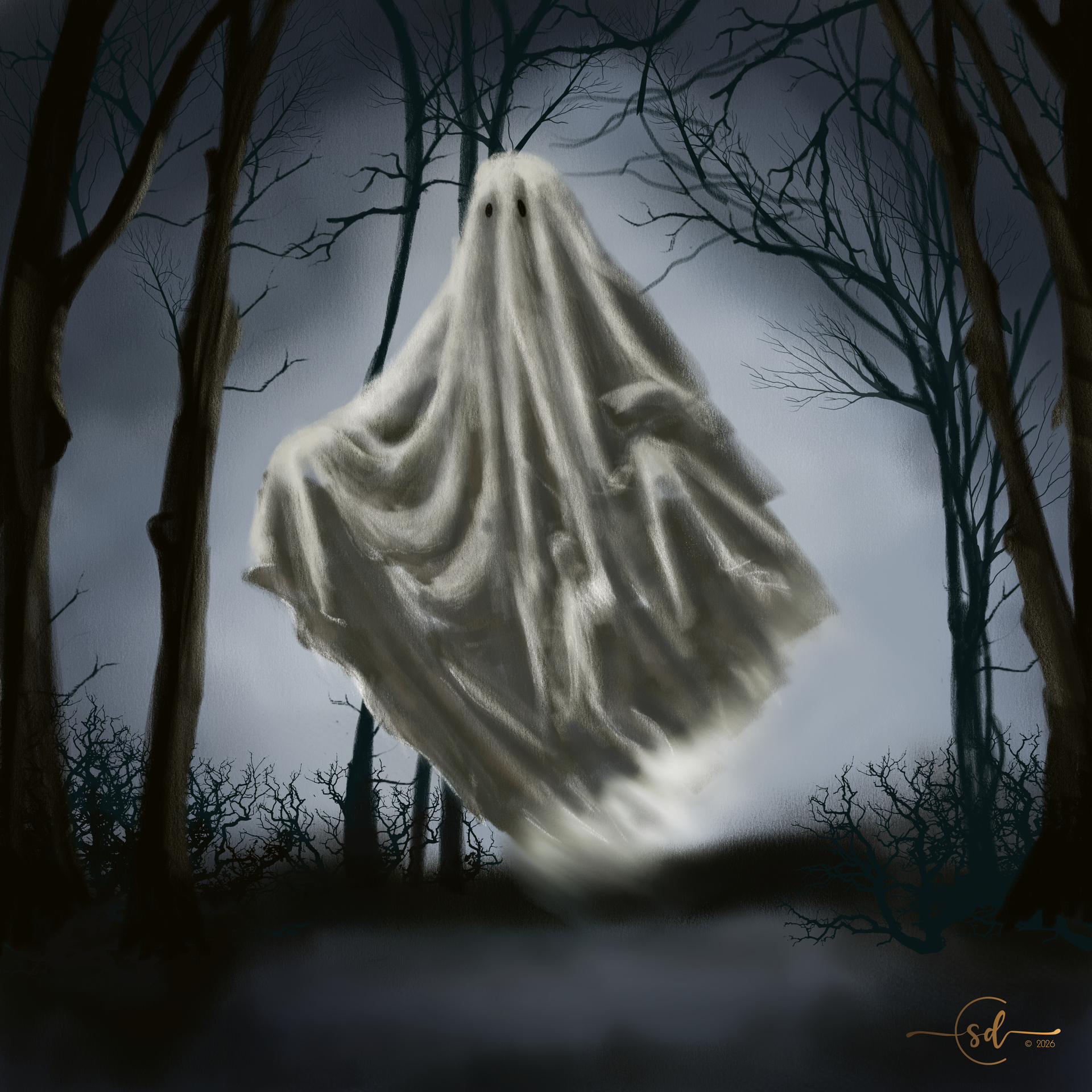
Here’s what I’m thinking of for this month.
Played around with @RamonM 's SK2 pencil burshes for this one.
I mean, it’s obviously a costume or a disguise… 'cause ghosts aren’t real. Right? 
I’m still thinking of adding in some fun doo-dad details.
Kinda busy this month, we’ll see how much time I have.
10 Likes
Thanks sooz
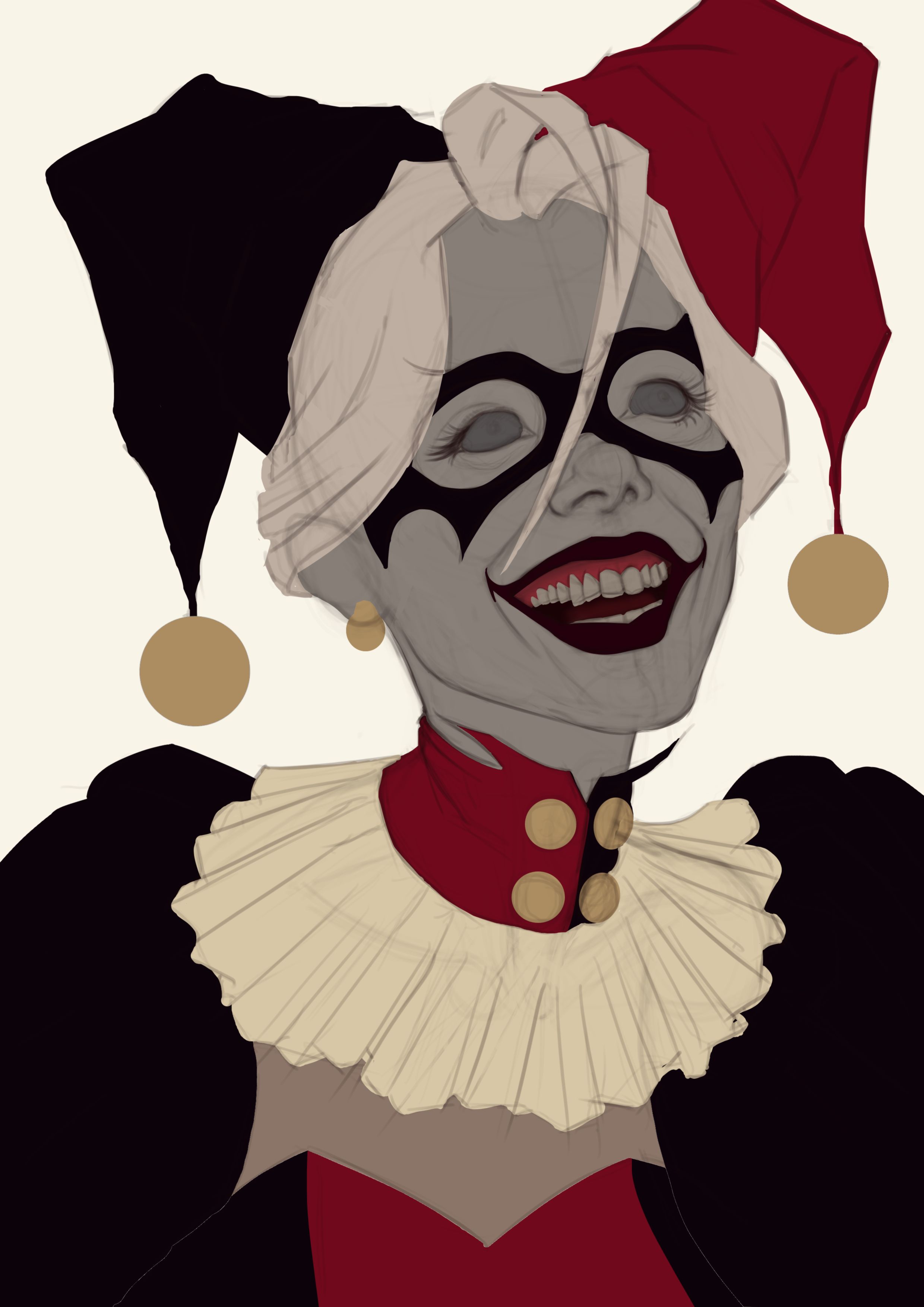
Nice! looks a lot like the Harley Quinn character.
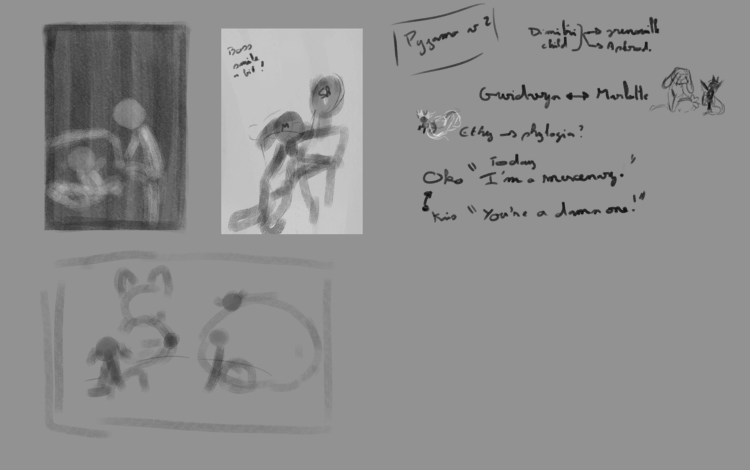
Most idea were with kids disguised, and all were with cute costume and my note are more and more hard to read.
So for the first your kid with a shark costume decide to jump in the river… without knowing how to swim. Probably need to work more on the story but that’s it.
Second one they disguise in each other, and I’m not sure witch form using for the secondary challenge, let’s see that later.
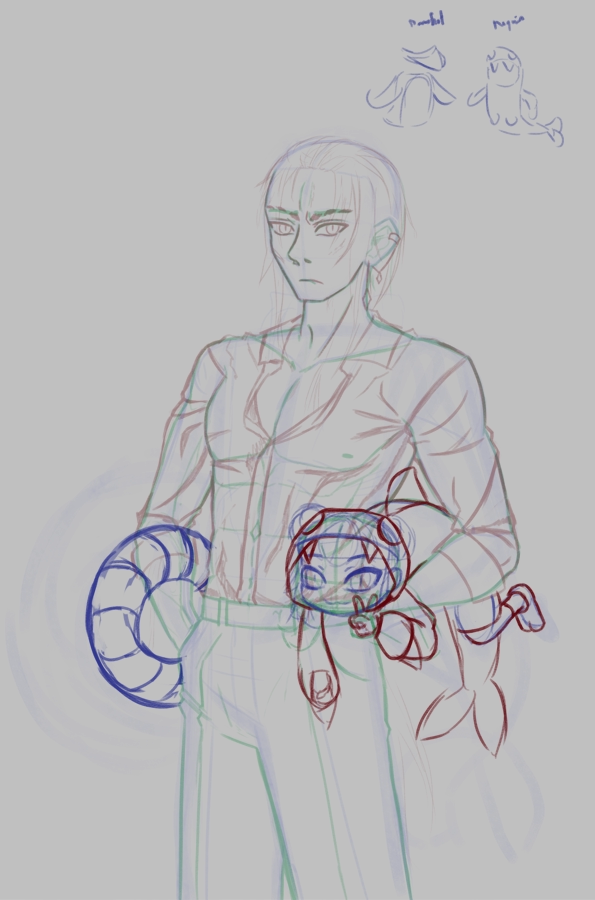
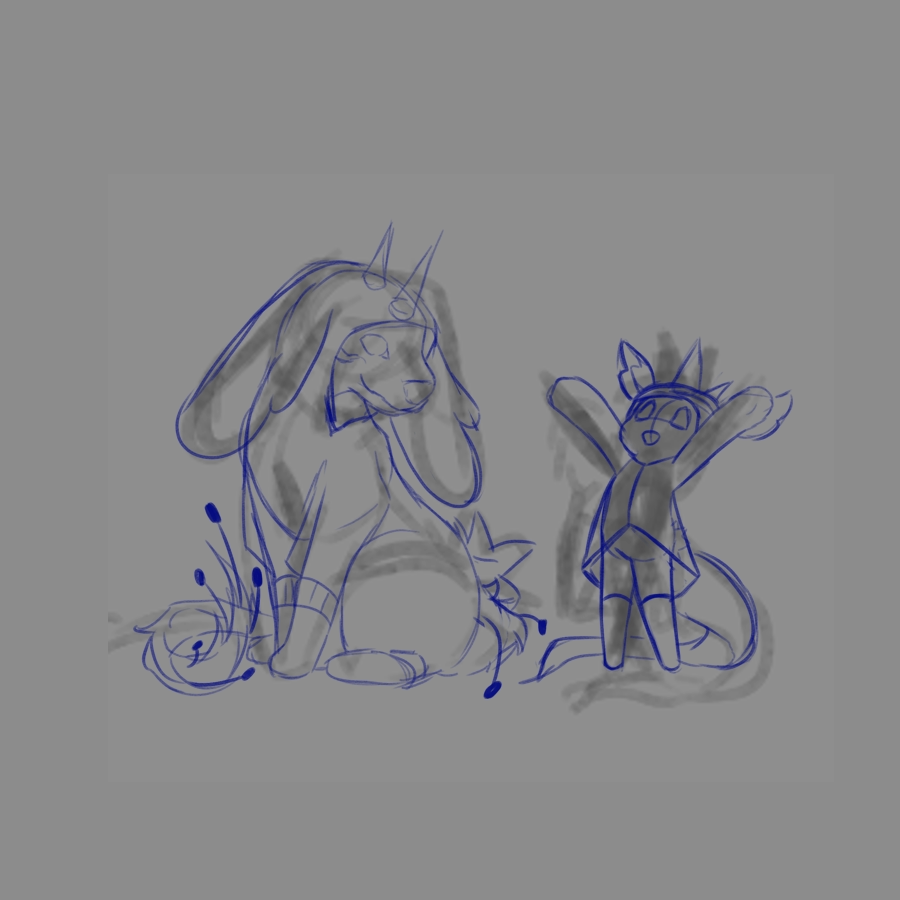
9 Likes
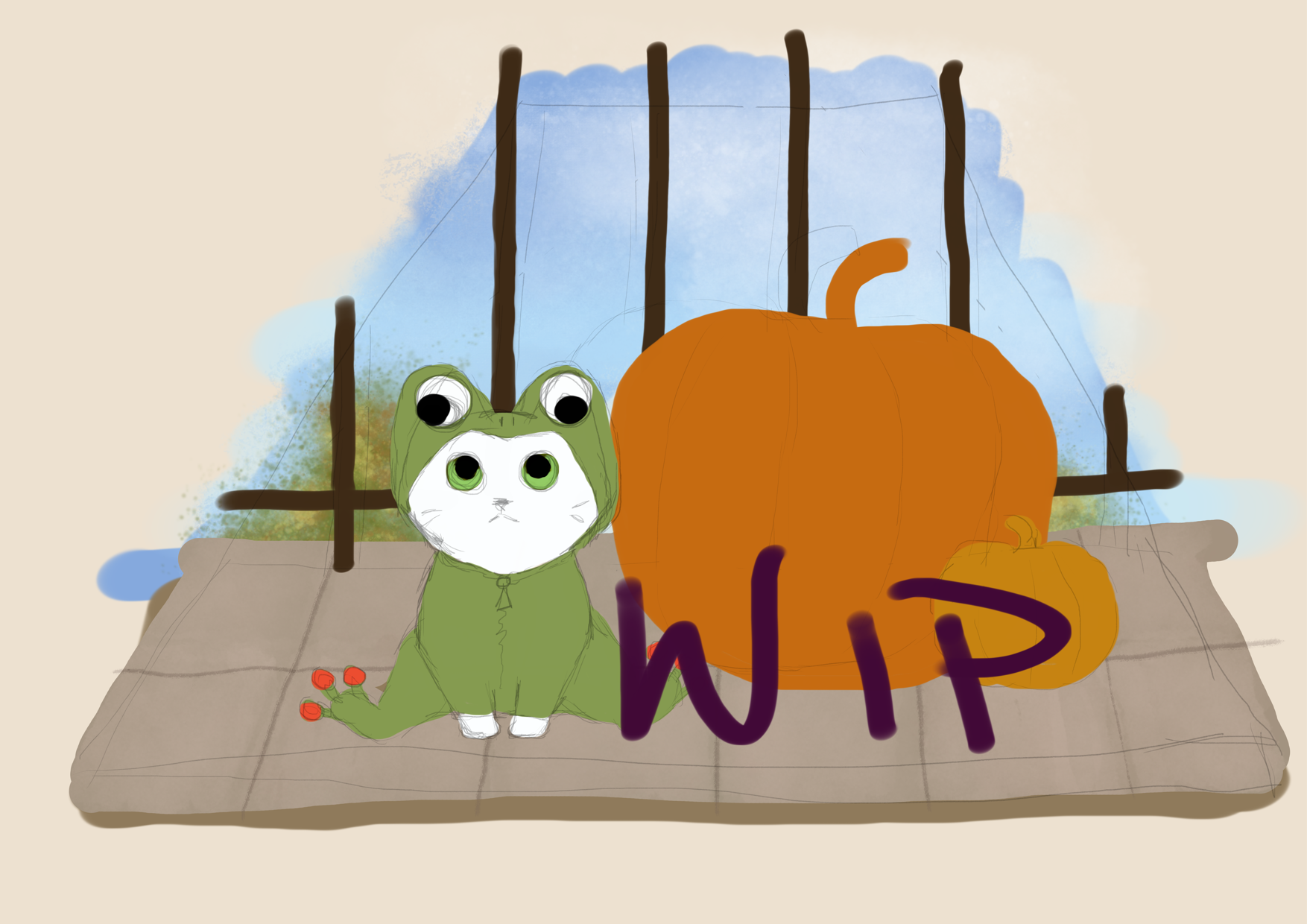
When I tried to think of some ideas for this months theme, my mind kept returning to tacky costumes for animals I have seen on Aliexpress 
So I decided to just go with that and draw a cute (and miserable) kitty in a silly frog costume 
11 Likes
I can tell that the poor kitty is not happy with the frog costume  looking up to the frog costume eyes.. nice dynamics
3 Likes
“But Mooooom! I’m a cat, not a frog!”

3 Likes
Yeah, exactly this!
1 Like
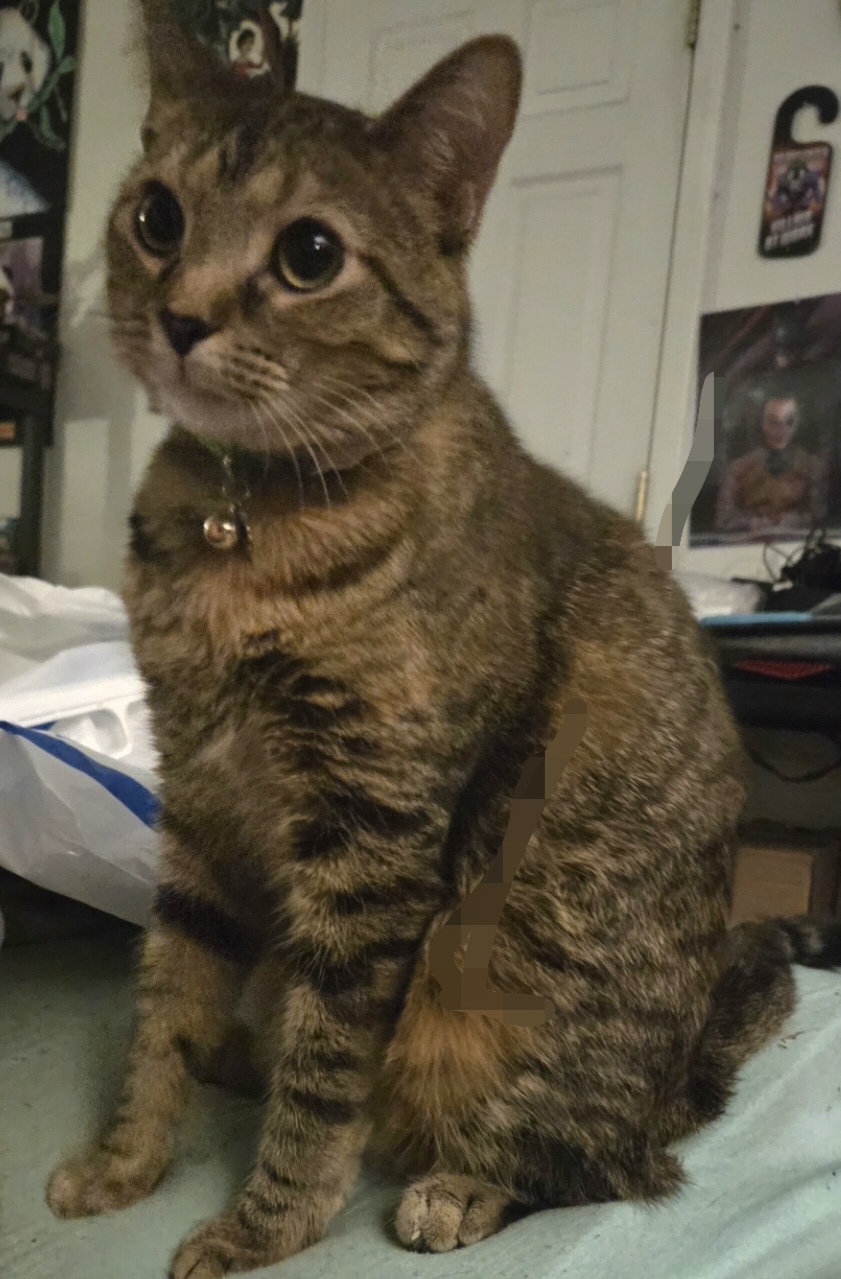
This is Clover. She will be turning 1 this month. In this house she is known as Action Kitty or more Specifically Princess Action Kitty. I am in the process of creating her costume. It should suit her well!
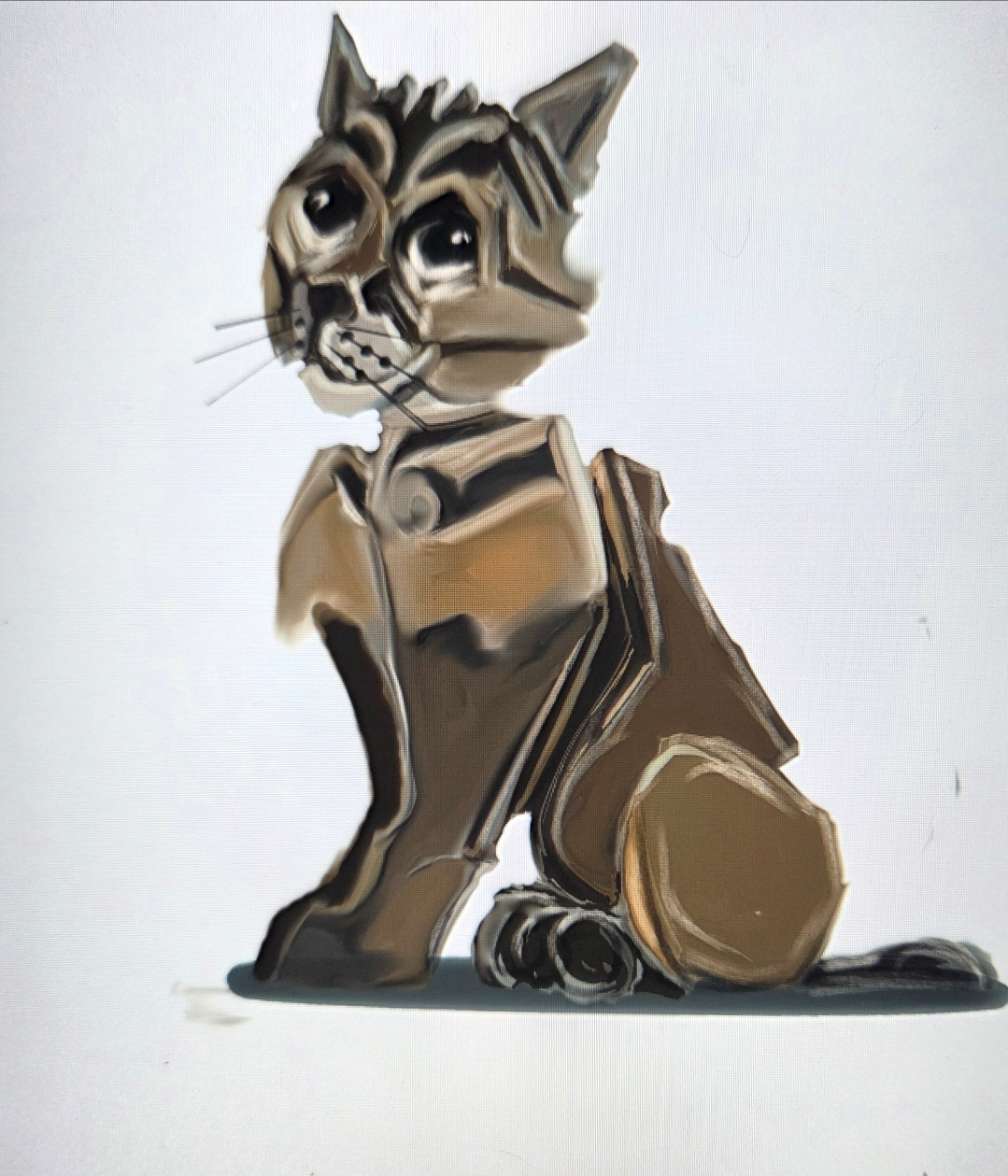
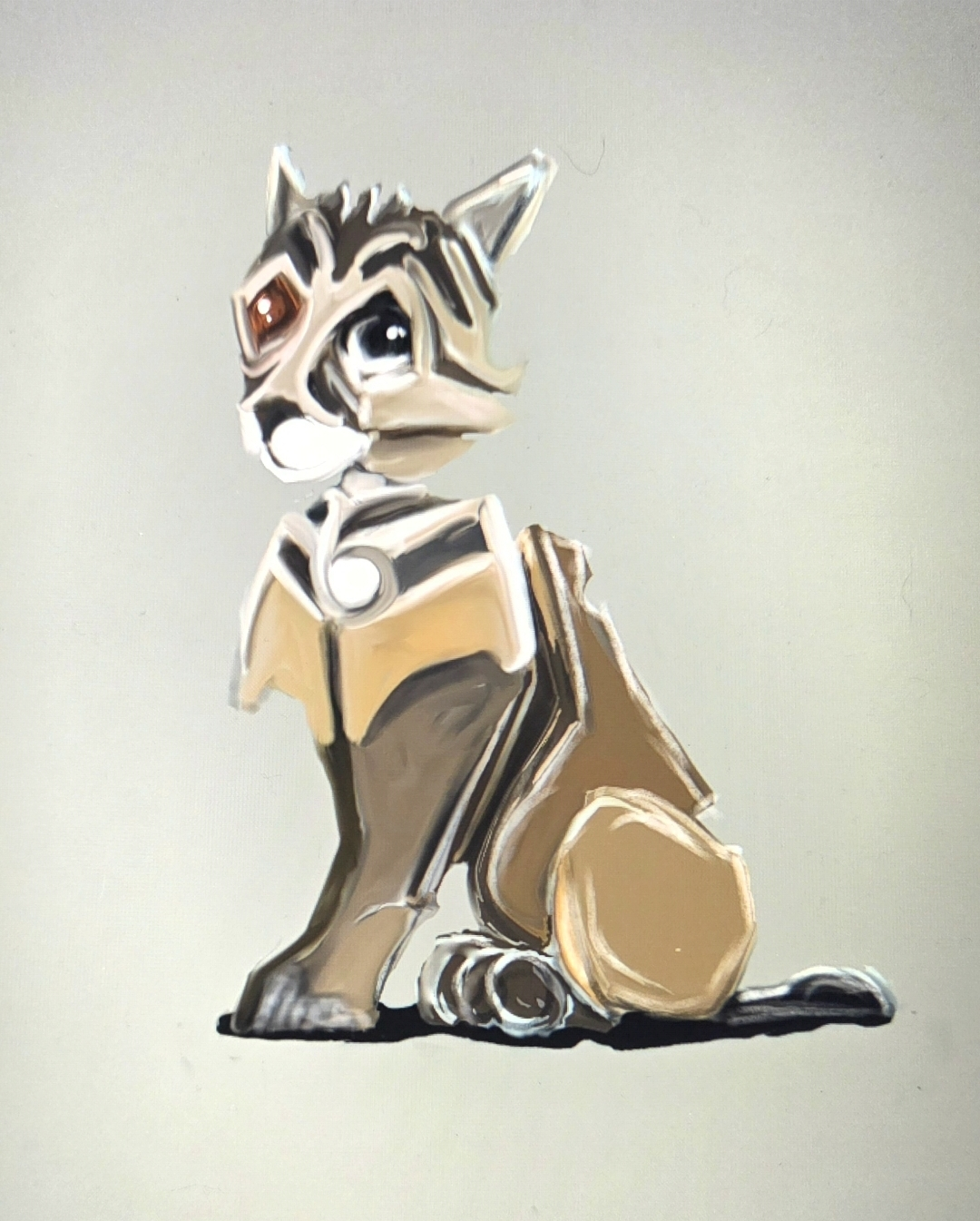
9 Likes
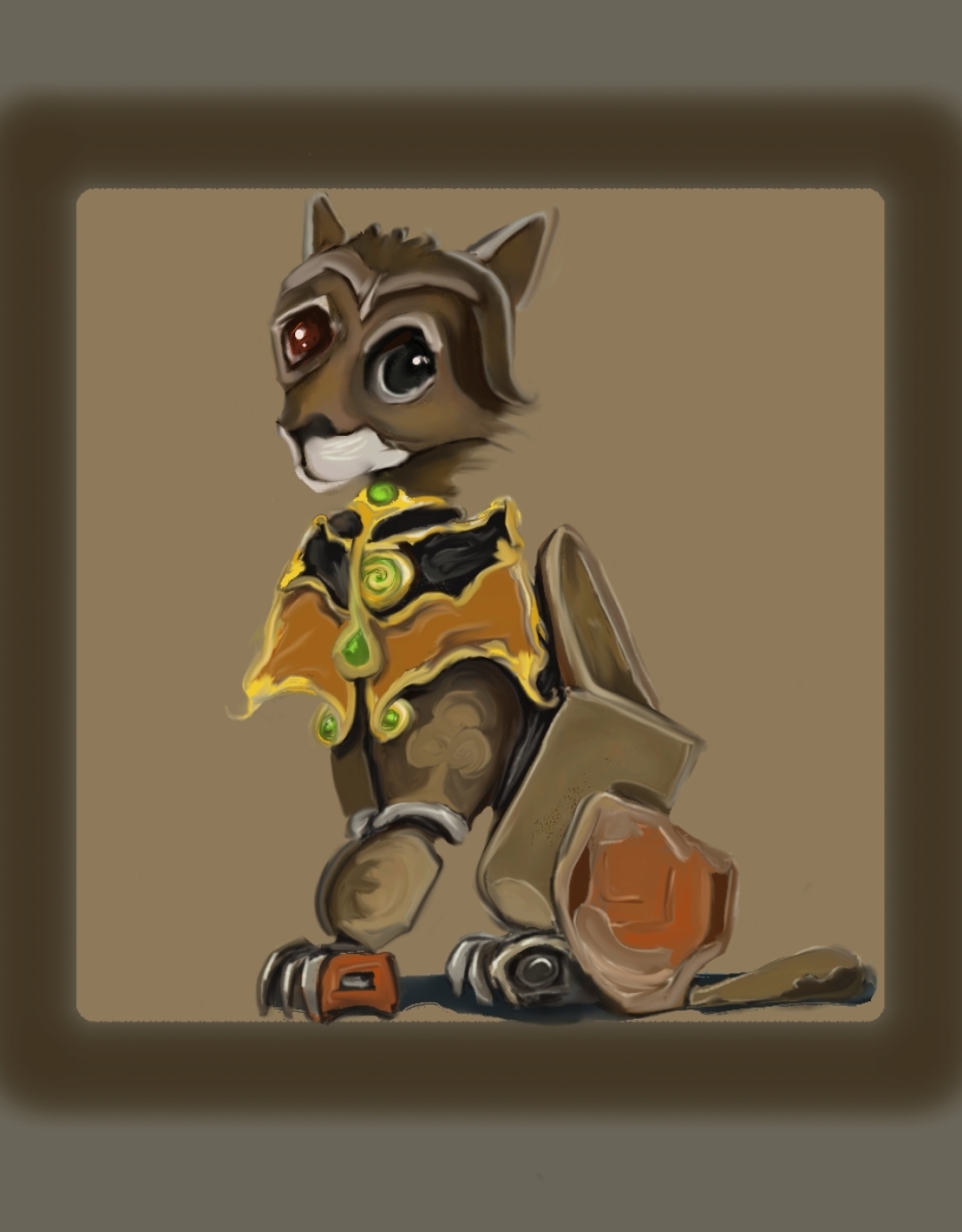
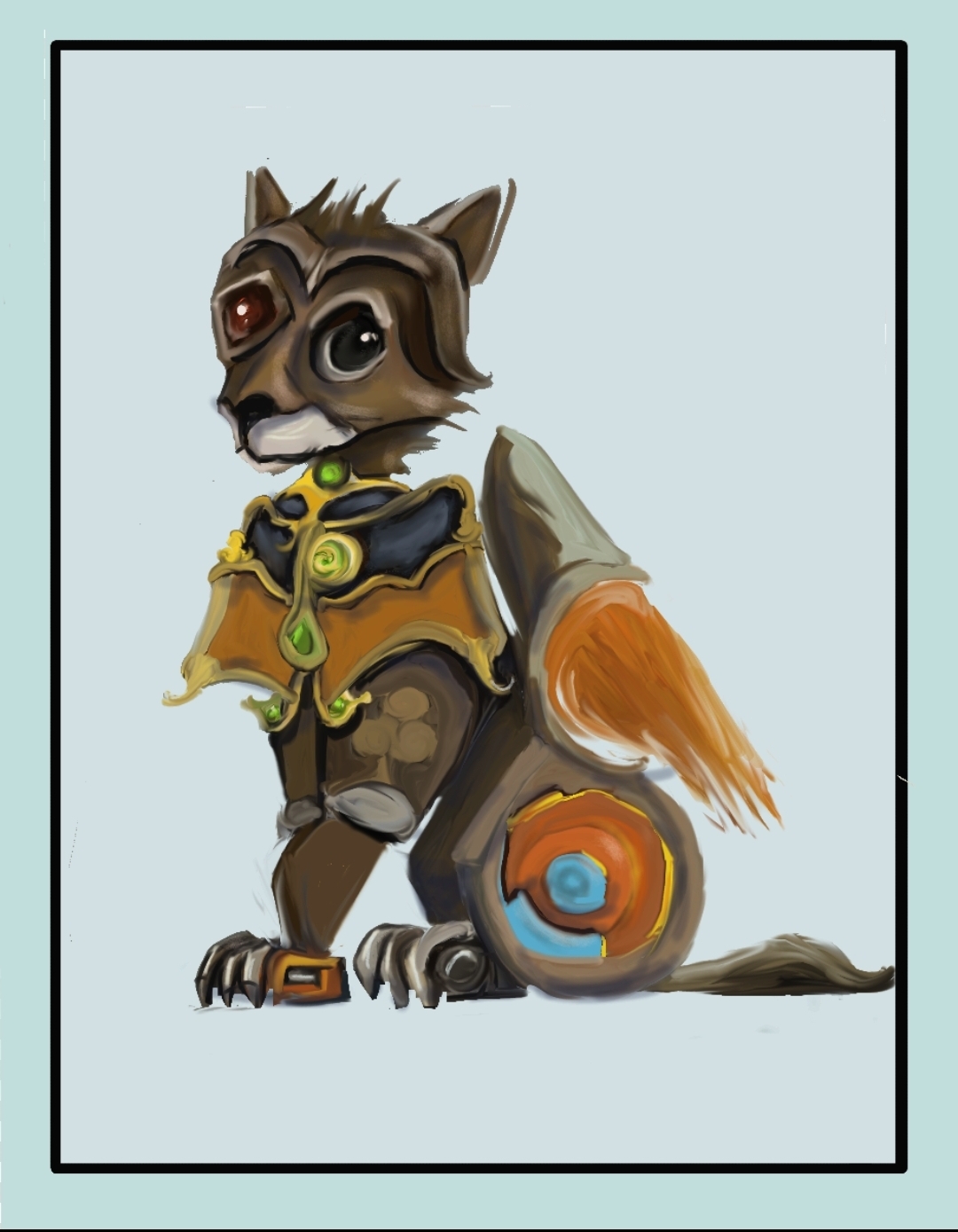
Some more designs. I’m not sure where it will wind up, but I’m enjoying the progress! I’ve had a long healing process, and Clover has been by my side the whole way. She’s definitely my little Superhero!
10 Likes
I’m playing around with some selection mask stuff for the additional challenge…
Here is the image as a .jpg export. It’s nice and bright, the orange bulbs really pop, and the ghost feels self-lit:

I added a transparent background and did an oval selection. Then I inverted the selection and deleted everything outside the oval. Then exported as a PNG (for transparency), but… huh?
Exporting as a PNG seems to drop the brightness down… it feels like a fog has decended over the entire image. I’m not sure why that’s happening.
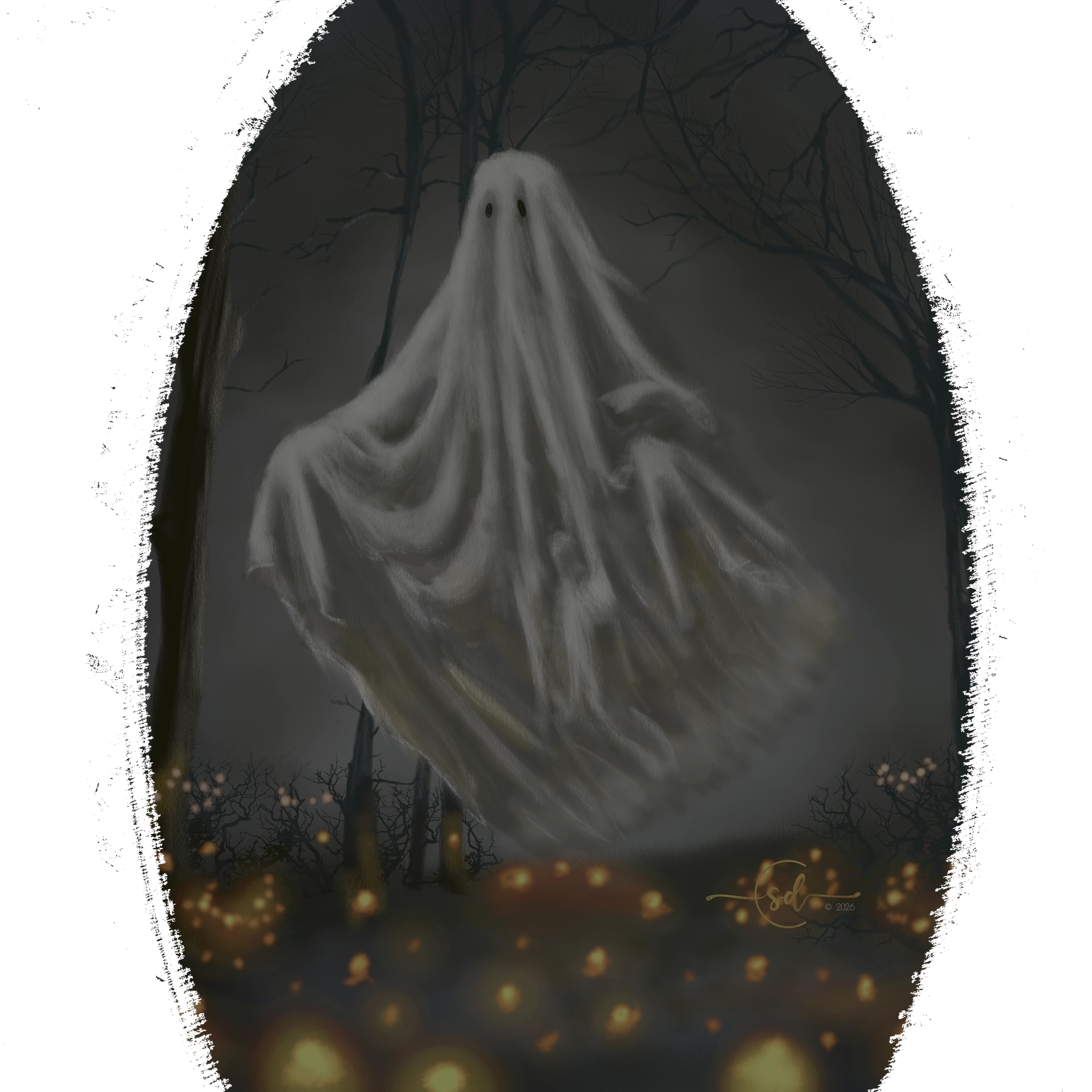
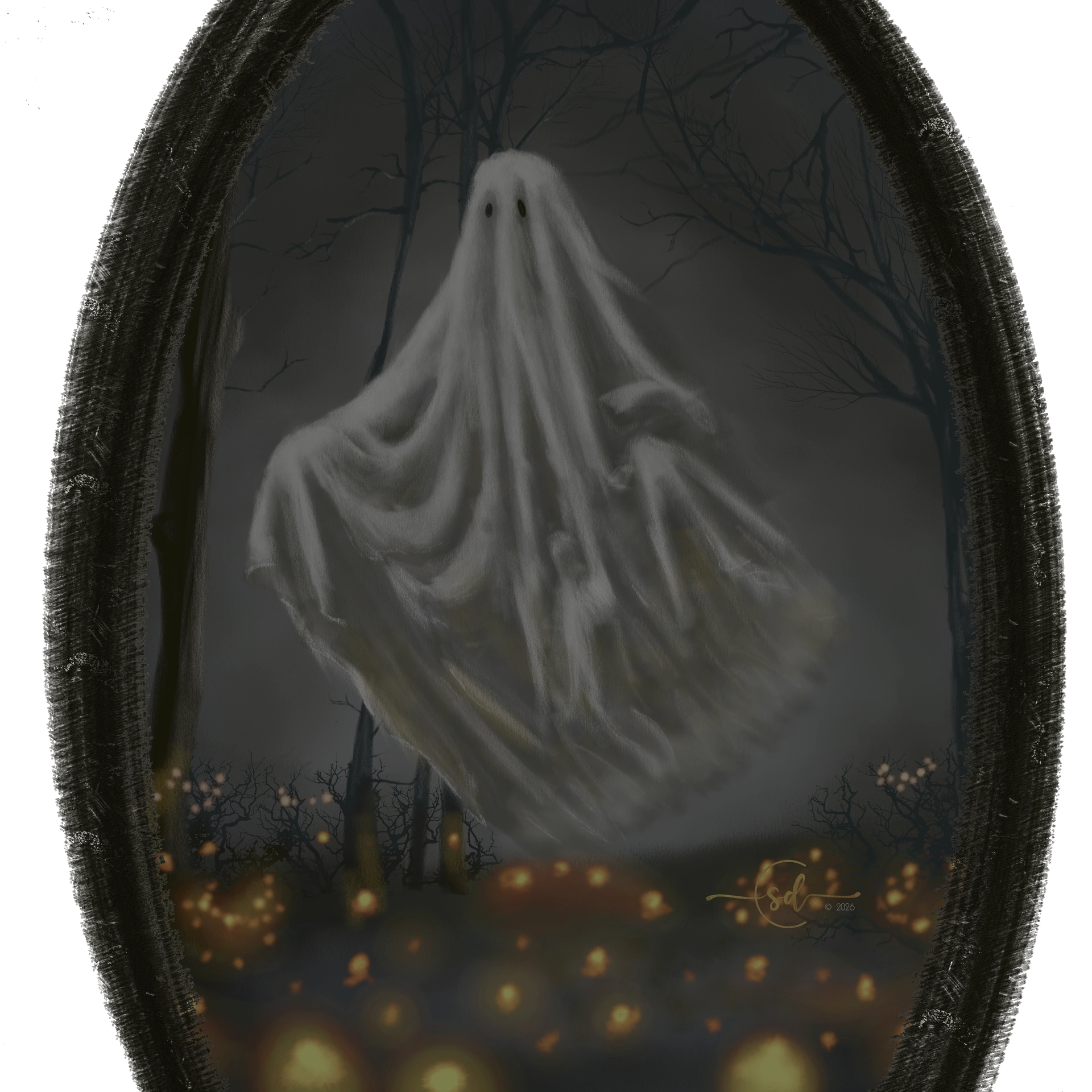
Here I added a brush stroke oval and solid filled a dark blackish color inside the oval. This was the layer right above the transparent background… it didn’t seem to help the PNG export’s brightness.
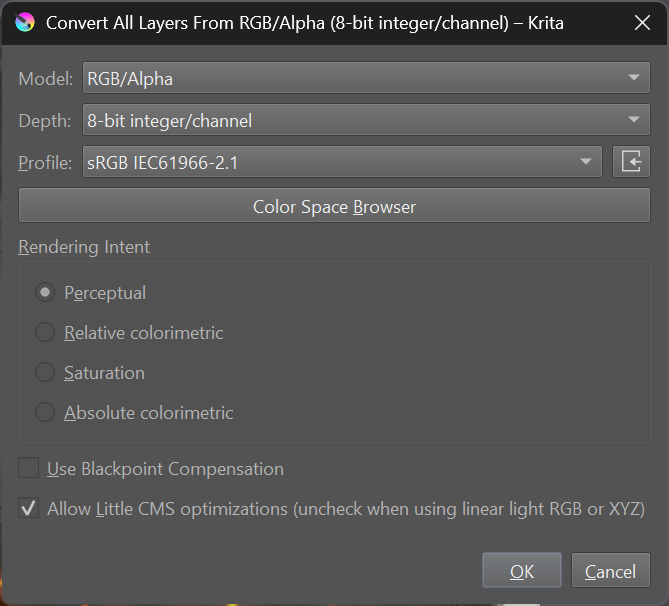
Could it be that PNG doesn’t support the colorspace I’m using?
Thoughts?
5 Likes
I had a similar problem.
commonsource’s comment might help you:
I think you just need a solid white background that’s in the shape of the of your piece beneath everything? The quickest pain free way to add this without spending 10 minutes precisely selecting everything out is to use the contiguous selection tool, tap the negative space, invert the selection (ctrl+shift+i), then fill. Make sure when you save as .png there’s no checkers showing where you don’t want them. If that doesn’t fix it/not the issue lmk.
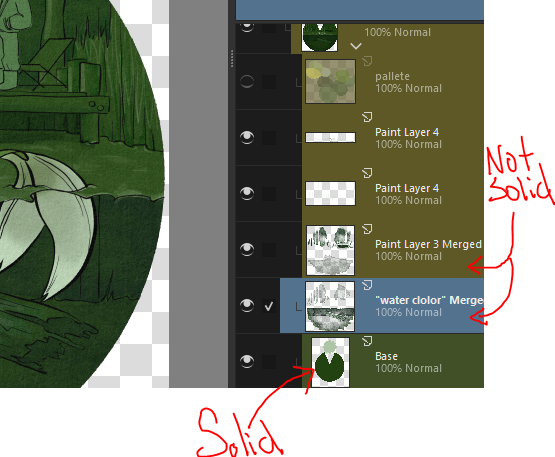
p.s. the detail on that keyhole is amazing! :0 and I kinda like the unintended transparency, makes it look phantom/ghost like.
2 Likes
Thanks @CatMonk ! I had fun painting this one.
So I think I followed what you and @commonsource were saying. I replaced my black background with a white background behind the oval and exported it as a PNG, but it’s still murky.
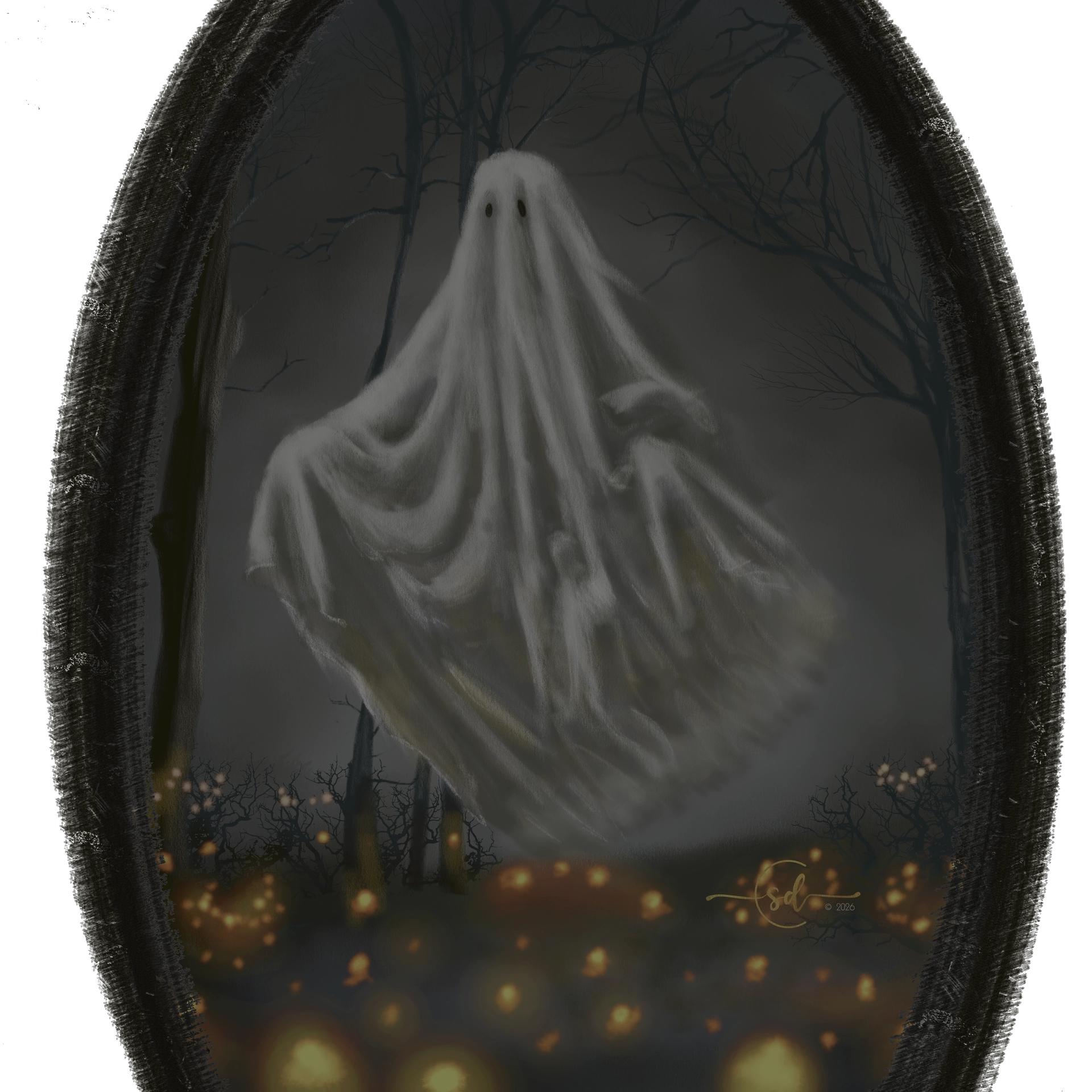
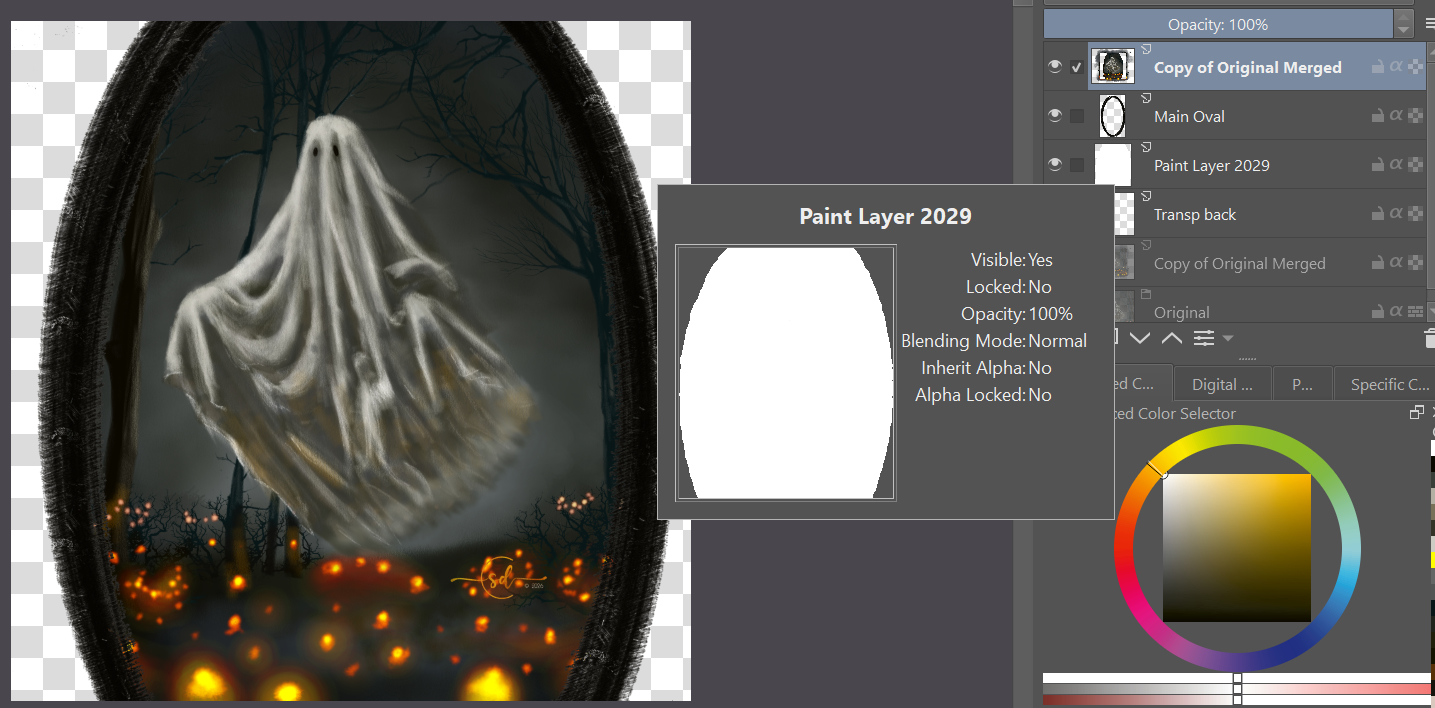
I tried again with a feathered black oval background, trying to make the oval look like it fades as it gets further from the center. In both cases, I don’t think any of the transparant check boxes show through… right?
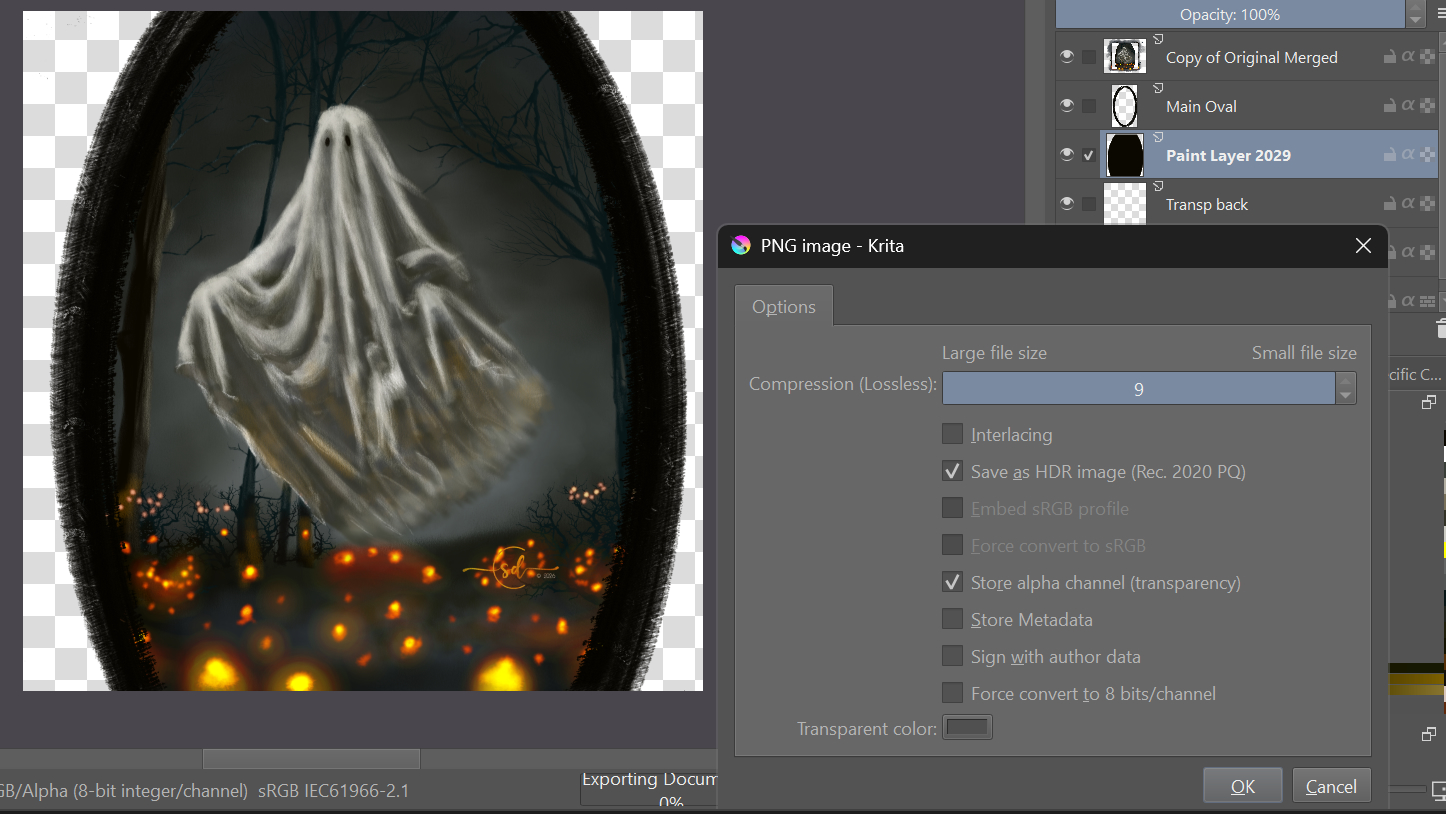
but…
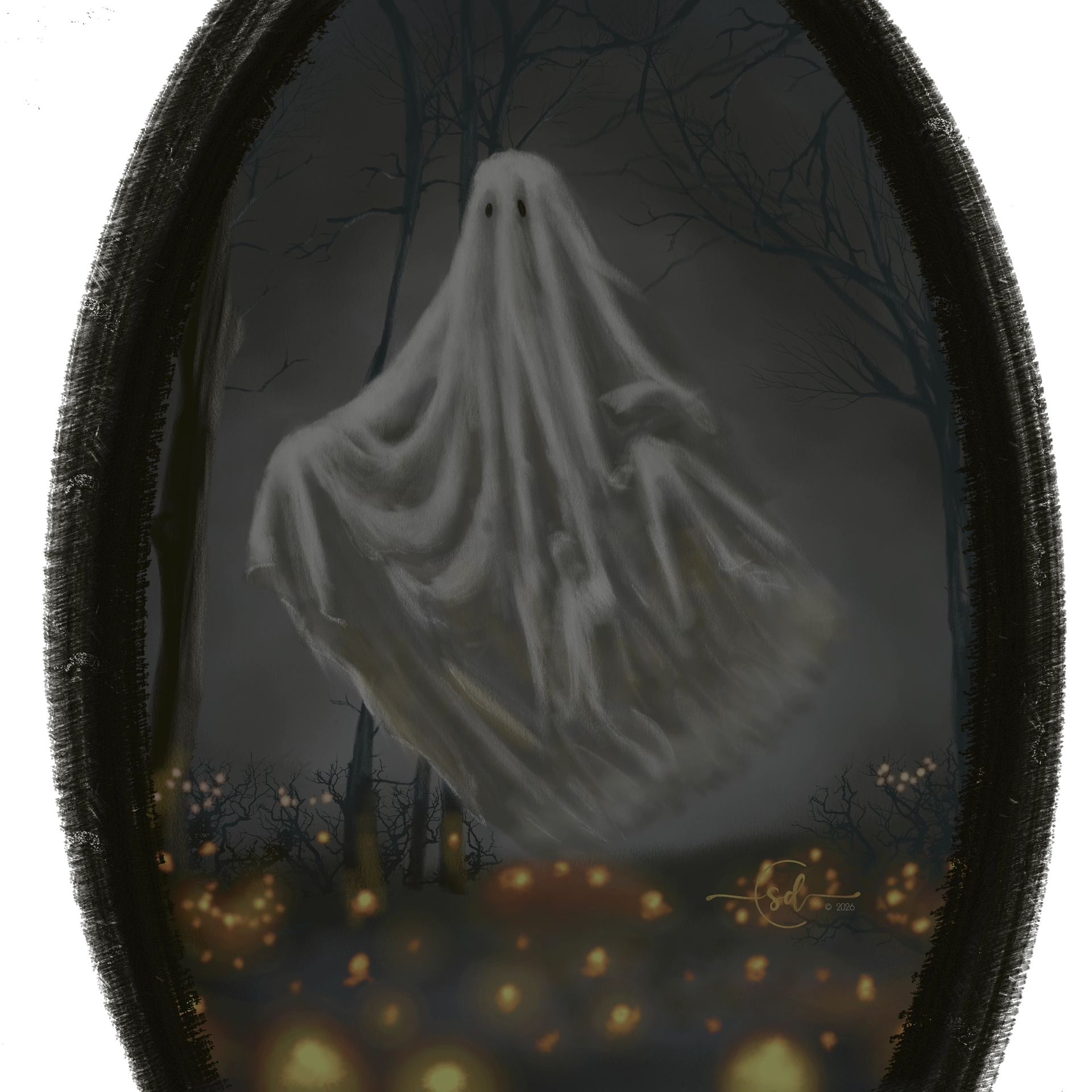
I’m still stuck as to why this looks faded as a PNG but OK as a JPG or screenshot even. If it’s not a color space mismatch, are my export settings for PNG the culprit?

3 Likes
Sadly, I think this is the first time I might miss a monthly challenge. I’m on a camping trip for another week or so. I have my pc tablet, so may try to do something with the mouse! We’ll see. Looking forward to seeing all the creative entries. 
10 Likes