Have fun on your trip 
1 Like
Well, if I come up with an idea, I will write here
2 Likes
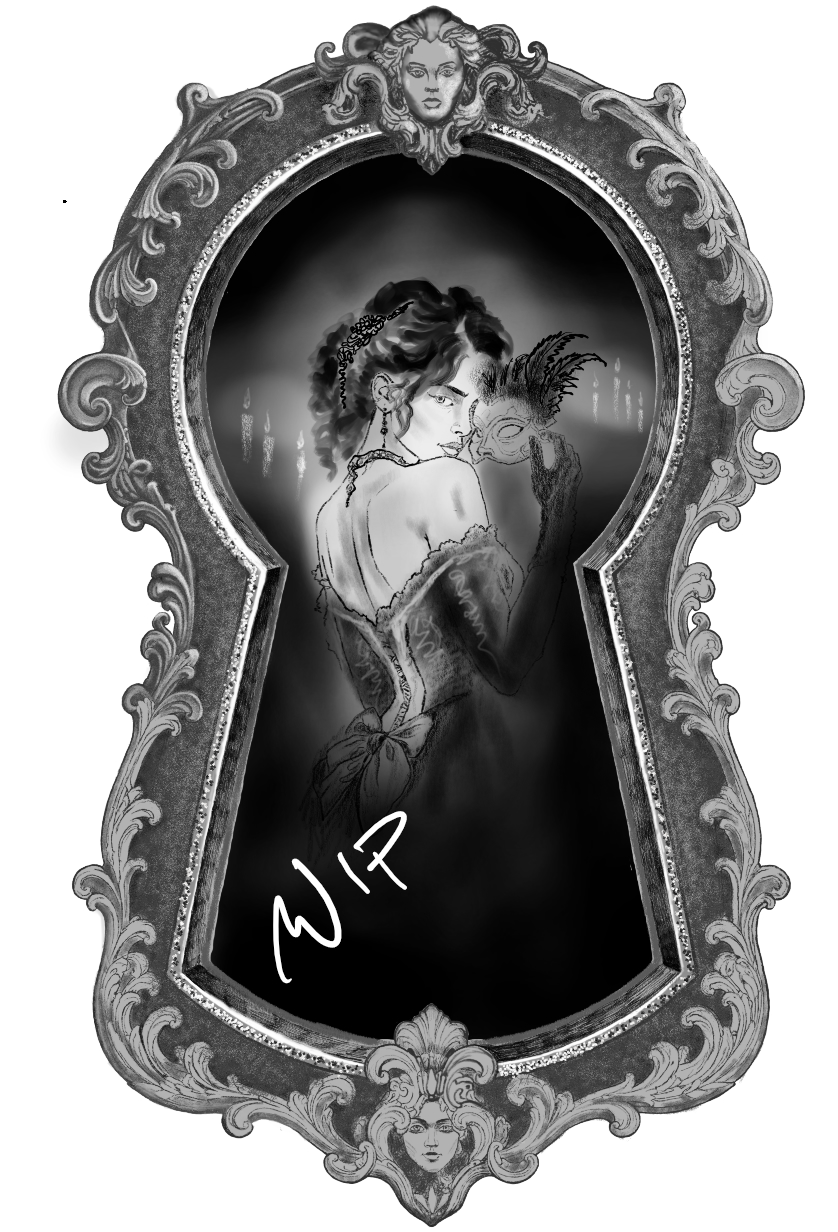
Still working on the details of the keylock, if I continue with that tempo there is no chance for me to be ready by the end of the month 
5 Likes
Hey @steve.improvthis I’m not sure if this helps but I’m thinking you shouldn’t need a white background under your ink layers if you already have the oval shape there. It should be all transparent. Try saving to a new file in case this doesn’t work for you, and then use compression of three, uncheck the save as HDR, select Force convert to sRGB, 
@catMonk It looks amazing even as is.
1 Like
When you export it as a PNG file, make sure you do not have HDR checked. That will create a murky result.
3 Likes
 I started working on my drawing today, here’s the first draft…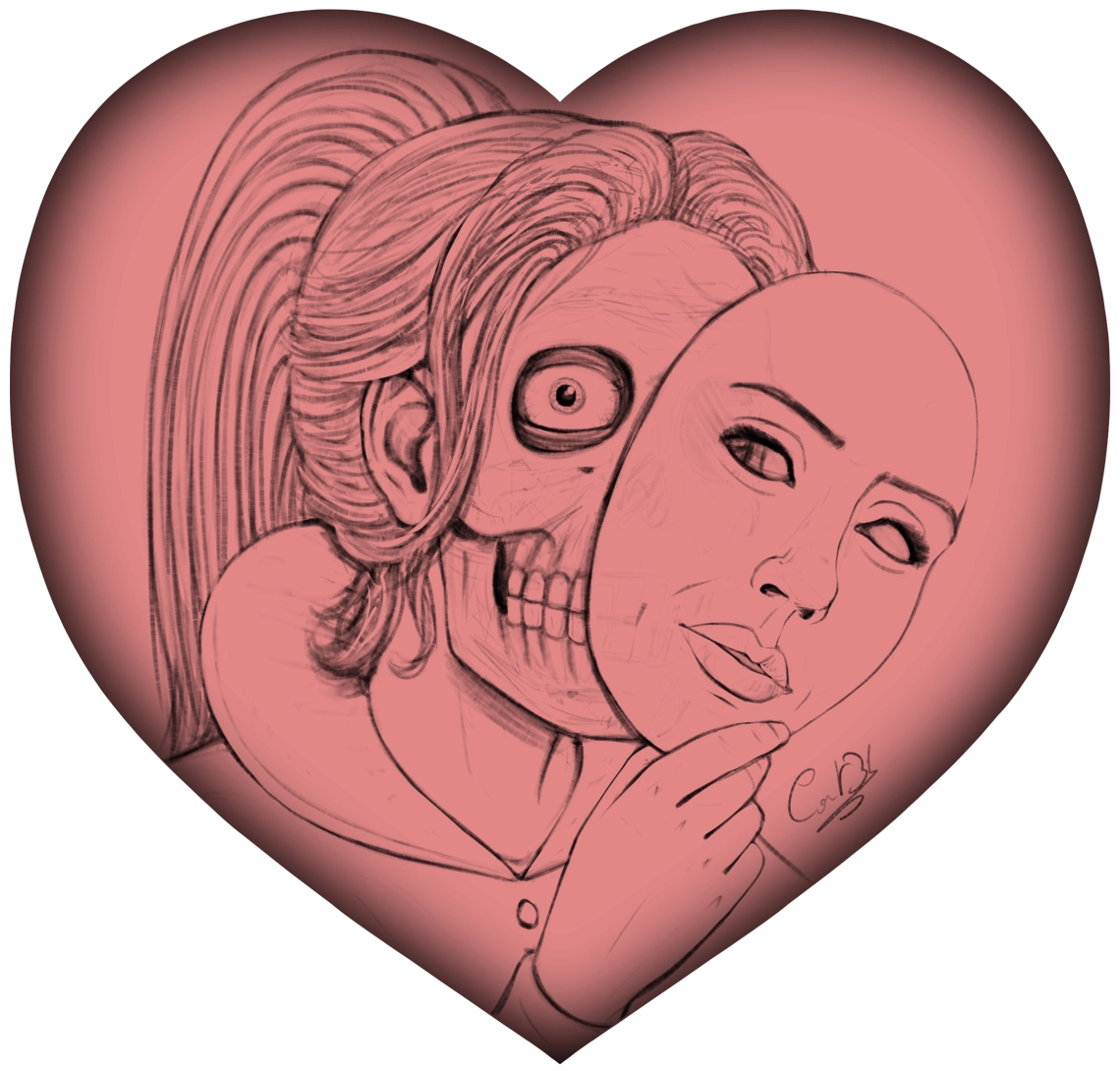
Oh my your work looks amazing! I second sooz HDR tip. I haven’t run into any issues with color yet with krita so I would not know any other reasons it could be happening unfortunately. It doesn’t have to have transparent pixels at all if you don’t want it to. Good luck!
2 Likes
Oh I love the heart shape! Makes you wonder why/what she’s hiding.
Great job. It already looks so polished too, I’m excited to see where you take it.
2 Likes

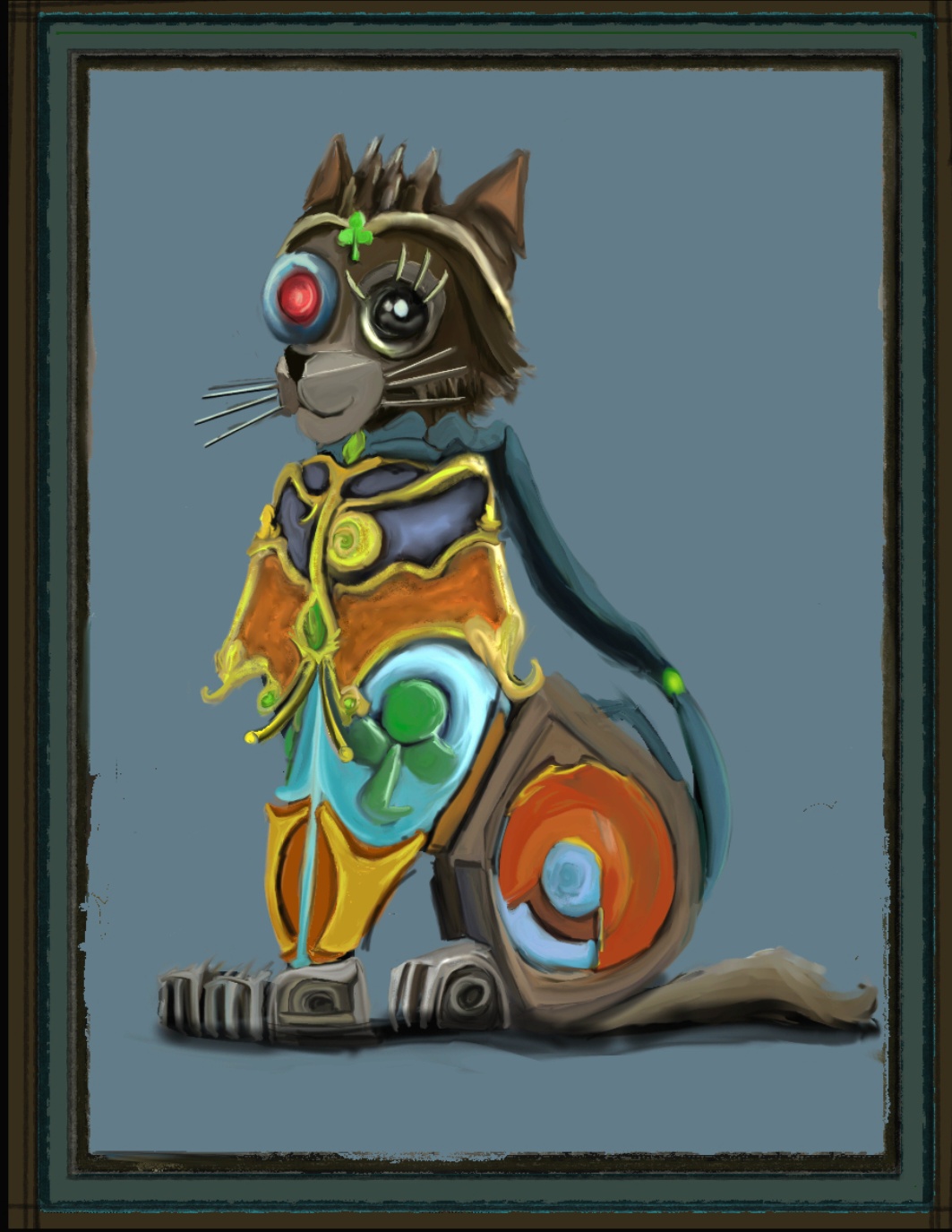
Thank you! 
On the heart I activated Layer Style > Inner Glow (black) to give it a bit of a border, but it looks different than what I was trying to do, I was aiming for something less blurry, so I don’t know if I’ll keep it in the final version. I don’t even know which colors I’ll go for at this point! 
Turned off the HDR on PNG and… What do ya know! BINGO!
Thank you!
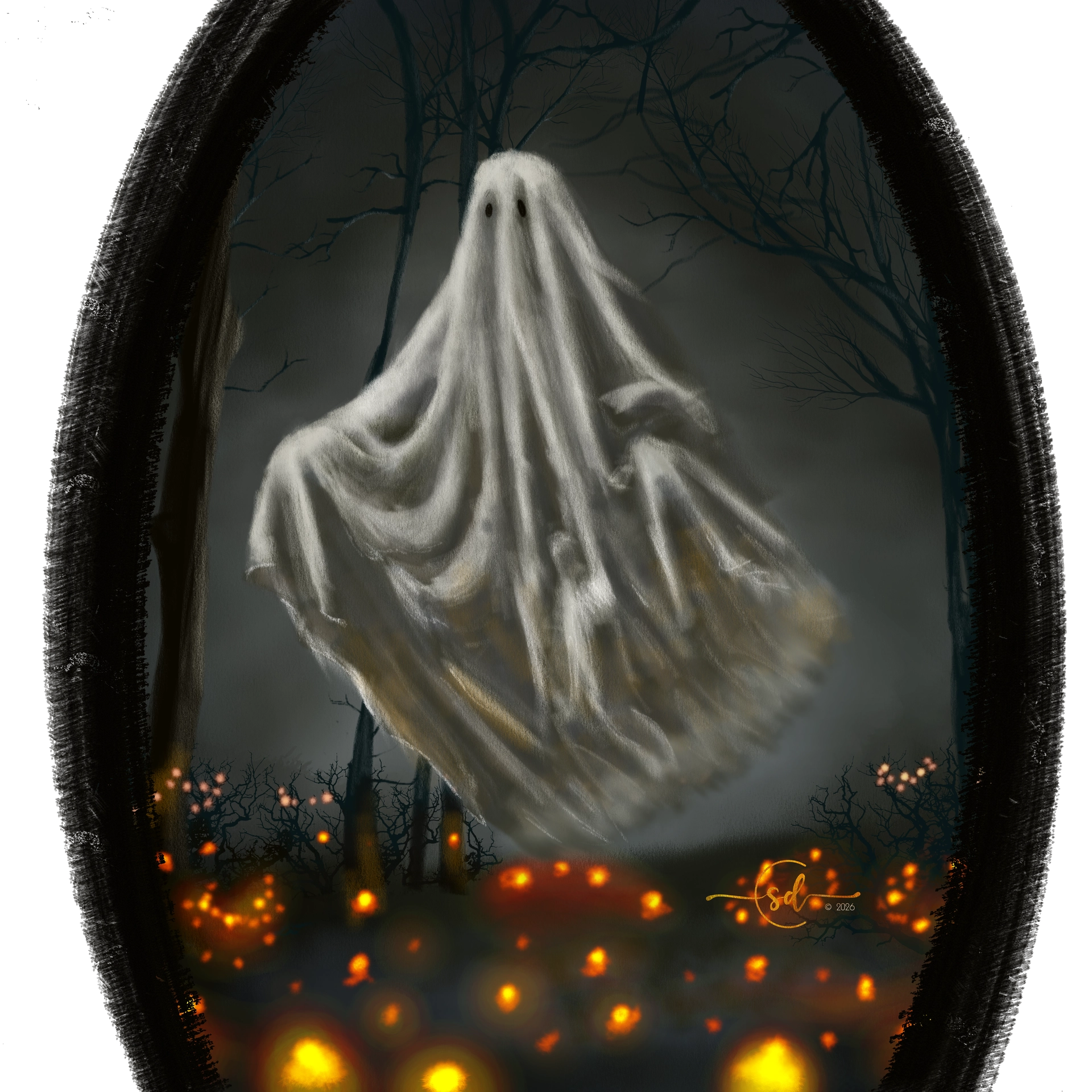
Now if I have some time I might add in some headstones… We’ll see…
9 Likes
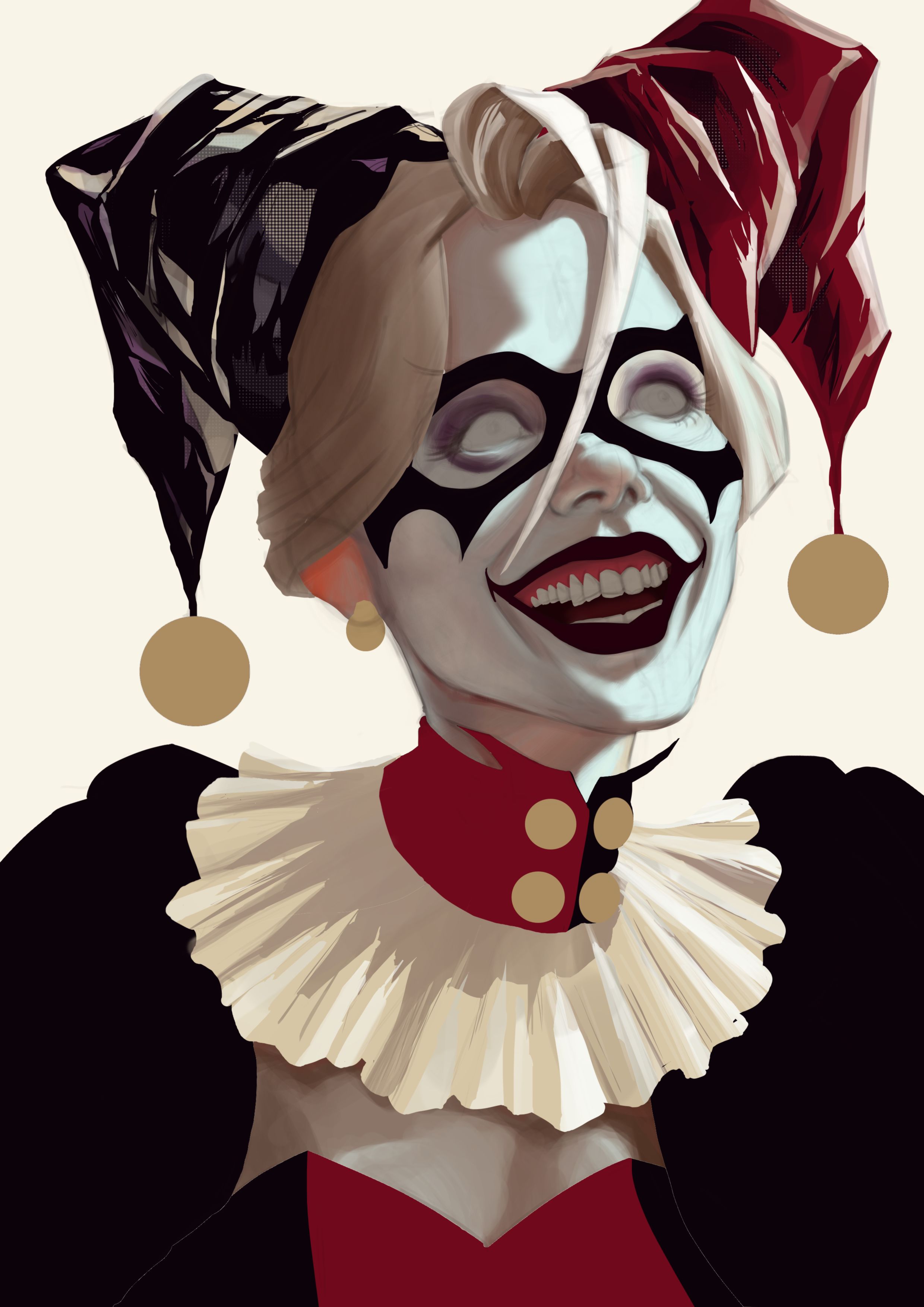
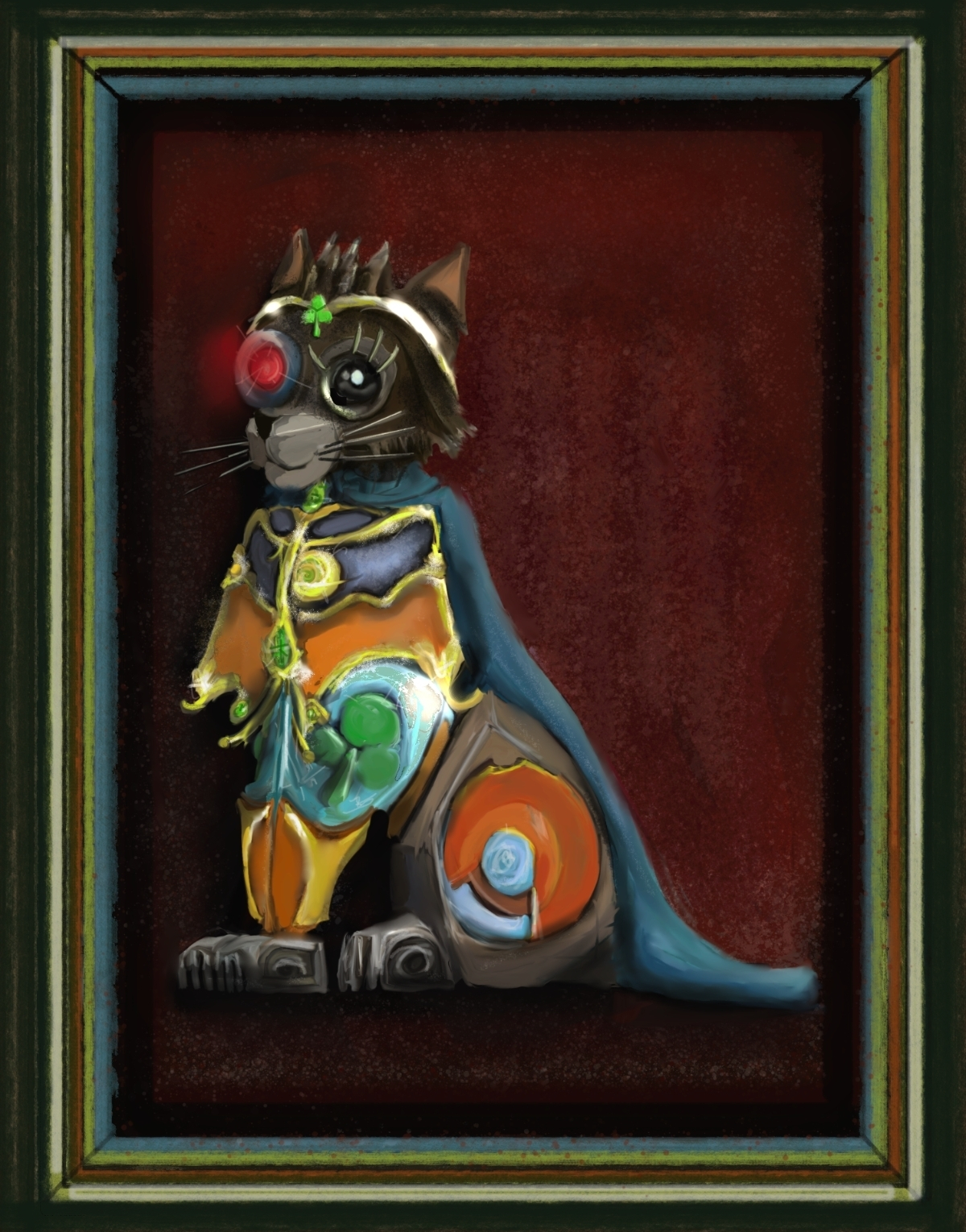

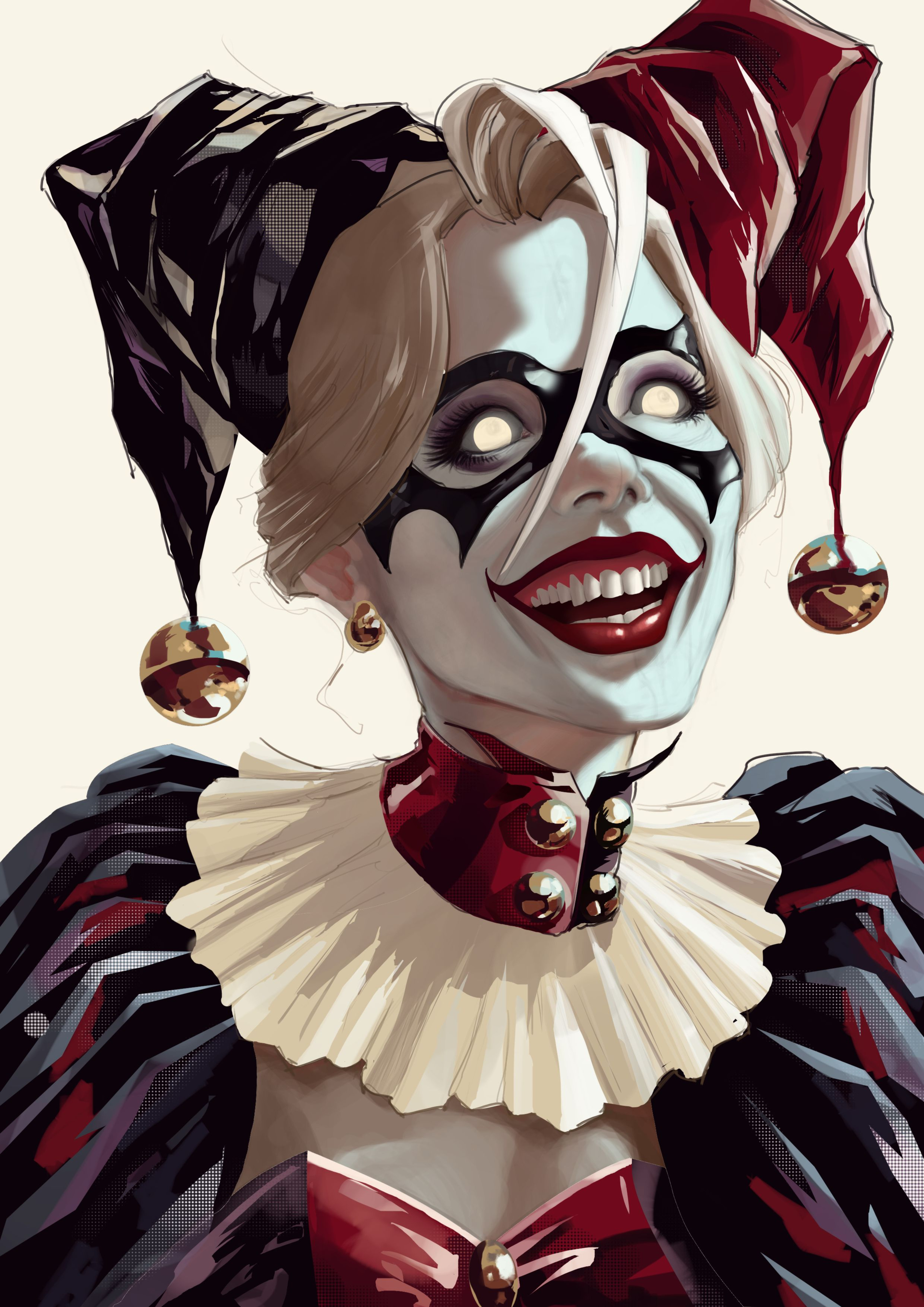
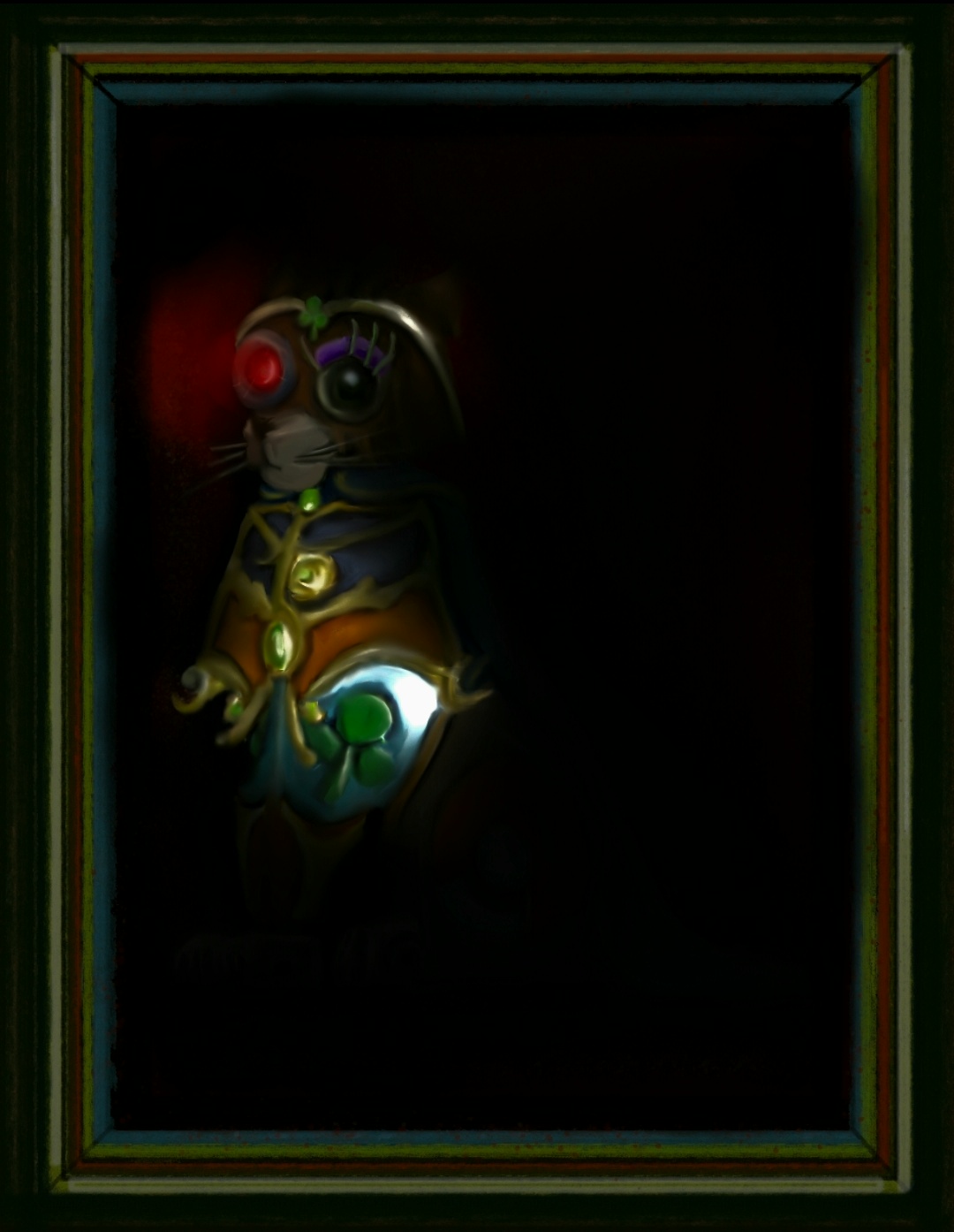
That’s a bit too dark! 
1 Like
Yeah I’m just messing around. I thought it looked interesting.
1 Like
I agree, a bit too dark. Why do not try to focus the light only on the head, now somehow the light leads the eye to the chest.
1 Like
Is it too late if I want to work on an already submitted project? I’m thinking about tweaking one of my submissions.