Hello! Realtime VFX artist here. I have received this question many times at this point and I’m starting to think it’s perhaps an issue with krita.
When animating solid (filled) shapes, the onion skinning draws below the solid shape, which makes carving shapes in an animation very challenging, specifically for inbetweens.
EDIT: Adding more details here.
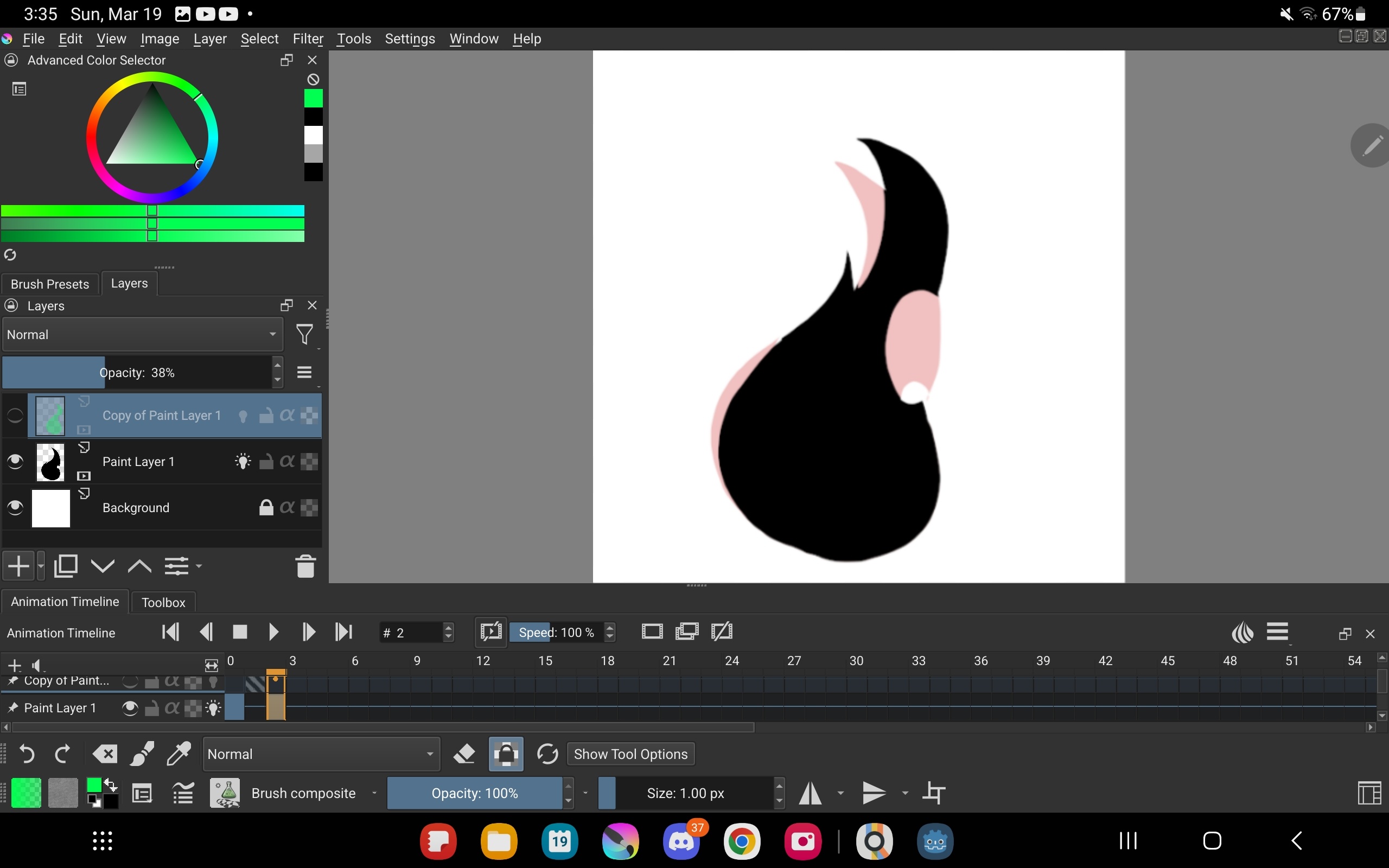
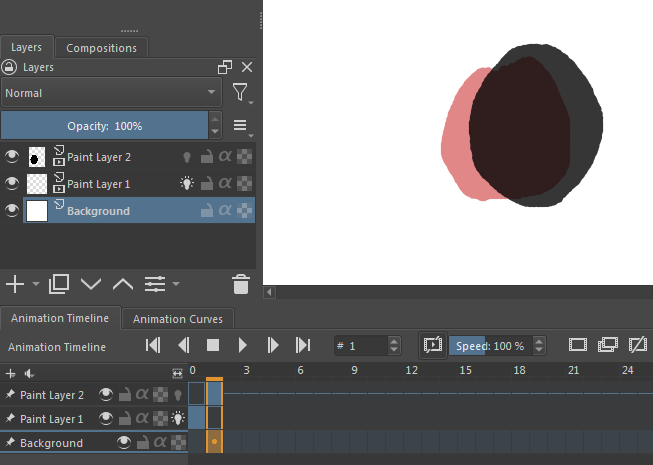
I have a two frames animation, first frame:
When activating onion skinning, the skins draw behind the solid shape. This makes it very hard to do any animation by “carving” shapes, specifically drawing the inbetweens.
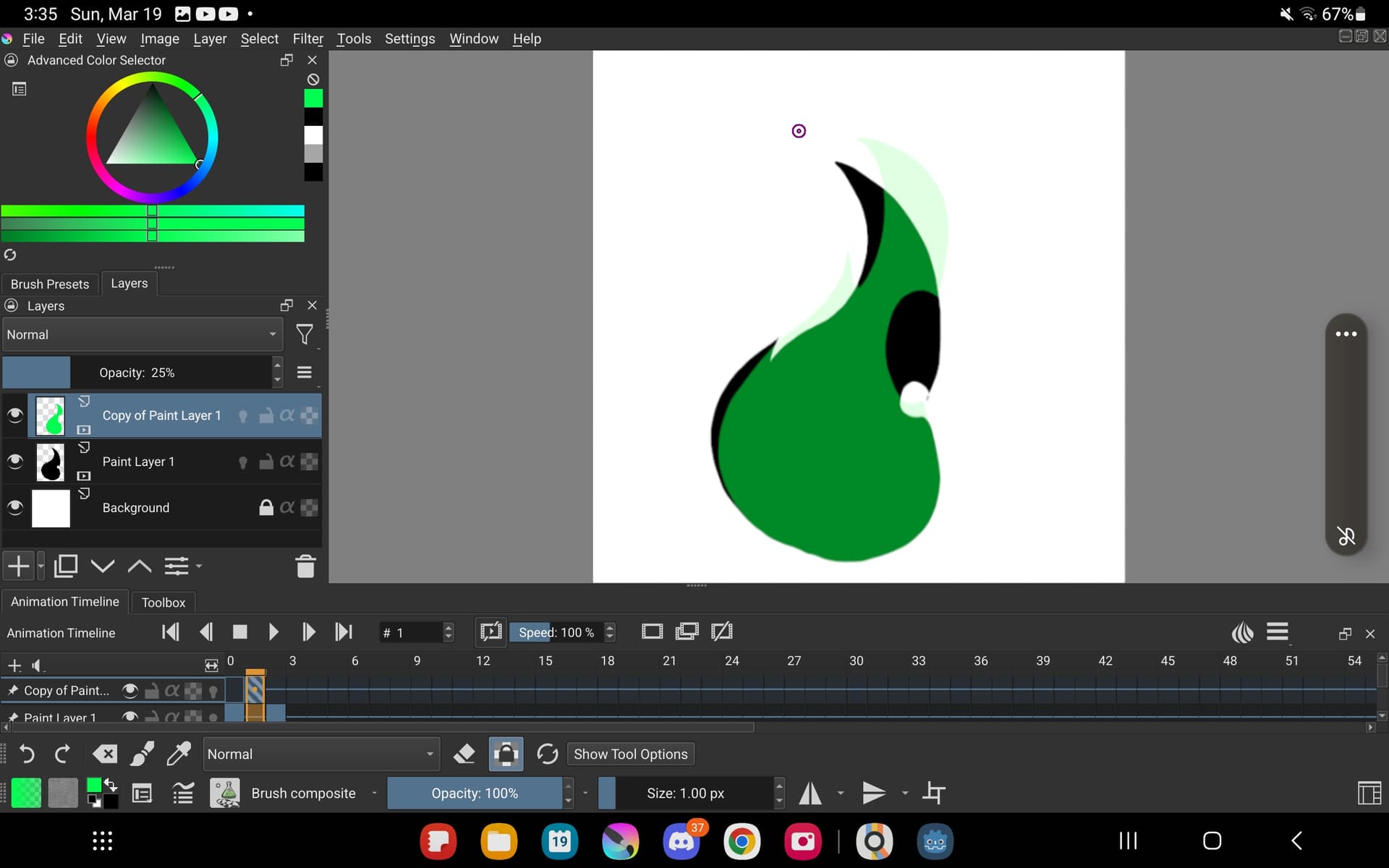
What I think would help me more achieve my animation would be to have the onion skinning draw on top. I mde a mockup:
I have workarounds for this issue, but they slow me down significantly: I animate outlines, and once i’m happy with them i create a new layer and use the fill tool on each frame. However, this makes iterating on the animation a significant hassle because i have to change both the outline and the “fill” layers.
For comparison, Adobe animate has a mode where you see only the outline of the current layer and the outline of the onion skinning, but i think it woulld be already an immense improvement to have the option to draw the onion skins on top.
Is there a way to make onion skinning draw on top of the current layer? Did I miss a setting or is this feature missing? Thanks in advance ^^
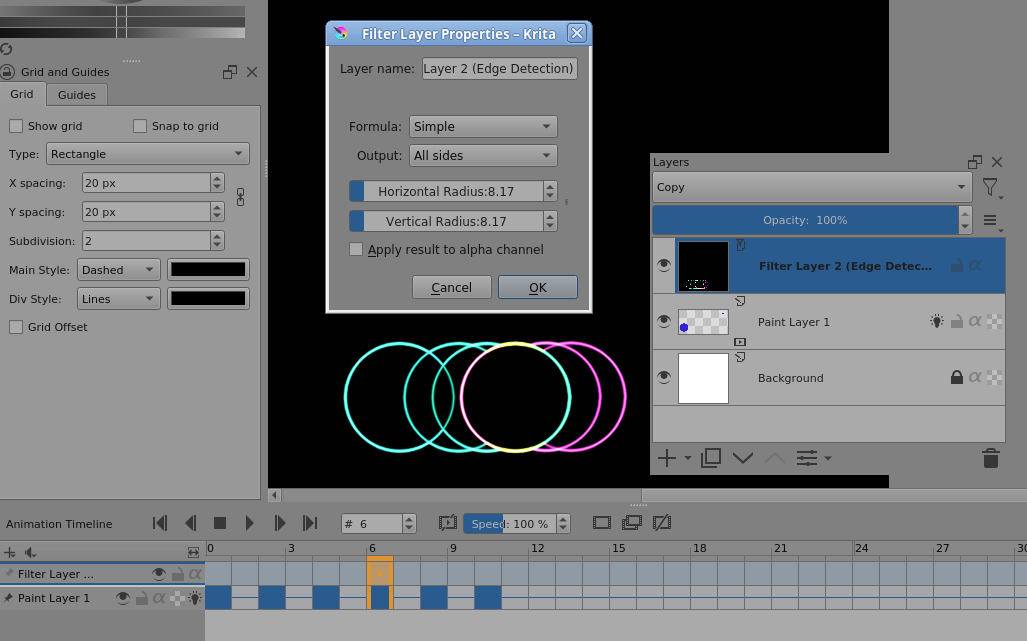
Thanks a lot @AhabGreybeard ! I tried to test your solution in my tablet but it appears that the edge detection layer is not working at all, so I can’t test. However, in your picture, it seems that the parts that overlap with the current layer are not drawn.
If this is to be a new feature/bugfix for krita, where should I report it?
That’s because there are no visible edges there, because the painted frame content is above the onion skins, as you’ve previously noted.
That sounds wrong/strange and is a separate subject from this Feature Request to modify the presentation of onion skins.
Please create a new topic in the Artists Feedback and testing category to discuss and show this before raising a formal bug report.
Also give full details of your krita version and tablet type when you do that.
Also upload full screen screenshots showing the Layers docker and Timeline, with a simple illustrative animation.
The feedback about the problem with an edge detection filter layer would be greatly helped by a screenshot showing the situation in a new topic.
For this Feature Request, it sounds understandable and straightforward but if you can provide illustrative diagrams showing what you would like to see, that would be useful here.
Note: I’ve just tried the Edge Detection Filter Layer arrangement on my Chromebook and it works fine. I’d be interested to see your problem report topic when you’re ready to create it.
Problems reported in this forum are not formal bug reports, they are a chance to present problems for discussion in case they are not really bugs.
So, where would I go from here? Is there a specific place to open a feature request once we’ve assessed that it’s missing in Krita? Is there a place where “assessed” feature requests go, or this forum post is enough?
Scroll down to the category “Develop” and you will find the dedicated category for feature requests, with the name “Feature Requests”…
And please read and obey the standards and rules for feature requests.
One workaround I can think of is painting the new frame on a separate layer with lowered opacity and merging it when it’s finished (after increasing the opacity again). It’s not a great solution, but should work.
@Michelist Hey thanks for your answer! I think this post is already in the right category … I think this post follows the feature request guidelines? Maybe I’m missing something
I was a bit puzzled as to why you asked for the right place to post a feature request in the “Feature Requests” category, hence the somewhat pointed wording.
Well, anyway, after reviewing this topic, which is more like a discovery process to determine the need for a feature request, I am currently not sure myself whether it would make more sense to prepare and summarize the essence of this topic as the basis for a precisely and needs-based formulated request, and then move this topic to “Artists Feedback & Testing” for it. But if you do so, then this topic should be referred to in the then submitted feature request as a reference.
My uncertainty in this regard is due to the fact that the topic of animation is not “my topic”. I lack any interest in creating animations myself, even though I could spend hours watching cartoons in all styles.
@Michelist eheh okay thanks! I was wondering then if there’s any extra process, or i just patiently wait that a developer has mercy on us VFX artists that want to use krita ahah
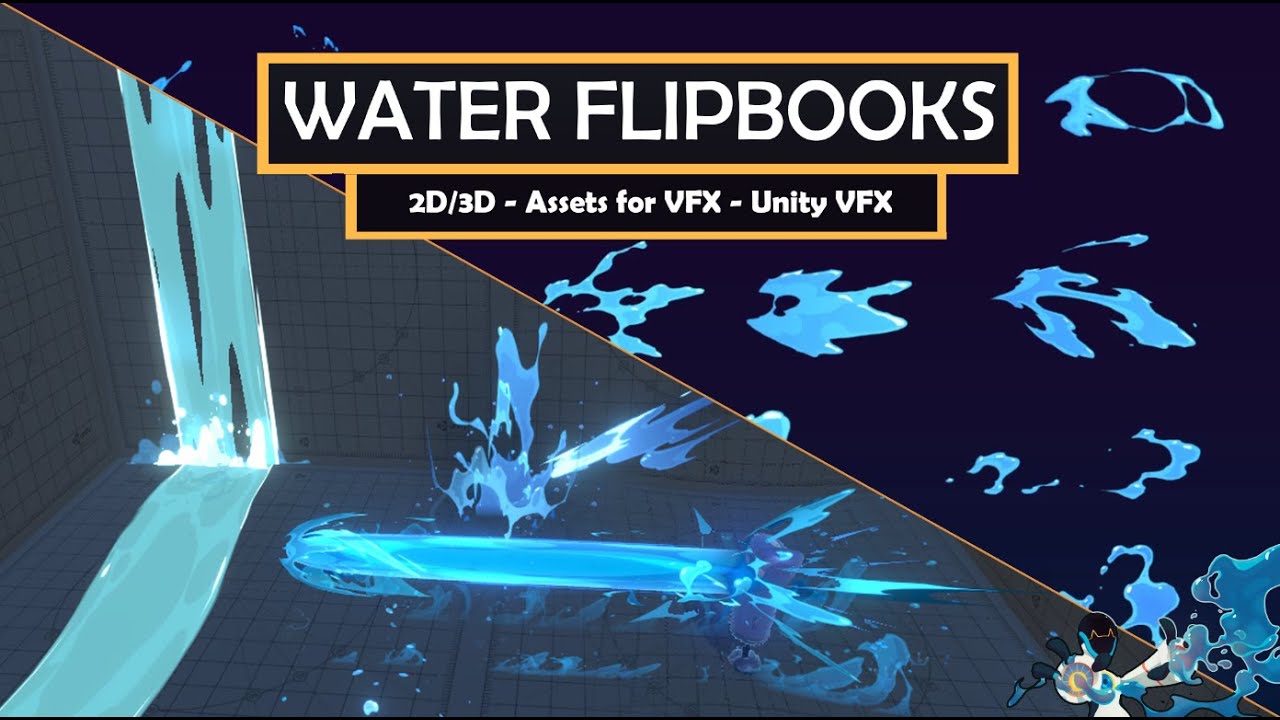
For context, that’s the kind of thing i do (not my own art, but the art of someone more skilled than me :D)
The developers do look at this forum and do notice Feature Request topics.
Please look at the list of Feature Request topics (in @Michelist’s reply above) to get an idea how how many request there are to consider and possibly think about.
Sorry, I wasn’t trying to rush anyone since I’m new here I am trying to make sure I follow the right procedure, which you have confirmed. Thanks again!
@sscheetah I’ve added your post to the existing Feature Request topic for exactly this subject.
That way, there is only one topic for the developers to look at and study and consider.
Please don’t add any more unless you have new information about this subject.