Any advice on how to make a full screen background move from left to right and loop around?
Any advice on how to make a full screen background move from left to right and loop around?
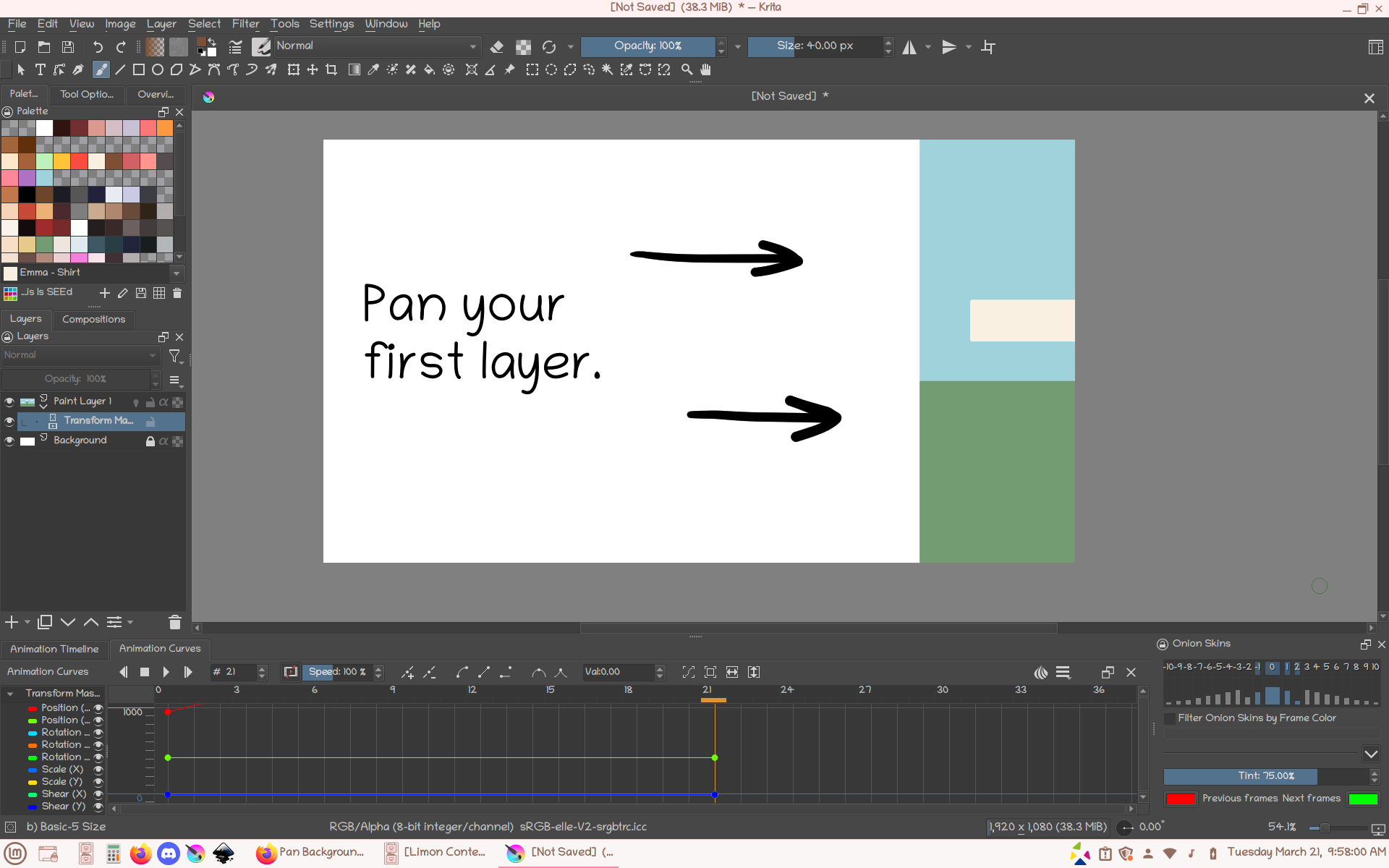
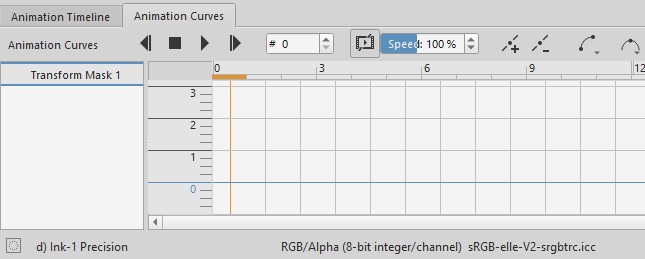
You would have to add a transform mask to the layer that has the background. Then under animation curves, make sure you are on the transform mask, and a new key frame. Go to the distance on the timeline for how long you’d want the background to pan for, then select you transform tool and move the image to the left or right. this should automatically make a key frame in the timeline. After that you can press play in the timeline and the image should start to pan in the direction you moved it.
If you would like a more in depth explanation I advice this video:
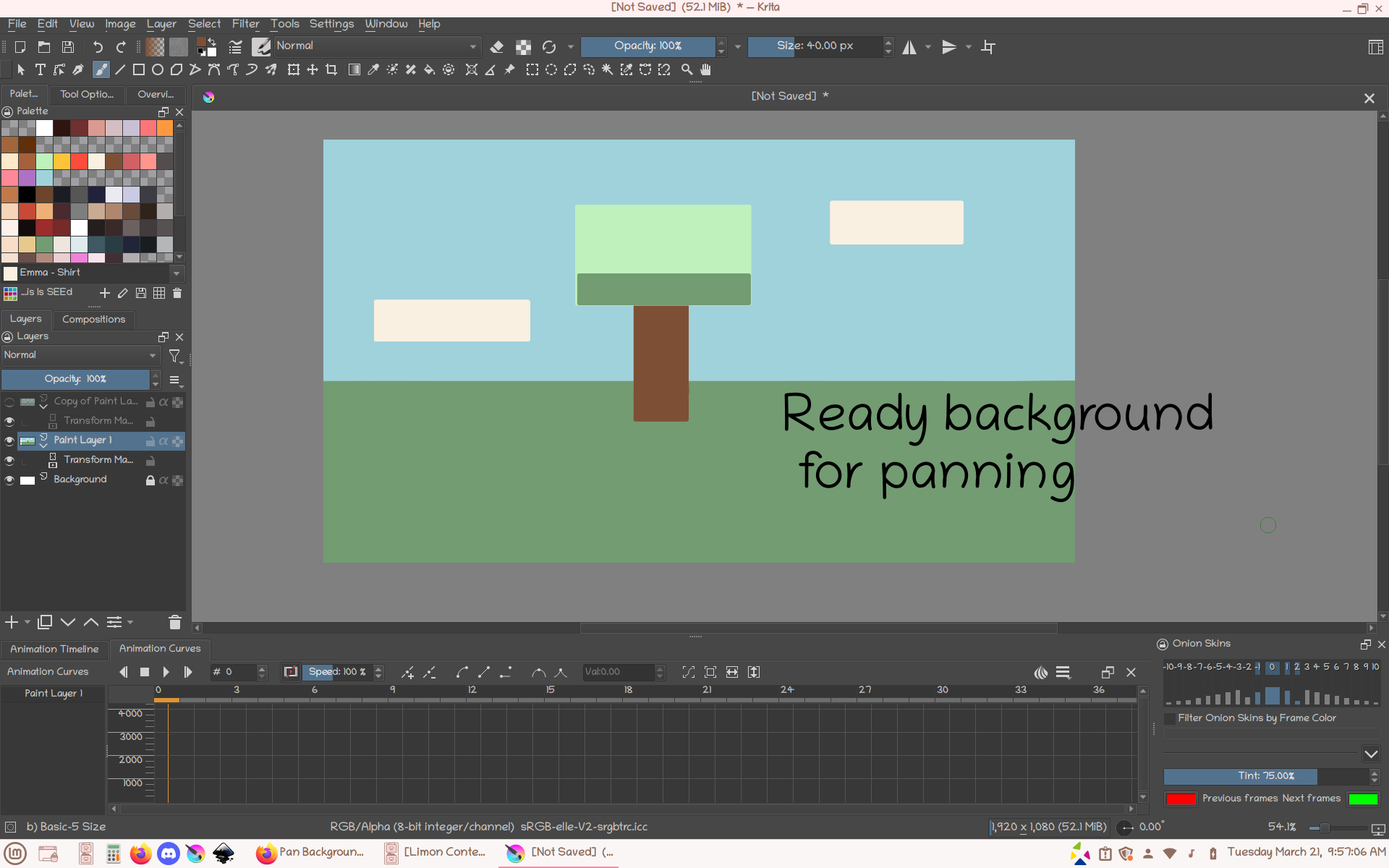
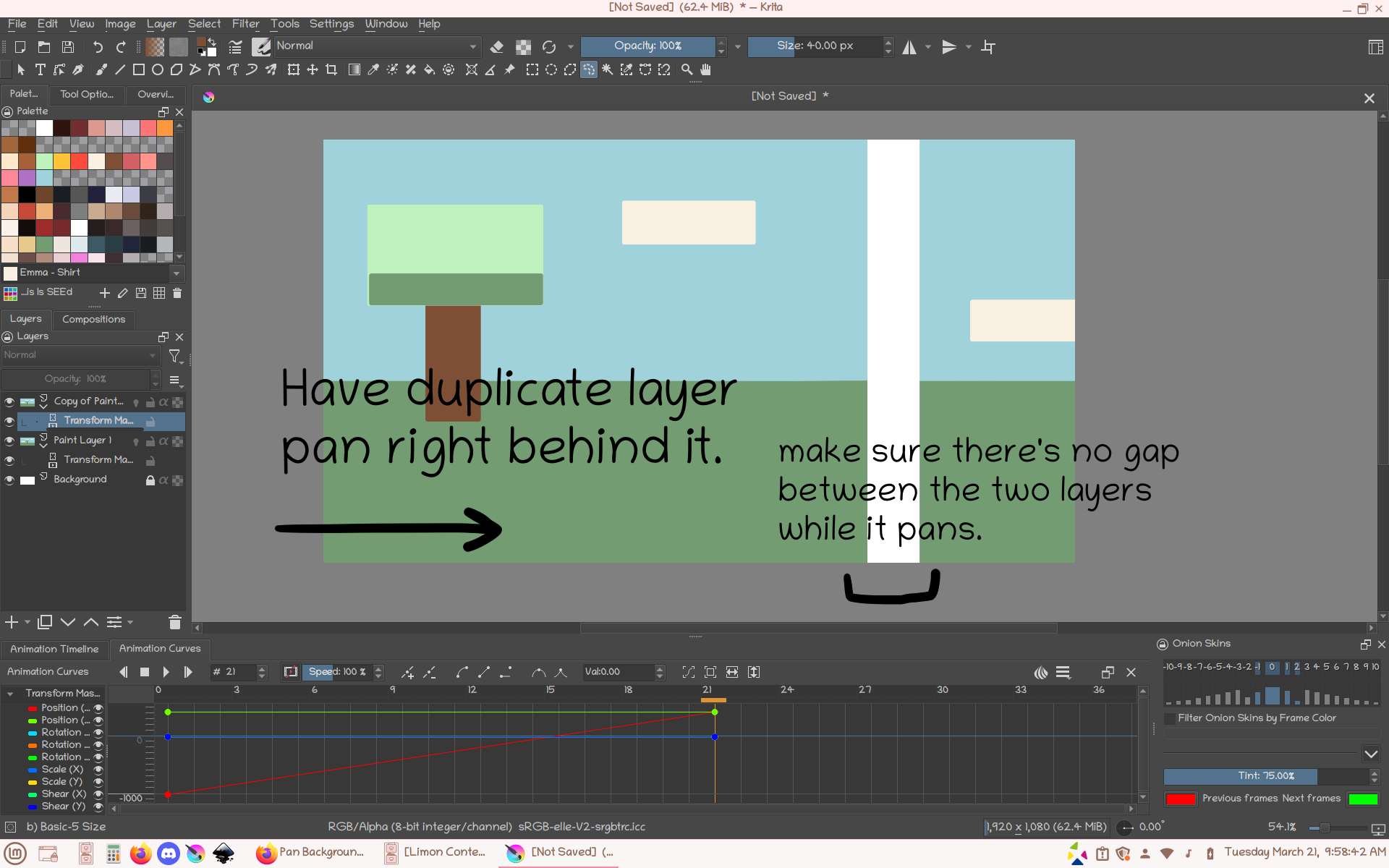
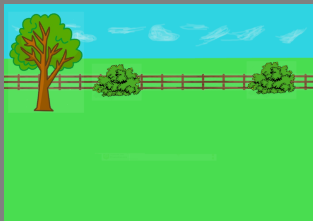
I missed the loop around part, for that I would duplicate the layer so I have enough image to loop around. For me I would first pan one of the layers. then I would offset the duplicate layer and have it come in once the white of the canvas shows from the first layer panning. Once the duplicate layer finish it’s pan, the full animation of the two should make a looping background effect. I’m not sure if this the most effect way, it’s the way I know if I have a limited background.
Here’s some images I made that I hope can help:
You’ll also need to extend the image horizontally so it has off-canvas content that can then be brought on canvas, in a sliding movement, by the animated transform mask.
This is easier than manual sliding to create off canvas content.
You can prepare for that by Resizing the canvas to make it 2x as wide, then painting the entire background in some way, then Resize the canvas back to its original size.
You probably have a newer version of krita.
Please see this topic for advice on how to use the Animation Curves docker:
Problems with Animation Curves
You wont see the transform parameters until you add a keyframe.
I’ve watched the tutorial some more - it’s working now. Thanks a lot.