Update:
- Minor bug fix (both versions)
- new RGB Panel (only available on the main version)
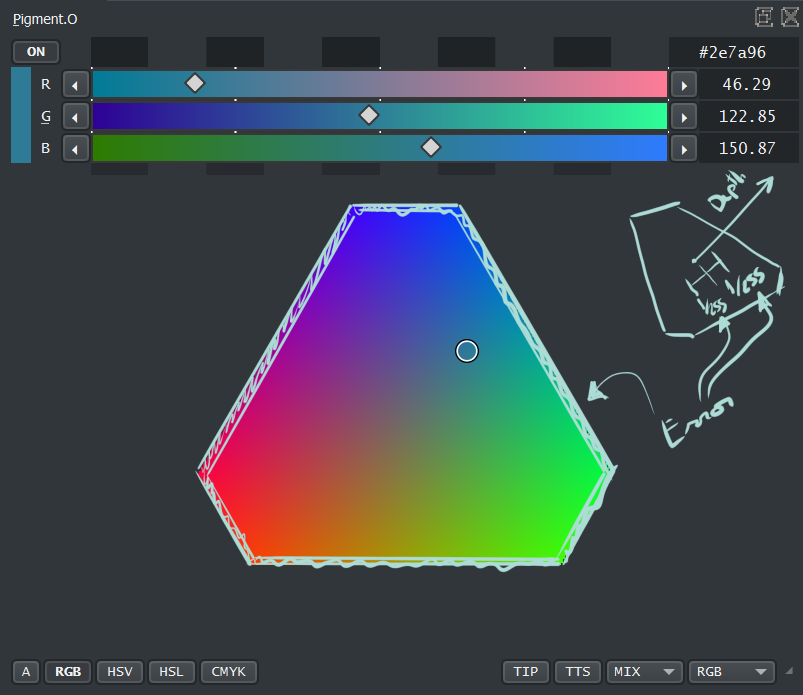
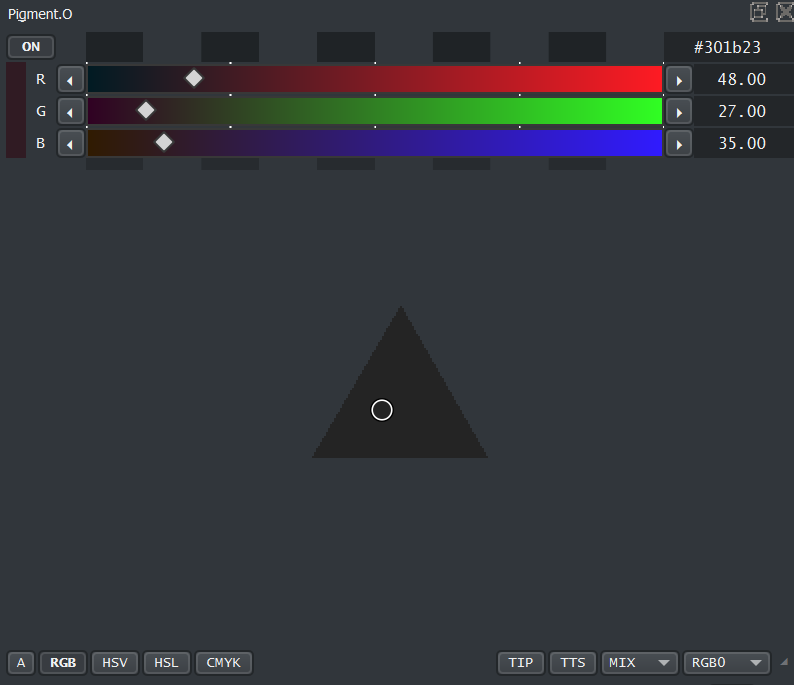
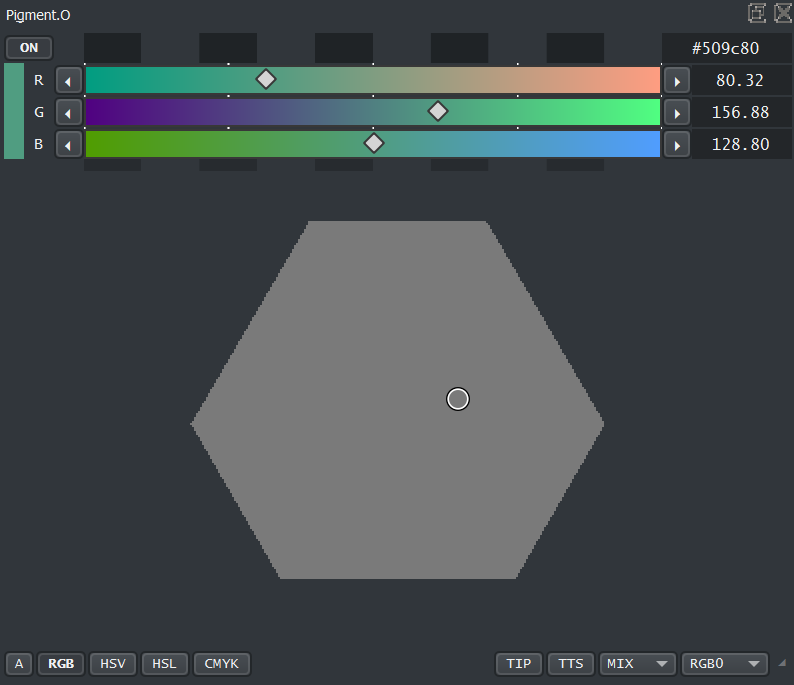
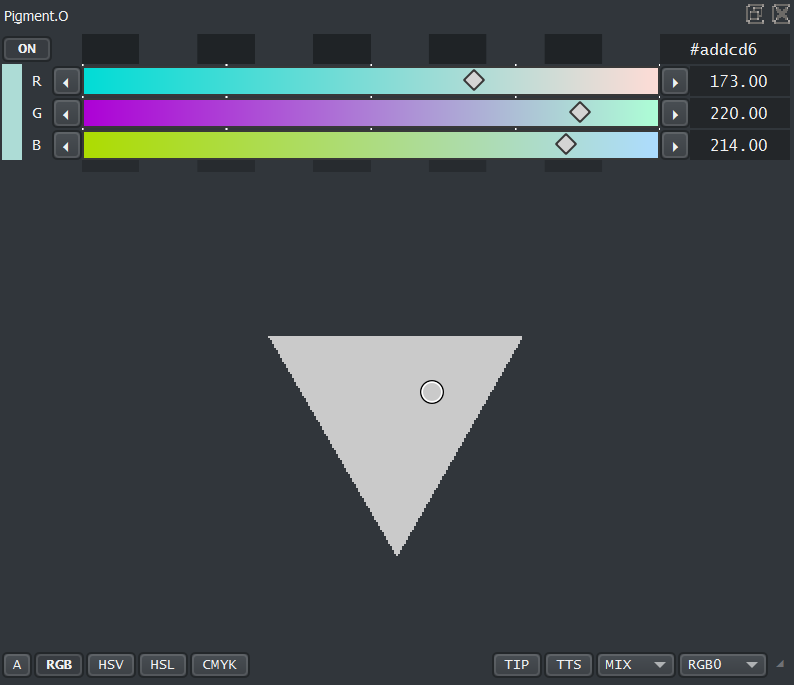
The RGB panel shifts shape and changes between these 3 key shapes:
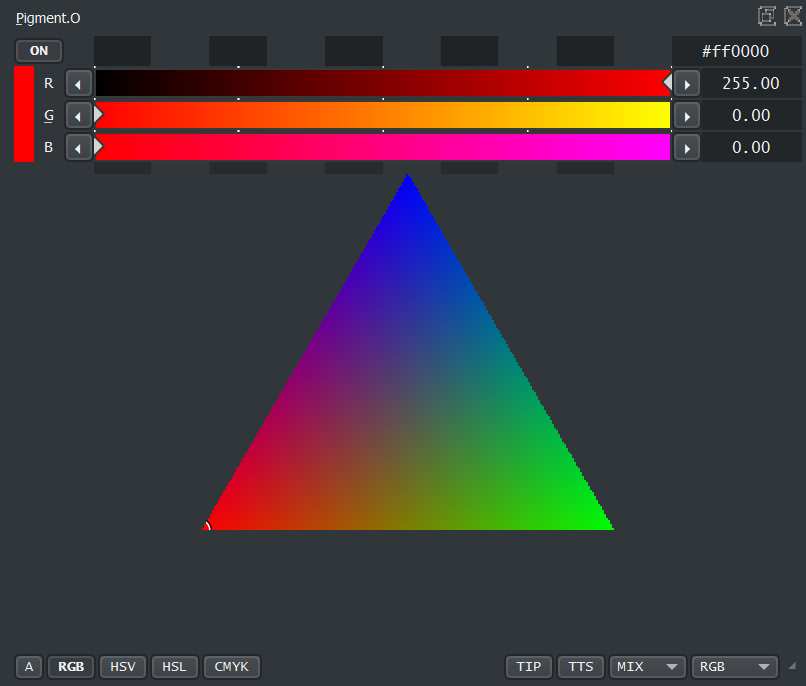
Mid Hexagon 50%

Light Triangle 66%
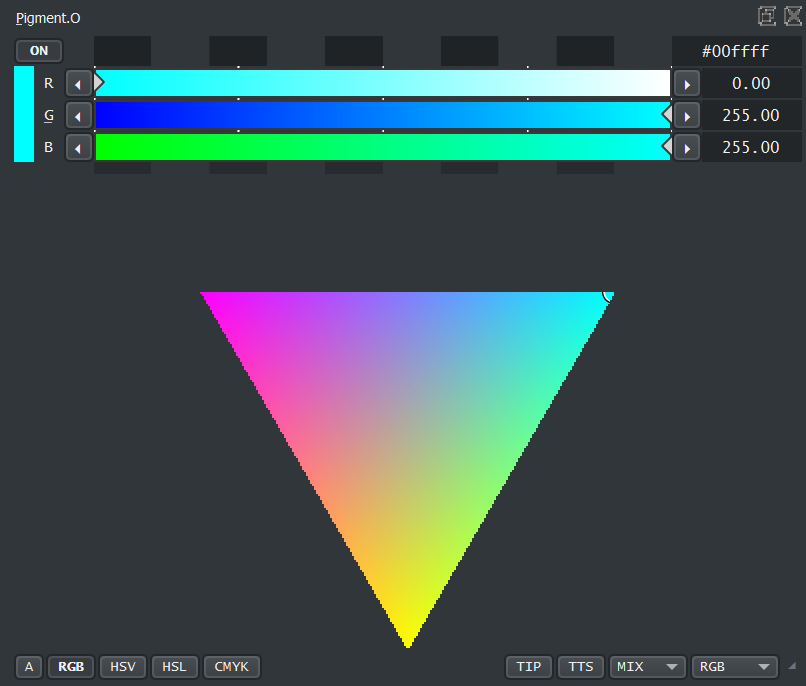
The RGB panel uses the RGB sliders but works internally in a subset Axis to the RGB color space called internally UVD. This creates some perspective advantages and other disadvantages that are mitigated humanly that can show weird behavior occasionally.
In case it feels confusing it works internally like this:
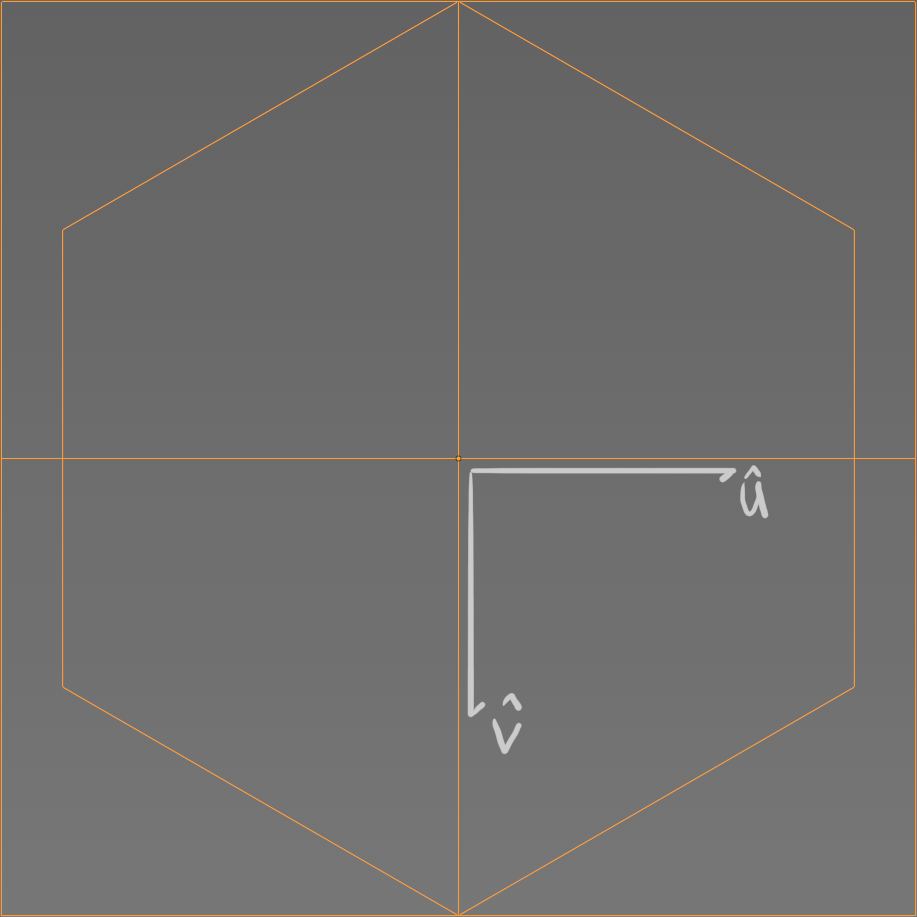
User View Axis UVD
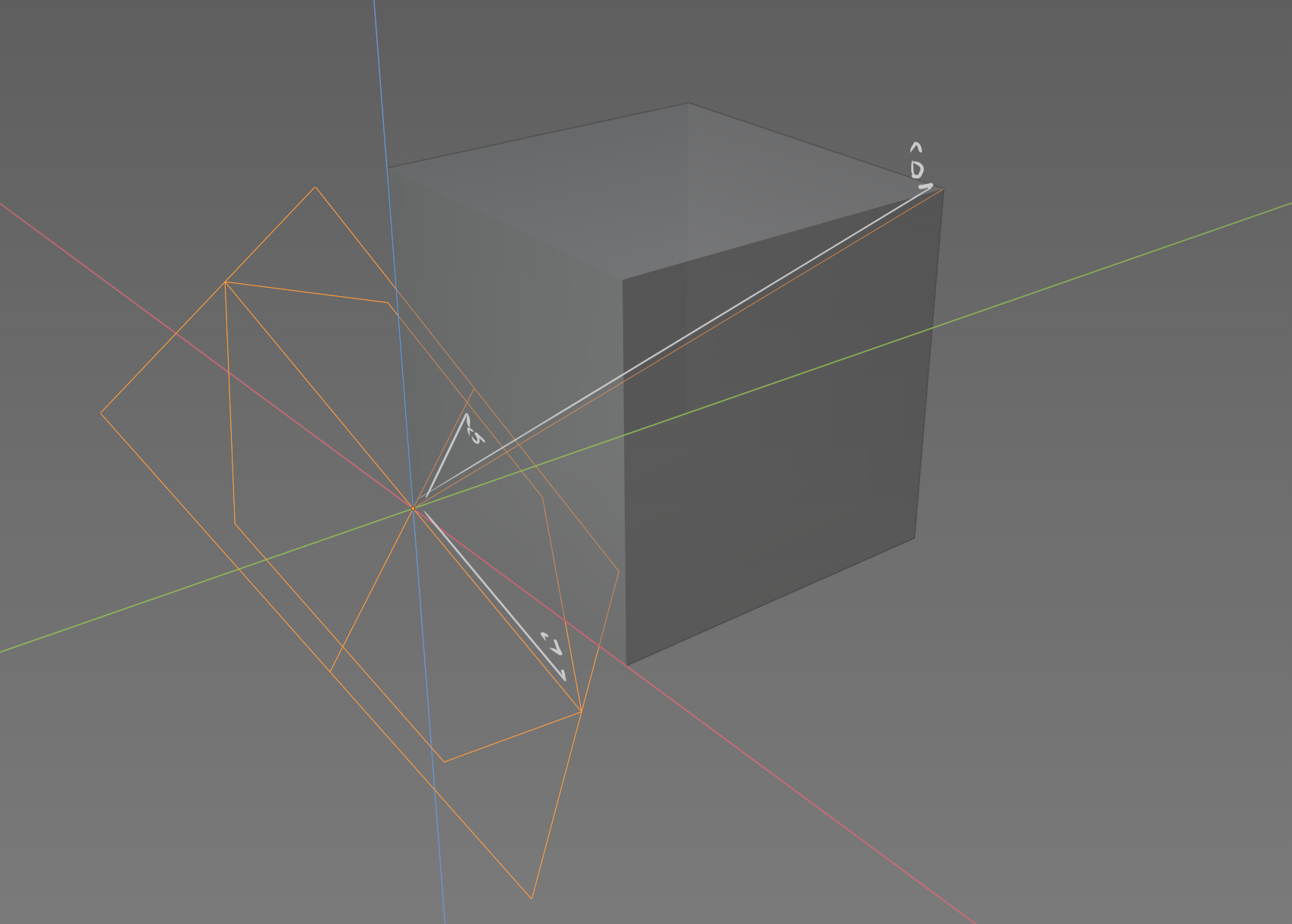
Selected Color Plane
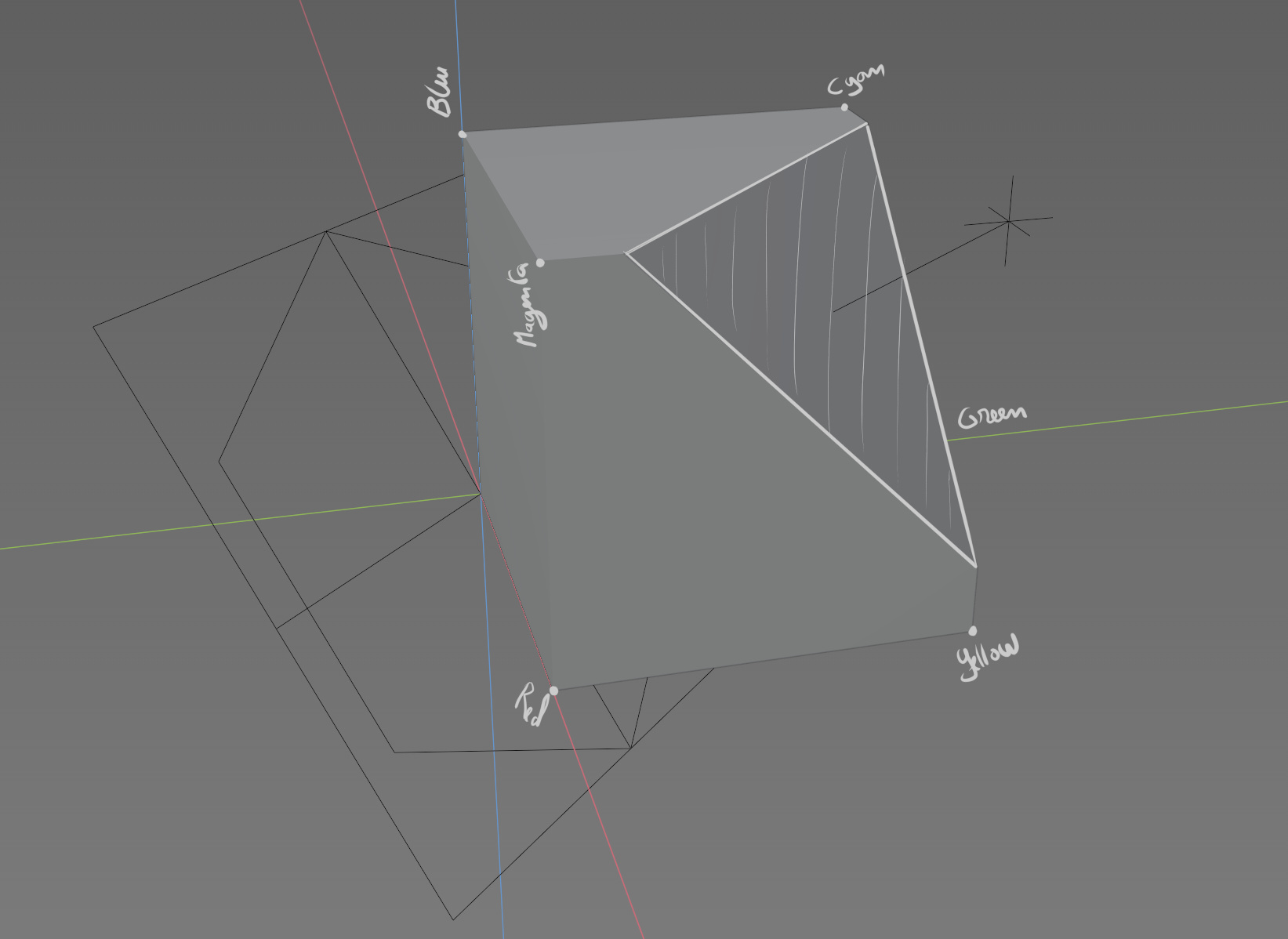
Selected Color
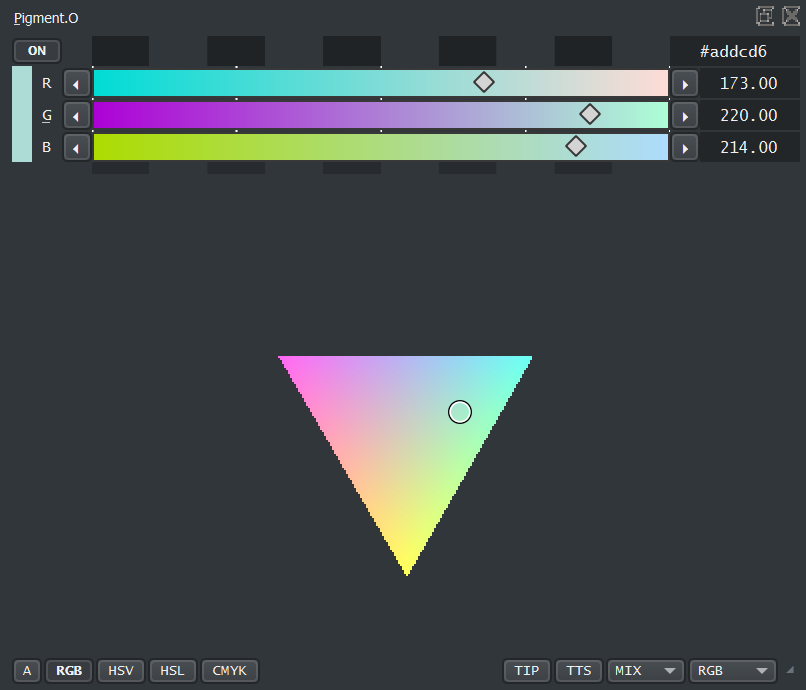
Some considerations:
-
Considering your selecting on a Tiny widget with diagonal lines and a UVD color space that is also diagonally to the original RGB color space there is some error on the edges and on depth of the color too that was mitigated.
-
This widget in the color form is quite expensive to calculate. Sorry Linux users I cant help you on this I have not tested it but I can only imagine >3> Despite that, the widget is scalable so the bigger you make it, the longer it will take to calculate!!! You have been WARNED!!! To help on this the color display is only updated in 2 cases: “Mouse Click Release” on controllers and “Mouse Enter” on the docker, and the calculation is only done IF the panel is open so it should not bog people down if it is not being used.
-
In Case your an Epileptic and shifting colors are a issue you also have a Zero Color version on this Panel and it will display the D vector depth with a Grey Color Scaling like this:
Dark Triangle
Mid Hexagon
Light Triangle
Purpose:
- An Experiment to see if selecting colors in this diagonal plane will be able to select colors of the same intensity considering the amount of black or white.
- To try and make an Actual RGB color picker that does not suck or is simply on another color space.
Hope it works and have fun.