July 8, specifically the version where you updated font size for linux mint users.
What are considered main versions and if it is possible for you to upload them, as I can test them to see at which one it starts having problems.
1 Like
@Lucifer
I was reading a bit the thread to see what was made after that and I have a wild guess to test out.
I am testing now if it is the convert function to display colors now.
I made a new temporary version that is on the Github now.
With Pigmento ON it works as before (should be slow) but when pigmento is P>K or OFF (see what happens like this) it does not convert the colors to display correctly considering your document used.
If this is it I will make it work better, for now this is just a test for my guess.
P.S. - On Krita 5 beta there seems to be no issue with pigmento.
1 Like
I tested it out and yep P>K and OFF mode are instantaneous.
1 Like
Nice! I guess I hit the bullseye then with your help 
I will make a option that will you will need to click after so it does not lag for you.
but you will have to work in RGB 8bit or your gonna see the colors wrong as before I started this transition.
it is the max I can do from my end. the other way will have to be Krita to perform faster somehow but I doubt since it is a icc giving the value to use and that means looking it up from a table.
1 Like
@Lucifer
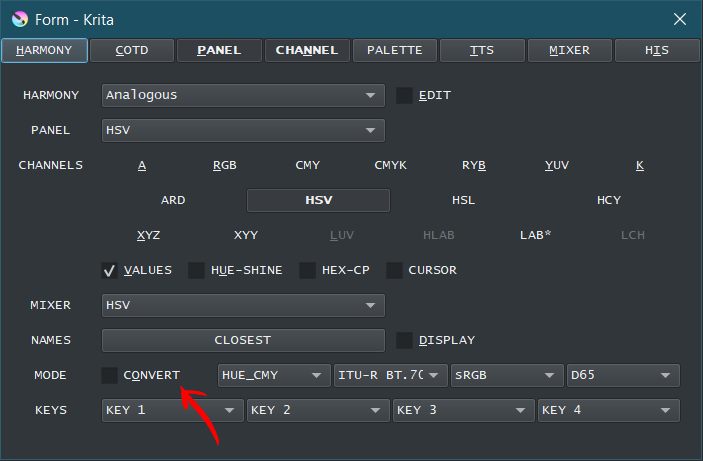
I just did a update where unchecking this will revert it to the old behavior.
1 Like
Can someone please explain how do you use this plugin? Like, I wanna set colors for the OBJ mode but I can’t. How do you do it?
@FellowEsin
After selecting the OBJ panel you will have a SET button right next to it, press that and you will have some colour boxes pop up under the sphere.
Each box is composed by Color and transparency underneath. Ctrl click to save current Color and ALt click to clean Color. Cleaning Color will reboot it after loading krita.
Top row is diffuse layers and the ones you wish to change the most. Bottom first 3 layers are background and last 3 layers are foreground.
If you want to make your own object you can edit the files in the pigmento installation named USER and swap to it in the menu.
1 Like
Thanks so much! What about the square grid thing? Is it the same as OBJ?
Square grid?
I mean the DOT
Oh. It needs the colours to be set too just like the OBJ panel.
1 Like
Thanks once again!
You can always take a look at the manual too it explains each panel on it and how to do things.
2 Likes
Where can I find the manual?
Right under the python plugin activation page.
Configure krita > python > pigmento > then you will see the pigmento logo and you can scroll down to read more.
2 Likes
Thanks a lot!
1 Like
Thanks so much for solving the issue promptly.
Now that the speed is near instant even in on mode, could you deactivate the linux lock?
I dont think that is wise you have lag despite it.
what I can do is this:
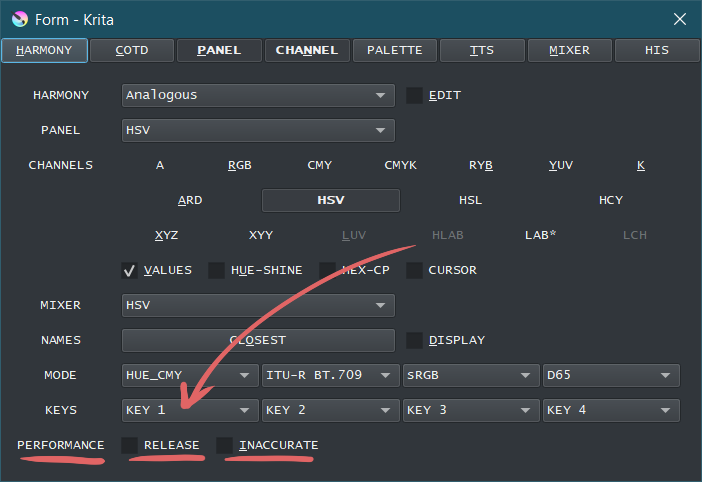
I reorganized a bit and made a “Performance” section with currently 2 options:
- Release - Updates krita only after mouse release. Now this not triggers if your Linux @Lucifer
- Innacurate - Always displays colors in RGB and ignores if the document is in another color space
By default it works with the best expectations that everything works but if something is wrong, click on one of them and it will go faster.
1 Like
I think this implementation is great as it allows more performance options for different users.
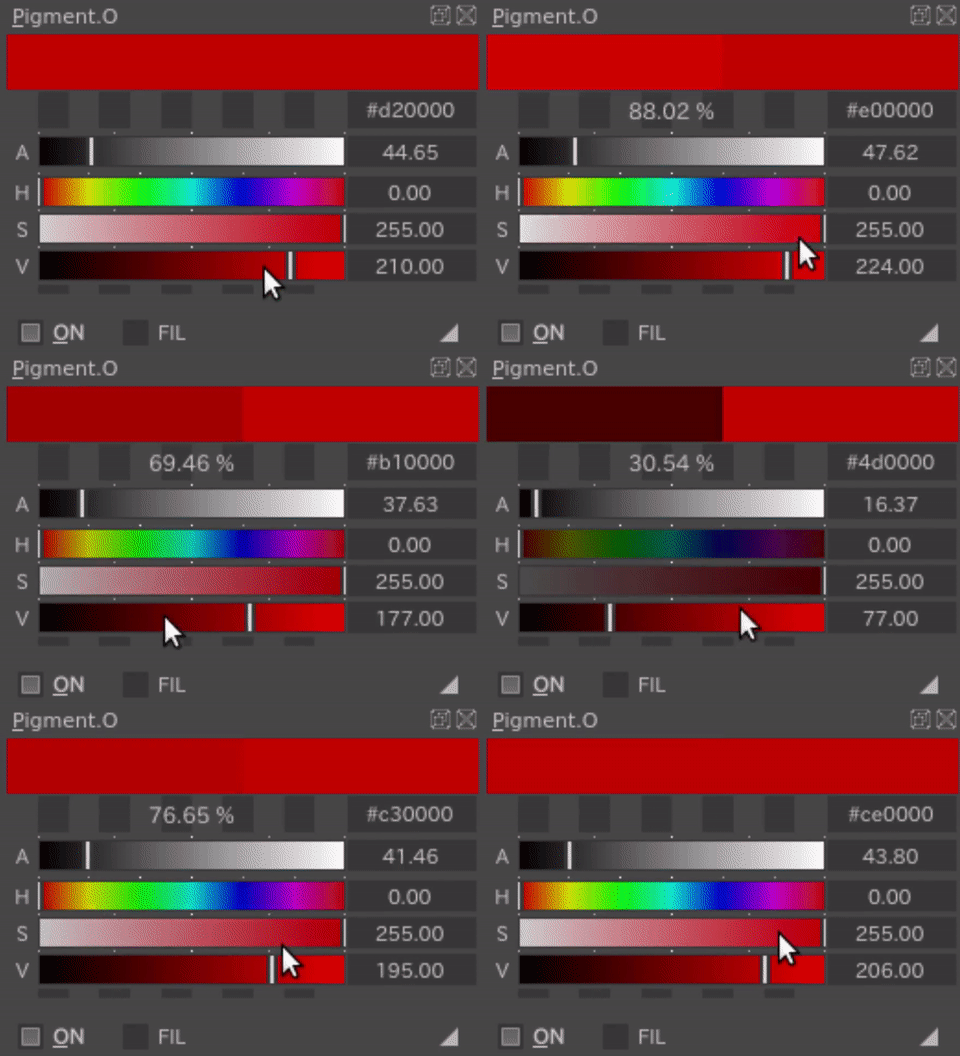
My lag issue has been solved just by checking the inaccurate option, I don’t know why thou 
Appreciate your work!!
1 Like
Found some minor bugs I think.
It seems like the inaccurate function is not saved when I restart krita.
The inaccurate option is checked in the GUI, but functionally it doesn’t apply until I recheck it.
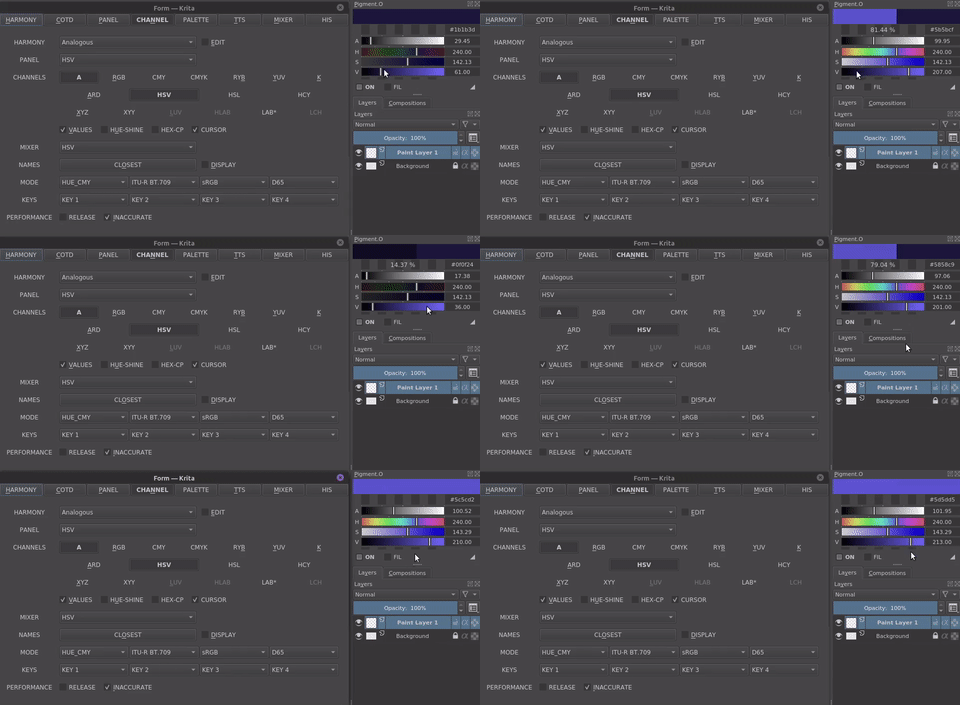
Switching from ON to P>K to OFF and back to ON mode and then using the sliders makes pigment.o constantly round up the colors, but it will revert back to normal behaviour once mouse leaves the docker.
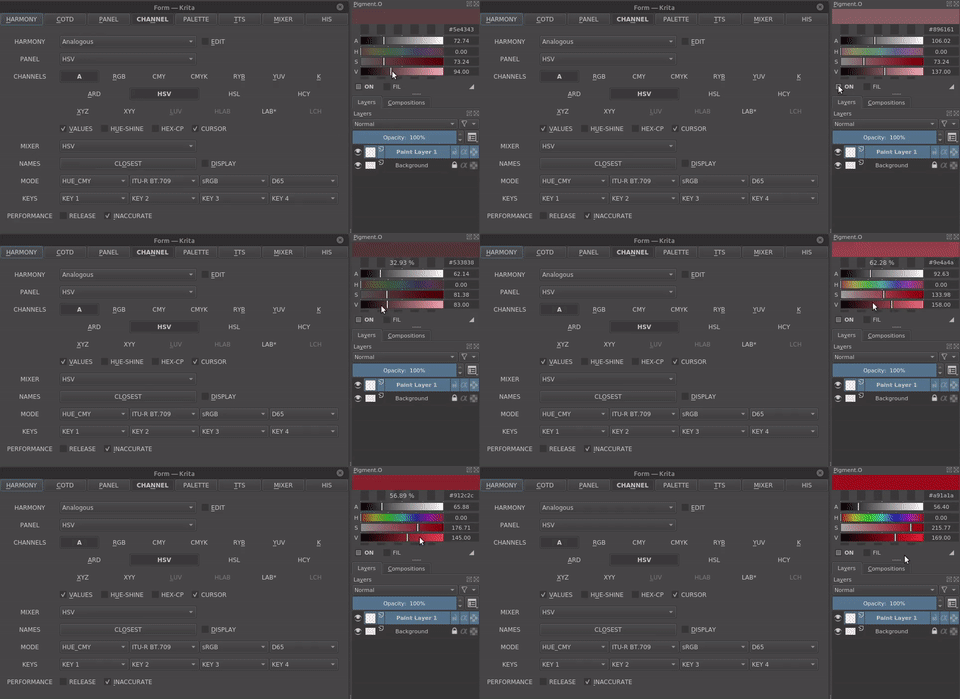
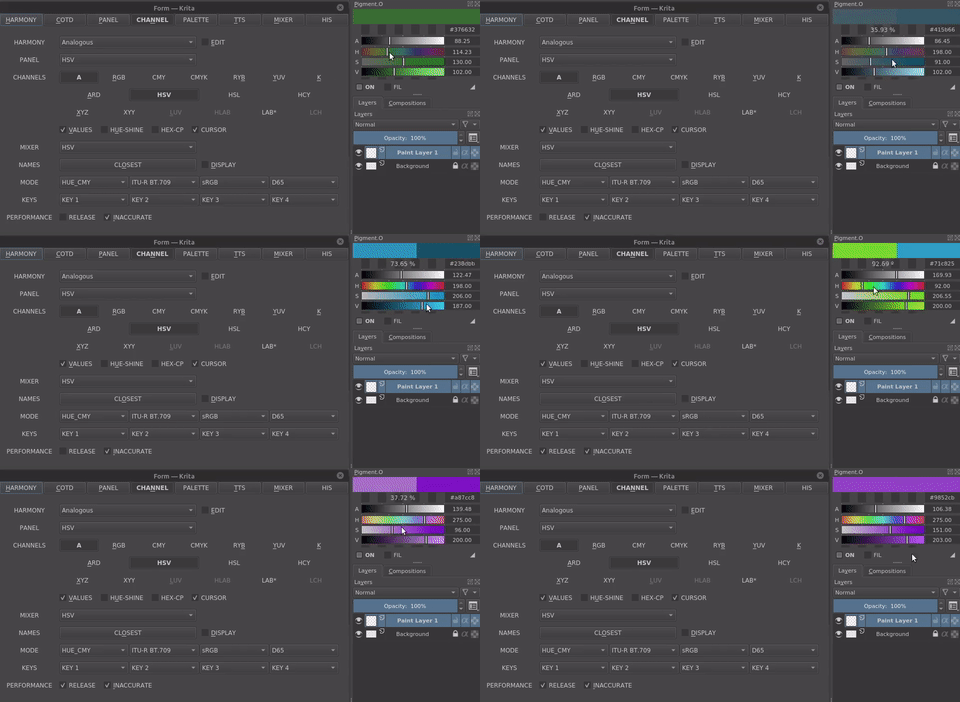
On a side note, I tried performance with release option checked also. I can see it going faster a little bit and what’s great is the active/previous color display is still working like normal. I initially thought checking the release would mean active/previous color display wouldn’t update until I release my mouse.
1 Like