Pigment.O plugin

Hello I just installed this plugin and ran into a crash on startup
I’m on Version 4.4.3, how do I troubleshoot this?

Also a question, does it have LAB sliders? (to slide warm/cold)

AttributeError
Python 3.8.1: C:\Program Files\Krita (x64)\bin\krita.exe
Sat Aug  7 23:24:45 2021

A problem occurred in a Python script.  Here is the sequence of
function calls leading up to the error, in the order they occurred.

 C:\Program Files\Krita (x64)\lib\krita-python-libs\krita\dockwidgetfactory.py in createDockWidget(self=<krita.dockwidgetfactory.DockWidgetFactory object>)
   10         super(DockWidgetFactory, self).__init__(_id, _dockPosition)
   11         self.klass = _klass
   12 
   13     def createDockWidget(self):
   14         return self.klass()
self = <krita.dockwidgetfactory.DockWidgetFactory object>
self.klass = <class 'pigment_o.pigment_o_docker.PigmentODocker'>

 C:\Users\lucas\AppData\Roaming\krita\pykrita\pigment_o\pigment_o_docker.py in __init__(self=<pigment_o.pigment_o_docker.PigmentODocker object>)
  351         self.Object()
  352         self.Images()
  353         self.Channels()
  354         self.Palette()
  355         self.Mixers()
self = <pigment_o.pigment_o_docker.PigmentODocker object>
self.Channels = <bound method PigmentODocker.Channels of <pigment_o.pigment_o_docker.PigmentODocker object>>

 C:\Users\lucas\AppData\Roaming\krita\pykrita\pigment_o\pigment_o_docker.py in Channels(self=<pigment_o.pigment_o_docker.PigmentODocker object>)
  801         #\\ Hex ################################################################
  802         self.layout.hex_string.returnPressed.connect(self.HEX_Code)
  803         self.dialog.hex_copy.stateChanged.connect(self.Menu_HEX_Copy)
  804 
  805         #//
self = <pigment_o.pigment_o_docker.PigmentODocker object>
self.dialog = <pigment_o.pigment_o_modulo.Dialog_UI object>
self.dialog.hex_copy undefined
self.Menu_HEX_Copy = <bound method PigmentODocker.Menu_HEX_Copy of <pigment_o.pigment_o_docker.PigmentODocker object>>
AttributeError: 'Dialog_UI' object has no attribute 'hex_copy'
    __cause__ = None
    __class__ = <class 'AttributeError'>
    __context__ = None
    __delattr__ = <method-wrapper '__delattr__' of AttributeError object>
    __dict__ = {}
    __dir__ = <built-in method __dir__ of AttributeError object>
    __doc__ = 'Attribute not found.'
    __eq__ = <method-wrapper '__eq__' of AttributeError object>
    __format__ = <built-in method __format__ of AttributeError object>
    __ge__ = <method-wrapper '__ge__' of AttributeError object>
    __getattribute__ = <method-wrapper '__getattribute__' of AttributeError object>
    __gt__ = <method-wrapper '__gt__' of AttributeError object>
    __hash__ = <method-wrapper '__hash__' of AttributeError object>
    __init__ = <method-wrapper '__init__' of AttributeError object>
    __init_subclass__ = <built-in method __init_subclass__ of type object>
    __le__ = <method-wrapper '__le__' of AttributeError object>
    __lt__ = <method-wrapper '__lt__' of AttributeError object>
    __ne__ = <method-wrapper '__ne__' of AttributeError object>
    __new__ = <built-in method __new__ of type object>
    __reduce__ = <built-in method __reduce__ of AttributeError object>
    __reduce_ex__ = <built-in method __reduce_ex__ of AttributeError object>
    __repr__ = <method-wrapper '__repr__' of AttributeError object>
    __setattr__ = <method-wrapper '__setattr__' of AttributeError object>
    __setstate__ = <built-in method __setstate__ of AttributeError object>
    __sizeof__ = <built-in method __sizeof__ of AttributeError object>
    __str__ = <method-wrapper '__str__' of AttributeError object>
    __subclasshook__ = <built-in method __subclasshook__ of type object>
    __suppress_context__ = False
    __traceback__ = <traceback object>
    args = ("'Dialog_UI' object has no attribute 'hex_copy'",)
    with_traceback = <built-in method with_traceback of AttributeError object>

The above is a description of an error in a Python program.  Here is
the original traceback:

Traceback (most recent call last):
  File "C:\Program Files\Krita (x64)\lib\krita-python-libs\krita\dockwidgetfactory.py", line 14, in createDockWidget
    return self.klass()
  File "C:\Users\lucas\AppData\Roaming\krita\pykrita\pigment_o\pigment_o_docker.py", line 353, in __init__
    self.Channels()
  File "C:\Users\lucas\AppData\Roaming\krita\pykrita\pigment_o\pigment_o_docker.py", line 803, in Channels
    self.dialog.hex_copy.stateChanged.connect(self.Menu_HEX_Copy)
AttributeError: 'Dialog_UI' object has no attribute 'hex_copy'


That should have not happen. I re-uploaded everything, try downloading it again and see how it reacts. the UI file did have the hex_copy object though.

It does have LAB but it is still not 100% so to speak. Temperature from XYZ is not done. what it has temperature from RGB at the moment.

Hello, I found a very interesting color space. Can segment. O achieve this? And I found that the C of LCH in this color space truly describes the saturation. In HSY, even if the value of S is the same, some colors will be more bright, but in LCH, the C value is consistent with the brightness of colors.

This is the link: HSLuv - Human-friendly HSL

1 Like

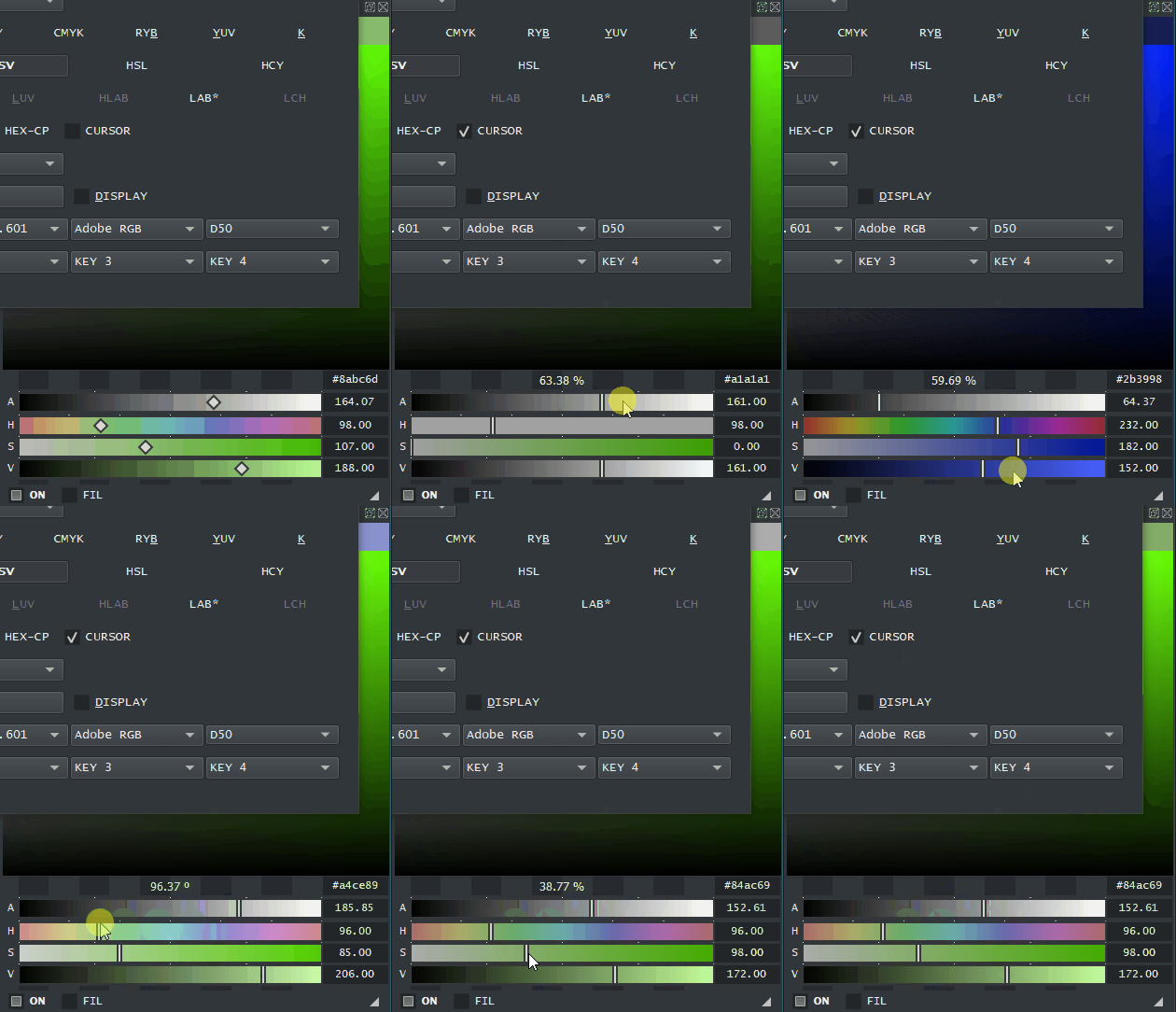
Hex code “copy pasta”. This feature is hilarious. This helps to bring hex codes in and out of Krita.
How it works:

  • activation - Check “HEX-CP” to copy and paste hex codes automatically from and to pigmento.
  • copy - move mouse out of pigmento.
  • paste - move mouse into pigmento. requires a code formatted as #-xx-xx-xx (example: #19213f ) on the clipboard or it will be ignored.

paste_hex_code

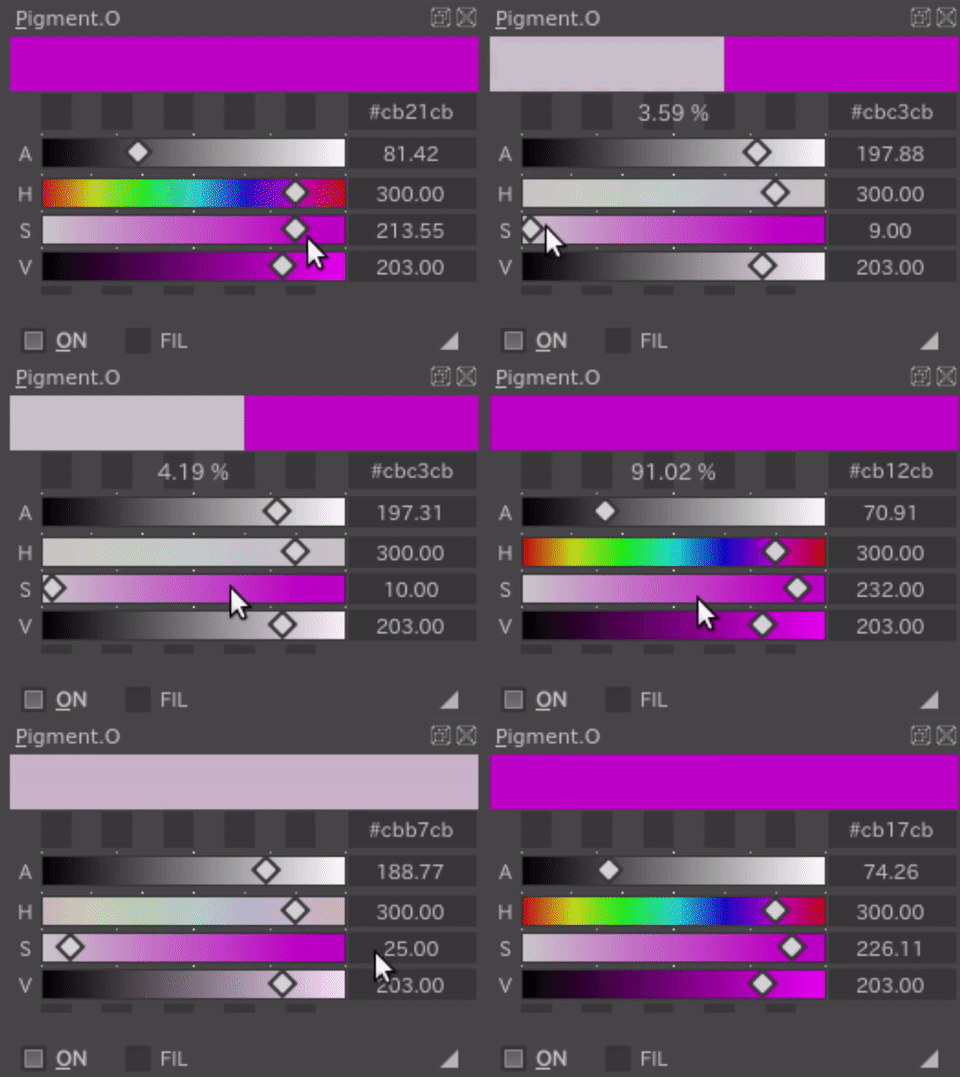
Fixed a really weird bug where it would mess up HSX color conversions. if you edited the value boxes on hsv per example and then pres enter to apply it. drawing while the cursor was still active of the double spin box would cause it to edit wrong during the update and move it straight down to zero. I imagine I added something on one of the updates that caused this opening. I cleared focus so you can’t edit and update at the same time once you mouse leaves pigmento.

4 Likes

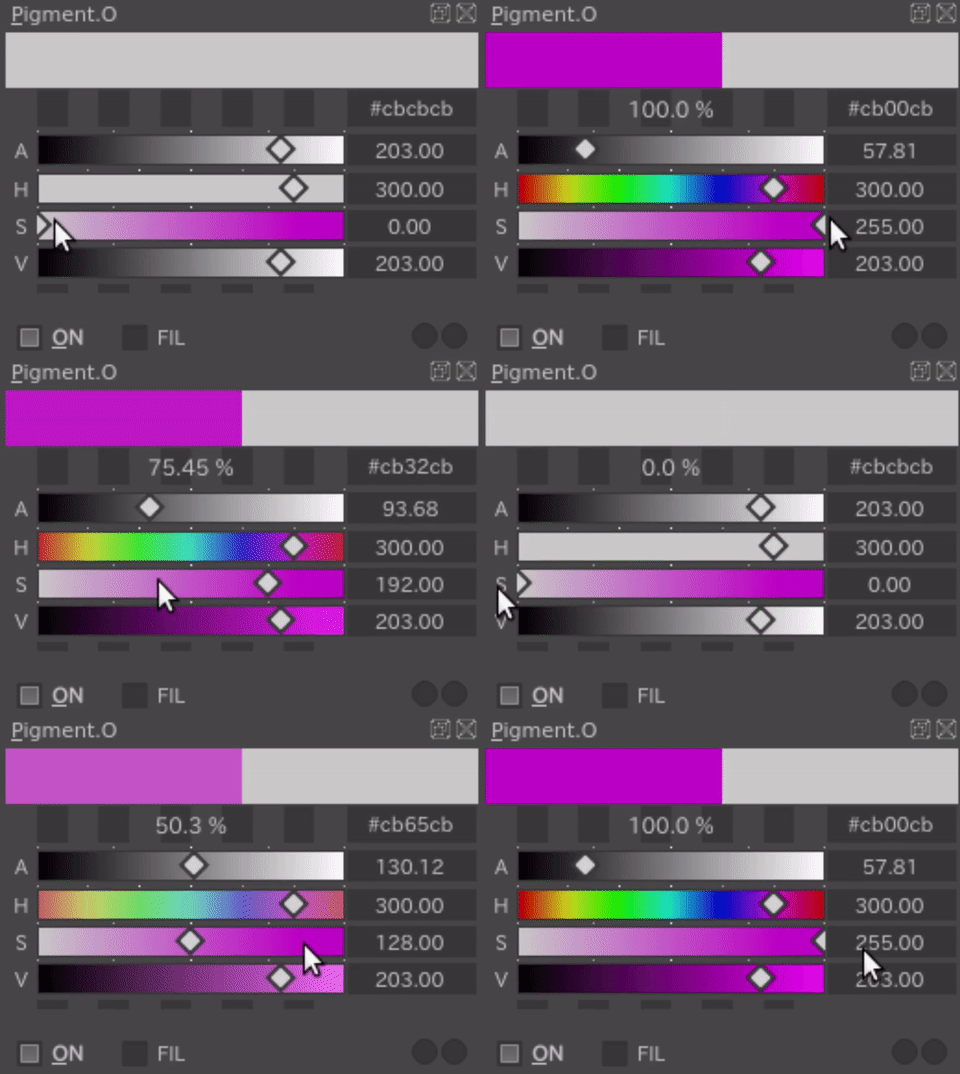
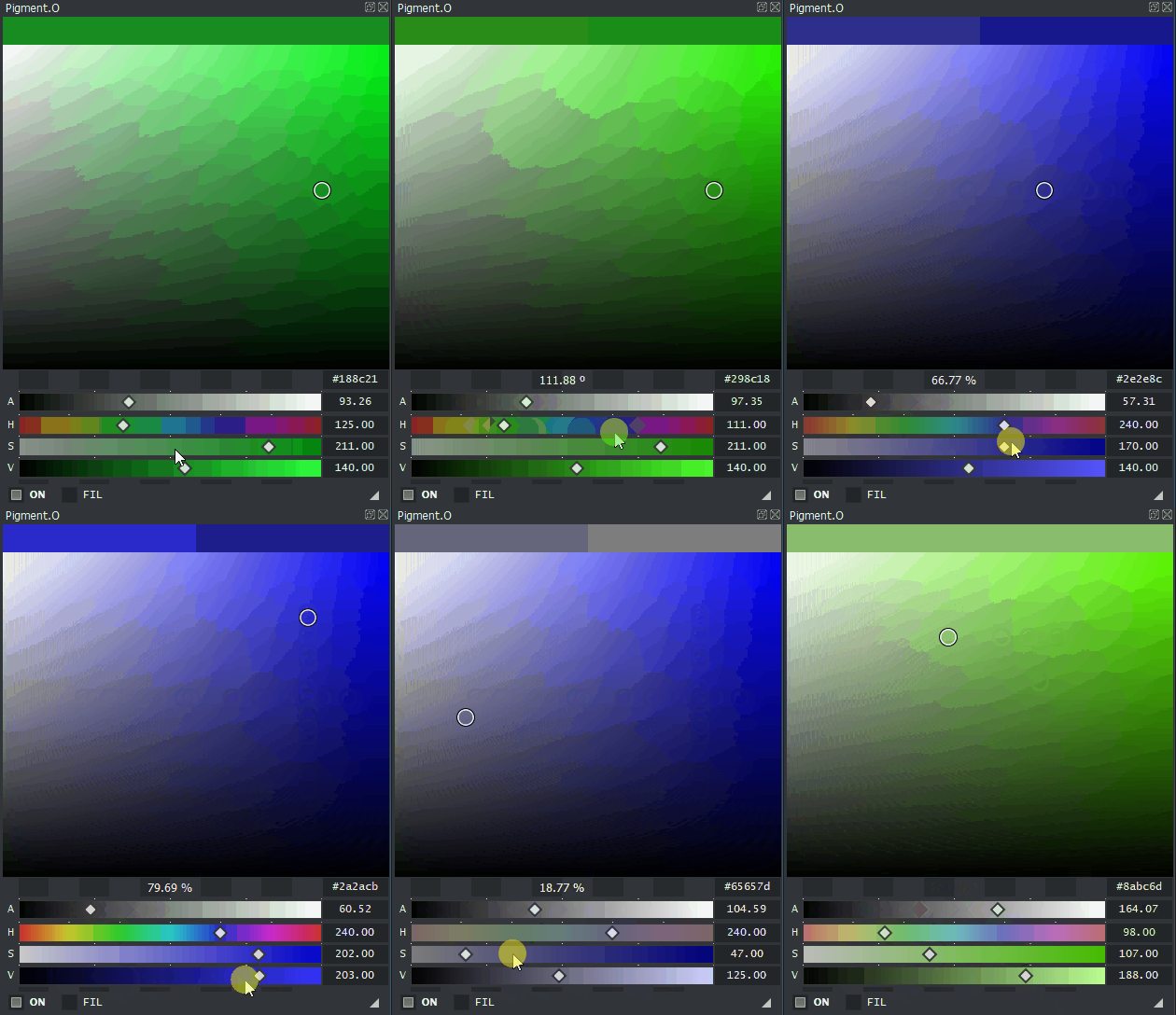
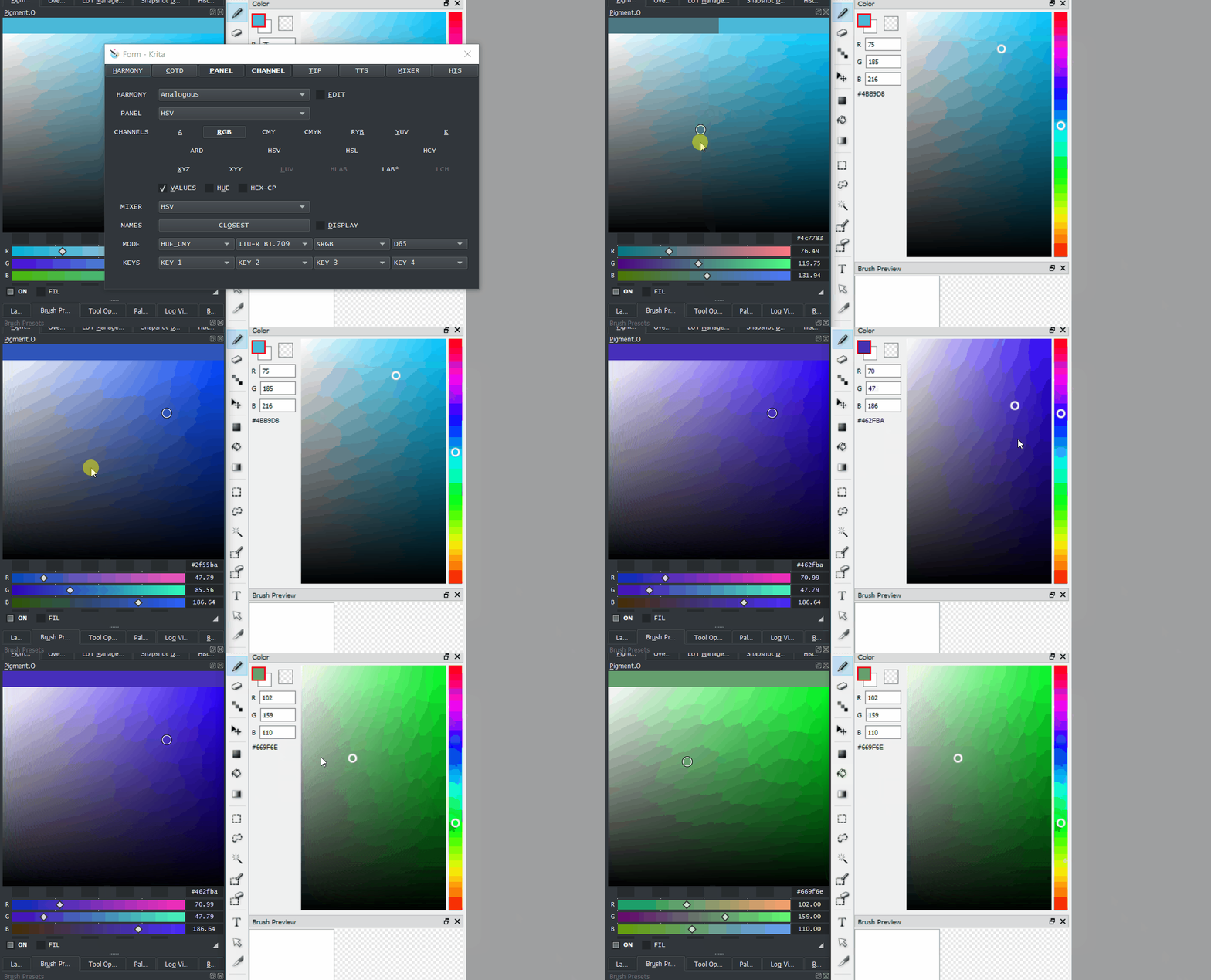
Today was reflecting on correct representation of color on the panels in different color spaces.
Some might still need a touch up but the easier ones are done. I don’t know if the other will be changed or not because they relay on stuff that is hard-coded and expect it too be for the mixing.

Panels that are sensitive now are: FGC, HSV, HSL, YUV(bug?), HUE, GAM(rebellious?).
Undecided: DOT
Will not change: RGB, OBJ, IMG

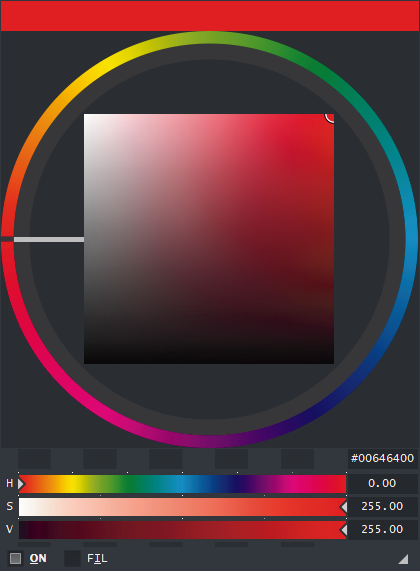
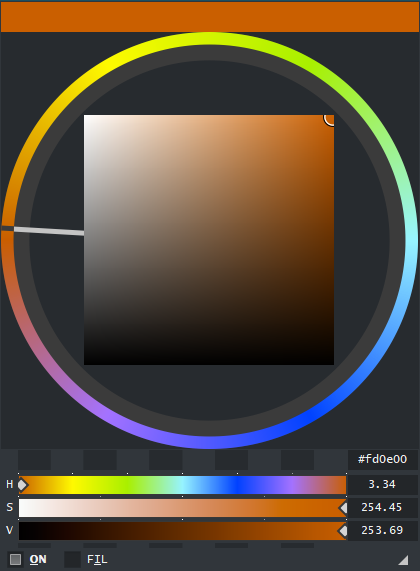
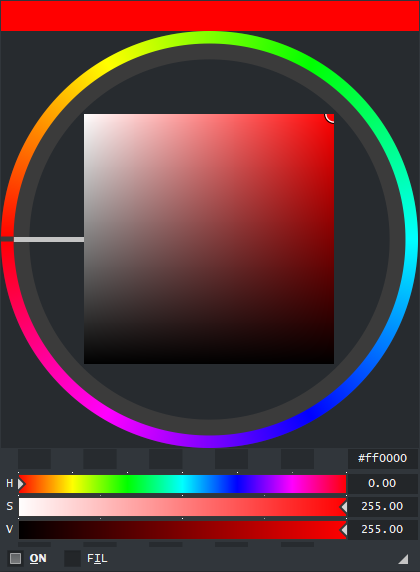
Illustration with HUE panel with color RGB(255, 0, 0):

rgb document
cmyk document
lab document ← the lie
Hooray! I made them really ugly now. yes. But it is the color. yes.

Like this will give a more correct representation of the output considering the source panel.
I was thinking on how to make the DOT panel still and what it implies.

Note:
In the case of the HUE panel you can activate the Hue_Shine option to force it to display bright colors only.

2 Likes

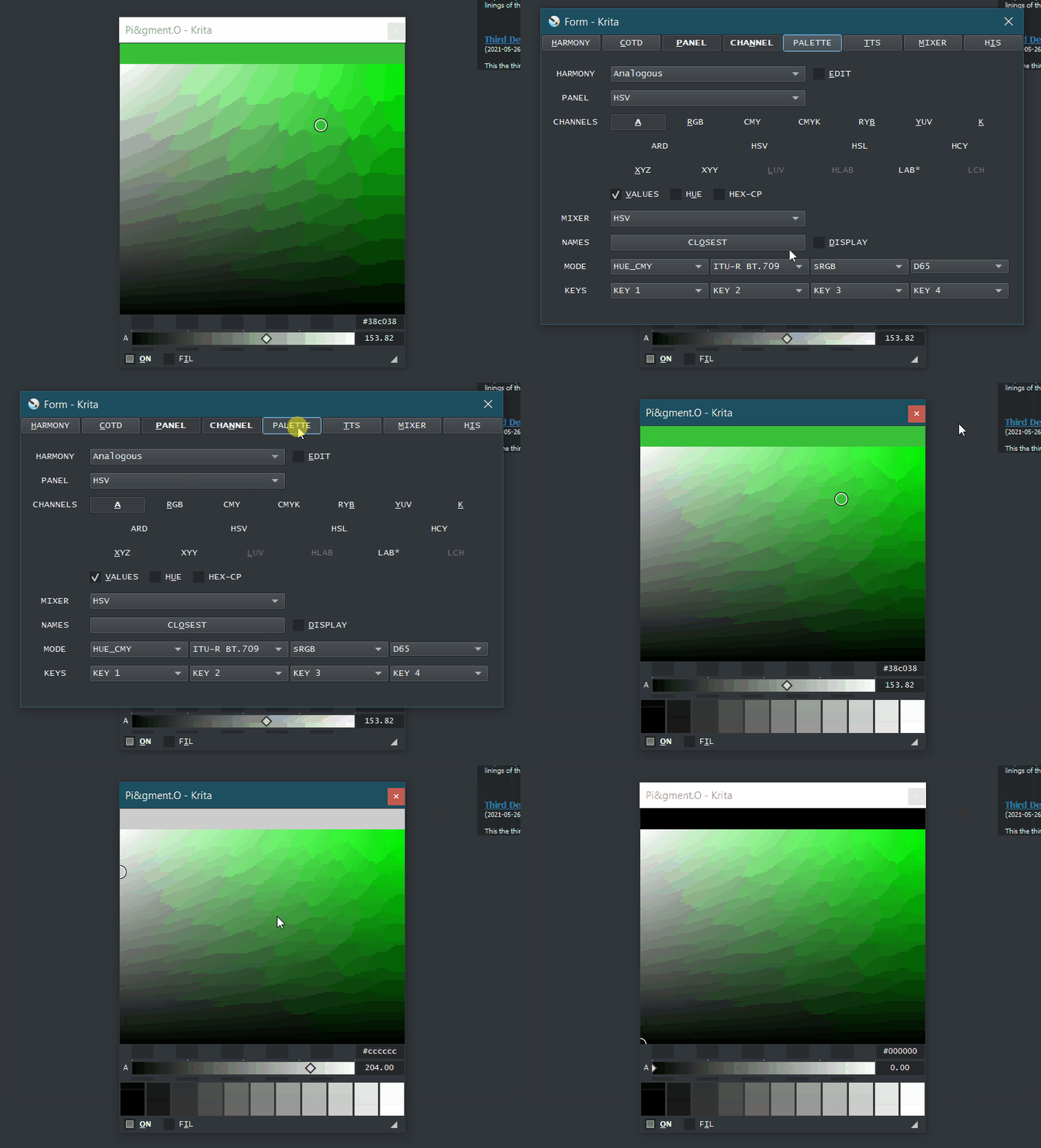
Tip menu renamed as Palette now, due to absence of SOF and more space to write now.
Added actions to apply colors saved in the Palette. you have 11 slots that start counting from 0 to 10 going left to right. If no color is saved to the slot nothing will happen oviously. just as before when I introduced shortcuts to it this does not come with any pre defined shortcuts choosen you gotta choose your keys first.

color_shortcuts

Just tried out the latest version, the sliders kinda lags a fair bit compared to the previous version on linux, the update on july 8 which is before dialog boxes i think.

Latest version
pigment.o_aug

Old version
pigment.o_jul

I was told that Linux could handle the workload though and your lagging on both versions.
This should be your performance. Here I am on windows and krita 4.4.5.
performance_aim

The thing is Krita 4.4.7 and 5 to me seems unstable for my plugins as something changed and I don’t know yet what is the cause of lag nor i know how to fix it yet.

if your on krita 4.4.5 that means i will have to place the Linux lock again so it goes faster as Linux is clearly not able to handle to work load given.

1 Like

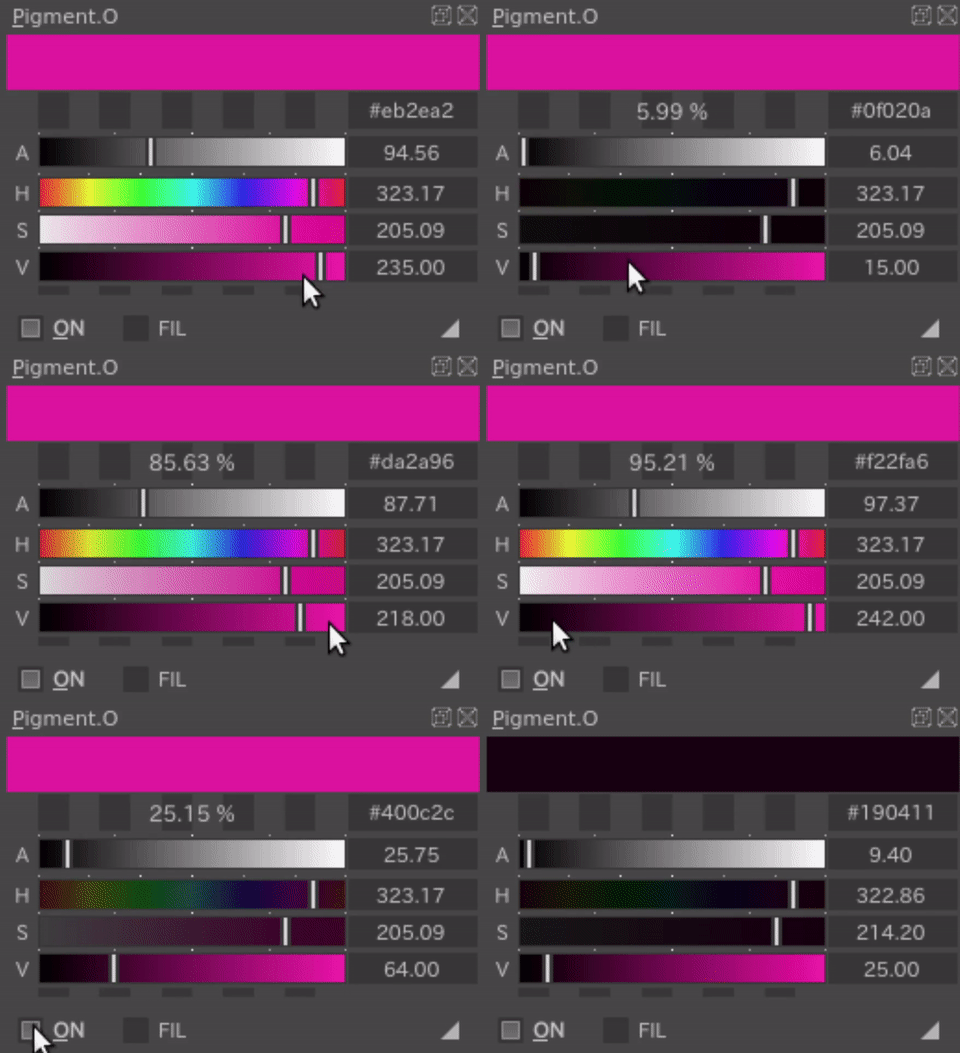
I was toying around yesterday and made it simple to edit the channels cursors if you know that stuff.
As a normal user you can do just this for a standard swap:
cursor_channel_lines

for more advanced users you can go:

  • docker.py > def Menu_Cursor > if self.cursor == True: > self.CHANNEL_Setup(“index”)
  • modulo.py > class Channel_Linear(QWidget) > def drawCursor(self, event): > if self.cursor == “index”: > and draw your little cursor with painter

So you can simply add your code or change the one inside for another look as you know it wont break nor give extra work because of it.

1 Like

I see, I’m on 4.4.7.

1 Like

In the mean while I activated the Linux lock to see if it helps any considering you were lagging on both versions. however this is not a fix for the 4.4.7/5 thing. I think that is a whole different beast.

The linux lock is just a block for pigmento to not flood Krita with new input changes until you do a mouse release from it. Krita also does this internally in various ways. This means you won’t see changes in Krita until you release your mouse press from Pigmento, and only Pigmento will update to your change in real time until you do. if Linux is not updating at all tell me about it. I did not test this on Linux yet since I need to work still.

3 Likes

I’ve been using Pigment.O in the Krita 5 alphas (on linux) for the past few months and not noticed any problems. I haven’t updated it for a while though; the version I have installed is dated 31st May.

I think when I installed Buli Notes a couple of months ago to test it, I started experiencing lag in Pigment.O for some reason. :man_shrugging:

Other than that I’ve been very happy using in instead of the advanced colour selector. Having the triangle positioned so the values are aligned vertically is ideal, and the sliders are great for more controlled colour changes.

Thanks for making it and all the work you put into improving it! :slightly_smiling_face: :+1:

2 Likes

Error when launching krita.

AttributeError
Python 3.8.1: /usr/bin/python3
Tue Aug 17 06:38:25 2021

A problem occurred in a Python script.  Here is the sequence of
function calls leading up to the error, in the order they occurred.

 /tmp/.mount_krita-g6eFRl/usr/lib/krita-python-libs/krita/dockwidgetfactory.py in createDockWidget(self=<krita.dockwidgetfactory.DockWidgetFactory object>)
   10         super(DockWidgetFactory, self).__init__(_id, _dockPosition)
   11         self.klass = _klass
   12 
   13     def createDockWidget(self):
   14         return self.klass()
self = <krita.dockwidgetfactory.DockWidgetFactory object>
self.klass = <class 'pigment_o.pigment_o_docker.PigmentODocker'>

 /home/lucifer/.local/share/krita/pykrita/pigment_o/pigment_o_docker.py in __init__(self=<pigment_o.pigment_o_docker.PigmentODocker object>)
  359 
  360         # Settings
  361         self.Version_Settings()
  362 
  363     def Variables(self):
self = <pigment_o.pigment_o_docker.PigmentODocker object>
self.Version_Settings = <bound method PigmentODocker.Version_Settings of <pigment_o.pigment_o_docker.PigmentODocker object>>

 /home/lucifer/.local/share/krita/pykrita/pigment_o/pigment_o_docker.py in Version_Settings(self=<pigment_o.pigment_o_docker.PigmentODocker object>)
23206     #\\ Settings ###############################################################
23207     def Version_Settings(self):
23208         self.Default_Boot()
23209         try:
23210             version = self.Settings_Load_Version()
self = <pigment_o.pigment_o_docker.PigmentODocker object>
self.Default_Boot = <bound method PigmentODocker.Default_Boot of <pigment_o.pigment_o_docker.PigmentODocker object>>

 /home/lucifer/.local/share/krita/pykrita/pigment_o/pigment_o_docker.py in Default_Boot(self=<pigment_o.pigment_o_docker.PigmentODocker object>)
23790         self.Hexagon_Points_UVD()
23791         self.Color_ANGLE(self.rgb_1, self.rgb_2, self.rgb_3)
23792         self.Color_APPLY("RGB", self.rgb_1, self.rgb_2, self.rgb_3, 0)
23793         self.Pigment_Display_Release()
23794 
self = <pigment_o.pigment_o_docker.PigmentODocker object>
self.Color_APPLY = <bound method PigmentODocker.Color_APPLY of <pigment_o.pigment_o_docker.PigmentODocker object>>
self.rgb_1 = 0
self.rgb_2 = 0
self.rgb_3 = 0

 /home/lucifer/.local/share/krita/pykrita/pigment_o/pigment_o_docker.py in Color_APPLY(self=<pigment_o.pigment_o_docker.PigmentODocker object>, mode='RGB', val1=0, val2=0, val3=0, val4=0)
 9076         self.Pigment_Sync()
 9077         self.Pigment_2_Krita(0)
 9078         self.Pigment_Display()
 9079         self.Mixer_Display()
 9080         #//
self = <pigment_o.pigment_o_docker.PigmentODocker object>
self.Pigment_Display = <bound method PigmentODocker.Pigment_Display of <pigment_o.pigment_o_docker.PigmentODocker object>>

 /home/lucifer/.local/share/krita/pykrita/pigment_o/pigment_o_docker.py in Pigment_Display(self=<pigment_o.pigment_o_docker.PigmentODocker object>)
13014     def Pigment_Display(self):
13015         # Color Display
13016         self.Update_Color_Header_1()
13017         self.layout.color_1.update()
13018         self.Update_Color_Header_3()
self = <pigment_o.pigment_o_docker.PigmentODocker object>
self.Update_Color_Header_1 = <bound method PigmentODocker.Update_Color_Header...igment_o.pigment_o_docker.PigmentODocker object>>

 /home/lucifer/.local/share/krita/pykrita/pigment_o/pigment_o_docker.py in Update_Color_Header_1(self=<pigment_o.pigment_o_docker.PigmentODocker object>)
12170     def Update_Color_Header_1(self):
12171         self.color_1.Update_1(
12172             self.HEX_6string(self.disp_1, self.disp_2, self.disp_3),
12173             self.layout.color_1.width(),
12174             ui_30)
self = <pigment_o.pigment_o_docker.PigmentODocker object>
self.HEX_6string = <bound method PigmentODocker.HEX_6string of <pigment_o.pigment_o_docker.PigmentODocker object>>
self.disp_1 undefined
self.disp_2 undefined
self.disp_3 undefined
AttributeError: 'PigmentODocker' object has no attribute 'disp_1'
    __cause__ = None
    __class__ = <class 'AttributeError'>
    __context__ = None
    __delattr__ = <method-wrapper '__delattr__' of AttributeError object>
    __dict__ = {}
    __dir__ = <built-in method __dir__ of AttributeError object>
    __doc__ = 'Attribute not found.'
    __eq__ = <method-wrapper '__eq__' of AttributeError object>
    __format__ = <built-in method __format__ of AttributeError object>
    __ge__ = <method-wrapper '__ge__' of AttributeError object>
    __getattribute__ = <method-wrapper '__getattribute__' of AttributeError object>
    __gt__ = <method-wrapper '__gt__' of AttributeError object>
    __hash__ = <method-wrapper '__hash__' of AttributeError object>
    __init__ = <method-wrapper '__init__' of AttributeError object>
    __init_subclass__ = <built-in method __init_subclass__ of type object>
    __le__ = <method-wrapper '__le__' of AttributeError object>
    __lt__ = <method-wrapper '__lt__' of AttributeError object>
    __ne__ = <method-wrapper '__ne__' of AttributeError object>
    __new__ = <built-in method __new__ of type object>
    __reduce__ = <built-in method __reduce__ of AttributeError object>
    __reduce_ex__ = <built-in method __reduce_ex__ of AttributeError object>
    __repr__ = <method-wrapper '__repr__' of AttributeError object>
    __setattr__ = <method-wrapper '__setattr__' of AttributeError object>
    __setstate__ = <built-in method __setstate__ of AttributeError object>
    __sizeof__ = <built-in method __sizeof__ of AttributeError object>
    __str__ = <method-wrapper '__str__' of AttributeError object>
    __subclasshook__ = <built-in method __subclasshook__ of type object>
    __suppress_context__ = False
    __traceback__ = <traceback object>
    args = ("'PigmentODocker' object has no attribute 'disp_1'",)
    with_traceback = <built-in method with_traceback of AttributeError object>

The above is a description of an error in a Python program.  Here is
the original traceback:

Traceback (most recent call last):
  File "/tmp/.mount_krita-g6eFRl/usr/lib/krita-python-libs/krita/dockwidgetfactory.py", line 14, in createDockWidget
    return self.klass()
  File "/home/lucifer/.local/share/krita/pykrita/pigment_o/pigment_o_docker.py", line 361, in __init__
    self.Version_Settings()
  File "/home/lucifer/.local/share/krita/pykrita/pigment_o/pigment_o_docker.py", line 23208, in Version_Settings
    self.Default_Boot()
  File "/home/lucifer/.local/share/krita/pykrita/pigment_o/pigment_o_docker.py", line 23792, in Default_Boot
    self.Color_APPLY("RGB", self.rgb_1, self.rgb_2, self.rgb_3, 0)
  File "/home/lucifer/.local/share/krita/pykrita/pigment_o/pigment_o_docker.py", line 9078, in Color_APPLY
    self.Pigment_Display()
  File "/home/lucifer/.local/share/krita/pykrita/pigment_o/pigment_o_docker.py", line 13016, in Pigment_Display
    self.Update_Color_Header_1()
  File "/home/lucifer/.local/share/krita/pykrita/pigment_o/pigment_o_docker.py", line 12172, in Update_Color_Header_1
    self.HEX_6string(self.disp_1, self.disp_2, self.disp_3),
AttributeError: 'PigmentODocker' object has no attribute 'disp_1'

1 Like

try re-downloading it again.
I tested it now on Linux and it is booting for me and the lock is working and pretty fast.

1 Like

I don’t know why but mine doesn’t seem to be fast like yours, in fact is still slower than the old version.
Maybe it’s my com’s fault for being a bit old but I don’t think my specs are that low, i7-6700k cpu, 16gb ram, gtx970 gpu. I tested this on 4.4.7 of krita thou. Needs more testing from other linux users perhaps.
pigment.o_linuxlock

does it have the same behavior in the P>K mode or OFF mode?

I don’t understand much about hardware but it seems your computer is by far much stronger than mine.
I have a like 10 year old computer:

  • Intel(R) Core™ i5-3570K CPU @ 3.40GHz 3.40 GHz
  • NVIDIA GeForce GTX 650 Direct3D11
  • 16Gb of ram

honestly I feel a bit in a loss on how to help. I think it may be 4.4.7 causing an issue now for you.

1 Like

I did not test P>K mode or OFF mode before.
After testing it, P<K mode performance is about the same as ON mode for both.
However, OFF mode is near instant for old version but lags for the latest version.

Latest version
pigment.o_latest_off

Old Version
pigment.o_old_off

1 Like

That means something inside is really working wrong :weary: but what is the question. pigmento is massive now a days. I don’t think I will find the solution for this any time soon.

1 Like

No worries, I’ll stick to the old version.
Do you need or have the old version for cross-comparison of code or something?
I see you don’t have any old releases on github which for this kind of situation can be really helpful, both to you and especially for other users to download where newer versions may break some existing functionality.
@Lucifer What is the version date of that old one you have?

I keep all the main versions stored but only locally, but these minor WIP versions I have been putting out are not being archived.