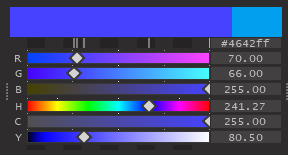
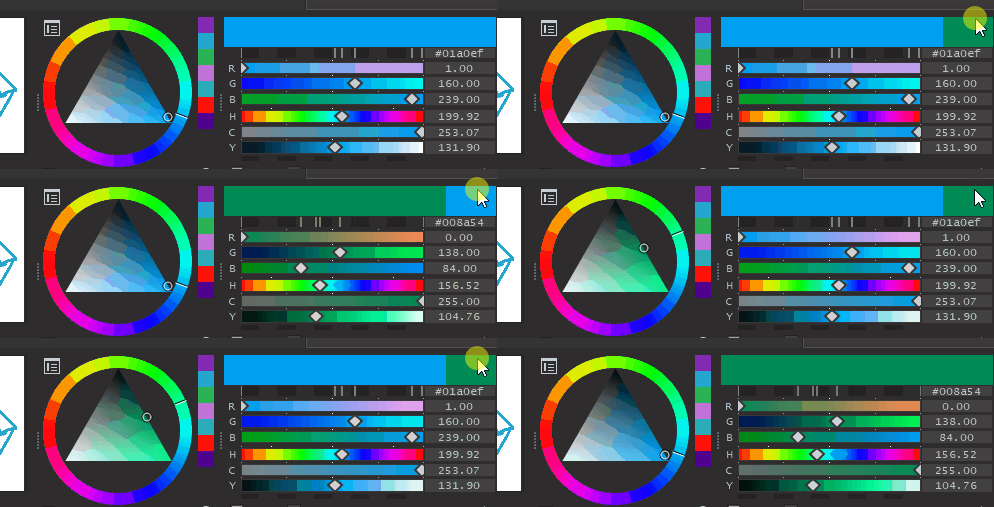
This should be part of chromaticity. But as far as I experience, displaying bg is more acceptable than COTD. When I turn on VALUES it is not so obvious
Also, I found a bug: switching foreground/background colors in pigment. o does not reflect into krita’s color picker in real time the first time. Then they stay in opposite colors … (probably not taking into account the fact that they are open at the same time. But I now use a horizontal layout at the bottom of the workspace)
The lagging problem still exists for me, but no other windows users seem to be experiencing this problem? Maybe I should reinstall the system
Yes Bg is more acceptable than COTD, that is why COTD needs to be activated on the settings to be seen and with BG you just need to hover your mouse over it to see. way faster to just move your mouse into it to see not to mention it is always active to display.
yeah that needs a bug report then. When there is no active document I have a Pigmento only function doing the swap but when there is a document active I do : Krita.instance().action('toggle_fg_bg').trigger()
then I update pigmento to Krita after doing the swap. if you look into the Fg and Bg colors of krita, the swap is there.
As for the lagging problem I don’t know how to fix that sorry I have taken a look around but I dont know what it is. Theoretically the inaccurate mode should get you safe home as it voids all transformations that added on that version step you told me about.
I made something weird but it works, not sure how even.
I ended up discarding ARD for this as it has some instability even though it had nice results.
Now I just need to make it for the other Harmonies it will take a bit to convert it all.
I just updated it, Warning this is even more WIP version and stuff may break even.
dont update if not testing. it should take me 5 days or so to finish to more stable version of the Harmony stuff.
@TheTwo
I was correcting a bunch of code on the refactoring of the harmony section and noticed something.
I made a little change and see if this works to solve your lag issue if it does not I have no other alternatives really since I cant test it on my system. This is just a wild guess on my part. But if this is it is for the better. But if it does not work nothing I will change this back as it does not make much sense to be this way.
Features Complete:
Luma Lock, is now activated by Shift or Ctrl plus Left Mouse Button on the Color Header.
Complementary Color, is activated by Alt plus Left Mouse Button on the Color Header. The method used is done by the Harmony Space mode selected.
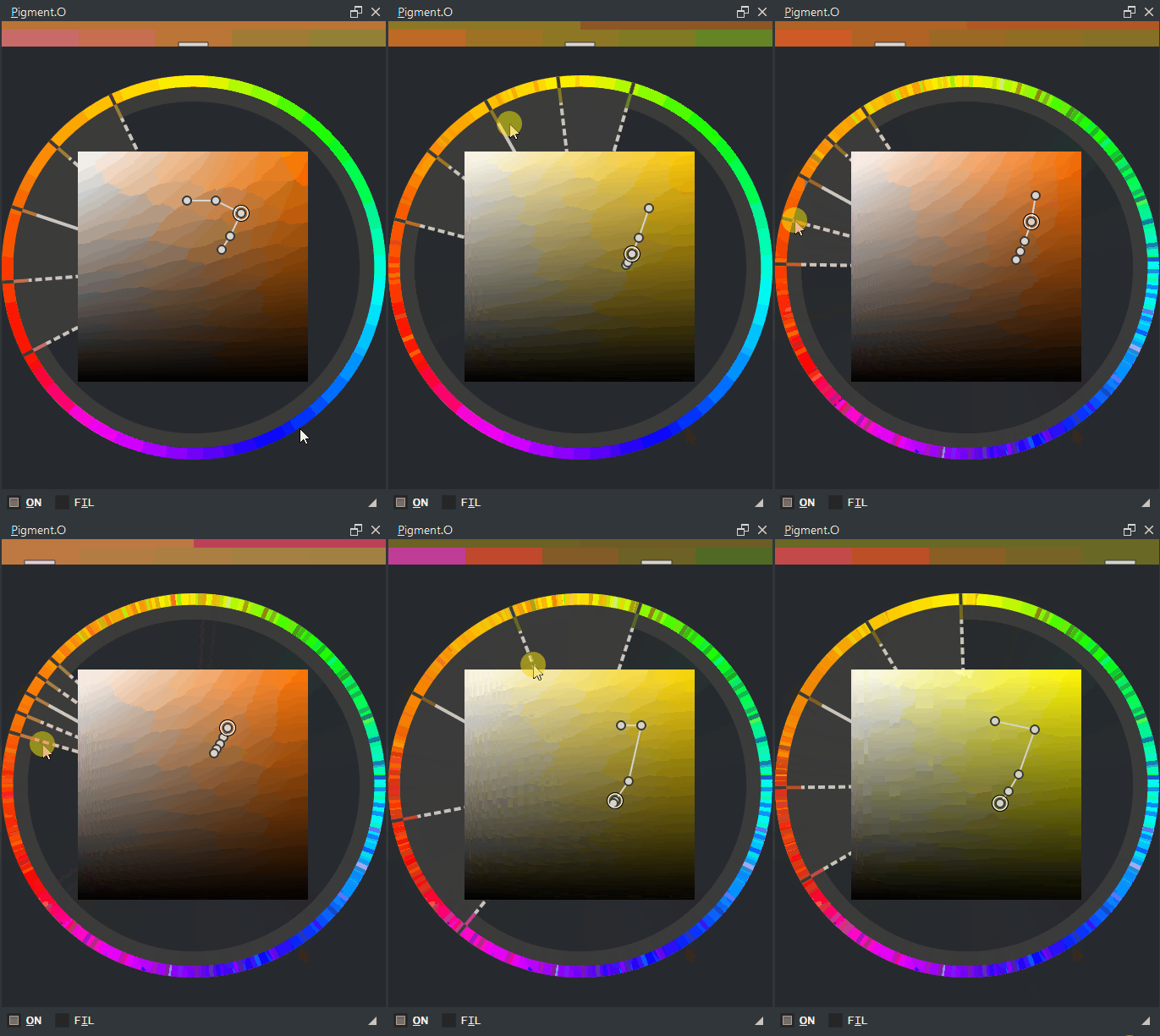
Harmony Analogous works with the new harmony spaces HSV/HSL and HSY. ARD exists but is not active due to instability.
Whole Harmony refactor for code scalability. Harmony should feel more responsive right away and not need a new update with a click, however do keep in mind that color and harmony colors are too distinct entities and don’t mix so you can revert back to the harmony palette so there are moments you have both at the same time until you choose what you want to change instead of forcing you into a choice.
Kelvin display fixed when locked.
Features that are WIP:
Other Harmony rules default to HSL and breaks with hue circle = RYB(breaks).
HSY panel has no display but works for basic stuff, harmony is still not active on it.
Floor Values. a weird idea to might bring stability where there is none, will it work? I dont have a clue, nothing like trying. If values should auto correct instantly now and not depend on Krita to respond back. at most it does nothing at all. Shortcuts KEYS should not feel as stuck as before when mouse is not hovering pigmento.
But it didn’t work. It is not a problem caused by harmony. It is normal to use “harmony” and “p>k”. I guess this is a synchronization issue, so you don’t need to make changes to “harmony”
Some new findings: Pigment.o will not synchronize the color picker after I start krita, and the brush speed is normal at this time. When I put the mouse on the docker of pigment.o, it started to run and caused the delay of the paintbrush
I found the variable that was missing.
But it has no lag for you because it was turn off, this should work but do nothing for the lag.
Either way I still need more time to work on it later to not crash, I just patched it quickly for now that point.
@TheTwo I have noticed that too. A couple of versions back that did not happen though. that is why I have the ON/OFF switch still you never know when Krita might start acting up.
Recently I am experimenting with some colors. It took me a lot of time to pick colors.
Is it possible to make buttons that increase/decrease values? We can fine-tune the number, long press will change continuously
edit:I notice that the mouse wheel can control the color very well, but for the digital pen…
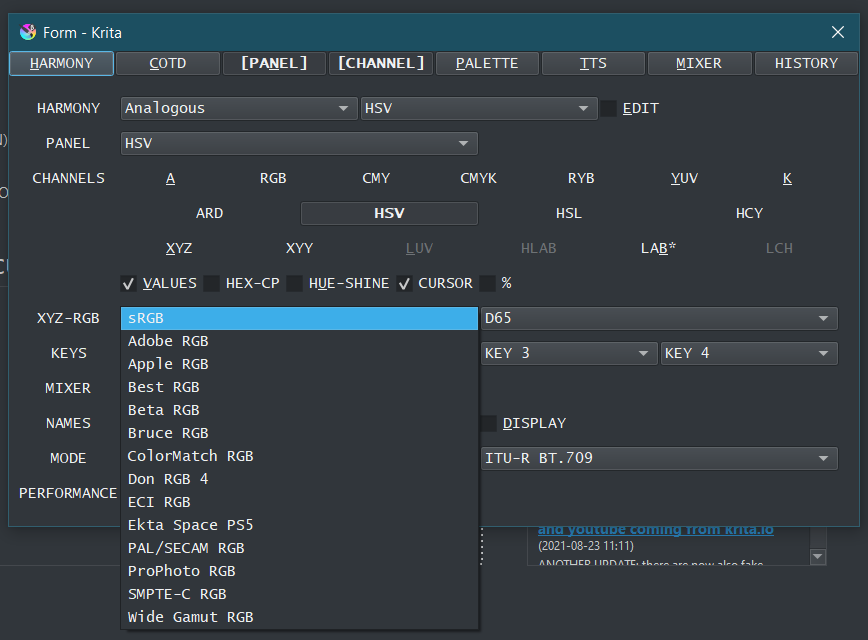
Set up the KEY shortcuts and then the color space for each key. Mind you shifting is not perfect while it is on or your not hovering the docker. Only RGB (same space as document) is responsive everywhere.
I tried it, and only RGB requires six shortcut keys. I usually open rgb and hcy, the shortcut keys are not enough… so I still prefer buttons like this
edit:I used the buttons on the digital pen to set “↑” and “↓”, but the effect is not very good: I have to click on the value first, and then shake very badly when I press the button, and I can only change 1 at a time
ALT + LMB to do plus one or minus one point with the sliders there is no need for arrows. Also use arrow keys or pageup and pagedown to do that.
I am not gonna add miniscule arrows when you can use the whole slider in its place or shortcut keys. Those arrows are way too small to be usable. Not to mention the keyboard is faster and more maleable. Also if you hide the values it would mean you would loose the plus1 and minus1 function and it is not the case.
Regardless if you need it too much you can install python to have pip, do a pip install for Pyqt5 so you have qtdesigner. Then you can open the UI file and change the buttons by just changing from no arrows to arrows on the menu for them. If you search “value” it will show all spin boxes and then can do a multi select to change all with a single click and save. Then everytime it loads it will be there.
Pigmento is open source you can tweak it, some are more complicated to tweak than others but the arrows is rather easy to do. No programming skills required it is just a drop-down menu to select how it will be.
But as much as I don’t know what caused it I don’t how it got fixed. I really did nothing that should help performance in fact I made the saves heavier. I don’t understand but cool.
I should say that in the latest version some of my brushes get messed up when I slide on Pigment.O’s sliders. It’s no big deal since a quick attempt to rescale brings back the normal bursh size and settings.
Also yes, previous version was lagging for me, and this one is back being smooth.
Since python is single threaded, I wonder if your save(if you only touched that) was doing too much calls and calculations. Or maybe too many checks of states of color variables…