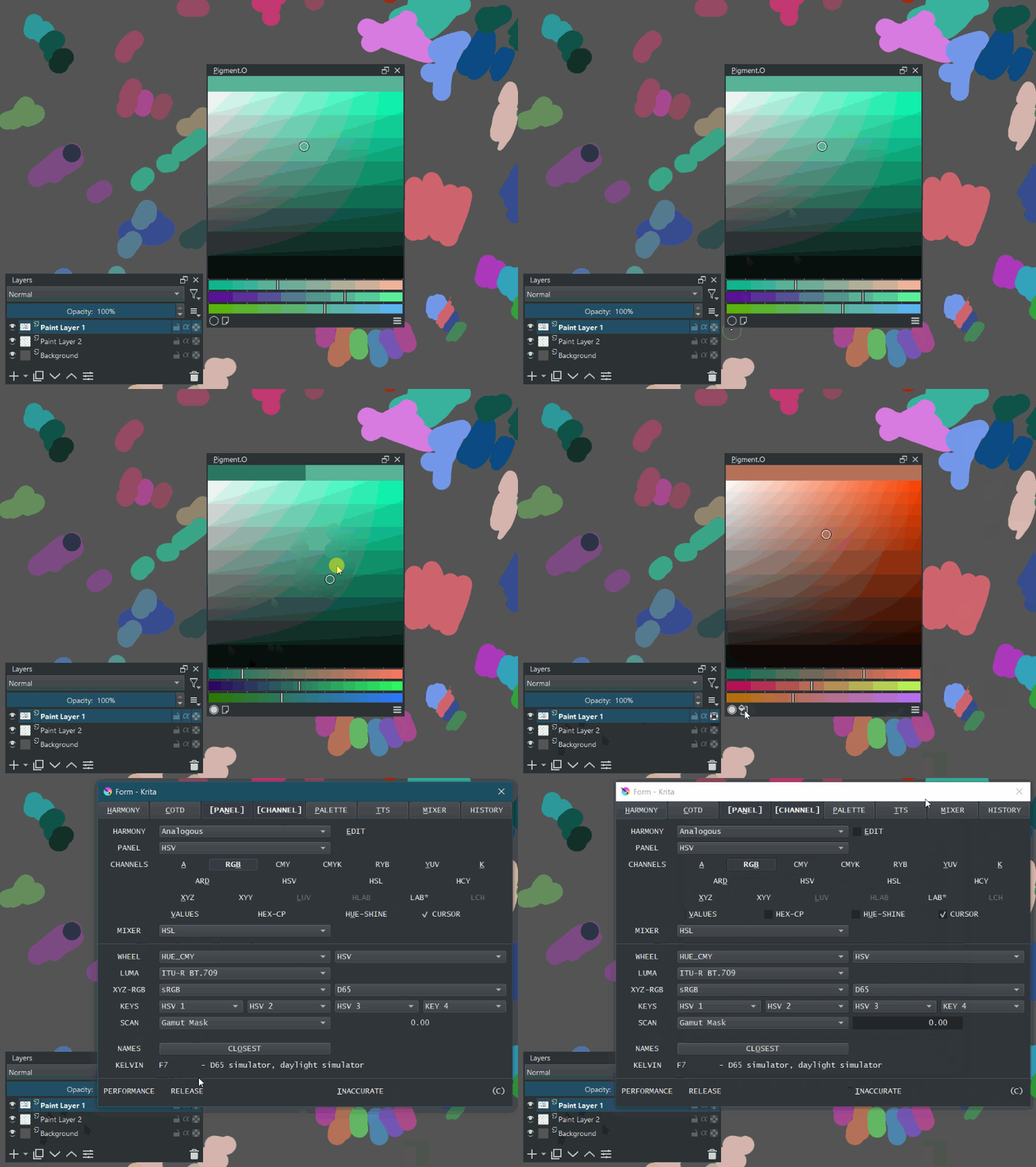
Changing colour alters your brush size? There is no code for that in pigmento now. Only tela can change that as it was fully migrated into Tela. If you could show me it happen I would probably guess better where is that happening but I doubt because those commands don’t exist. SOF is tela brush panel.
I only added a new save for the annotations for per document for gamut mask settings when it saves. The rest only happens on startup.
It only saves at 2 events, when it closes and when your mouse leaves pigmento.
Python can be threaded or it was before Krita 4.4.8. Tela was threaded until it was somehow killed now it only acts like any other class. Is just another optical illusion of mine like all my other bug reports.
But is strange Krita acting up with Pigmento on stuff it does not even touch.
Yes I would also assume that Pigment.O wouldn’t have anything to do with brush settings. Maybe it’s Krita who is querying something and if Pigment.O change that , Krita bugs out.
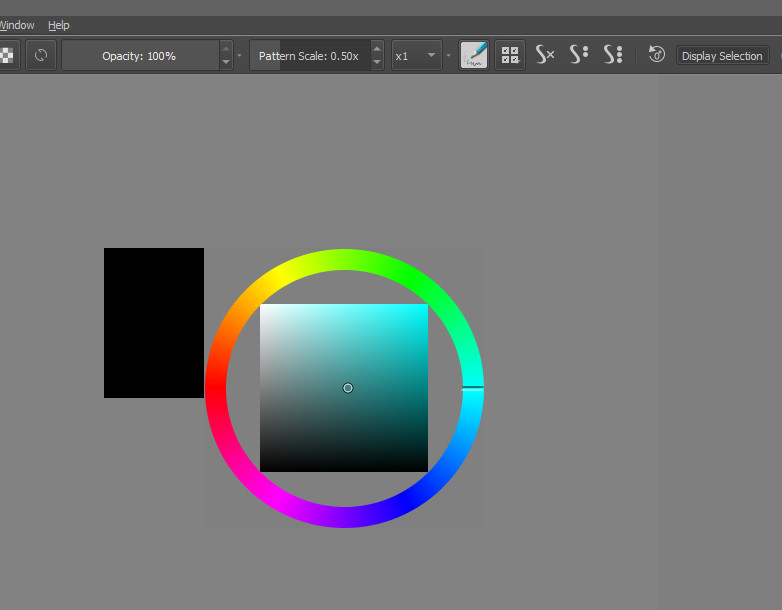
Here is what I get. I’m not sure but it does happen with that brush only:
If your remark about people looking at your code was about me commenting on python. I really don’t know your code dude. I never even looked at it. I’m making a suggestion that I hope helps you out, maybe it doesn’t help, never said it to critique your code.
This is not you @okuma_10 . I am not even a programmer I know my code is kinda bad even if I try it not to be. It has been getting better with all the help I have had from everyone since I never had any training on this what so ever.
The thing is there is a group of people of about 7 to 8 people that are keeping a close eye on Pigmento since this number never changes only the view count. They never download and considering there are only 2 files of interest in my code being spiked to 80 views means they probably spend the whole day to look at them repeatedly or checking everything inside throughly. And this past month or so this has been increasing to every 2 days or so and not every 2 weeks as before.
I don’t mind people taking a look or doing a download but like this does not sound just regular curiosity. Is too much and too often from too few.
I have had a big gamming company steal my concepts (design, story and gameplay) before and made VERY popular IPs from it, stuff that I was meant to be my out of colleague portefólio, I even gave up after that. I paint like shit so if they steal my ideas I can’t compete… it is all in my head? Maybe but the timing matches and friends confirm some thing’s are identical or too similar to what you play with. Is why I don’t post my ideas anymore and only came back only last year to do my own things and started with this project because I needed tools and learn Python also.
So I get easily upset looking at the statistics and people looking way too much like they are investigating constantly, I already know what it means even if my code sucks.
It is why I placed the copyright messages on the code itself recently even though pigmento was shipping the license with it on every copy already. I don’t know who or if it is even a bot of someone so better safe than sorry. I still need to probably add an extra notice but I am still thinking how I place it on the menu to not be annoying to people.
If PS or someone not open source stole my stuff I would probably loose my mind…
Ah I see…yeah I kind of understand. Although I’m not that zealous about guarding my stuff. I like doing art so what if they steal stuff I already painted. Unless it’s something I’m selling.
As for the code…well that’s how I download the latest version. I go to the github and download the repository as zip and load it from Krita. Maybe others are doing the same?
Also yeah, I also am not a programmer. I also learned Python because I wanted to make tools for Blender that I needed for my day to day job. But on that front as well I’m not zealous about people taking part from my code…as it is a complete mess(maybe they are looking for the logic or how I did something, not necessary my code copy->pase). Still it’s a bit upsetting that I see some blender features appearing that are presented as new and unique, while I made these features as a free addon like 3 years a go. And one can never be sure that the guy who implemented these features ,never saw my addon. The only time I might get too upset is as you said…something that I created to be used by everyone for free is being sold by someone.
Oh and about the brush thing. Apparently it’s something in Krita. On some menus that I rarely click…the same thing happened. So it’s not necessary something related to Pigment.O, but Krita isntead. I did saw on one nightly version update that they touched something in PyQt so it might be causing issues.
If it stays open source is quite different experience than when they are making tons of money off what you did and even making promotional videos with your stolen characters for events and stuff as it becomes the star of the show for their game and favoured by the meta even. But I must admit they did a much better job than I would be able to execute…
Only thing I think is if I am good enough to be stolen from might as well make them stuff too I guess.
I never though learning programming would kinda fall in a somewhat similar situation.
When I get to the pc I will see the video better I can’t see what you mean on the phone well.
That does nothing yet. I have to learn how to do that somehow but I still did not manage to find how yet.
That is there so I dont forget I have to do it. On Tela that also does not work and is waiting for the same.
I did a review on the harmony code and create a color space for the harmony variation. this allows the color set to hold the same Saturation, Value, Lightness or Luma as before and only change the Hue on that color space. HSV and HSL give off the same results and only HCY is different. ARD is not present because it is unstable. Code will be scalable for future color spaces that do Hue. This feature is kinda experimental in terms of I never saw this before but I just imagine it should work, hope it works.
Other Notes:
Thank you @Awez I will take a look into the formulas and read more about it. @nickgeneratorfailed you might want to check the values option now as it colapses the HEX display.
did a update just with small bug fixes for when menu options change. I was trying to lower the memory foot print it had and I broke it. Essentially I think I have too redo 3 panels that are problematic on this shift. DOT, OBJ and IMG so they can align better to what they should be doing. But at least now it is responsive even if oddly shapen.
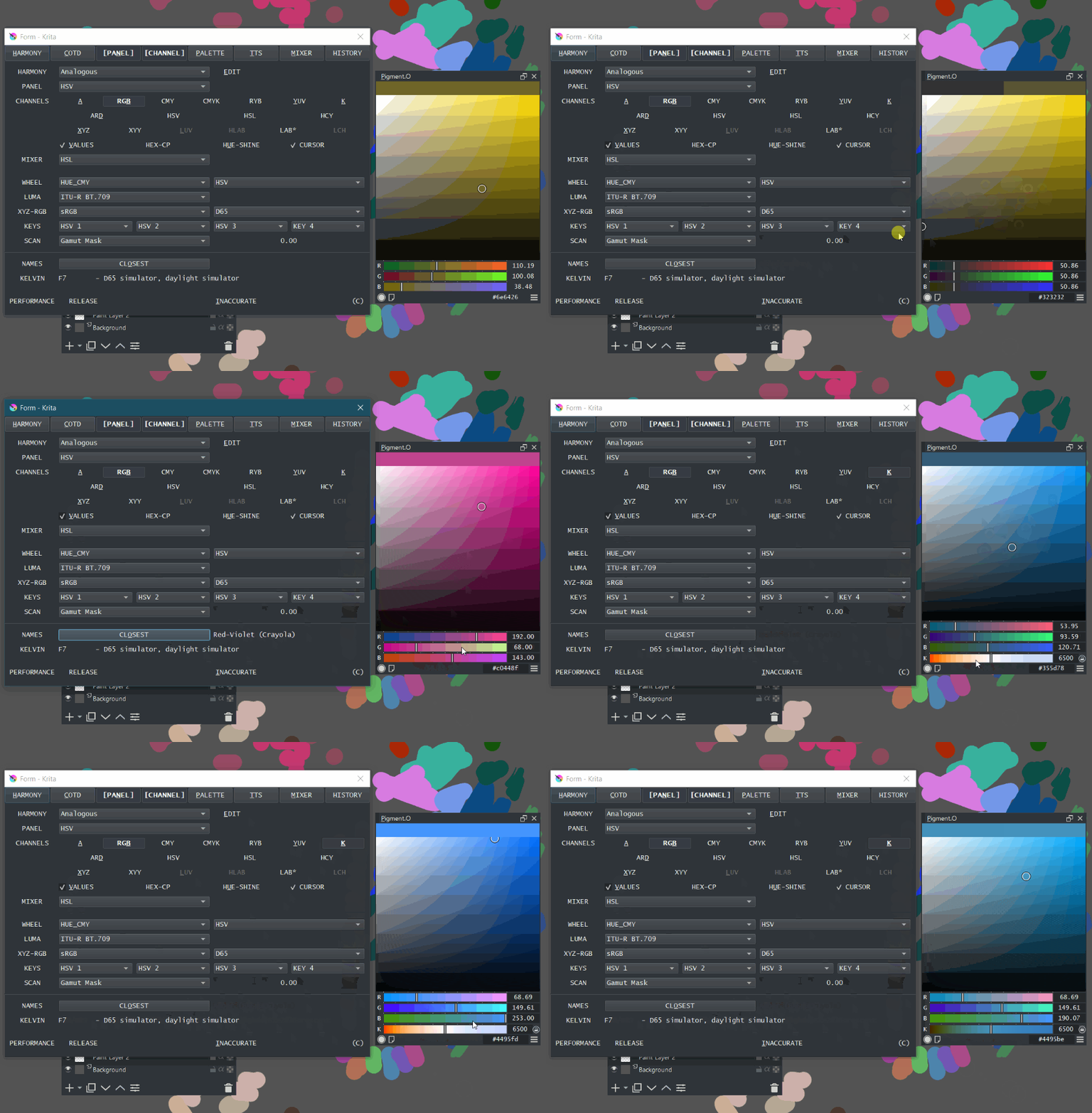
Updated the Panels. All of them were updated to be lighter and be more practical overall as they were revised in the process…
Panel DOT - Now has a new combobox that enables you to select the interpolation mode. Made the switch button more pretty. With this I created some functions that other plugins can use to convert color.
Panel OBJ - This was the panel that was the most resource hungry to be kept updated previously. Now it is nice packaged to perform better but usability is all the same even thought it was the one that changed the most internally.
Panel IMG - This one was taken into a slightly new approach. This because it can receive drag and drops of image files from any source, but if the source is Photobash Images you can isolate certain sections before sending it into Pigment.O. Also you have a context menu added to Change the frame method(Frame or Adjust), Clean or open Files.
Shortcuts:
Awesome update! I’m super excited to try out the new mixing options in dot mode, this plugin is just phenomenal. This may be a loaded ask, but I have an idea. What if when you imported an image, there was an option to automatically create a color gamut mask based on the range present in the image? Perhaps something like the program kgamut but the resulting shape is simplified into a few points. Even though it may not take into account the gamma at each end of the gamut, it would be incredibly useful to have.
I can analyze a image and get the set of colors of a image but creating the mask and keep it scalable and without tons of lag would be my real issue. I will note it and if I can find a way to do it eventually I will warn you.
Is it similar to krita’s own “colors from image”?
Is there a way to add a set of colors obtained in the picture to the color palette? It is best to create a new “swatvh groups” in the current color palette. In this way, we can quickly extract the commonly used color sets of favorite painters.
E1:
I envisioned a new project: color analysis
numbers: the total number of colors obtained from the picture
Source:
IMG docker
krita image
selected layer
Added:
new color palette
new swatch group
arrangement:
Proportion
Luminosity
Options: each layer: If you select “selected layer” and check it, each layer will use “numbers”. When creating a new color palette and swapvh group, the colors obtained by each layer will also remain independent;If you don’t check it. Then the multiple layers will get a total of “numbers” colors. And is a whole piece when added to the swatch or palette
colums:Number of columns of swatches
extra rows: When the image color is acquired, how many rows are vacated. The total number of rows is numbers/colums+extra rows
I did a Update mostly to looks. I was in a conversation with a twitch streamer the other day and they told me I would never be able to surpass Coolorus plugin and my efforts would be my only reward. I was never so irritated in my life, but I don’t hate the Streamer. But I am gonna make it better and first thing to do it correct weak spots on what I did already.
small UI refresh to make it lighter.
history panel holds more colors also scroll-able and is activated as soon as krita boots now.
Color Names and Kelvin display causes no conflicts
Internal bug fixes that improve performances and allow a better architecture.
Ergo I am less noob it seems, strangely improved by reading my own FAQ
I have the prototype of IMG color scan in this version but it is not complete mainly due to I have the information but I am not sure in which perspective I should organize things.
colors:
amount of verification’s?
discriminate by hue?
masks:
masks are the same top to bottom for GAM? able to swap masks quickly since there will be 8 masks top
masks vary when changing depth on the cylinder? requires recalc when changing Color space or Wheel as each will have 256 masks.
Ignore the worshippers. What is missing there to surpass coolorus? In any case in my opinion your plugin is unique. Keep up the good work yours is one of the best plugin I saw for krita.
People always talk without thinking, even so you could use that as a reason to improve your complement more and I think that is excellent, I love how it looks now, I know that it will even continue to improve