Pigment.o was the first plugin I used and it is amazing. 
1 Like
I have not used it. But from my observation, there seems to be no advantage. It has only 6 color spaces, and there is no hsy space that I prefer to use. The okLCH I hope to own will definitely be in an invisible future. MIXER is also limited by the number of color spaces…

It seems that they are all functions owned by Pigment.O. Or does it mean that its harmony function can be used with the color picking straw? I can’t think of anything else…
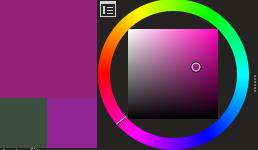
This is a cool update! But it does not necessarily meet the expectations of some artists: I slid a half circle on the hue circle without actually choosing a color, but it was all recorded, which seemed a little messy.

I think two settings can be added, one is to record the color after the brush is drawn (traditional), and the other is to record the color after the end of the drag. Maybe you can get information from the color picker that comes with krita? (The two squares in the lower left corner)
EDIT:
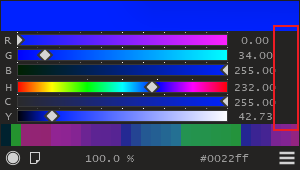
In terms of UI, I think “VALUES” takes up too much space, and I think it can be reduced.
1 Like
This thread explains the issue.
I am not able to replicate that issue.
I am glad you guys like it, I will keep at it to make something that is production ready for real and not be scuffed at so easily. My Goal is to be a valid alternative to Coolorus and Magic Picker that are “Industry Standard”.
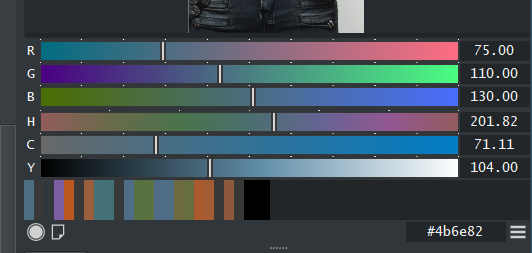
Finally, I found out that the redesign plug-in made the middle value move closer to the left. But it seems that the length on both sides of my values seems to be longer.
I think it has been reached. Except that it does not support “industry standard” photoshop. 
So please look forward and leave people behind with your back. 
4 Likes
Hey Eye,
I’ve used Colorus for a long time before switching to Krita. Yes Colorus is really well chiseled tool, but to be fair your tool is in many aspects surpassing Colorus.
The only thing for me that for me Colorus wins when it comes to Colorus vs Pigment.O is the UI. Colorus’s UI is really artist friendly, and pretty. But to be fair there hasn’t been any development on it for years. And it’s not like you can’t work on Color related features. I think Pigment.O is a good example for all the features one can work on when it comes to colors.
Another field Pigment.O looses is that it’s for Krita…let’s not forget that industry standard is Photoshop, so naturally you can’t have Pigment.O in photoshop so comparing things to Colorus I find a bit pointless.
Other than that your work is great. Thanks for putting the time and effort for making this. Making an addon myself for blender I know how time consuming this is.
3 Likes
I think Pigment.O does not need to be able to be used in Photoshop. 
2 Likes
Pigment.O has more functions than Colorus.
Colorus’ ui interaction is more friendly (more graphical).
I think Pigment.O is better.
Thank you for your continuous work, Pigment.O is always getting better.
2 Likes
In my eyes, Coolorus has clearly lost. A tool that was sold millions of times, and that for ~17 bucks/piece, should have been developed, by this money in the background, to the only color tool that people talk about or even think about.
But at the point where it was bought like stupid, the creators of this tool sat down in their armchairs, put their feet up and didn’t improve anything. It brings money, so why improve anything else, that costs money!
So it comes that there are other products on the market besides Coolorus that (can) vie for the favor of PS users. And only if the sales figures collapse in such a way that it hurts, Coolorus is (possibly) developed again.
This is the point where FOSS can have an advantage, it depends only on the identification with the project and the ambition and sense of honor of the people behind it, but not on the amount of money generated. And with you, one can literally feel this ambition that has made Pigment.O what it is, and that is top class! So I would say it’s better not to listen when blind people talk about color tools. Do your thing, your plugins make sense and are of good quality.
And as far as Krita is concerned, you are clearly the market leader! 
Michelist
5 Likes
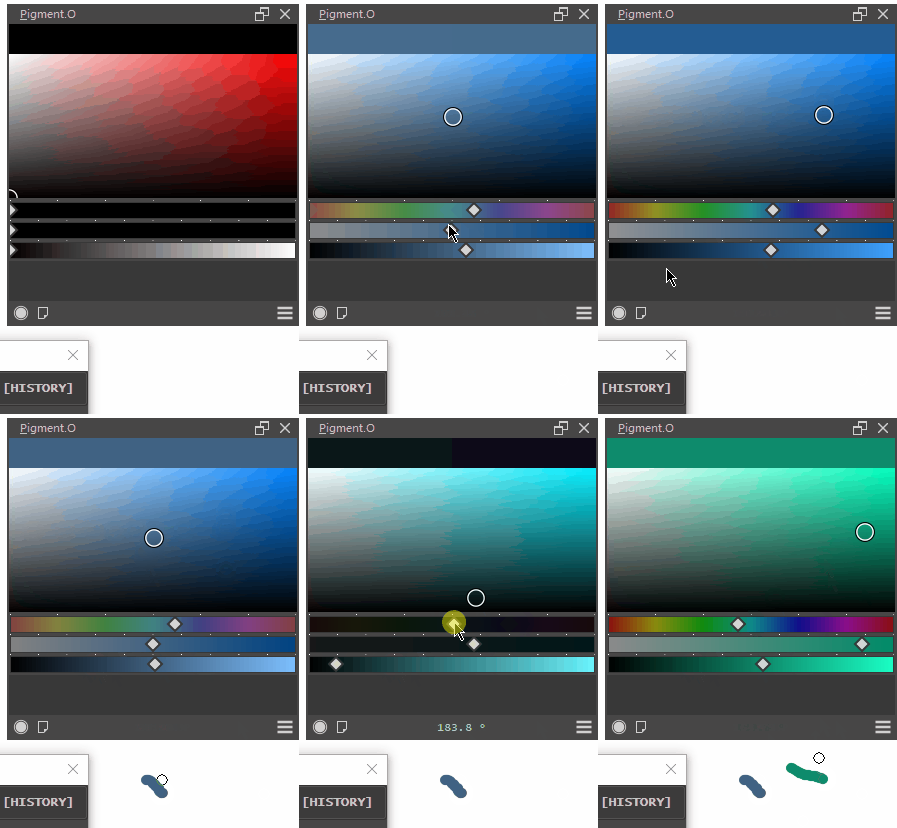

Try it now to see if it is working.
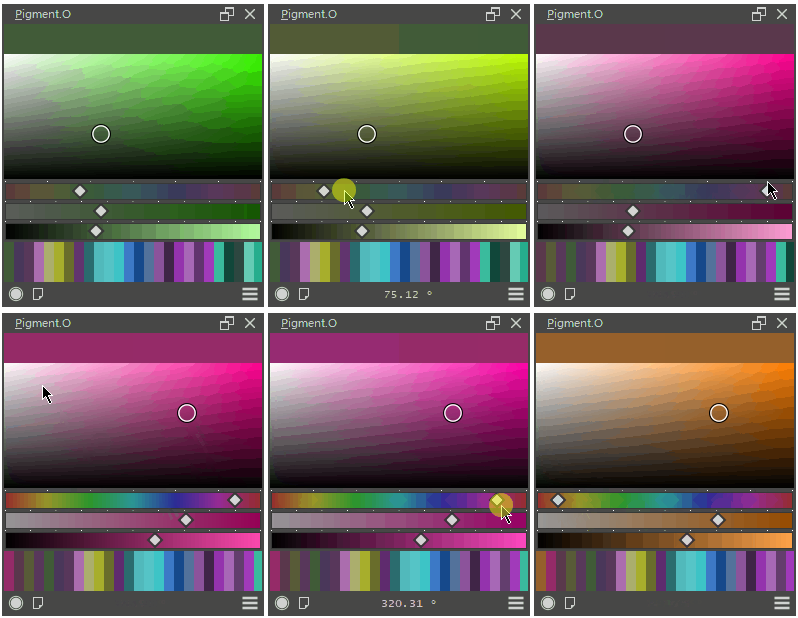
History is now working properly.
But the locked luminosity still cannot be locked according to the instructions.
locked luminosity? whats is that?
oh you mean luma lock. uhmm I changed the shortcut I did not have much space.
I will update the manual. but it is Shift or Ctrl plus LMB. and you have Alt plus LMB for the Complementary.
oh I think I see the problem now.
@Eranthis_stellata it should be okay now.
2 Likes
Thanks, I saw it.
1 Like
interesting video on natural mixing pigment
Just saying. If it was a Coolorus clone, It’d have been even much better, considering that you(@EyeOdin) wouldn’t need much to think about new functionality, but would have offered a great solution nevertheless. Anyway.
Maybe I should wait for 2023 before coming back to this plugin.
It’s good that someone is working on an alternative that is or will be available for Krita.
For now, I’m sticking with the normal and native color wheel. So cheers, @EyeOdin.
1 Like
Why isn’t it better now?
How is this relevant to this thread? Please do not post off-topic links.
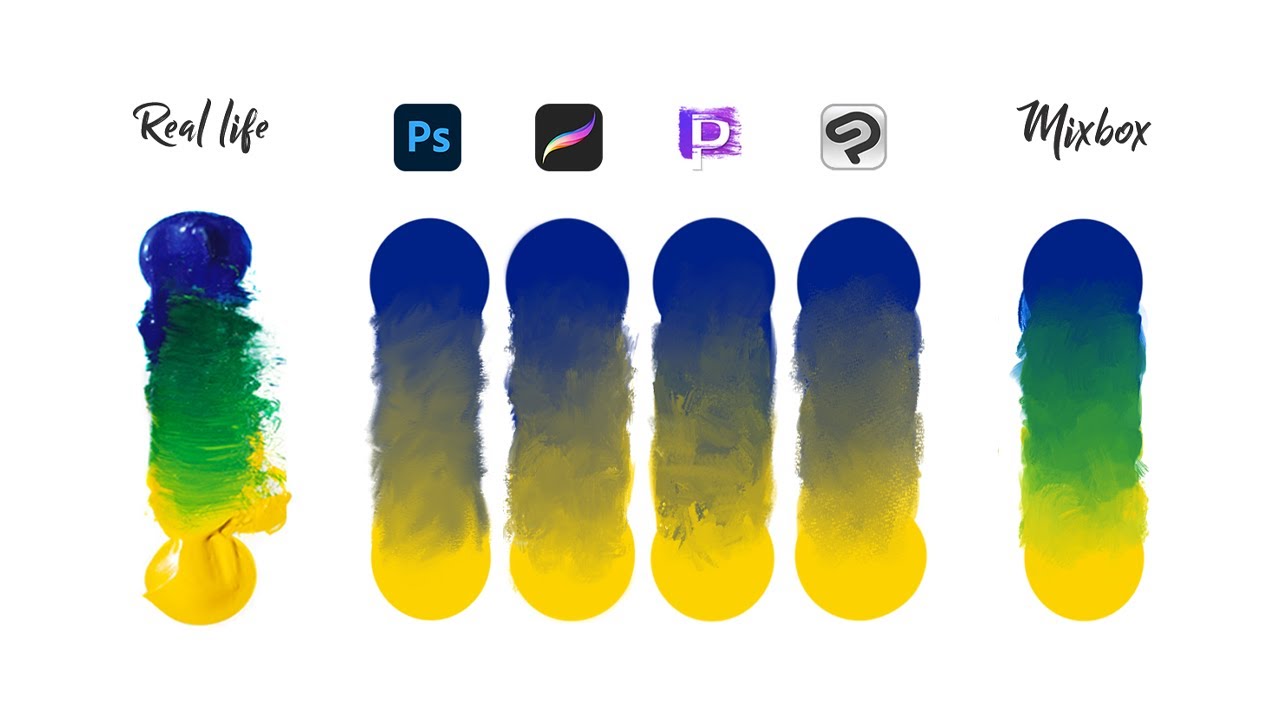
It is relevant since it has a colour mixer also. For now I just make linear interpolation but the video presents another method to interpolate. Some people use the mixers to try and bring the correct blend colours into Krita even though it is just long way to do it. Pigmento is not as good as Mixbox but already has similar results in the path taken.
1 Like