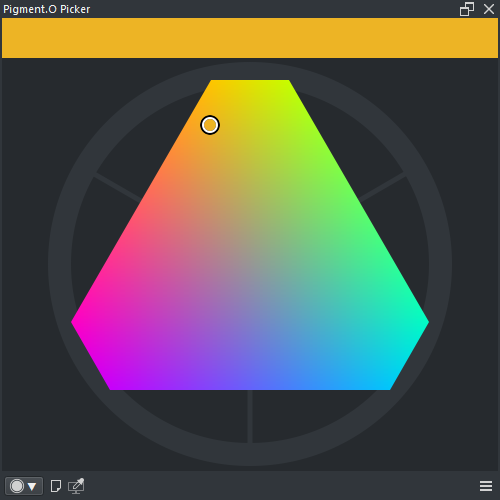
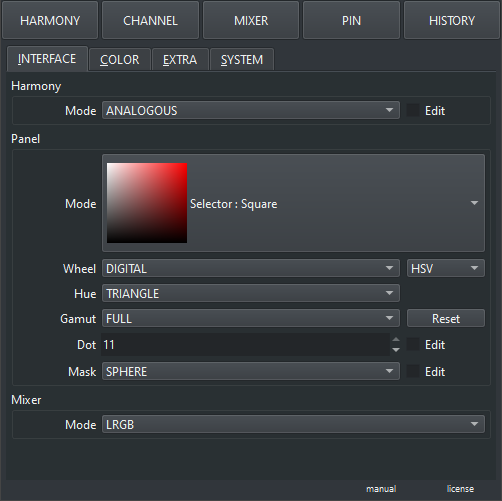
for some reason, not appears the triangle option
Update:
- Qt=5 Krita=5.2.16 update
- Refactoring
- New Features
- Performance
- Updated Wiki
Note
This is gonna be the last Qt5 version if no bugs arise. and was updated so the trio of plugins Pigmento, Imagine Board and Tela are okay to work fully well in Qt5.
Picker New
- Sample Screen
- Faster display ( Pixel, Vector, Menu )
- New implementation of copy paste hex
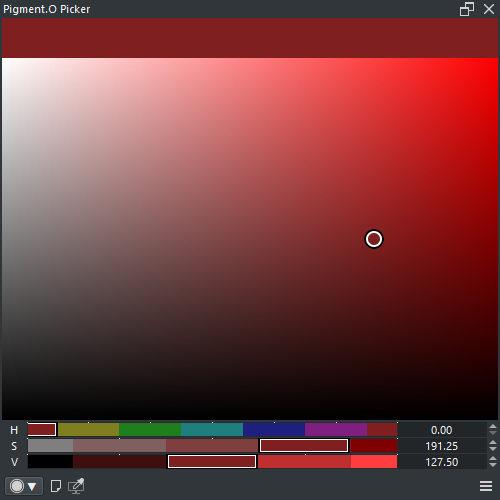
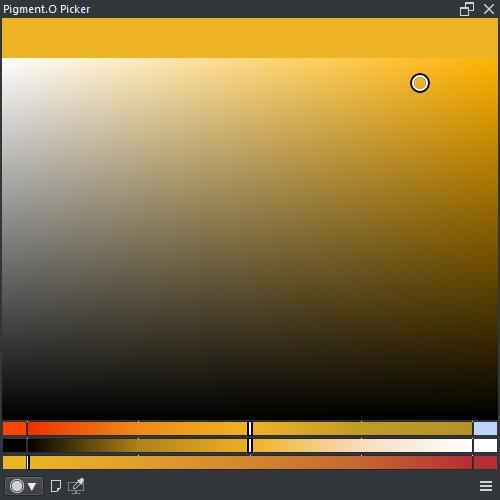
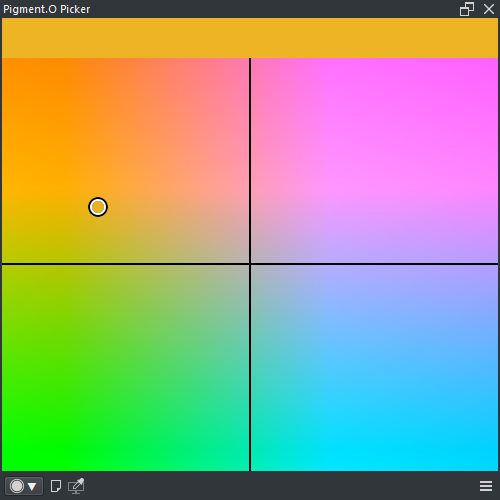
- new mask on Hue and Gamut
- Sum is a seperate entity
- Pole Mixer with 3 colors. 1 dynamic color
- auto hex copy with new history color
- bug fixed mask reset
- QOL Panel Mask Pin when saved sets the Alpha back to 1
- settings new look
- LRGB instead of CMY
- Channel patch mode ( RMB to swap view )
- Integrated Panel Printer ( DO NOT TOUCH without reading the WIKI )
- Conformed to Kritas D50 for XYZ documents sake
- Dialog header highlight
- Difference between Alpha and Gray color spaces now
- Mixer works in 16 bit and up now
- Mixer is updated. no infinite channels.
- kelvin is a mixer now.
- pole mixer is new.
- linear mixer remains solo.
- YUV formulas are fixed. added yuv rec.2100. Pigmento with YUV documents is fixed ( FINALLY )
- LCH gradient is correct now
- Hexagon looks different
- Less context menus and more Settings
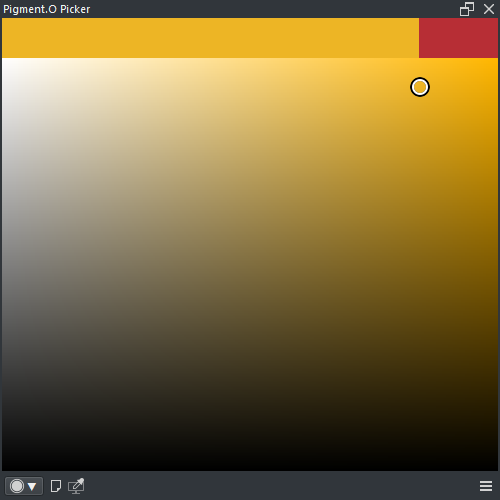
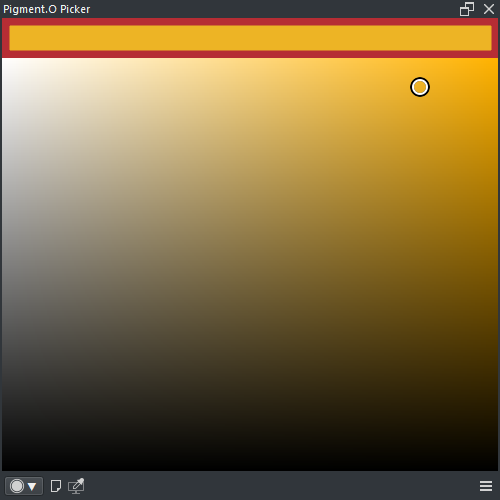
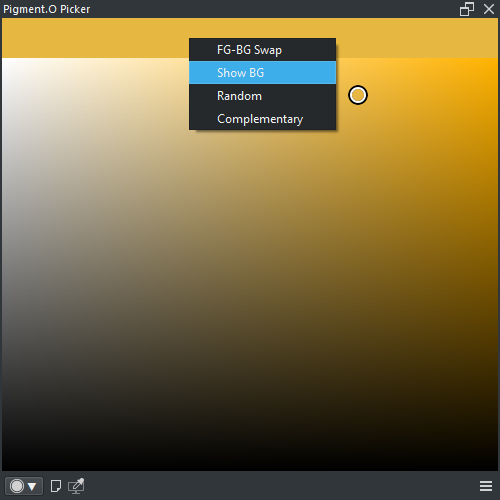
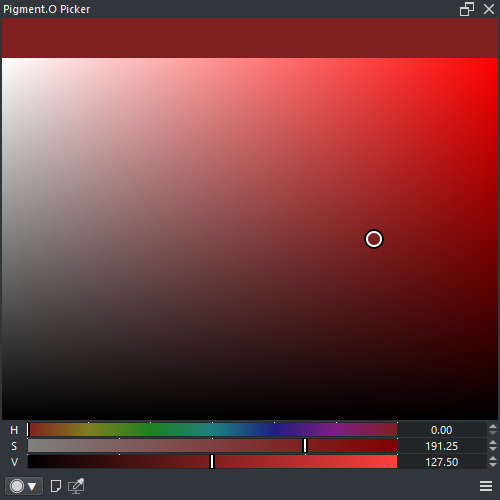
Sampler New
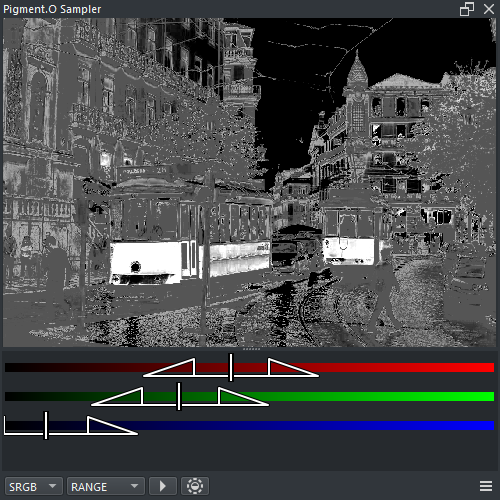
- Sampler only works in U8 and U16.
- Sampler now can accept images from Imagine Board to apply LUT files (*.cube) too. Can Batch multiple images to the same LUT.





6 Likes
it should be fixed now. it is not perfect because there are circular sliders but it is more accesible. if nothing works press Shift+Ctrl+Alt+LMB to reset.
this is what your looking for probably
LRGB should be fixing that on Krita 5.2 now
you need to file a report on github so I can check that situation more closely.
now the UI option for the triangle should be easier to find.
Hello ,I really like your plugin as a LCH slider. But I encountered script error when updating this plugin using both v5.2.16 and v5.3.0. It appears at krita startup. I wonder if there is a fix or if somewhere saves the older version. Below is the traceback, let me know if more information needed.Last hats points to the ‘[i]’ of ‘mask_color[i]’.
And also, I found that when picking color via krita build-in color picker, this plugin won’t sync the color into it so that I can’t not pick a harmony color of a picked color. It doesn’t work when using the plugin’s picker, too. Will this be adding as a feature?
Traceback (most recent call last):
File “D:\redacted\Krita (x64)\lib\krita-python-libs\krita\dockwidgetfactory.py”, line 23, in createDockWidget
return self.klass()
~~~~~~~~~~^^
File “C:\Users\redacted\AppData\Roaming\krita\pykrita\pigment_o\picker_docker.py”, line 60, in _init_
self.Setting()
~~~~~~~~~~~~^^
File “C:\Users\redacted\AppData\Roaming\krita\pykrita\pigment_o\picker_docker.py”, line 909, in Setting
self.Mask_Load( self.mask_url )
~~~~~~~~~~~~~~^^^^^^^^^^^^^^^^^
File “C:\Users\redacted\AppData\Roaming\krita\pykrita\pigment_o\picker_docker.py”, line 3892, in Mask_Load
self.Mask_Pin_Color( self.mask_color, self.mask_alpha )
~~~~~~~~~~~~~~~~~~~^^^^^^^^^^^^^^^^^^^^^^^^^^^^^^^^^^^^
File “C:\Users\redacted\AppData\Roaming\krita\pykrita\pigment_o\picker_docker.py”, line 3734, in Mask_Pin_Color
self.mask_module[i].Update_Color( mask_color[i], mask_alpha[i] )
~~~~~~~~~~^^^
KeyError: 0
That is a load error. Clean your kritarc file. It has an i key error because in the past it did not exist and that non existance was saved to memory so when loading i does not exist.
Also 5.3 is not fully functional in the sense that something big changed and still need to see what is different.
sorry , I might not understand your instruction.
I simply deleted the “%LOCALAPPDATA%\kritarc" and "%LOCALAPPDATA%\krita\" file and rollback to V5.2.16. But it keeps reporting the same error.
Should I do a clean install again?
Yes. Try deleting all pigmento files inside the pykrita folder and reinstaling it again.
Thank you developer.
It still does not work, no matter cleaning the pykrita files or kritarc file , the startup problem appears.
But Mar 24, 2026 version(4a1d938) works , for both v5.2.16 and v5.3.0 . And I found that the color sync problem I mentioned before has been fixed in an issue on github , sorry for my mistake.
I will reupload the files to see if it works. On my side it boots good.
I have no issues either.
Michelist
Demonstration:
- Mixer Pole usage
Here as you can see the canvas color picker is the only way to update the color in the middle while the colors on the edges of the slider are set by the custom pin colors. So while you keep color picking from the canvas you just need to mix it with a certain amount of the “light color” or in the opposite direction the “shadow color”. This will ensure your light and shadow mix is consistent all through out a single piece.
Hope you have fun
2 Likes
Thanks for the good analog of default color picker.
I will update and supplement the translation for the latest version later.
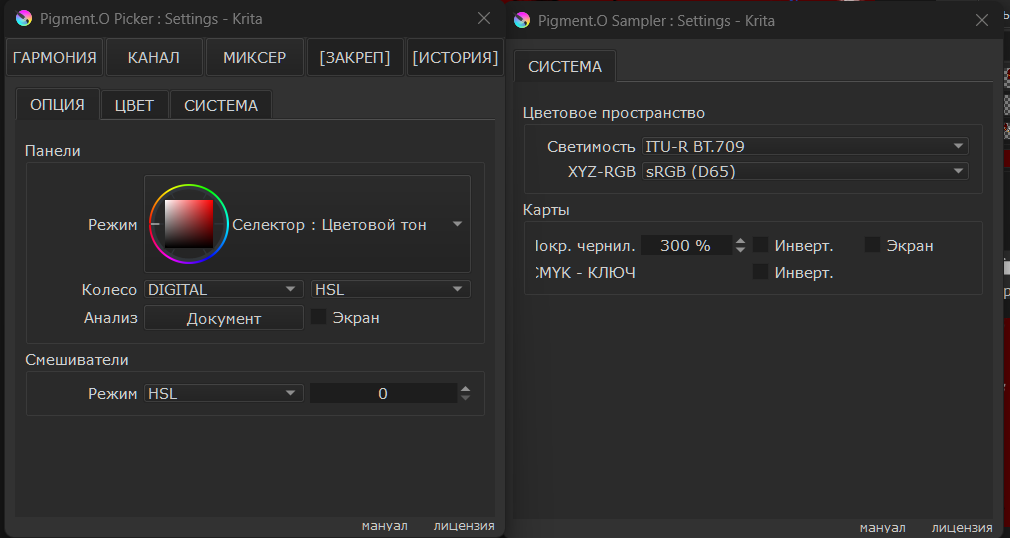
Перевод на русский язык (вместе с плагином).
Russian translation (along with the plugin).
Установка: скопировать содержимое архива в папку для плагинов
Installation: copy the contents of the archive to the plug-in folder %APPDATA%\krita\pykrita
Google Drive: DOWNLOAD
1 Like
Not working on 5.3.1 flatpak for me. Downloaded the latest .zip and got this on bootup:
UnboundLocalError: cannot access local variable ‘range_0’ where it is not associated with a value
UnboundLocalError: cannot access local variable ‘iluma’ where it is not associated with a value
+a whole lot of traceback
1 Like
For what it’s worth, I’m also having the “cannot access local variable” error list, and I’ve done every other fix in this entire thread. It’s frustrating, because this is the exact color mixing setup I’ve been looking for since it matches some of the other art programs I’ve worked with in the past and liked certain elements of.
@paper_sun @RandyF1996 please give me the full error message.
Additionally to @EyeOdin’s request, you should check errors on Linux always against the one and only official version of Krita for Linux, which is the AppImage from Krita’s homepage!
Michelist
Update:
- Bug fixes
Fixes

- Krita is reacting different with the updating so I created a simple lock to manage things on my side, it really helps to not make the hue not mess up now. it is not a perfect fix but it is doing a good chunk of work for krita 5.3+.
- The Analyse display for triangle and diamond somehow got chopped ? donno what I did but things were lost when moving things around. Now analyse display is correct again, not to mention with no more lag on it, dare I say, fairly fast.
4 Likes
After the update, which you put up about 12 hours after I sent that message, thankfully the problem is fixed! Thank you so much for developing this set of dockers, and for maintaining them so well!
1 Like
I was looking around but i did nothing different from before. I was fixing other stuff. But i am glad it worked out somehow on that too.
So I downloaded the latest release today and tested it in the 5.3.1 flatpak and appimage. Running fedora 43 kde/x11. Here are the two error messages I get when booting krita in full:
Traceback (most recent call last):

  File "/tmp/.mount_krita-GGlOih/usr/lib/krita-python-libs/krita/dockwidgetfactory.py", line 23, in createDockWidget
    return self.klass()
           ~~~~~~~~~~^^

  File "/home/w/.local/share/krita/pykrita/pigment_o/sampler_docker.py", line 50, in __init__
    self.Connection()
    ~~~~~~~~~~~~~~~^^

  File "/home/w/.local/share/krita/pykrita/pigment_o/sampler_docker.py", line 205, in Connection
    self.layout.color_space.currentTextChanged.connect( self.Color_Space );   self.layout.color_space.setCurrentText( self.color_space );   self.Color_Space( self.color_space )
                                                                                                                                            ~~~~~~~~~~~~~~~~^^^^^^^^^^^^^^^^^^^^

  File "/home/w/.local/share/krita/pykrita/pigment_o/sampler_docker.py", line 1074, in Color_Space
    self.range_0.Update_Gradient( range_0 )
                                  ^^^^^^^

UnboundLocalError: cannot access local variable 'range_0' where it is not associated with a value
and this is the second message
Traceback (most recent call last):

  File "/home/w/.local/share/krita/pykrita/pigment_o/picker_docker.py", line 1700, in Krita_Read
    if ( self.mode_index == 0 ) or ( self.kdocument != kdocument ): self.Read_Color( kdocument )
                                                                    ~~~~~~~~~~~~~~~^^^^^^^^^^^^^

  File "/home/w/.local/share/krita/pykrita/pigment_o/picker_docker.py", line 1831, in Read_Color
    self.Pigmento_READ( fcm, kf1, kf2, kf3, 0, pf )
    ~~~~~~~~~~~~~~~~~~^^^^^^^^^^^^^^^^^^^^^^^^^^^^^

  File "/home/w/.local/share/krita/pykrita/pigment_o/picker_docker.py", line 2040, in Pigmento_READ
    self.Color_Convert( mode, var_1, var_2, var_3, var_4, color )
    ~~~~~~~~~~~~~~~~~~^^^^^^^^^^^^^^^^^^^^^^^^^^^^^^^^^^^^^^^^^^^

  File "/home/w/.local/share/krita/pykrita/pigment_o/picker_docker.py", line 2359, in Color_Convert
    yuv = self.convert.srgb_to_yuv( srgb[0], srgb[1], srgb[2] )

  File "/home/w/.local/share/krita/pykrita/pigment_o/engine_calculations.py", line 757, in srgb_to_yuv
    y, u, v = self.Vector_Limit( y, u, v )
                                 ^

UnboundLocalError: cannot access local variable 'y' where it is not associated with a value
Edit: Tested it on the 5.3.0 appimage as well, same thing. The errors just happen once I load into a document instead of on bootup.