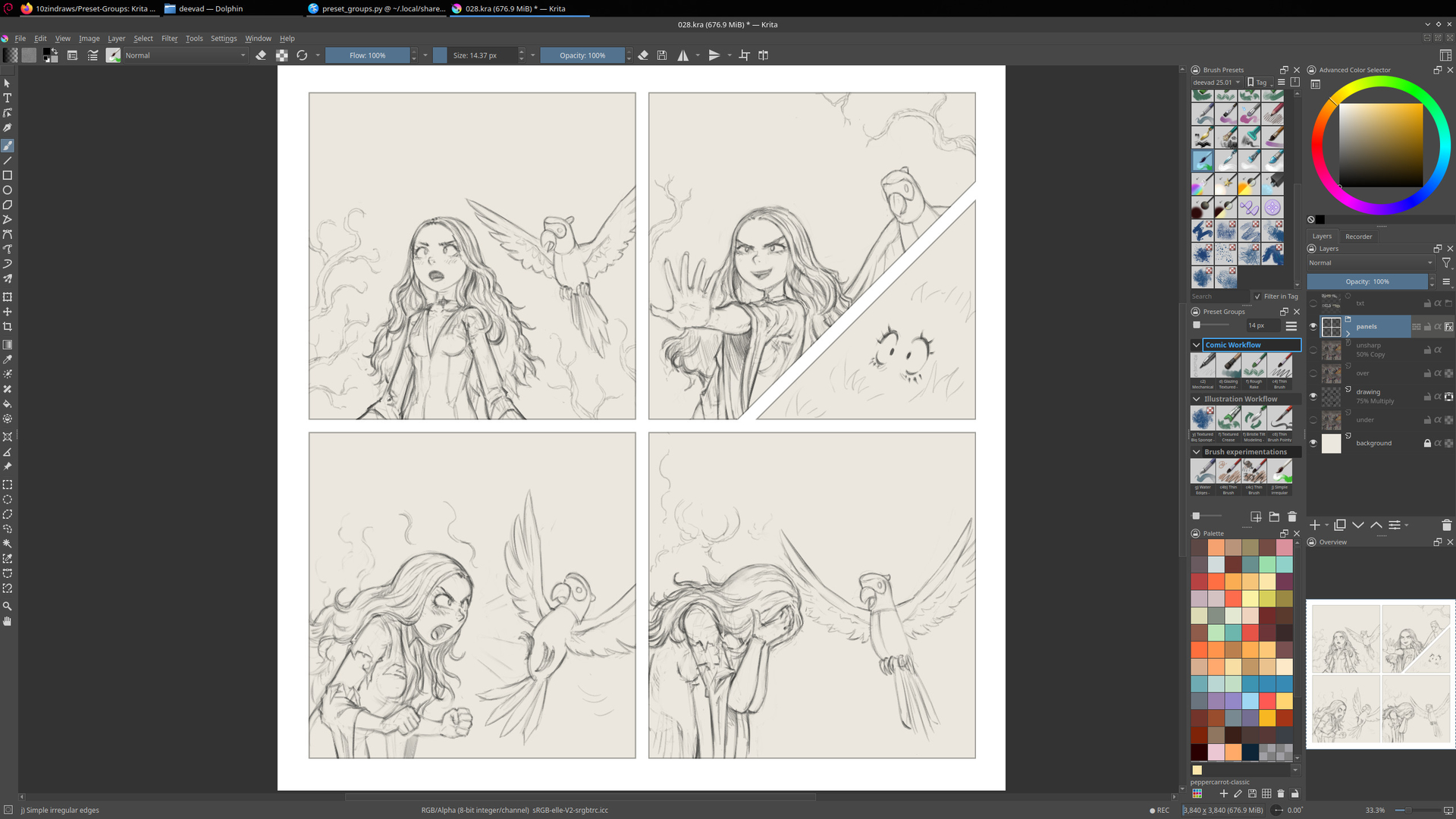
Preset Groups - v1.2.0
v1.2.0 Changes:
- Compatible with any Krita theme (requires restart)
- Plugin’s colors can be customized in
styles.pyfile - You can use ctrl + scroll to resize thumbnails
- Fixed some visual bugs
Tired of renaming brush presets to simply reorder them in their tag? This plugin aims to fix that issue and make Krita’s brush management more convenient for artists that are used to Photoshop and Clip Studio Paint.
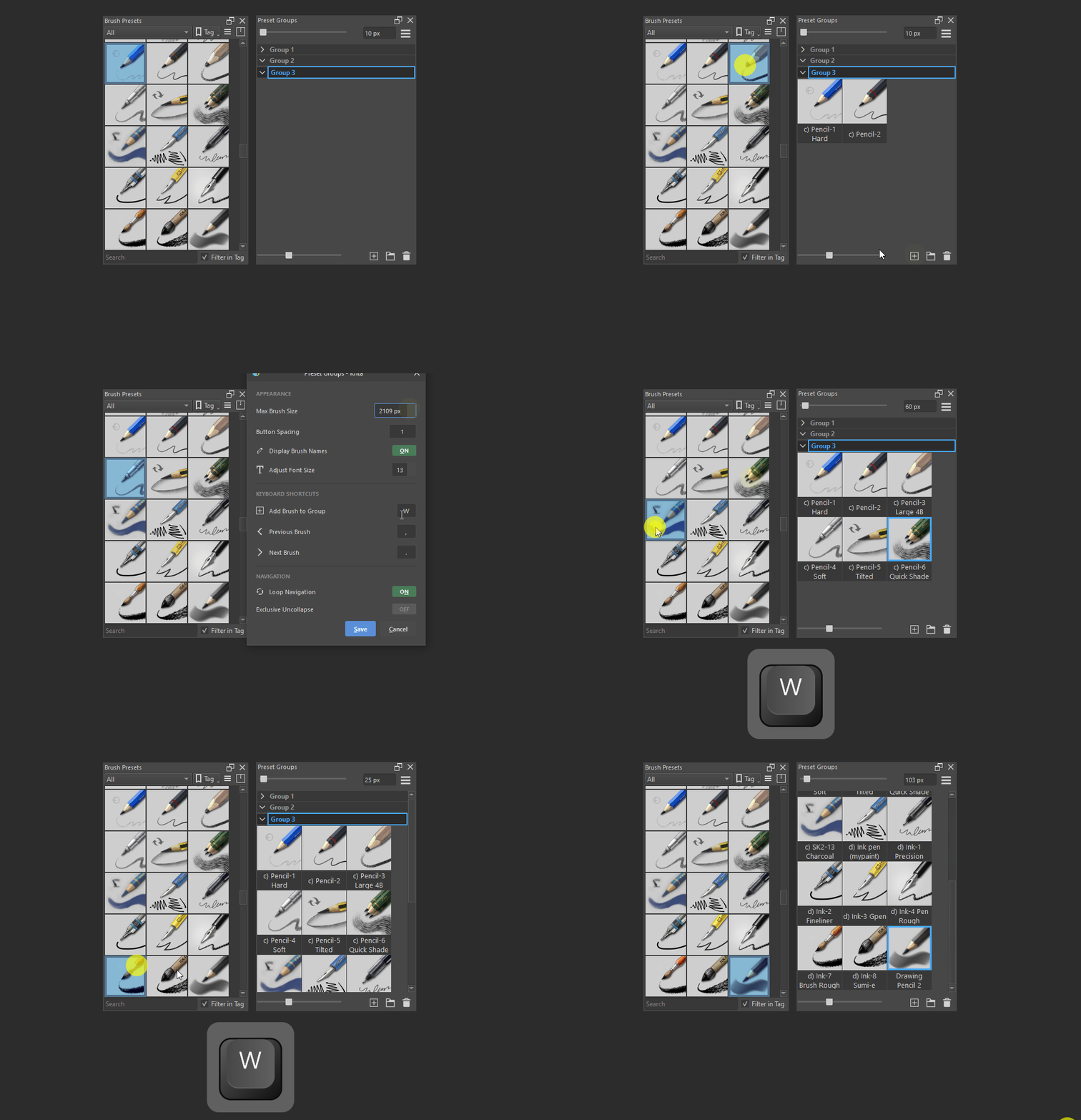
Add brushes to the plugin:
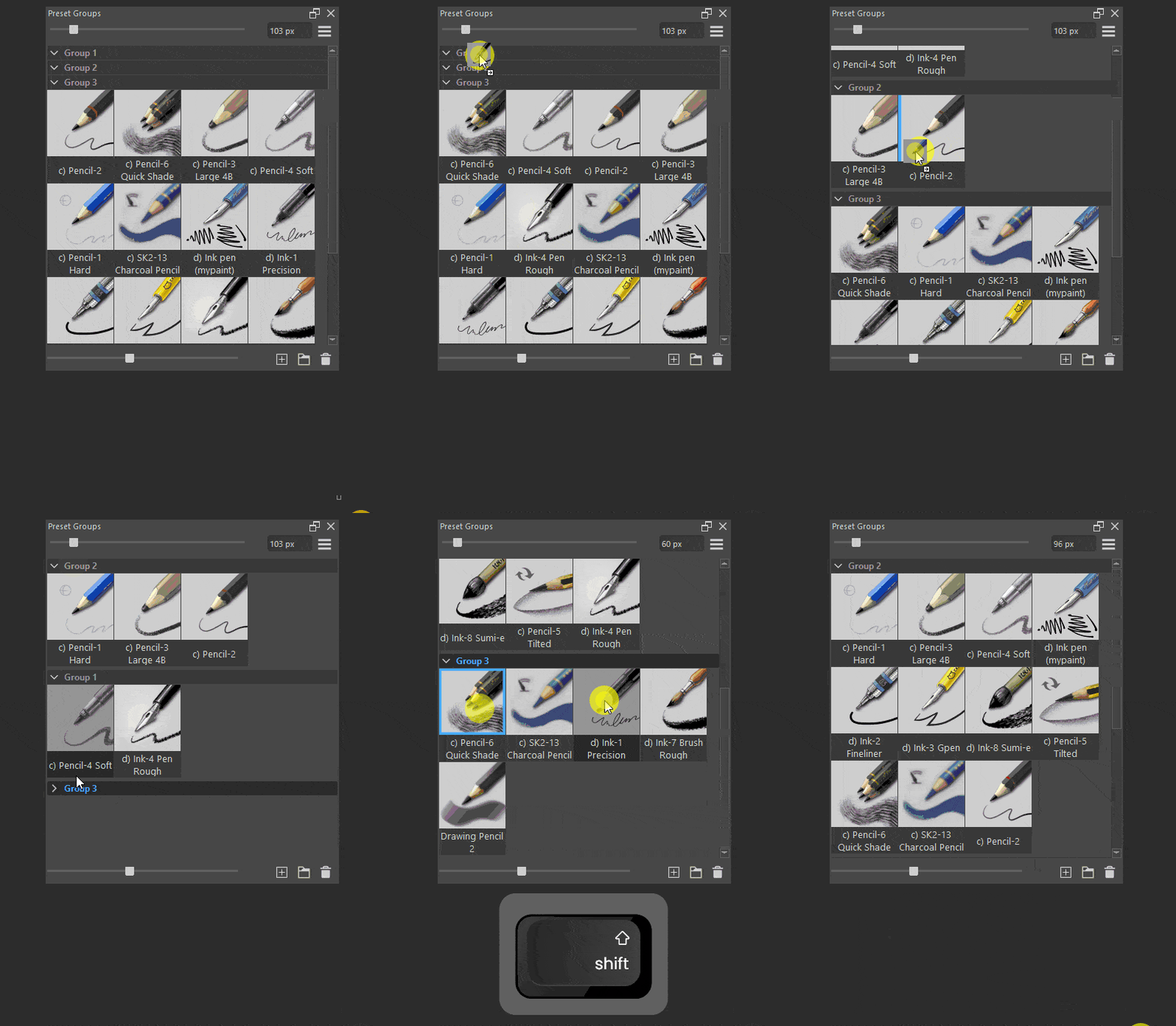
Organize flexibly:
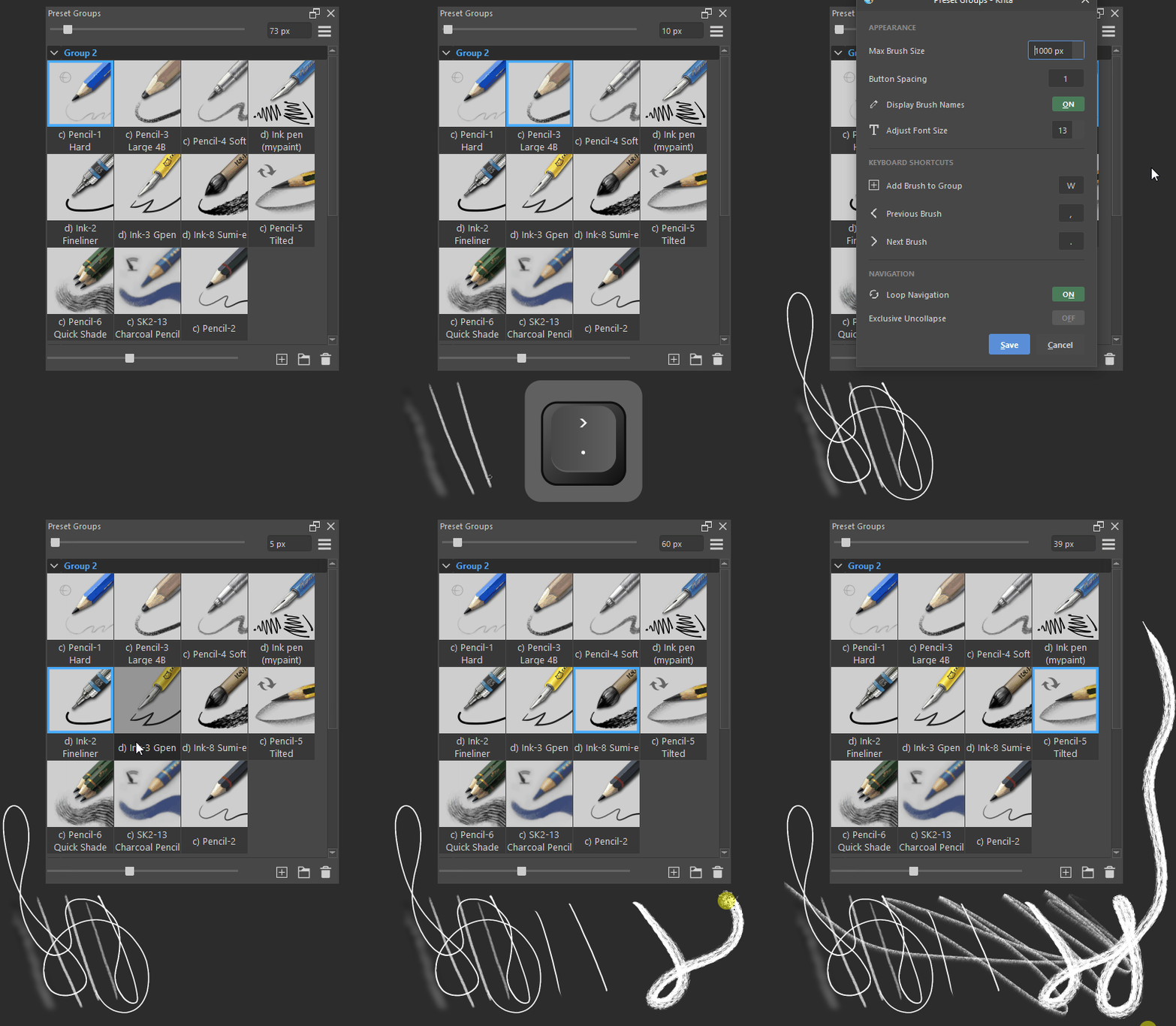
Switch your current brush:
Features:
- Drag to reorder brushes and groups
- Multi select + drag to move many brushes or groups
- Slider to adjust brush thumbnail size
- Displays brush names with adjustable font size
- Easily renamable groups (double click their name)
- Cycle through brushes left or right (rebindable)
- Live brush size slider
- Option to have only one group be open at a time (Exclusive Uncollapse)
Usage
This plugin is essentially a workaround to krita’s brush management. You add brush presets to Preset Groups and are free to organize them as you wish within the plugin.
Plugin Actions
- Left-click = Select brush or group
- Left-click+Drag = Move brushes or groups
- Right-click = Open menu for brush(es) or group(s)
- Alt + Right-click = Open group rename menu
- Hold Ctrl+Click = Multi-select brushes or groups
- Hold Shift+Click = Range-select brushes or groups
- Ctrl + Shift + Alt + Right-click = Delete group
Default Shortcuts
- W - Add brush to group
- , - Select previous brush
- . - Select next brush
Check if the plugin’s shortcuts conflict with Krita
Click the plugin’s settings button and rebind there or rebind Krita’s shortcuts: Settings → Configure Krita → Keyboard Shortcuts
Brush size slider not reaching your max brush size?
Hold ] until you reach max brush size or click the plugin’s settings button to define it there. By default Krita’s max brush size is set to 1000px. You can check your set max brush is via Settings → Configure Krita → General → Miscellaneous
Installation
Download the plugin:
Get the latest version
v1.2.0or visit the plugin’s github page
Open Krita and in the top bar click:
Tools > Scripts > Import Python Plugin From File > select the zip file
Restart Krita:
Close and open Krita
Updating
The plugin’s config folder contains the brushes you’ve added to the docker, your groups, and your custom keyboard shortcuts.
Zip update: Backup the config folder, install the new zip file to update the plugin. Paste back in your folder.
Faster: Paste the contents of the new zip file to krita’s plugin directory to update the plugin, exclude the config folder to not overwrite yours.
Plugin directory:
Windows:
%userprofile%\AppData\Roaming\Krita\pykrita\preset_groups
Linux:~/.local/share/krita/pykrita/preset_groups
Acknowledgement
Thank you Toma_Omito for creating Quick Access Manager
Preset Groups is a heavily modified fork of the “Quick Brush Sets” docker from their plugin
 , thank you
  .
.

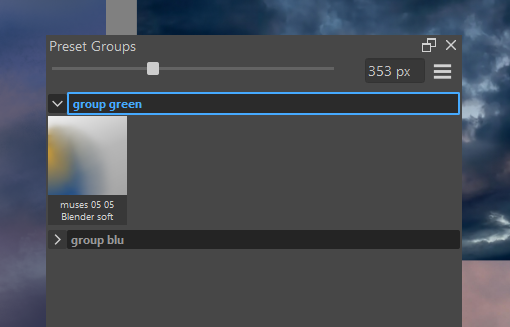
 . What I mean is that if the group’s dropdown menu is open and you select a brush, it won’t be added (image 1). You’ll have to select the group’s text as if you were going to edit it, and then if you click the icon to add a brush, it will work (image 2).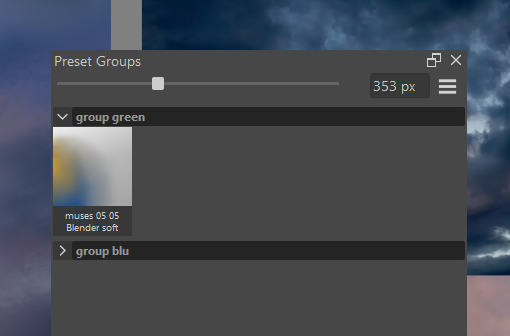

 I changed a bit a bunch of