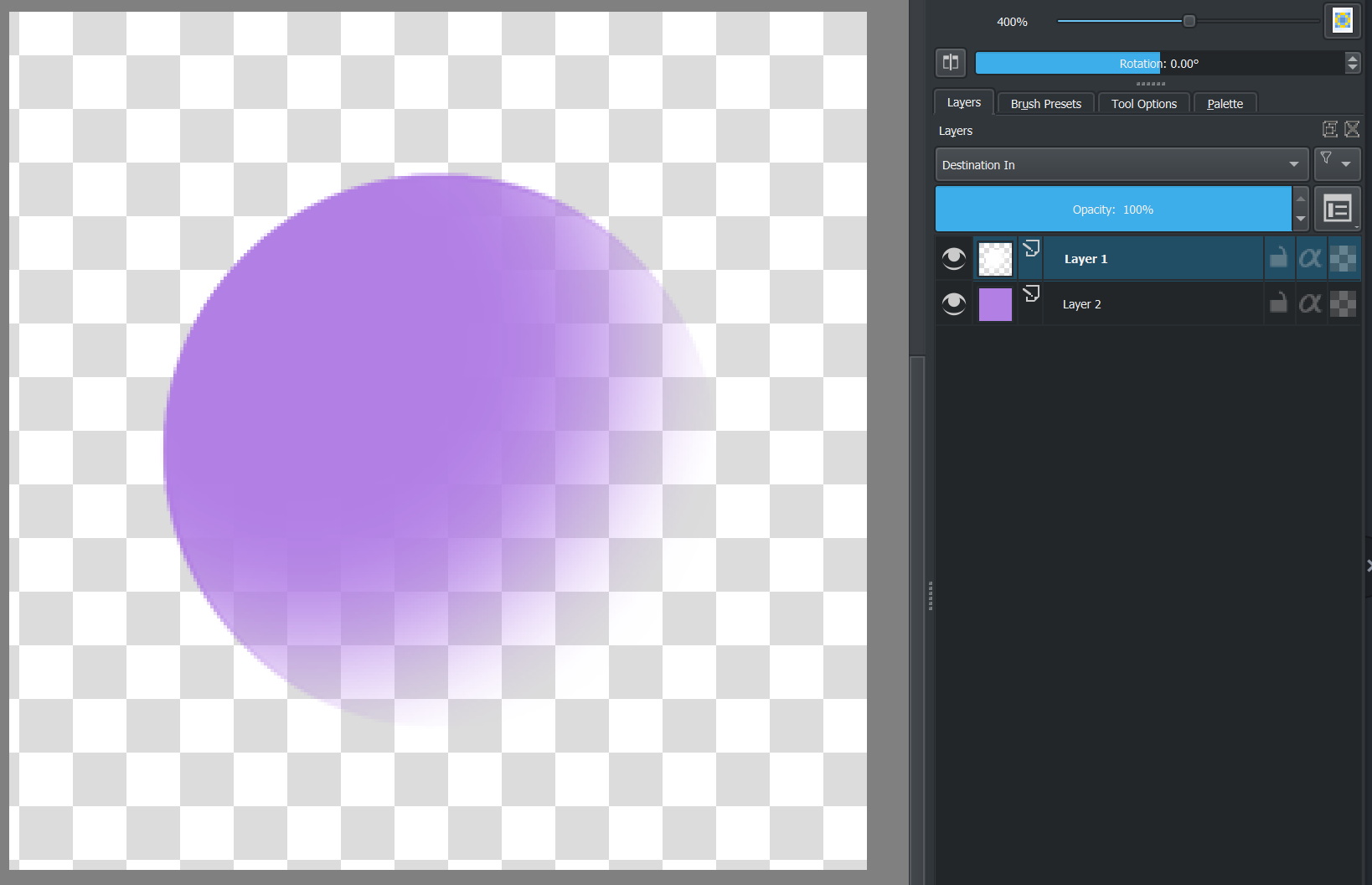
You have different composition modes
=> QPainter Class | Qt GUI 5.15.16
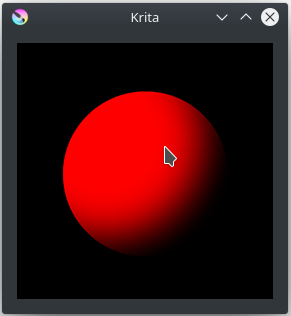
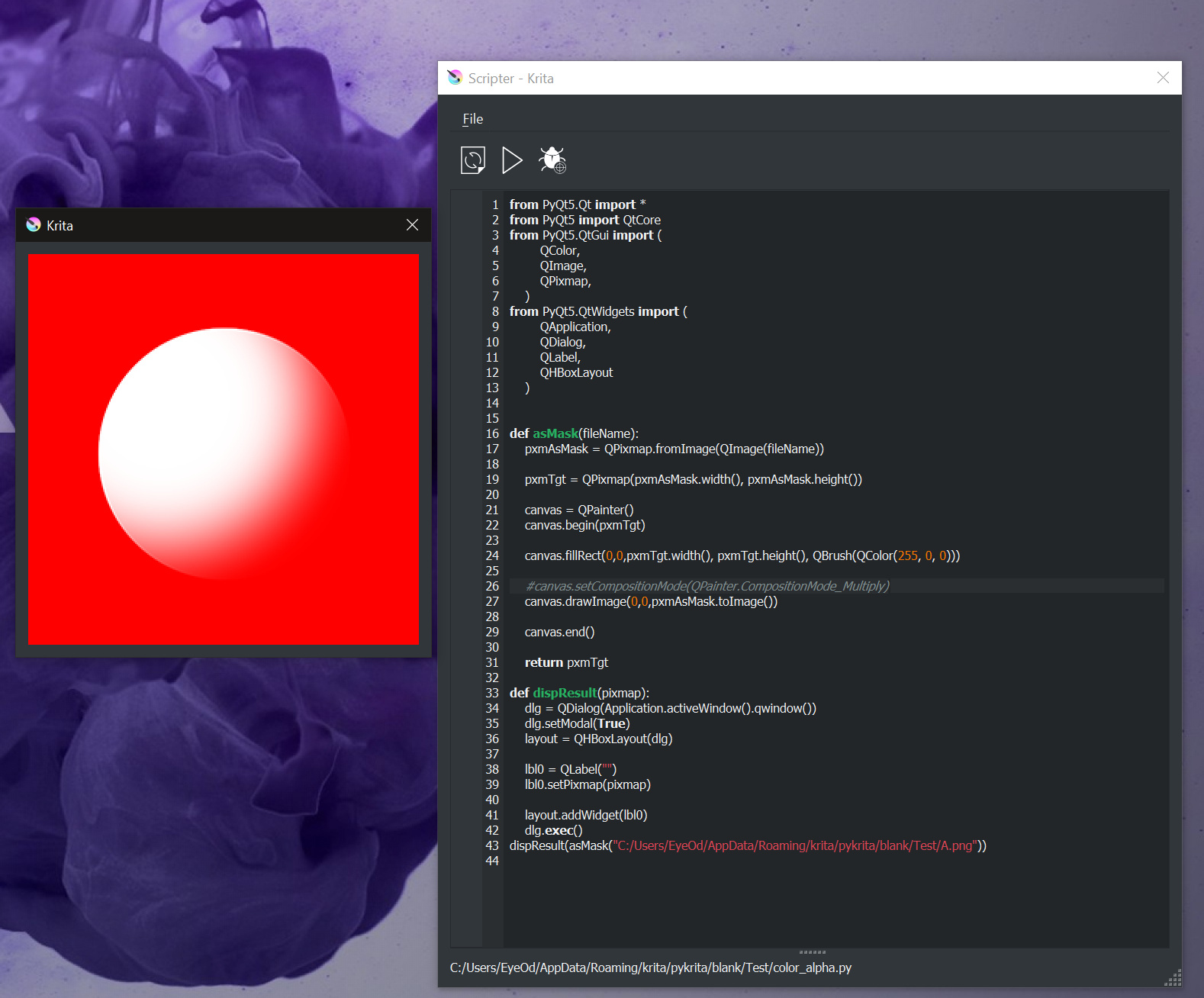
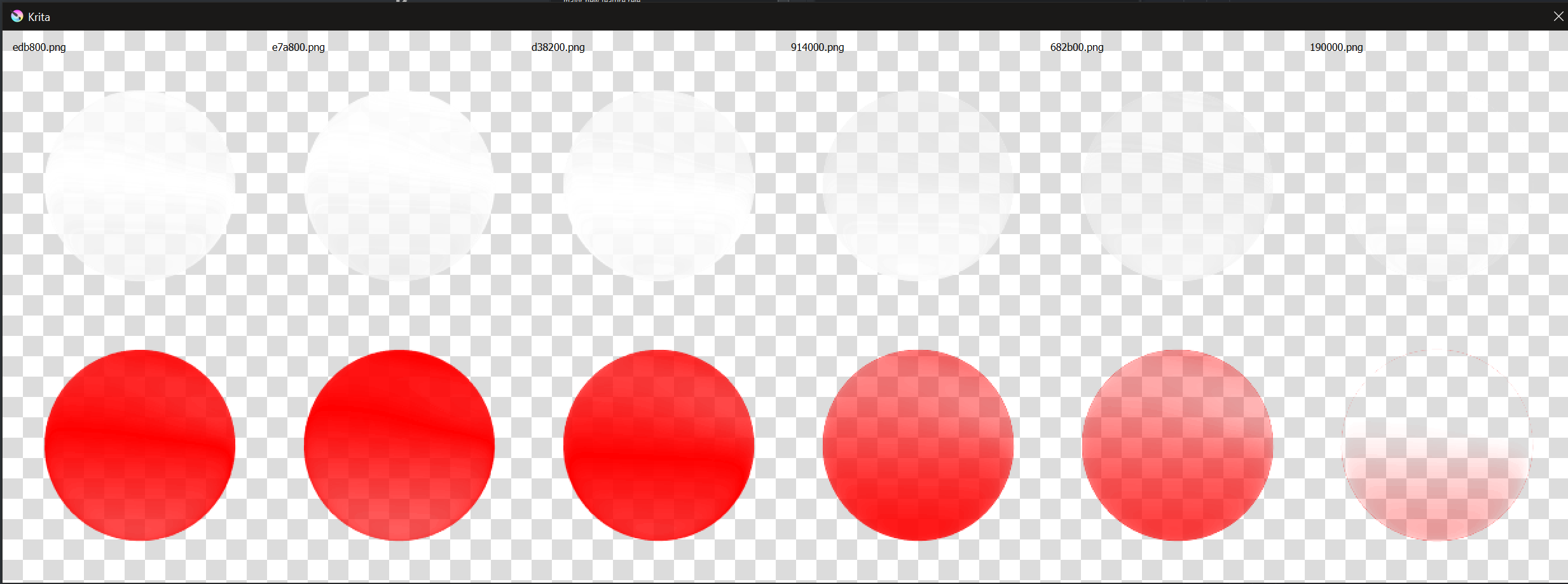
The reason why I used a multiply blending mode is because the png file you’ve provided for example don’t have any alpha channel
So, to be able to replace the white part with a colour, there’s no other solution than applying a blending mode (same principle than layers blending mode in Krita)
With an alpha channel instead of a white opaque pixel, you can use the normal blending mode (and that will be a better choice)
Example:
With this image (alpha channel instead of white pixels)

you can put in comment the following line:
#canvas.setCompositionMode(QPainter.CompositionMode_Multiply)
No, for me a blending mode affects R, G and B channels, and don’t have impact on Alpha channel.
And I tested it with PyQt, there’s no impact to alpha channel.
Following function:
def buildMask(w, h):
    img=QImage(w, h, QImage.Format_ARGB32_Premultiplied)
    img.fill(Qt.transparent)
    pxmTgt = QPixmap.fromImage(img)

    gradientb = QRadialGradient(QPointF(w/3, h/4), 2*w/3)
    gradientb.setColorAt(0, QColor(255,0,0))
    gradientb.setColorAt(1, Qt.black)

    gradientf = QRadialGradient(QPointF(w/3, h/4), 2*w/3)
    gradientf.setColorAt(0, Qt.white)
    gradientf.setColorAt(0.15, Qt.transparent)
    gradientf.setColorAt(1, Qt.transparent)


    canvas = QPainter()
    canvas.begin(pxmTgt)
    canvas.setRenderHint(QPainter.Antialiasing)

    canvas.setPen(Qt.NoPen)

    canvas.setBrush(gradientb)
    canvas.drawEllipse(QRect(20,20,w-40, h-40));

    canvas.setBrush(gradientf)
    canvas.drawEllipse(QRect(20,20,w-40, h-40));

    canvas.end()
    return pxmTgt
dispResult(buildMask(500,500))
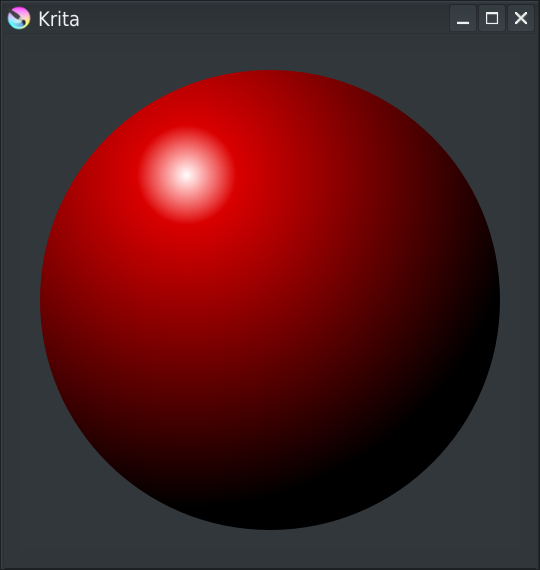
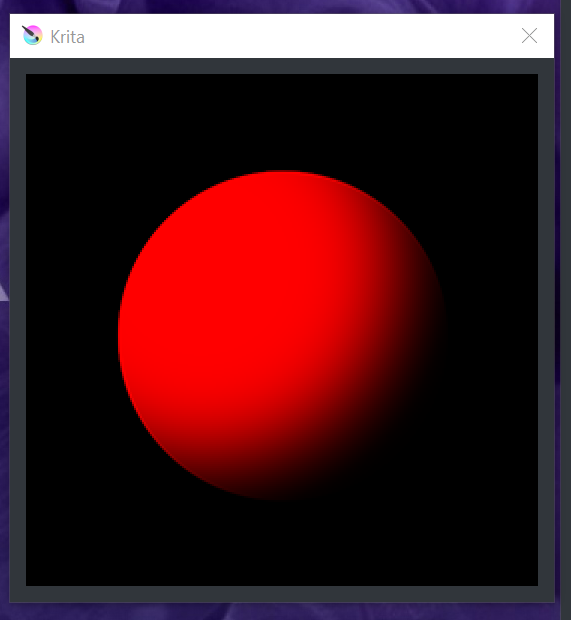
Generate following image:
I agree it seems there’s a small problem on white/red limit
Not sure why… my eyes? or there’s really a problem… 
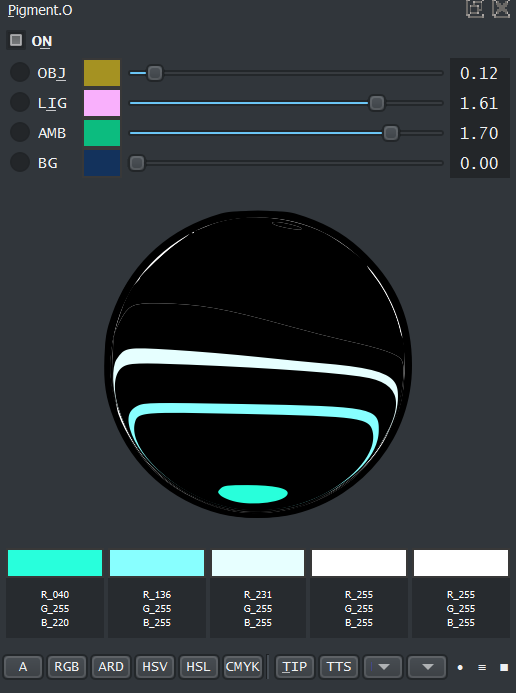
Use of a predefined png image have advantage (once it’s generated, will match exactly what you want) but have some disadvantage (if you want to have it in a docker, you might need to scale it, and then loose something… and if you want to manage white/black size it will be more difficult…)
Grum999