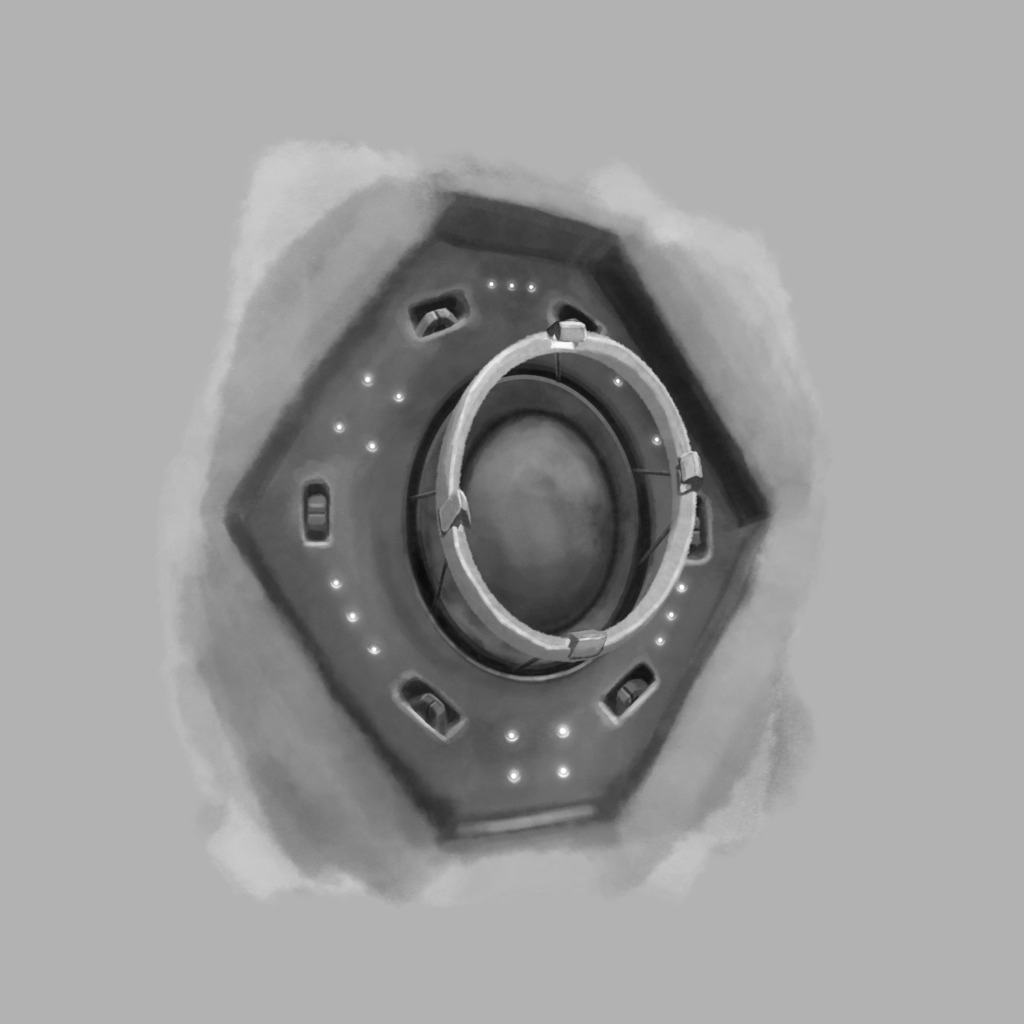
I am searching for a workflow for creating quick sketches of inanimate stuff, like vehicles, building, robots etc. I have a tablet but my freehand drawing skill is too poor for (somewhat) accurate curves (lines are fine with the V key). I spent a whole day to create the drawing below and I think that is way too much time.
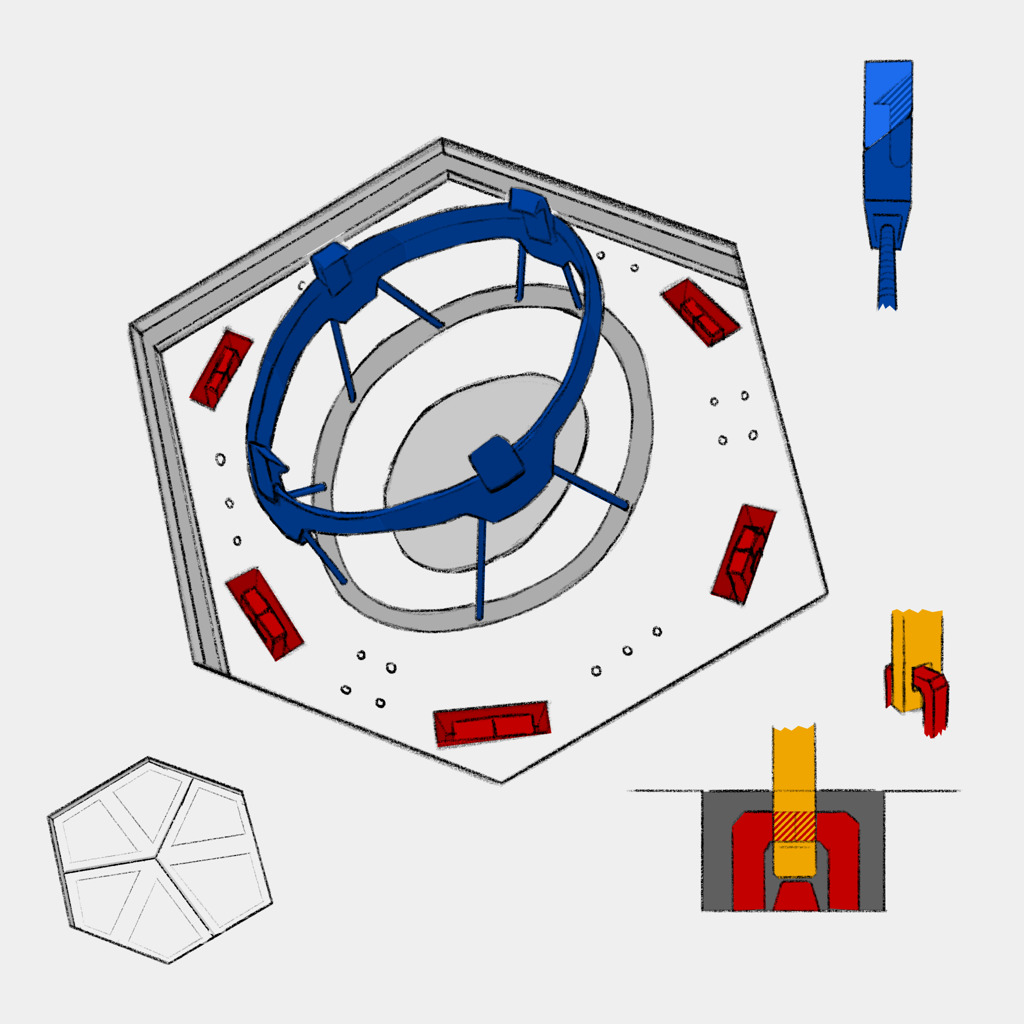
I am competent with 3D software, in fact if I want to realize one of these sketches I plan to use Blender. However suggesting things in a 3D render is hard (as opposed to a rough 2D sketch, encouraging the viewer to fill in the missing parts)
What I used in the drawing above:
I used stock brushes (5.1.1), h) Charcoal Pencil Medium and h) Charcoal pencil large, as well as Polygon Tool to create the fills. Hatching is fill layer with screentone set to Lines, then converted into an alpha mask of another fill layer.
I didn’t use assistants for the circular strokes, so they look funny. I also didn’t use liquidify etc.
Specific feedback I am looking for:
Any general tips towards increasing accuracy and speed are welcome. But specifically I want feedback on whether I should work on my freehands skills or focus on using assistants, vector layers etc. (Note that this look is not necessarily my final target look, I would like to have made it look a bit nicer)