Thank you!  Happy you think so!
I released my brush set on Github, so people can follow along and try WIP brushes as they are being made!
I will release the new brushes in the “work-in-progress brush presets” folder as they are being worked on!
I finally have more time on my hands to work on brushes again! 


20 Likes
Sorry, I don’t have anything important to add, but I just wanted to say:
The video for the brush pack is the smoothest editing i’ve seen in a long time. I literally gasped a few times. I almost couldn’t believe it was for a brush pack of all things, felt like an apple product
2 Likes
Thank you so much Malle! Makes me happy to hear that you think so!
1 Like
now i just know if i make a tutorial it will be just horrible in comparison XD
1 Like
Thank you, haha, tutorials are probably best when they don’t have swirly weird overly epic camera pans like my video though! 
I would love to see a tutorial or something from you, I am sure it would turn out great! 
i love your brush pack, but i have a complaint about 1 brush, and its the pencil brush dou. apparently this brush is supposed to work with the pencil tilt, but the tilt elevation settings are so broken, I can’t even bake the brush thicker simply by tilting the brush, and no it was at multiply witch is the worst part. and it only works like a normal pencil instead of a duo like you claimed it does, is there any way to fix the problem with the brush’s broken tilt elevation settings?
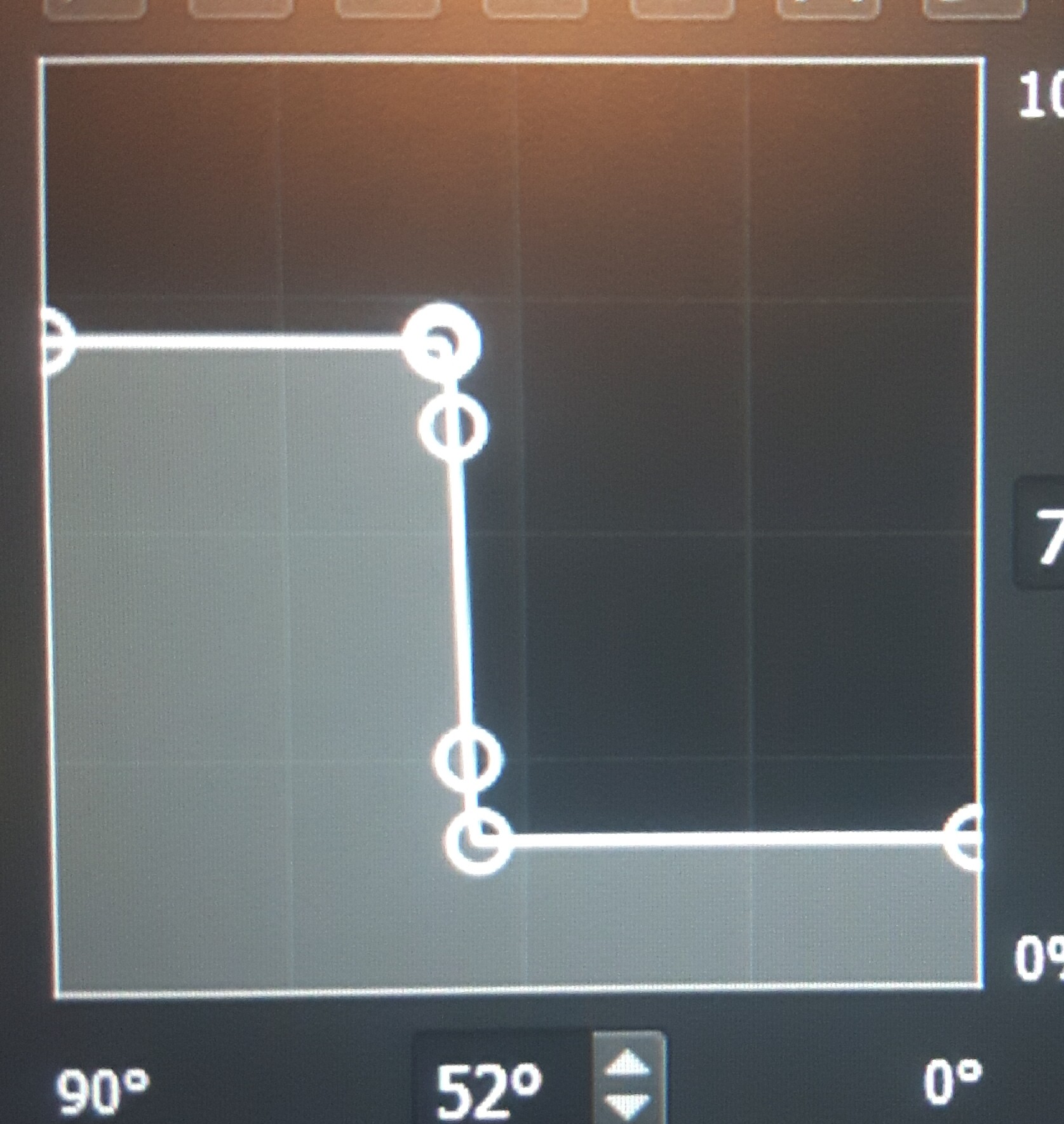
Here is the tilt problem I’ve talked about earlier
Sad to hear that it does not work! As it is supposed to look like that to achieve the behavior.
Maybe your pen supports Tilt/Rotation but not Tilt Elevation?
One thing you can test is to see if this default Krita brush works: c)_Pencil-5_Tiled

If tilting that one to get a wider brush does not work, it seems to be a lacking feature with your tablet or a problem on your end!
If tweaking messes up the brush, you can click this button to reset the brush!

If you want something similar, you could try to hotkey for instance the pencil brush and the squarebrush, bristle brush or the chalk brush with “10 Brushes”, and quickly change between them
The cool thing is that if you press the hotkey more than once, it will cycle between the two last used brushes!
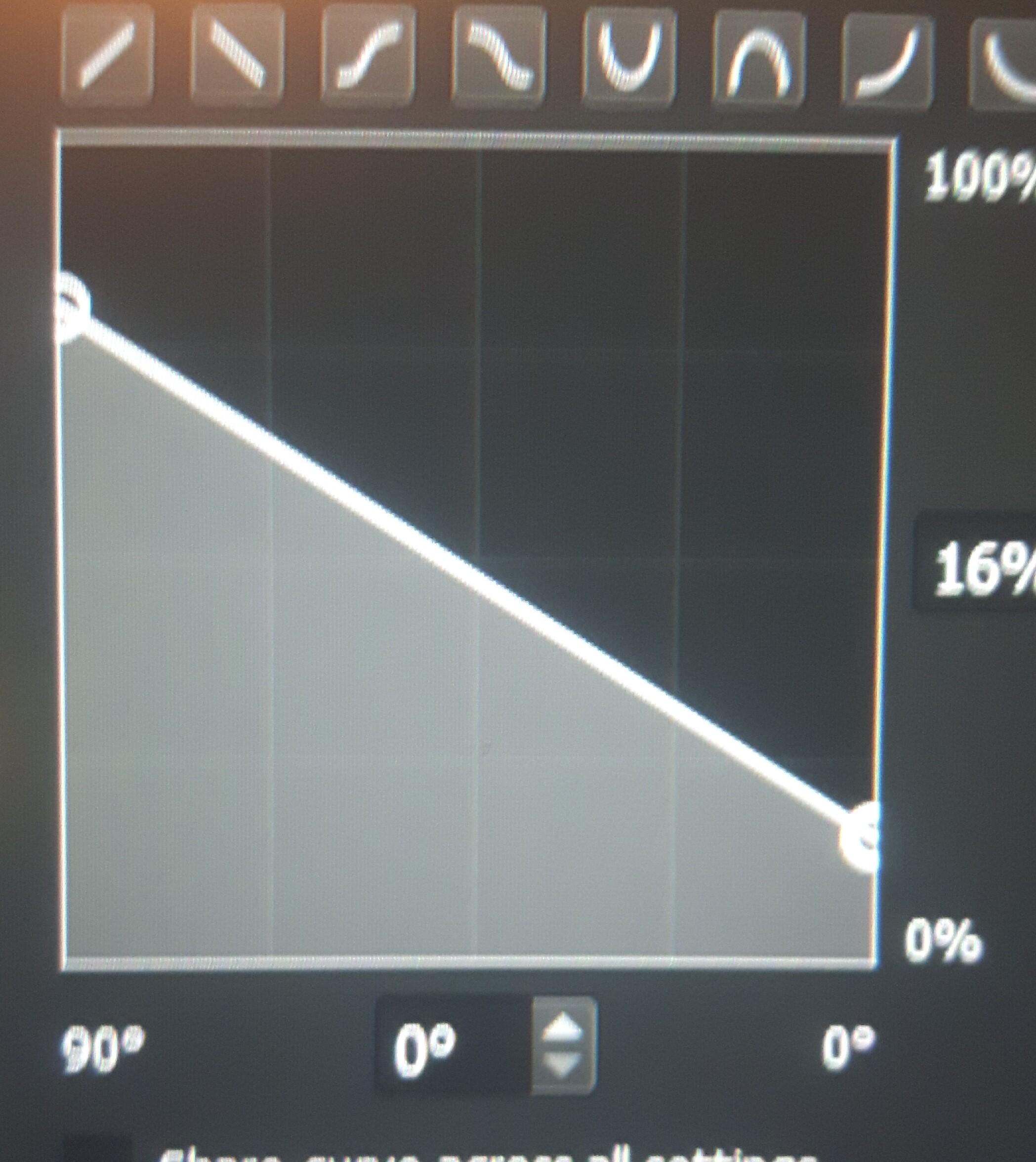
I think I fixed the brush tilt, and no i did not tweak the brush i just found the brush to be like this when I used it, and I was using the huion kamvas 13 witch actually does supports tilt, its just the brush I have problems with. and I made it work a little bit like tilt 5 but to make it simaler to the uld brush. Which is what you see here, if it’s not right feel free to correct me if this is how it’s supposed to be fixed.
and i have drawn some artwork with your brush presets. here are some
1 Like
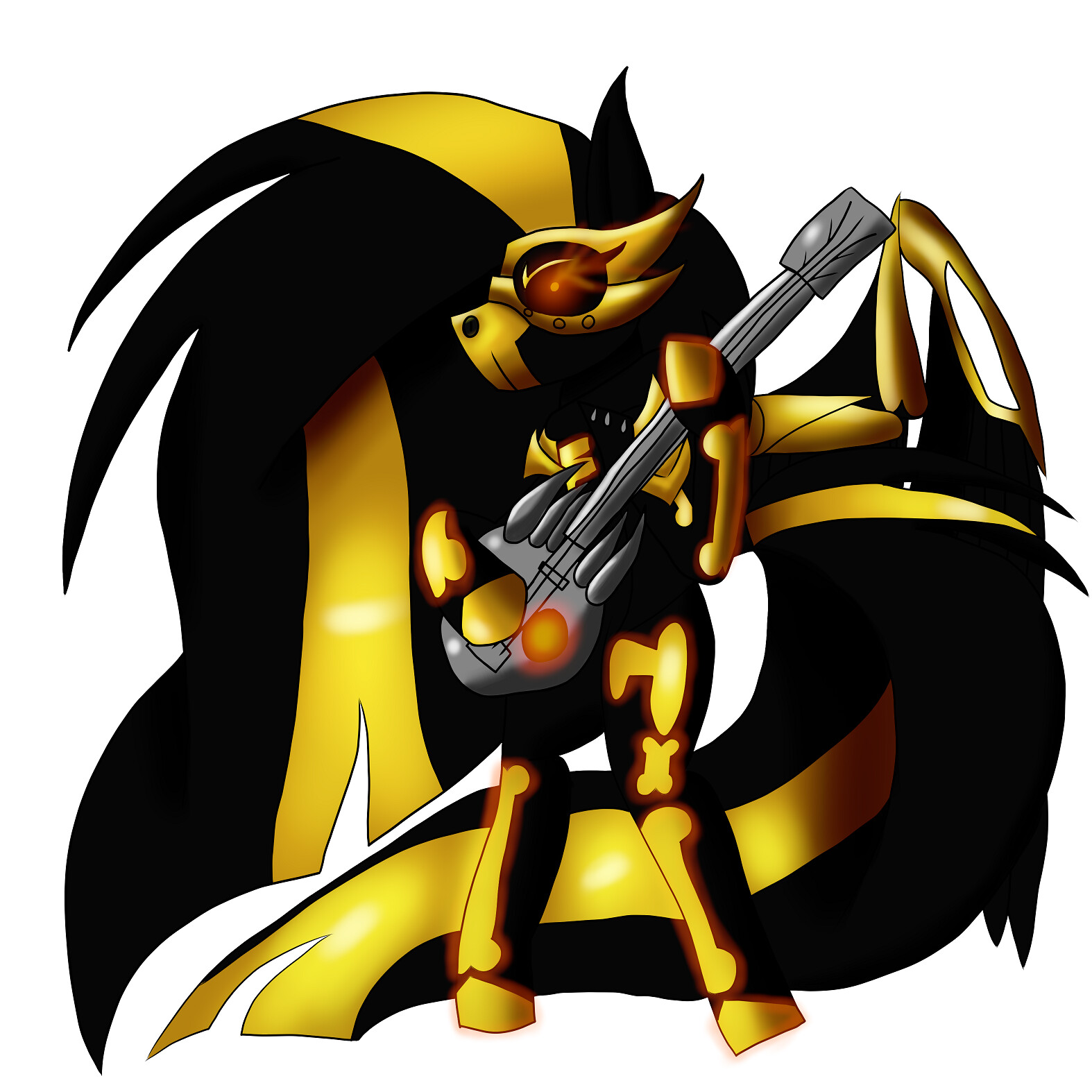
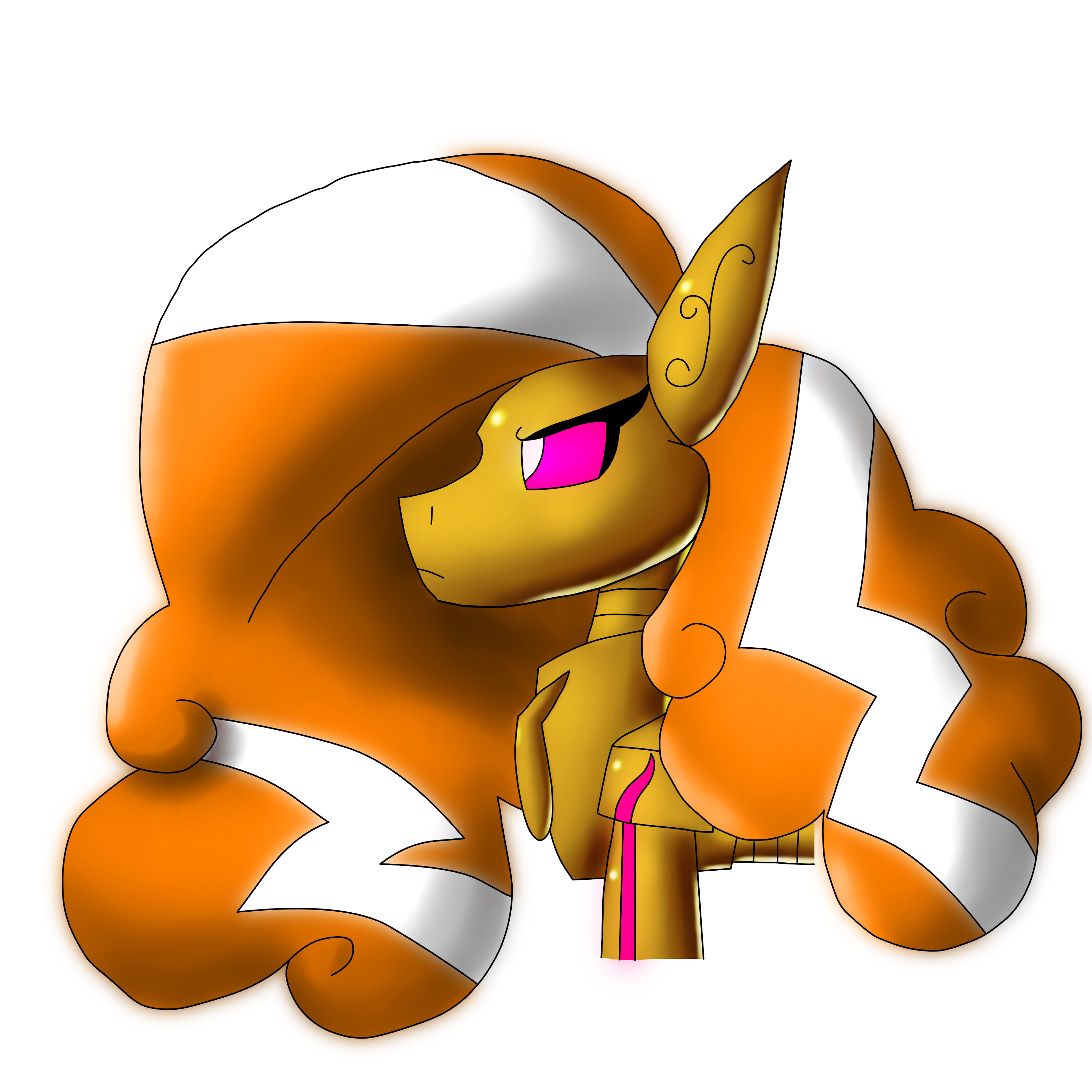
2 Likes
Yeah, that curve is nice as long as you like the feel of it!
It’s so cool to see drawings with my set, thank you so much for sharing! Nice drawings, I really like the strong shapes!
i don’t usually upload any of my drawings in this website to be ohnest i usually do it on my Instagram. here is a link if you want to see my images, and feel free to let me know what you think.
and its a fan art of midnight mares by c allan gann. here is a video of the trailer
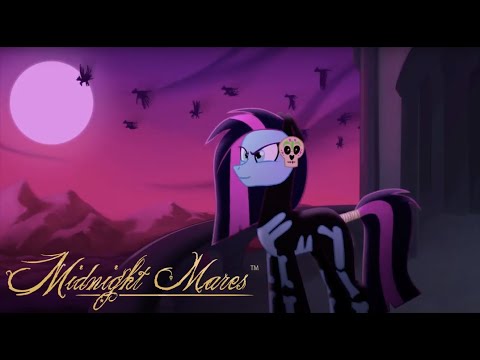
what do you think of the trailer?
and I have been wondering if you can make a fan art of one of the midnight mares characters on Krita with your brushes as good as this Shante fan art you made?
1 Like
Thank you very much for sharing. I really love your bundle.
2 Likes
Looks very nicely animated!
I have a lot of characters already that I want to draw, so I am not open for suggestions, sorry!
Thank you so much! Happy you like it 
1 Like
Hello Rakurri,
thanks a lot for the brushes, always great to get more of these.
I do have a suggestion/request for your brushset, one I’m surprised I haven’t seen mentioned yet:
When right-clicking on any individual brush preset in the brush presets docker, you can assign a tag to the brush preset, resulting in all brushes with the same tag being quick-selectable via the drop-down menu on top of the brush preset docker.
It appears as if your brush presets do not contain such tags, meaning that the only way to access them is via the ‘All’ filter - this however is a bit impractical if used in tandem with lots of other brush sets.
So my suggestion for v2: Could you please tag all of your brush presets with a common tag to make it easier for people to quick select these brushes?
Thanks a lot
1 Like
I am not sure but currently I think brush tags are only made by the end user.
1 Like
Thank you so much, happy to hear that!
That is a great suggestion, but like EyeOdin said, I too am unsure if the tags are exportable, as I had personal tags on them before export 
Maybe this will be fixed in Krita 5.0 as the resource system is rewritten? I plan to release V2 some time after Krita 5.0 is released! And if tags are exportable, I will do my best in making some nice tags!
1 Like
Indeed, tags should be included, it’s rather a bug if they’re missing, (also considering how much care you put in your brushe presets) because I got 1 or 2 brush presets with tags, but not so for the rest…
The tag engine is very old, and building custom packages in krita doesn’t even work for me on my Mac. It’s always empty. So windows users are in advance on this.
2 Likes
thank you very much for your brushes, I sure will try them.
1 Like
thannnnnnnnnnnnnnnnnkkkkk uuu sooooo muschhhh 
1 Like