From where did you download the bundle? You haven’t by chance downloaded it via Gumroad and chosen to download the ZIP-Package? If so, did you extract the bundle from the ZIP-Archive?
Or have you not updated your Krita to version 5.x yet, and are using Krita in version 4.x, or even 3.x? If so, you need to update to at least Krita 5.x, you always can find the most recent version on Krita Desktop | Krita
In case you use Linux, but not the recommended AppImage, the one and only official version made by the makers of Krita, you should consider downloading the AppImage. Don’t forget to set it executable via a click with your right mouse button (RMB) on the AppImage, and choosing settings, where to find it in the following dialog depends on your file-manager. The Non-AppImage versions are those with the most issues and help-requests, here in the forum.
In case you did it different, a bundle is installed in Krita via the menu ‘‘Settings’’ >> ‘‘Manage Resource Libraries…’’ and in the opening dialog you have to click the button + Import in the next dialog browse to the downloaded bundle, select it and confirm the selection. Now Krita imports that bundle, and you can use its content, so the brushes in case of this bundle.
In case this BUNDLE comes in an archive-file, like ZIP or RAR for instance, then you have to unpack the archive to get the BUNDLE-File it contains, then you can proceed as described above.
If all of this does not fix your issue, then tell us which operating system and which exact version of Krita you use, from where you obtained your Krita as well as from where you got this bundle. Please add also a brief description what you have done so far.
@Michelist Can you help me i think i did it right because it got the David Revoy pack and it worked so what am i doing wrong i extracted/ unzipped the file correctly i think so can you reach out to me or message me via email (e-mail address removed by AhabGreybeard)
You haven’t understood the idea behind forums, and I nearly never give private support via any media upon request and without a very good reason to do so. That does not mean that I don’t offer it in some cases.
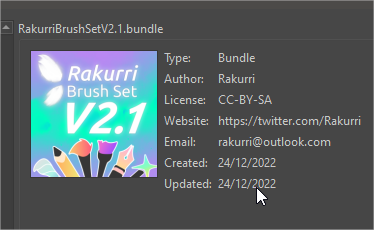
Depending on your chosen download location and method, you have downloaded Rakurri’s Brush Set V2.1 either as a bundle or as a ZIP-File with this bundle inside. If you have downloaded a file with the file name extension .bundle you are ready to go to the next step.
But if you have downloaded the ZIP-File from Gumroad, you have to unzip it first. Open Explorer and double-click on that ZIP-File to open it, now grab the file inside and drop it on your desktop or into your download-folder.
To be able to see these file name extensions, you have to enable the view of file name extensions in Explorer.
Now, in Krita, open the menu ‘‘Settings’’ → ‘‘Manage Resource Libraries…’’ and in the opening dialog you have to click the button + Import in the next dialog browse to the downloaded bundle, select it and confirm the selection. Now Krita imports that bundle, and you can use it.
I find that puzzling. Is this an all in one computer?
What make and model is it?
What operating system does it run?
Which version of krita are you using and where did you get it from?
This is a nice desktop and i use it for krita but i want a Huion kamvas 13 for christmas so i can start better digital art
If you have any youtube recommendations just tell me and i will watch it
It is a desktop.
It is a desktop like in link.
It runs edge windows and chrome.
I am using krita 5.2 (The newest) I got it from the web site under download
(Krita Desktop | Krita)
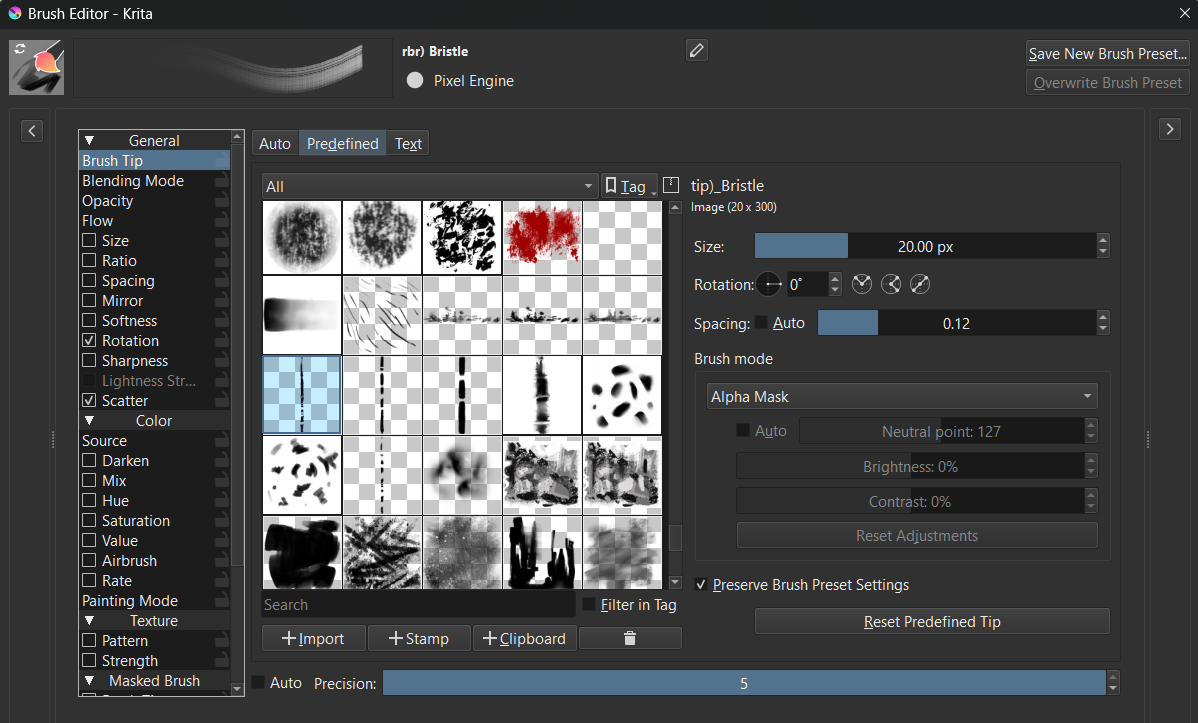
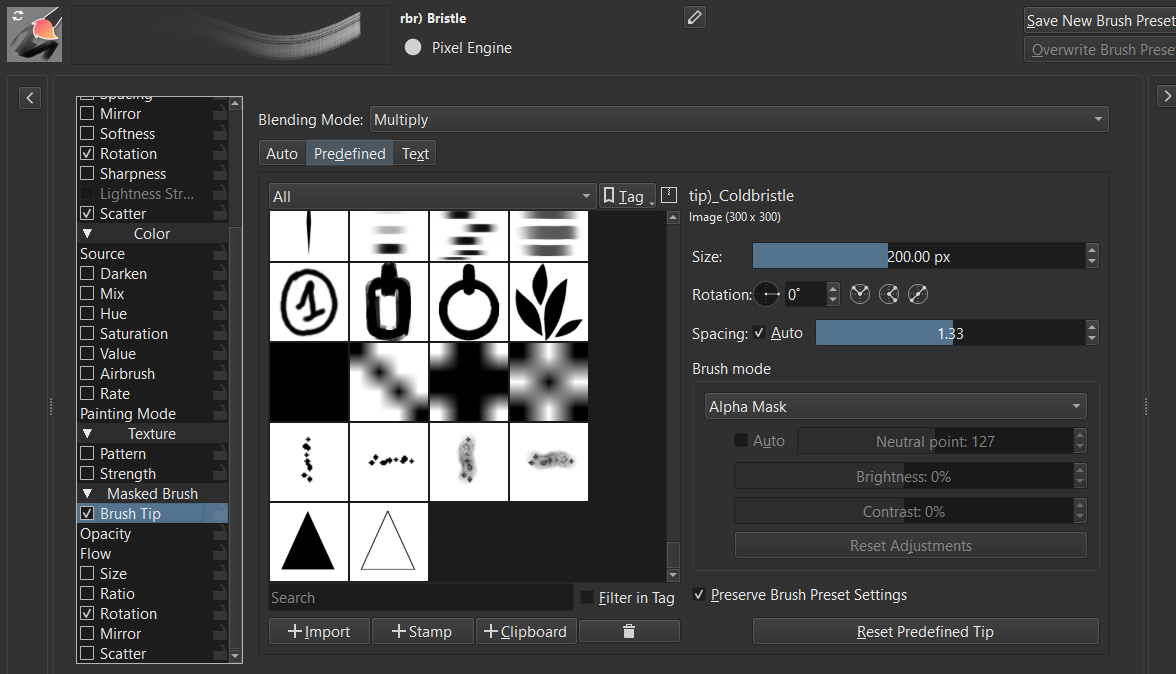
please let me know if it is only me or this brush has a lot of lag. if i disable the Masked brush, then runs ok. Same Bristlesplit.
The bundle i am using is the latest bundle, i think and Krita 5.2.2
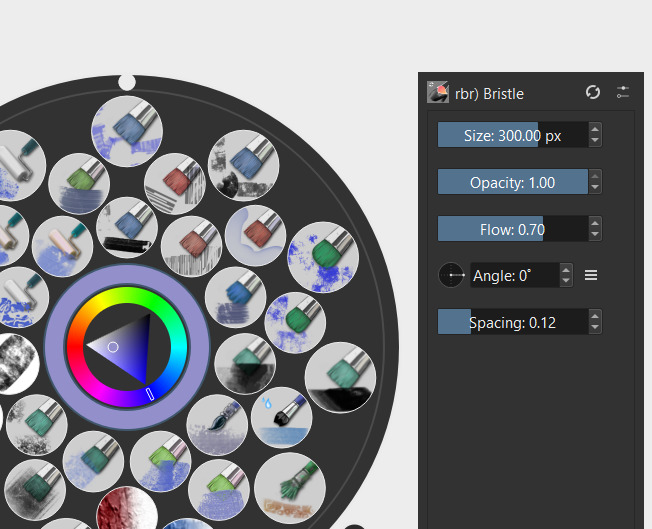
I reduced the size of the mask brush tip to 18 with main brush 20, no lag. The brush size shown is still 300, which I am guessing represents the height of this brush, not width.
Hi Rakurri! I created an account just to thank you for this wonderful brush set, I’ve fallen in love with the cliff brush.
I think it’s just amazing what someone lke me with only a single months experiece with art can create with the excellent tools provided by this amazing community!
Thank you so much!
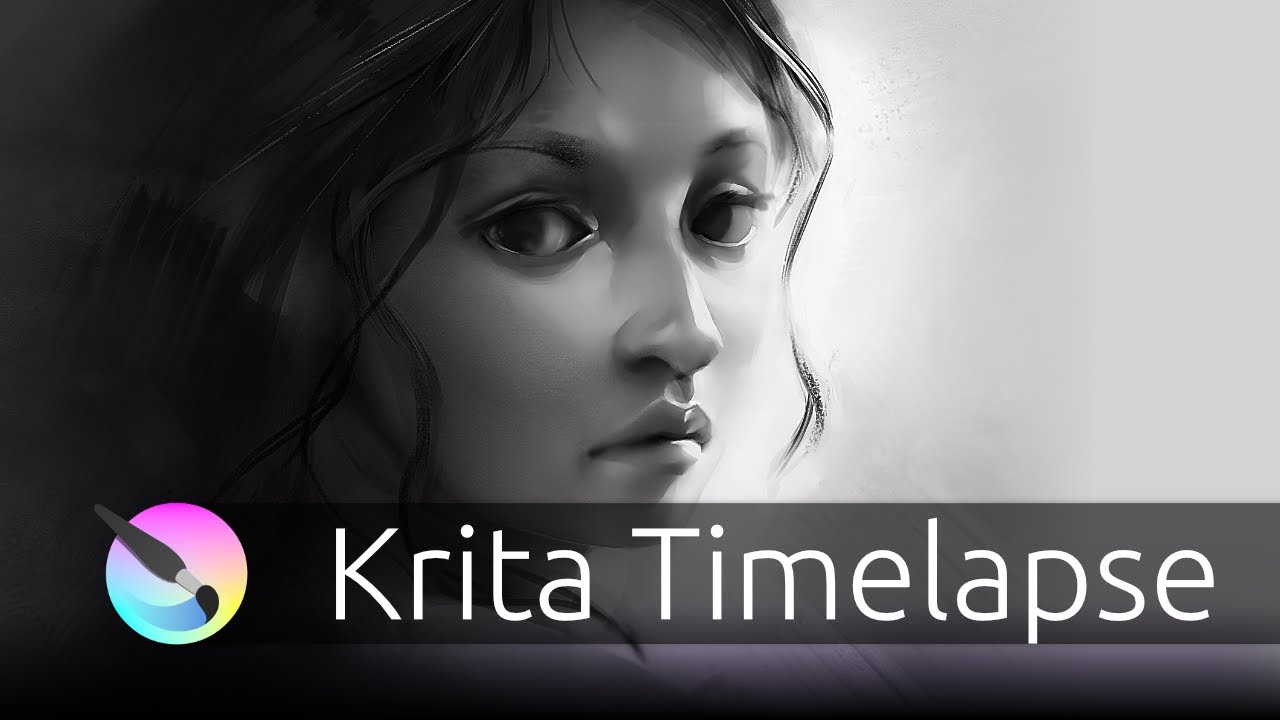
If it’s the grayscale portrait of a woman: Mostly rdi)_Squareblend, rdi)_Peaks And Valleys, airbrush and basic Square and Circle brushes.
For details, I use rpe)_Blyant 2 (I think) for the fine lines. rbl_Mjuk for smudging at the end and whenever and wherever I want to “defocus”. rbr_Bristlethistle and rbs_Bristlesmudge I used for the slightly “brushed” areas.
In short I use the most basic brushes at first, and then use some cooler brushes sparingly to achieve effects once I know where I’m going with the piece. (Except for a pencil brush and rcr)_Sideshade for doing the sketch and defining some planes at the start.)
I used a bristle brush for placing the hair at first. I also use a lot of rsl)_Push throughout to tweak placement and form. It’s easy to use, but less quality than liquify, so I use it less and less as the piece is approaching completion. There might be some others, but from those I just tend to pick the ones I am feeling for at those times. I use my favourite few brushes 90% of the time and the others here and there.
 Hello @anewuser and welcome to the forum!
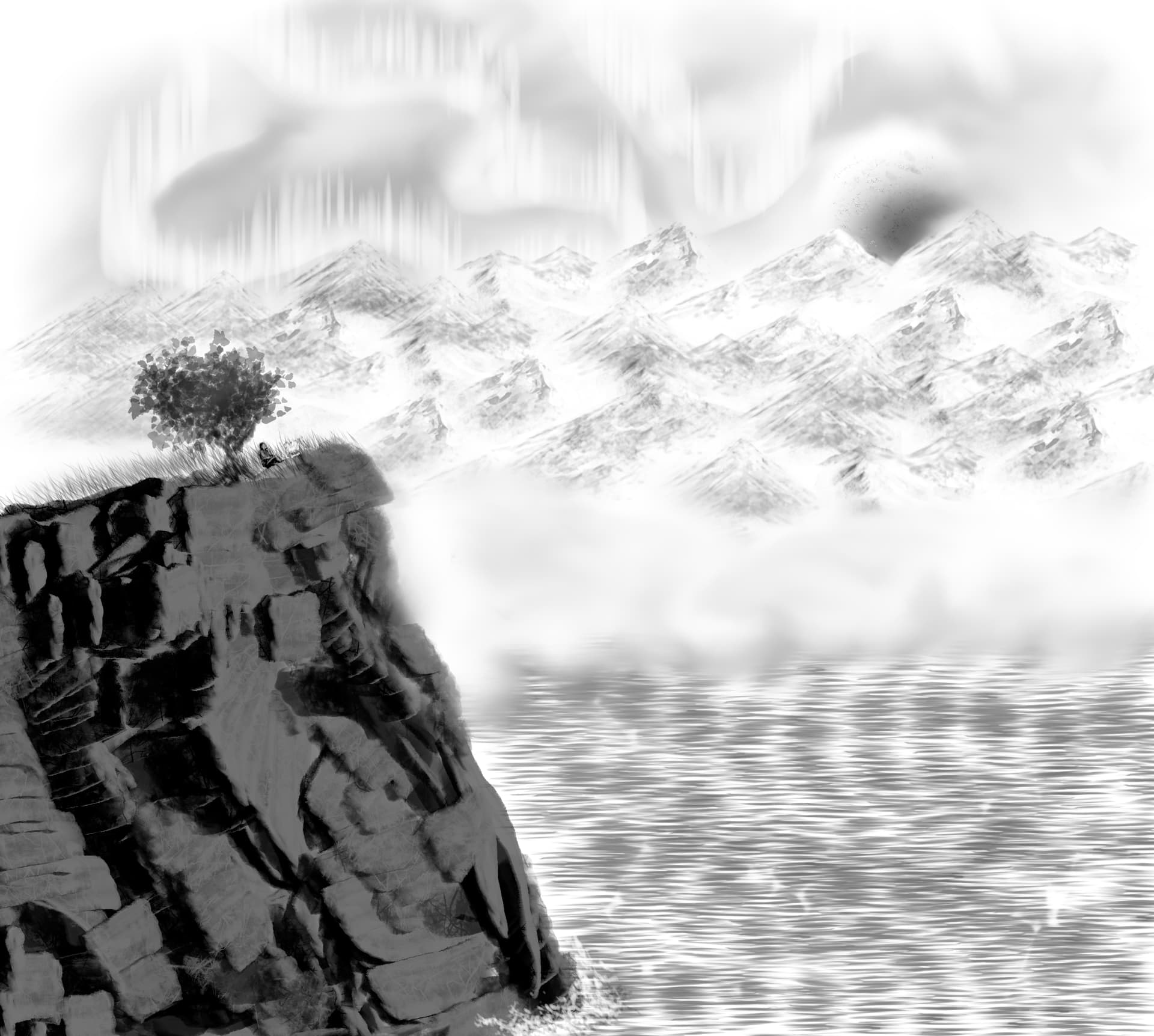

 It’s such a kind gesture to make an account for telling me this, it warms my heart and lifts my smile!