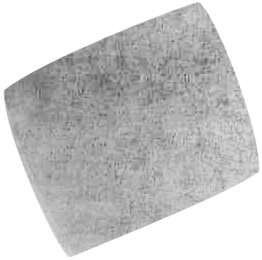
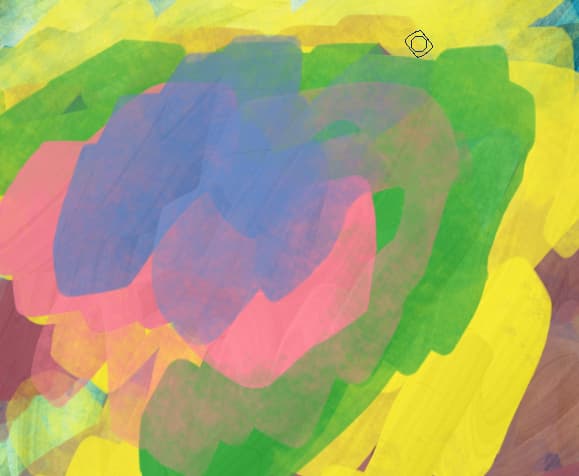
The masked tip size is slightly less than 100x100px. If I decrease the size parameter (which is around 350 by default) to 80, it is already much faster.
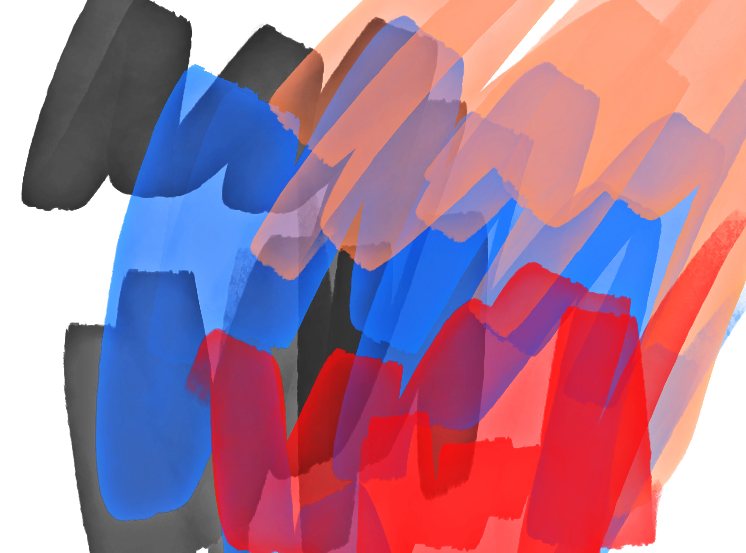
It does look a little more natural on blending these greys, but the performance dip doesn’t offset it’s nicer appearance when overlaying strokes for me.
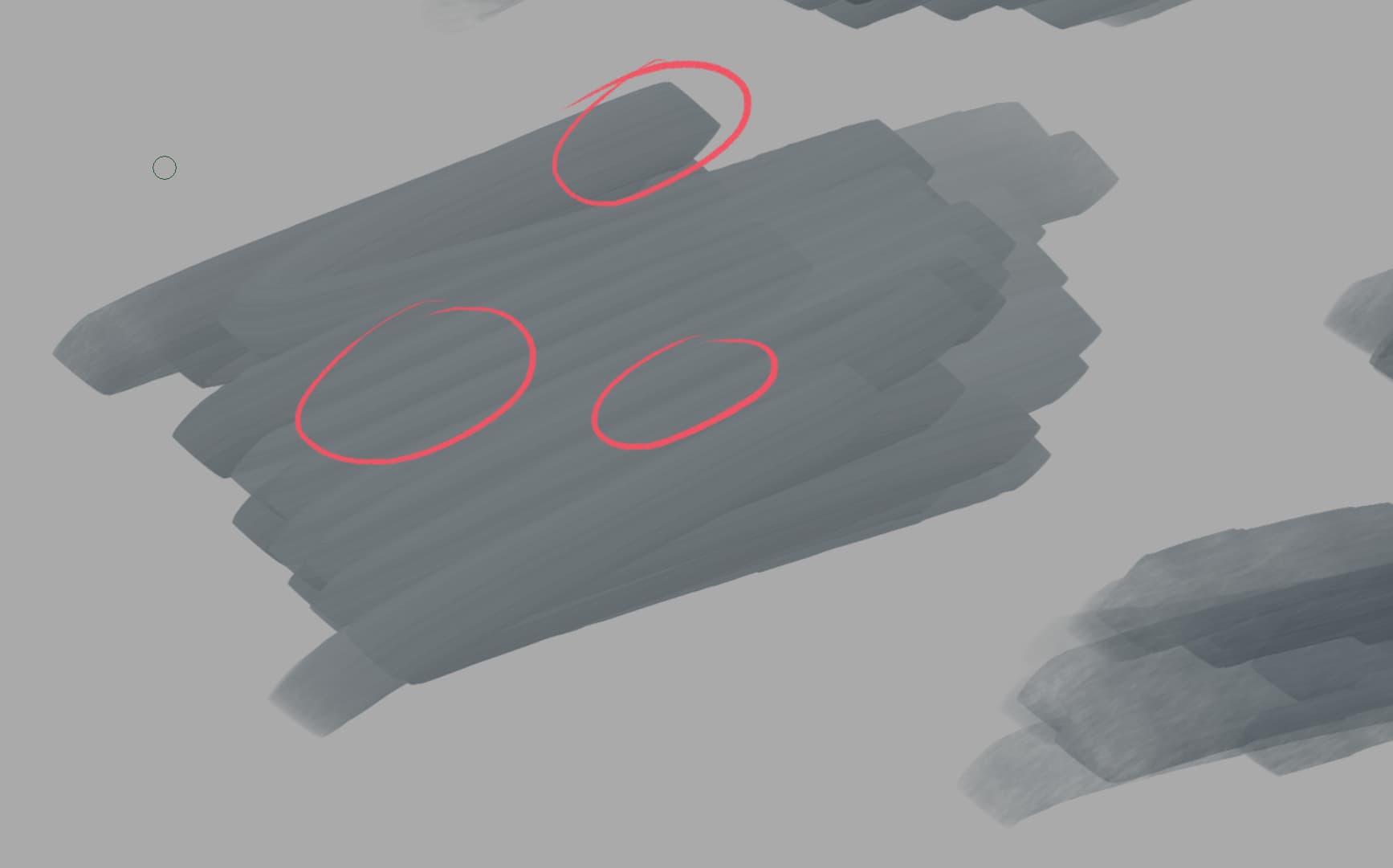
(left is the one from the bundle with normal blending mode, right is the multiply mode, same colours for both).
E: I think it’s because I messed with the masking, but the multiply marker looks more worn. Also, it doesn’t accumulate ink as much on the stroke so it doesn’t have this nice wet feel that the other one had.
okay im kind of proud of this one
using the lightness map mode.
tip:
put a water color picture above to get its grain.
made sure to desaturate to get same color
might experiment with darker
i recommend maybe cloning the brush. and maybe set fuzzy dab to value (hhm or not since you cant adjust spacing.
result: only thing is that it is kind of less like a copic marker in that feels like you can move the paint.
EDITED link, uses linear dodge mask https://icedrive.net/s/vRP5Wh8TRik87RT1RkWv6A4ky93S
How does this brush perform for you? For me it is also quite slow with dark colours and instant with light colours, my laptop is (was) high-end but is now almost five years old.
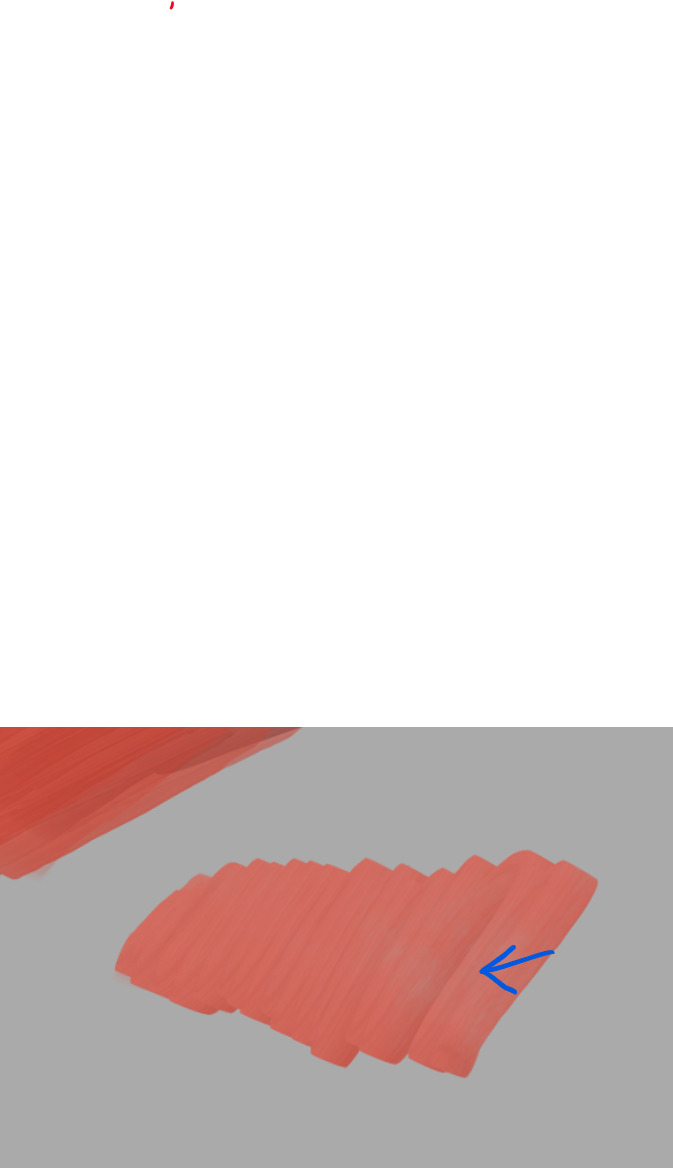
I am noticing that there are quite distinct brush hairs:
I kind of like that effect but it can be removed by lowering contrast on predefined brushtip.
I probably need to go back and change tone of brush tips so it’s middle grey.
So to find middle grey is actually pretty easy. Just make a new layer draw in black then set have filter lightness to 50.
Then adjust hsv lightness of tip your making so it matches.
Thought I’d share this video of someone showing their process using copic markers and color crayons. : Login • Instagram
IG (dot) com /reel/CeYsluWjZiZ/?igshid=YmMyMTA2M2Y=
Okay, I did some testing to see if I could get the brush closer to real copic markers now that the Speed sensor fix has been merged (actually this happened earlier than now, but always for got to check it). I wanted the stroke to be smaller with high speed, because the marker lays down less ink and usually doesn’t touch the paper as well as with lower speeds. Also on low speeds the marker leaks more ink, so the stroke naturally becomes a tad wider.
I still would like to get a bit more leaky-ness at slow speeds, if we want to take this closer to the real life counterpart. But that takes more than adjusting multiple curves to obtain the right colour mixture— and the result is just not as good performance wise either.
Have you tried the speed sensor yet @tachiko? I have set mine at 5-7 px max speed in the settings to get the best effect.
Just tried it out. Thank you for this brush. It’s perfect. I read some people said it’s slow… i don’t experience any lag. I am using the copic palette. blending is good. I’ll be using this for my urban sketching. Installing it on both my tablet and my phone
@CrazyCatBird The link in the opening post is the one to use. I specifically updated that post back when I had edited the markers to be like the Copic Regular markers
Edit: I like them! They’re very nice. But, the masked brush tip was large (over 300) and made the brush slow, so I reduced that to close to 80 as I’ve read in a post above this. That worked nicely.
Thanks again for making such nice Copic marker brushes.