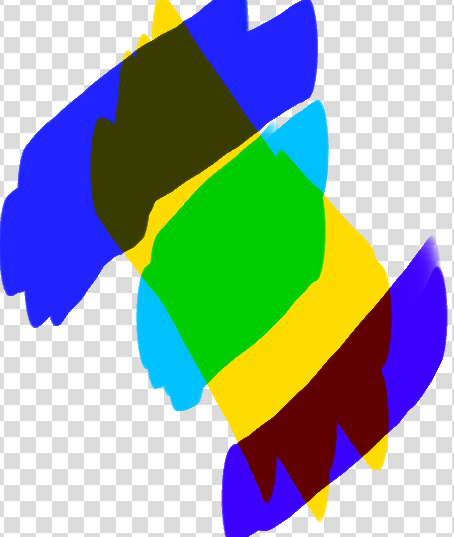
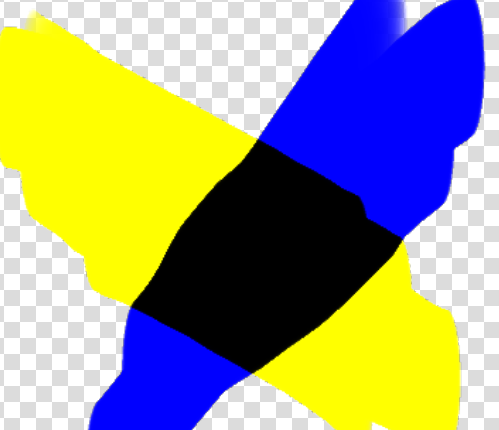
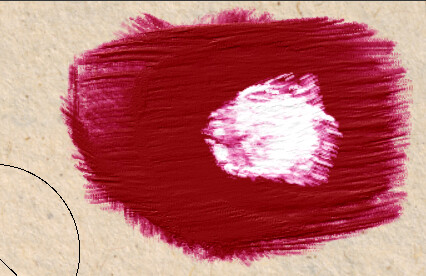
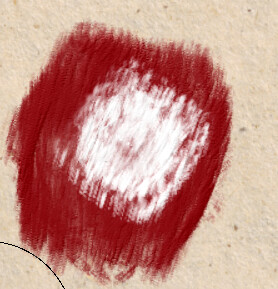
I read their paper again, png is a 3d lookup table to improve speed. But it also occupies a certain amount of hard disk space. And this has resulted in only 4 benchmark pigments being used now.
The two precomputed tables occupy 96 MB in total. To reduce

their on-disk storage, we compress each table in a lossless way by

tiling its slices into a 4096 × 4096 PNG image. The two PNG images

have 7 MB in total, which is lightweight enough to bundle them

together with the software. With the precomputed tables at hand,

the evaluation of G reduces to performing a trilinear table lookup

followed by vector addition.
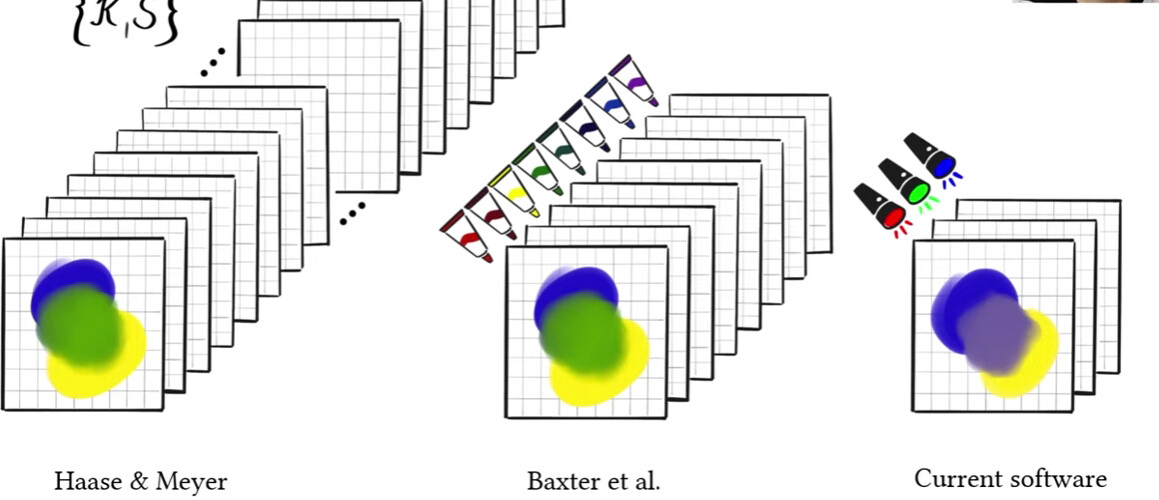
The main restriction of our approach is that the number of primary
pigments is limited to four. A practical reason is that we need to use
look-up tables for quick conversion between latent vectors and RGB
values. If there were more than four pigments, the use of the 3D
table would no longer be possible, and the real-time performance
would suffer. Another reason is that a fifth pigment would cause
ambiguities.
For anyone who doubts if artists would actually want and use this, there are multiple tweets with thousands of likes and retweets begging for this to be implemented in other software.
But yeah, there’s totally no interest in this at all.
im sorry for asking a month later, but, I really like how it looks! And I really wanted to use it, but I’m absolutely new to krita and digital art overall, and I wanted to ask how to actually apply it to krita. I have no literal idea, it doesn’t work, I just want to try it
Then click “settings” on the toolbar, click “manage resources”, click “Import Resources”, and open the colorextendbrush.kpp file you downloaded. You will be able to find the brush present in the brush presents docker.
I think I will create a feature request topic one day to ask for the real “color extending” option for the Krita smudge engine someday. I think it will make painting feel more “realistic”
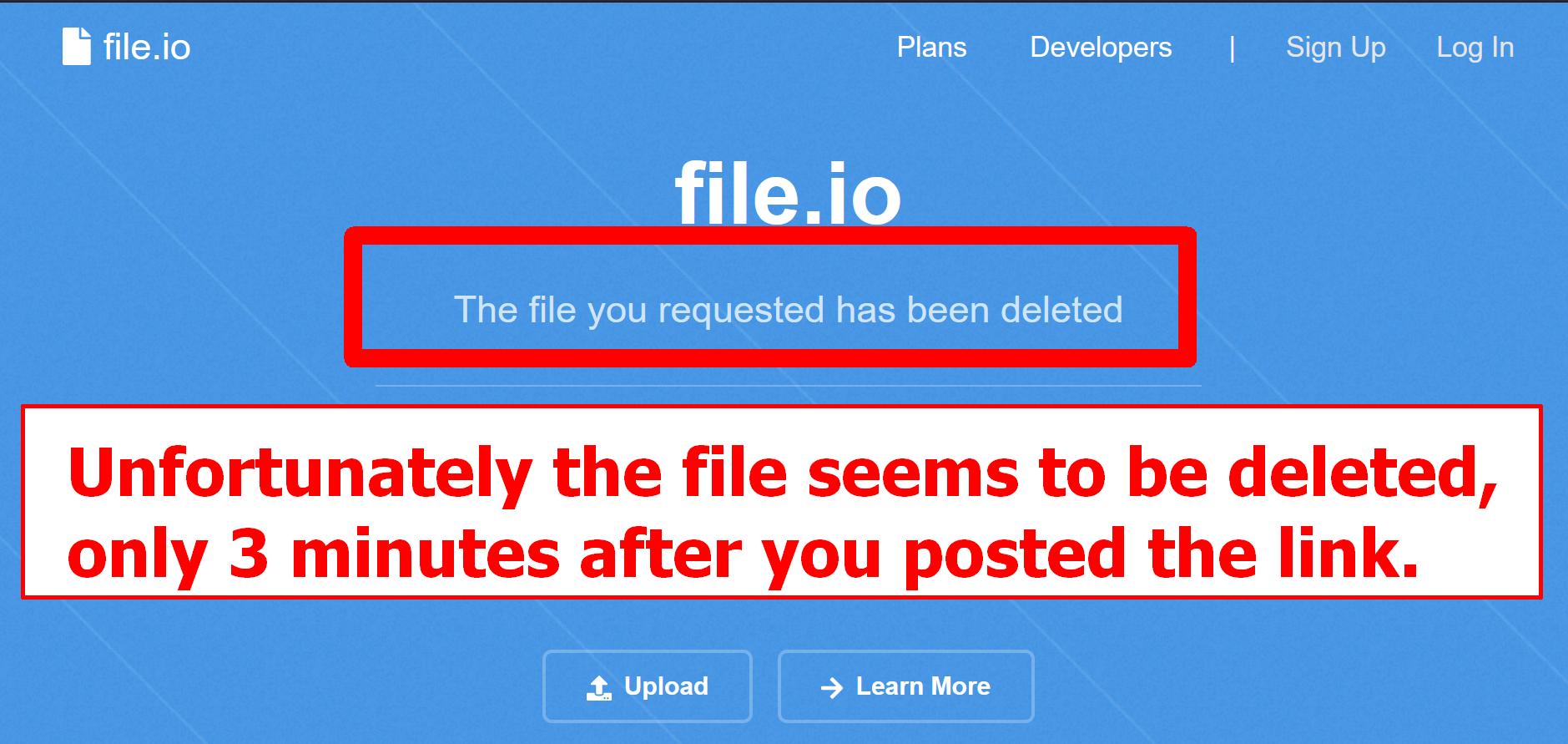
unfortunately, the file seems to be deleted just 3 minutes after you have posted this link to your PRESET, which, without question, is a nice PRESENT.
Seems that more people than @suzuuu alone are interested in this PRESET.
I’d love to say that it works perfectly, but… no matter what I do, it doesn’t show up. I tried ‘import presets’, pasting it into ‘paintoppresets’, and I don’t know what else can I do. Sorry if it is annoying, but, what should I do?
Is pressure related to opacity? For blending modes, semi-transparent images it will assume it is opaque, and then blend. Finally, do rgb blending (via opacity) with the result and the original image
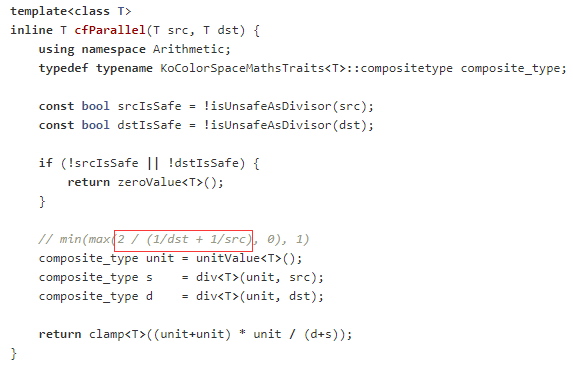
From the introduction and code, it should be simplified to C=2ab/(a+b)
From this formula, I feel like it may not be as controllable and ideal as we think…
It’s just like Rebelle 5 pro. You can tell it’s the same technology.
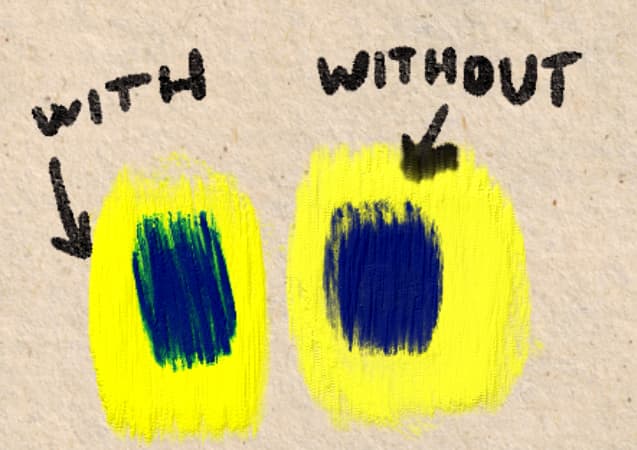
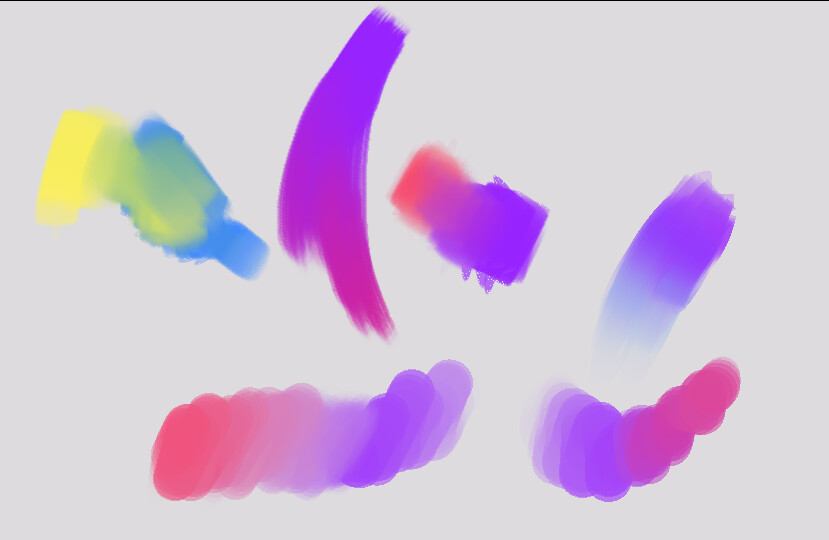
Interestingly, even if you use 100% opacity to paint, this is still useful because when two colors come into contact they create secondary colors . It’s subtle but it makes a big difference. Example:
According their website , it seems that krita could use their code but first need to get in touch with their team and arrange the license.
Here’s their announcement:
Our goal was to make Mixbox practical, so that anyone could easily put it in their software. That’s why we packed all the physics into the RGB-in, RGB-out interface. Thanks to that, integrating Mixbox into is as easy as introducing a new blending mode. It’s just a drop-in for the lerp(rgb1, rgb2, t) function. All you need to do is download the code from our GitHub repo, and get in touch with us to arrange the license. You can reach us at: mixbox@scrtwpns.com
I don’t know if krita could get in touch with them?
It is not possible unless they release the code in compatible license, it is said multiple times in this thread. They giving the license is like selling the license I presume and that is not compatible with Krita’s license which doesn’t add any monetary restrictions. Once their code ends up inside Krita, it can be used by anyone without their permission due to krita’s license. This is proprietary from the looks of it. Not Free software.
Today, I tried to compile mixbox into a dll and then call it in python. I succeeded, but I don’t know how to output the complete calculation result to python. At present, I can only output the first value in the calculation result. If there is a solution, we can use mixbox correctly, such as adding to the plug-in.


 Thanks for telling me!