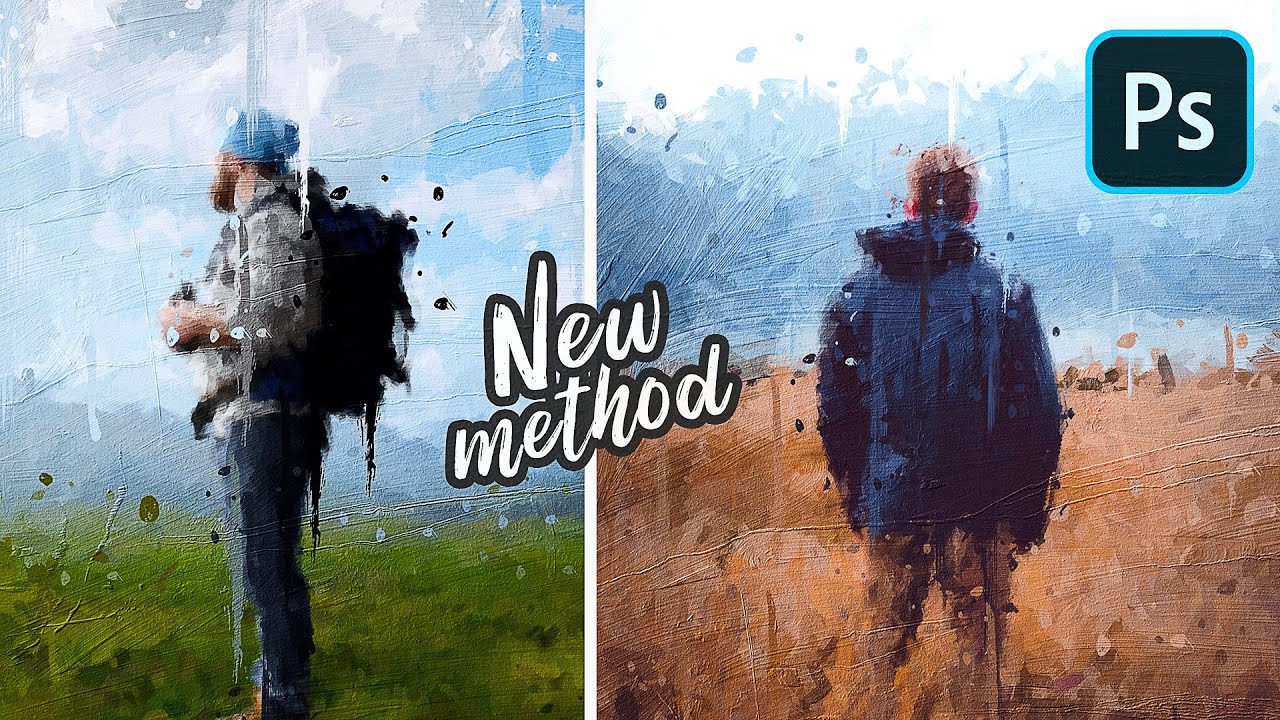
I saw this amazing tutorial on turning a photo into an oil painting in photoshop. The author used a brush to do the base by distorting the underlying photo, and then added textures to finalize the look.
Is this possible to replicate in Krita? Either through a brush too, or through gmic?
Use the smudge brushes “Wet bristles” or some other ones and in the brush editor use the overlay mode. With this mode you can paint over the photo on different layer but picking the colour from the photo layer beneath with the smudge brush this will make it like wet brush strokes.
I guess that you can do the oil-painting impression with the brush-set from @emilm, the distortion can be done with the brushes Krita ships with:
But I think also the “Daishishi Thick Oils”-bundle from @Daishishi is worth to try for this kind of painting, but there exists only a Google Drive download-link, at least as far as I know:
And this older and experimental bundle from iForce73 obtainable on DeviantArt (where you need to register to be able to download) may be worth a look, too:
If you’re going to convert photos, you’ll probably find something in G’Mic, which comes with Krita. It has a large collection of image filters. With your image open in Krita, go to Filter > Start G’Mic-Qt.

 Hello
Hello