I meant the size in pixel.
Michelist
I meant the size in pixel.
Michelist
My PC specifications are:
Processor: i5-9600K CPU, 3.70 GHz, x64-based
RAM: 16.0 GB
operating system: Windows 10 Home version 22H2, 64-Bit
What are the dimensions of your canvas?, possibly due to the size, although in my case I work between 3000 px to 2000 px.
If you have many additional apps running, they can have a heavy impact on the performance of Krita. And there do not only count those apps in your taskbar, also all the “little helpers” (I call them RAM-Eater) in your notification-area are running apps from which some have a heavy footprint, like your antivirus for instance, but also RSS-Readers, weather, discord, you name it, eat up your resources, and Krita is an app that really likes to have lots of resources for itself  the more, the better it runs.
Michelist
@Space_junk
I get those hiccups on my computer as well every now and then. (Although it’s about 8 years older than your. 2500K 8GB RAM) I was hoping it was just a case of my computer being old. 
It appears mostly with the longer image sequence brush tips, like PHOTO-A and PHOTO-C which both have 720 layers. I haven’t yet tested if scaling down the brush tip alone makes a big difference and if there’s a sweet spot. Nor have I tried them with a fresh Krita resource folder.
If you want you can test it out for me: Unzip the bundle, open gih-file (PHOTO-A or PHOTO-C), scale down image size, save with Dimension 2, Rank 18 Angular, Rank 40 Incremental and a new name, and import to Krita. Otherwise I’ll add it to one of many things to do later. ^^
I don’t really wanna go for larger spacing since brush dab artefacts gets very obvious with smearing smudge mode.
You can also try these:
Hi @emilm, I have an odd situation with that bundle… It works fabulously on my Android tablet (I love them) but when my friend tries to import it on her Macbook, it either doesn’t show up or lags a lot. So, I had her remove that one.  It’s a puzzle to me.
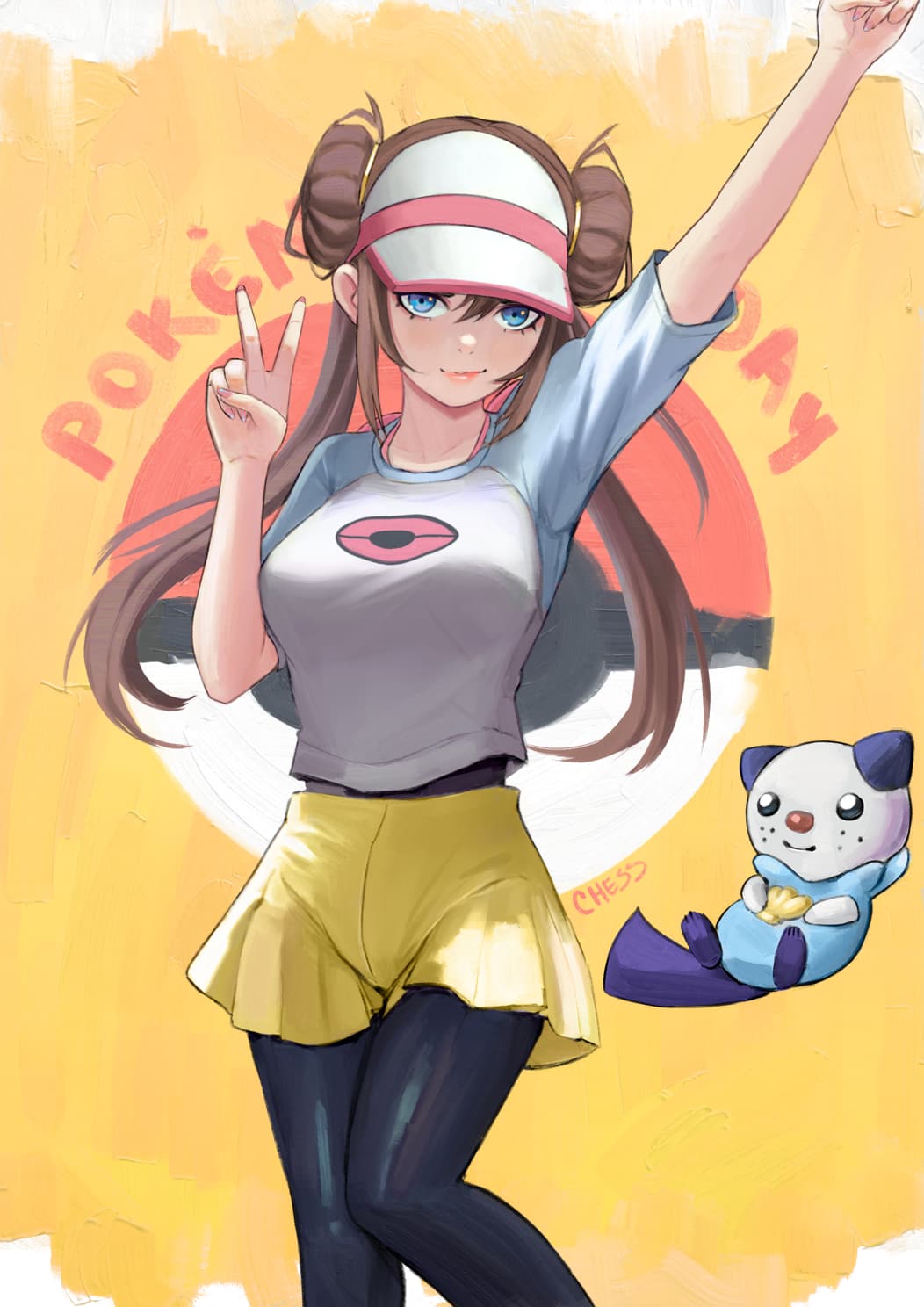
These brushes are absolutely amazing! I have got Rebelle, and the impasto in that app is very nice, but this is even better. And the big advantage is that I can use all of Kritas amazing other features with it, whereas Rebelle is quite limited in other aspects.
hi there! im absolutely NEW here and i wanted to say im heavily considerating to transition from CSP to Krita just thanks to this brush that i find amazing, like impressive kind of amazing
is there a way to get it on CSP? ive been looking for similar brushes since age and didnt find one so convicing
amazing work really im in love with it
I don’t think so, mostly because this brush works thanks to krita’s brush engine, the CSP engine is different in several ways and doesn’t accept this type of tips as far as I know.
Hi, what version of these bundles are you using more. Normal, light performance? I listen.
What would you like to see painted with these brushes in the wip video? portrait ,Landscape, other idea.?
I would like to see landscape, as it is my favorite style.
I like “the full-blown bundles” better, but that is only my personal preference.
Michelist
full blown bundles are…?
I am also using the normal (non-performance) version. Also would love to see an impressionistic landscape with these brushes from you on a potential new video!
…not the light-version?
Michelist
(ca 100mb download)
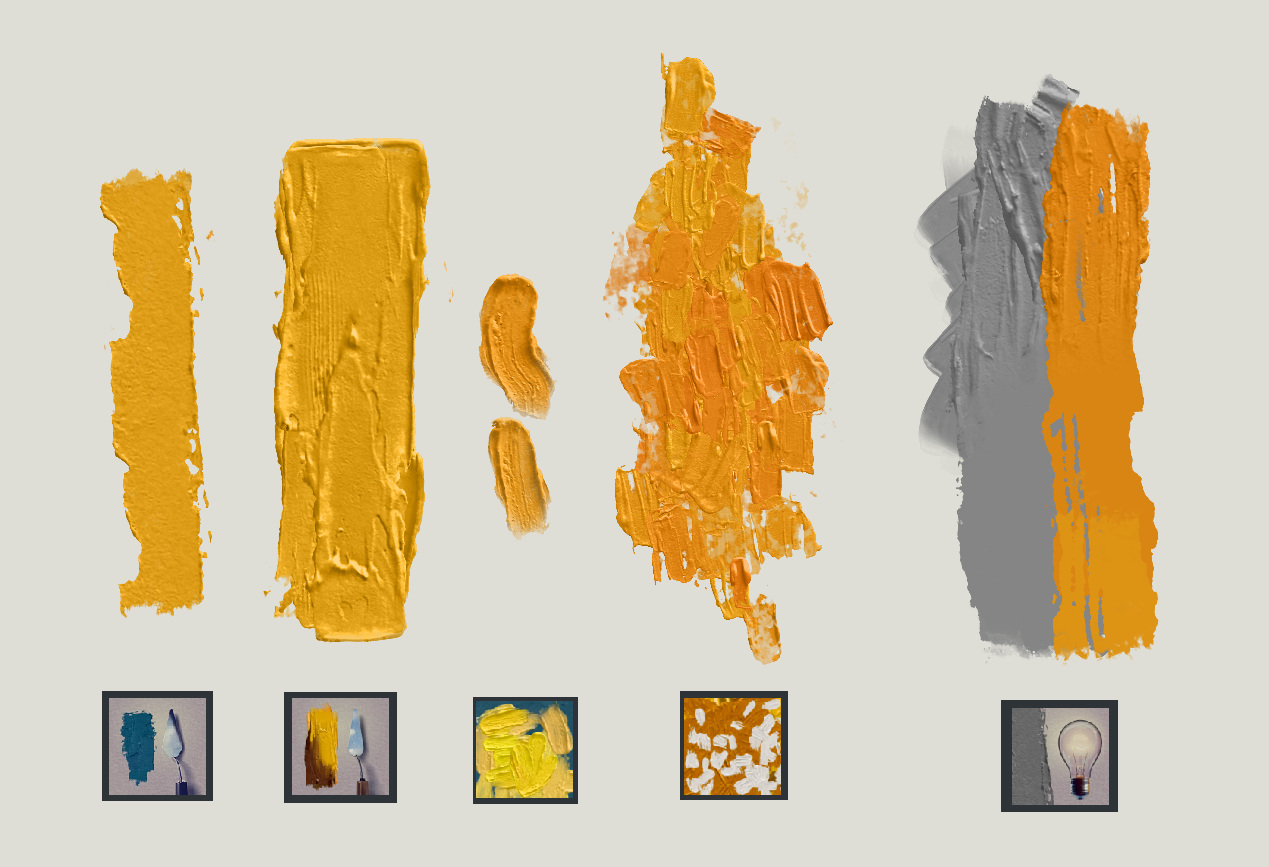
Here are some additional brushes and a new version of PHOTO-B. 
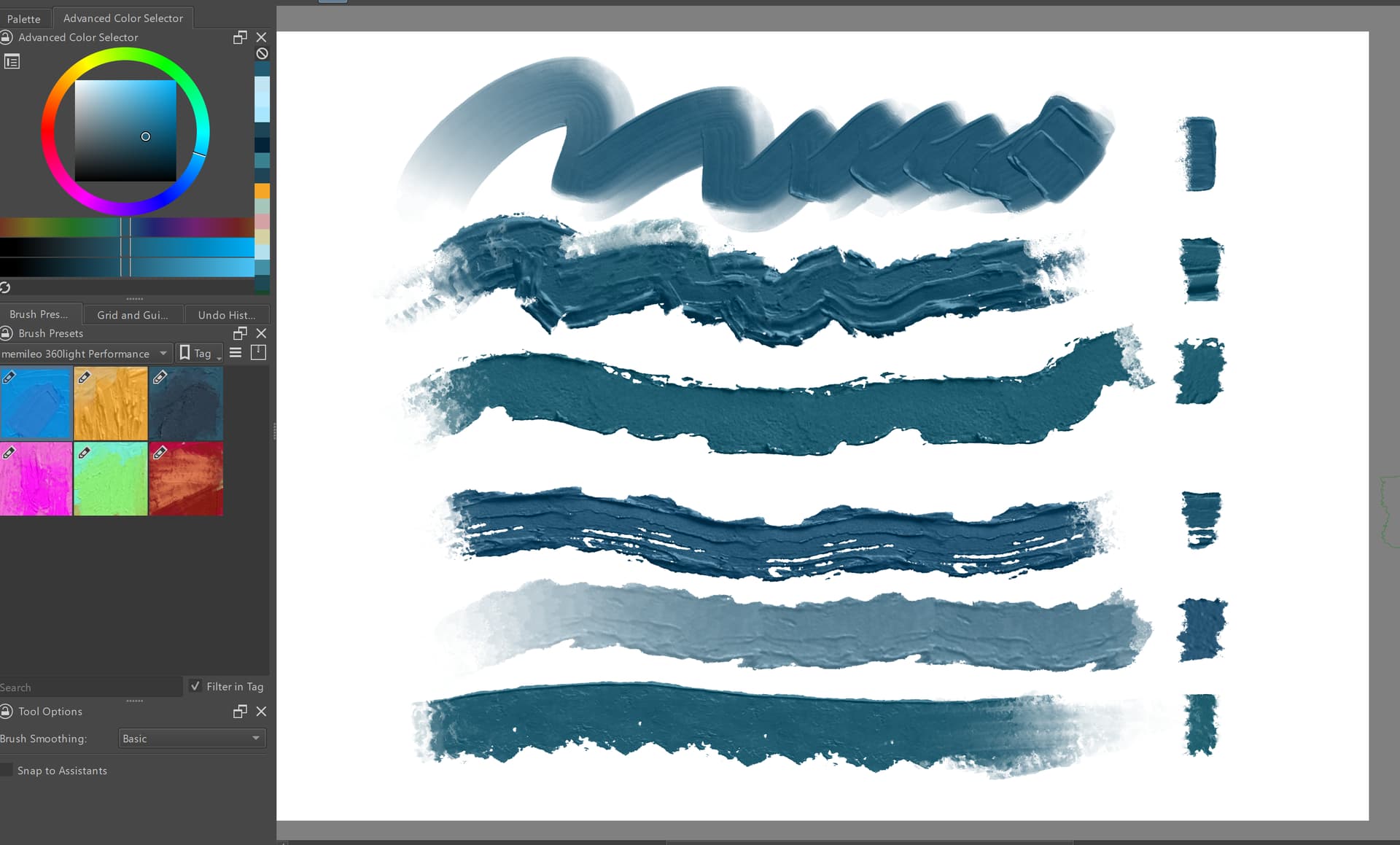
The lightness eraser works only on the temporary height map after painting with smudge engine RGBA brushes. Operations like drawing with a pixel engine brush, merge or closing the document will freeze the lightness height map.
As for the performance issue I tried resizing a brush-tip and it got rid of the freezes but did look bit too fuzzy so maybe I’ll go with larger slices for the laggiest brush-tips.
Just my feedback about V7
24 seconds for importing V7 bundle in my desktop pc with I7. and 32 GBRam.
4 Seconds loading first time Photo B2 and 3 seconds of lag to make visible the first stroke
7 Seconds loading first time Photo H and 2 seconds of lag to make visible the first stroke.
2 Seconds loading first time Photo I
0 seconds loading first time Lightness eraser
2 Seconds loading first time Stamp Photo E
Not good really. Can you explain me why it takes so much time? how much brushtips loads each brush or why RGBA in GIH animated is so slow? Maybe this is a task for @dkazakov ?. Maybe GPU will help in future? imo 24 seconds of charge is too much for the impatient user. 
about the “remove lightness” sorry but imo putting a brush that freezes something it could be dangerous. There are a lot of people who use software without reading the manuals or notes or explanations. We can achieve the flat effect with a normal blender brush in dulling mode and also most of the 360 light brushes have blender behavior in low pressure.
I thought he was just describing the normal behaviour of the lightness-colour smudge algorithm? I think I remember @Voronwe13 describing it that way when he was working on it; Basically, the lightness info is on its own layer and remains blendable until certain conditions are met - then it becomes baked in.