Occasionally when I am using the memileo 360 light brushes, I get two colors within the same stroke while other times the stroke is monochromatic. What causes this effect? I don’t think that I have changed any of the brush settings.
@jmcharg: Your first post was in the wrong category, and therefore I asked you to obey where you post and to use the right categories.
This post is from another topic and belongs into a different category, to be precise into Bundles and resources help - Krita Artists,
or you should have posted it into the topic of the resource which your posting is about.
Additionally, you should ping the person you ask for support, that is the only way to make users aware of your request in a topic posted into the void. Pinging means to add this @ in front of the user’s name you ask for an answer, so probably emilm in this case, if it is not meant to be a question asked (to) the whole community, a question only you know the answer to.
@AhabGreybeard; @raghukamath; @sooz: can you split the question and put it into the rotating light brush tips-topic or a new topic of its own in the category Bundles and resources help - Krita Artists as mentioned above? Thank you!
Michelist
3 Likes
@jmcharg Could you show an example image?
@CrazyCatBird If it doesn’t crash it’s probably fine.  Maybe increase swap file and set a low autosave time interval in Krita settings.
@Tamoha Krita, Blender, Natron.
1 Like
What are the tradoffs? I think it’s really good.
2 Likes
Absolutely lovely!
1 Like
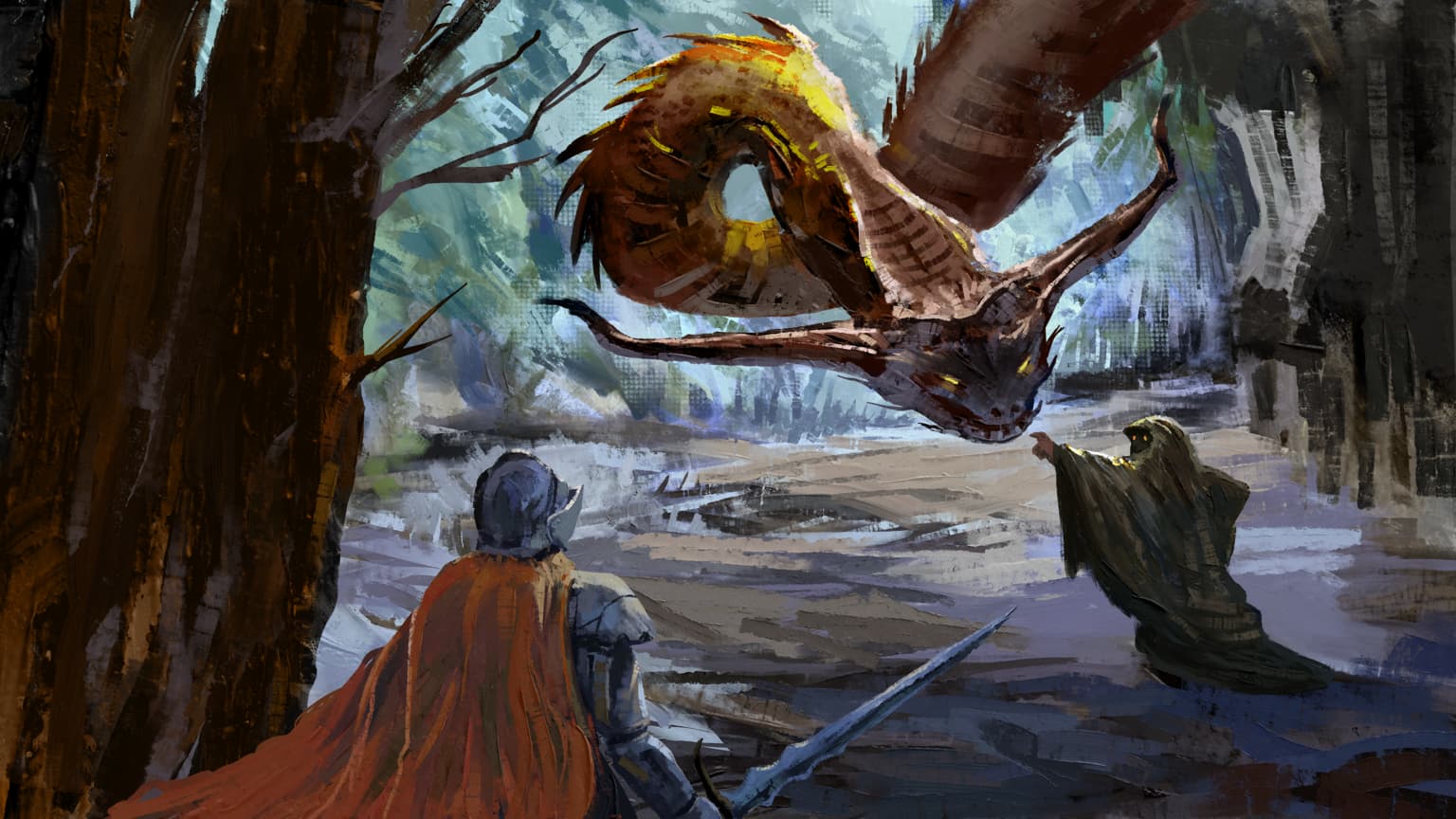
Love it, Pic has a style similar to that of Craig Mullin’s art
Thank you so much for these brushes. They are awesome!! You are awesome to share them. Amazing work!
2 Likes
Thanks, are these incremental or replacement of the previous sets? I am not sure if I need to install them one after another.
1 Like
@karemuvar You can keep previous bundles active if you like. I updated the ’Knife Texture’ one but otherwise it’s new brush presets.
@KLang Bigger slices for the incremental style brushes, more spacing between dabs, downscaled brush tip size, dulling mode instead of smearing for some of them.
4 Likes

Amazing!
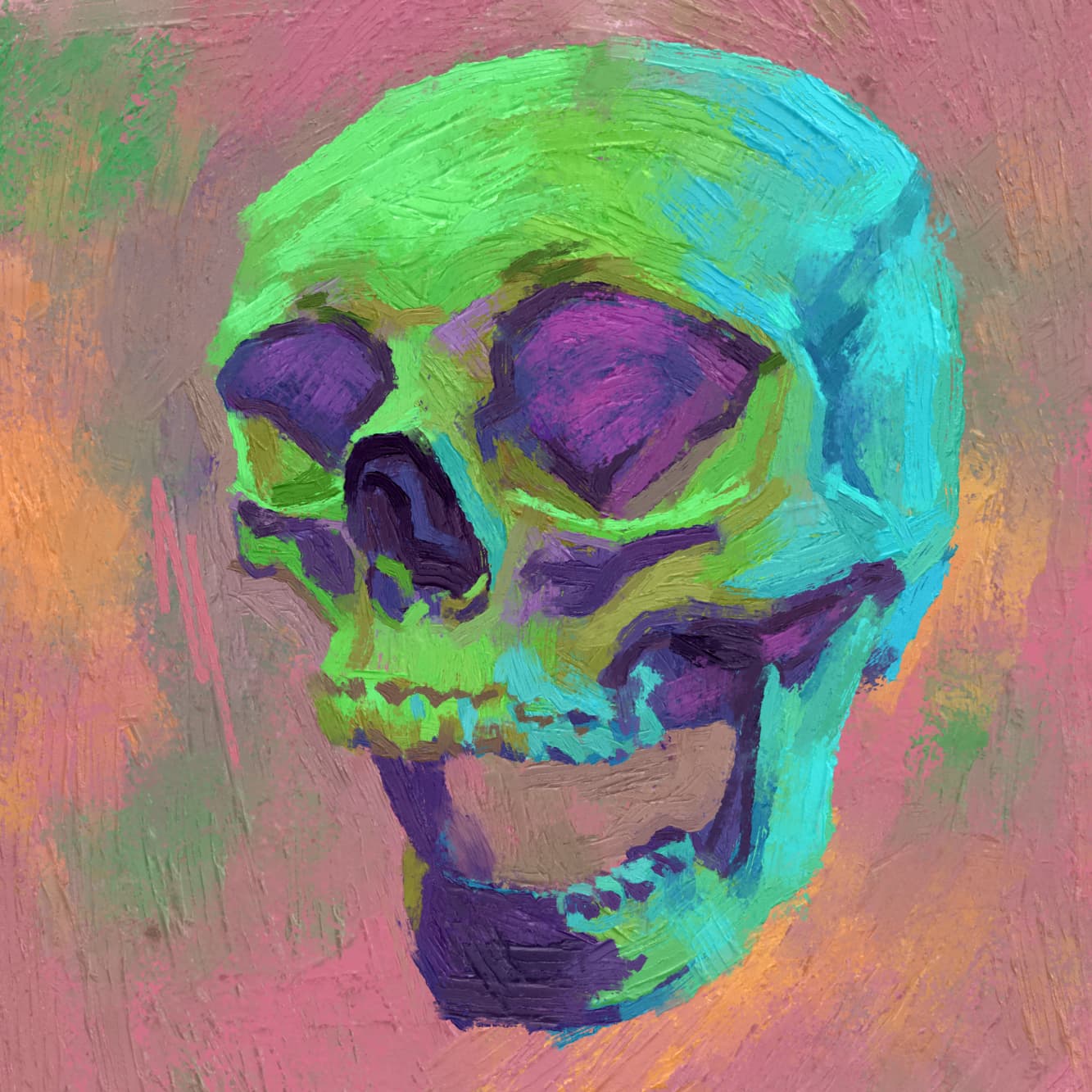

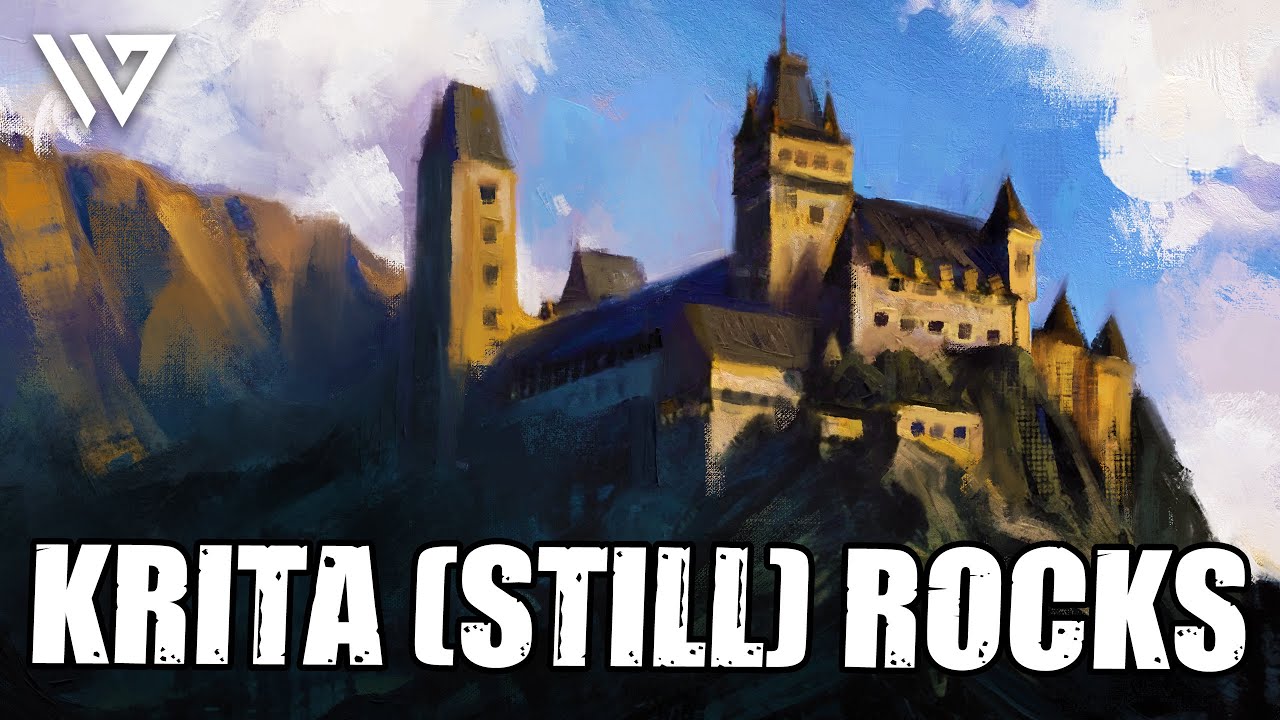
Just watched Wesley Gardner’s video using your brushes, @emilm. He provides a link to this thread so I bet a lot more people are going to be using them.
18 Likes
That’s cool!
1 Like

Good evening.
I don’t know if the issue lies with the brushes or my computer, but the brushes appear to be somewhat laggy. Especially after performing paint strokes, Krita sometimes remains frozen for a moment, despite me already making more strokes. No progress bar is visible, so it does not appear like Krita is updating brush strokes in the usual manner. Is anyone having the same issue and is this fixable?
Due to the number of messages in this thread, it might be that my issue has already been addressed earlier and I just overlooked it, in that case, I want to apologize.
 Hello @Space_junk and welcome to the forum!
A few of these are “very heavy” in larger sizes and I can imagine that an older machine or a somewhat weak PC can have its issues with them, even severe issues.
So it might be a good idea to use these brushes in smaller sizes as you do currently.
Michelist
Hi @Michelist!
Thanks for the quick response. Regarding the size, are you referencing the brush tip size or the size of the textures used in the brush engine?
Best regards
Well, the brushstrokes can be a bit slow, in my case with my PC with 8 GB of RAM and second generation i3 processor, but Krita has never frozen even though my computer is a potato, what are the specifications of your pc?
2 Likes