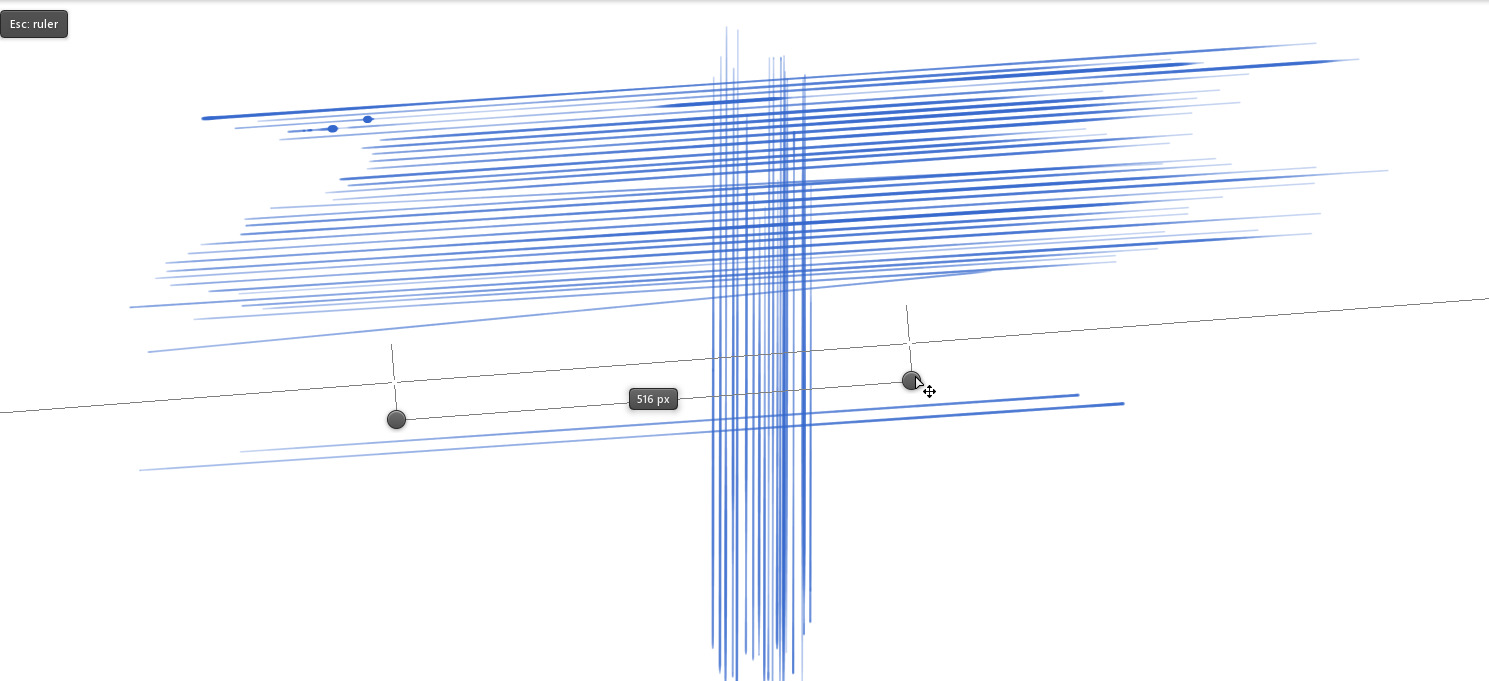
I genuinely think LEONARDO has a superior
simple ruler UI/UX than any other digital drawing application.
It is so much better to have such a “ruler mode” the same way.
- the UX shows a ruler guide with 3 manipulable anchor points( center, and 2 endpoints );
- you first click and drag to activate the ruler;
- you manipulate the two end points to control the ruler’s orientation;
- the distance between the two end points can be modified but there is a minimal distance of about
a few pixels( 82 pixels; that distance is purely suggestive and doesn’t constrain how long you can draw your line ) - once you have activated the ruler, you can click outside of the 3 anchor points to
trace on the line matching the orientation of the two anchor points, that line passes through
the crosses attached to the 2 endpoints of the ruler tool; - to draw parallel lines, you simply trace - move the middle anchor - trace - move the middle
anchor - trace - move the middle anchor - trace; - once satisfied, you simply press ESC to exit ruler mode drawing.