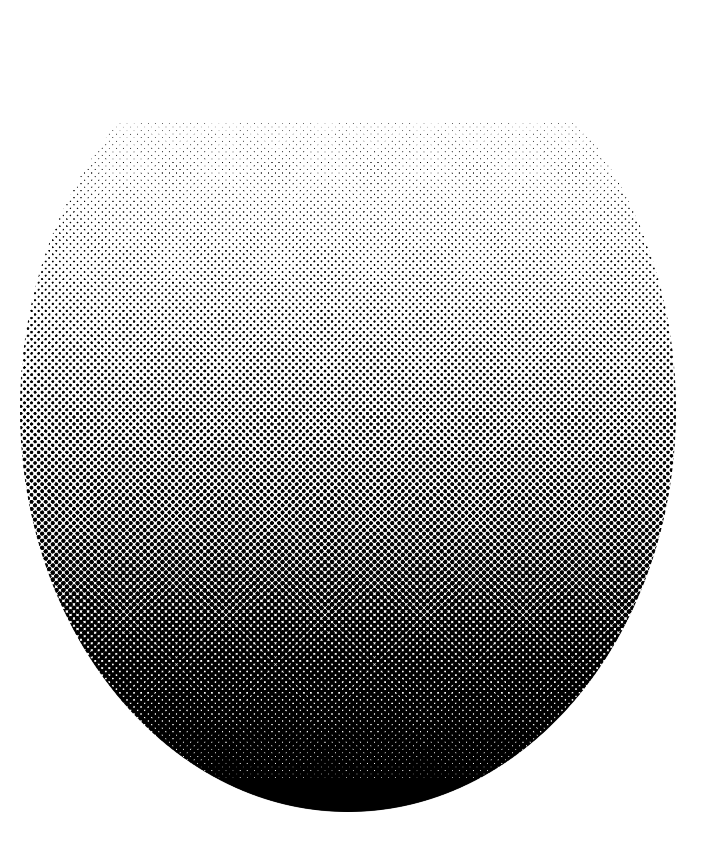
I think the screentone quality in Krita, compared to photoshop and CSP, might be a bit in the rear.
Especially when you toggle maximum hardness. With Krita, there’s a very noticeable inconsistency which favors the apparition of Moiré effect as you zoom out.
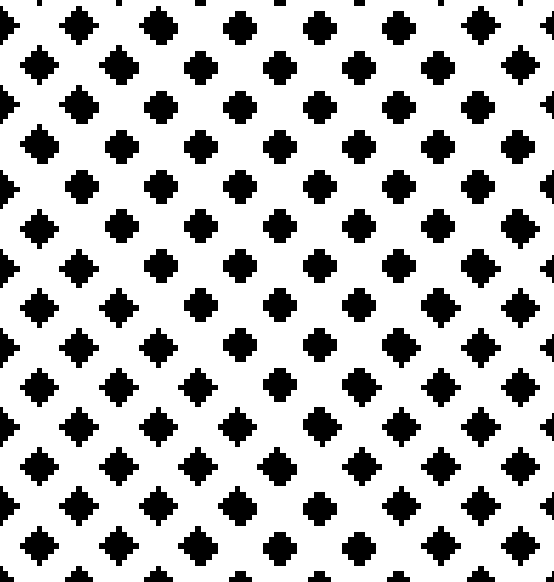
And it’s caused by the space between the dots.
For comparison, I used CSP(CSP has the same screentone filtering than photoshop, with a few more features added, but they render the same, in a sharp and most consistent manner).
Details :
Filled an area with fully opaque 25% gray(rgb value : 191,191,191)
Applied the screentone after I made a calculation of the dot size which is about 75 lines of dots per inch( pretty much equals almost 75 dots per inch ) on a 500 ppi canvas in both apps.
Since it’s 500 ppi, any dot would have almost a size of 6.66 pixels.
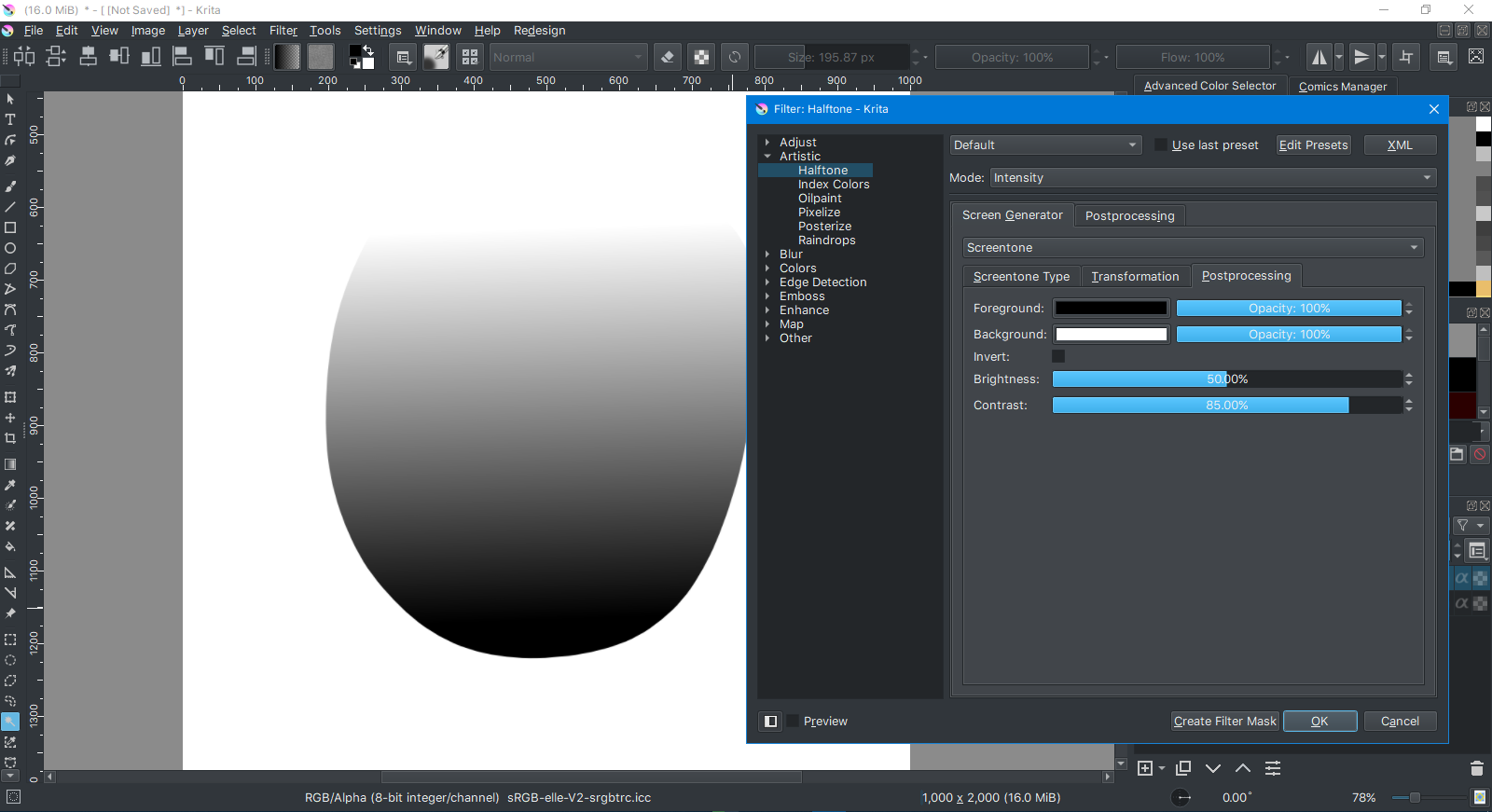
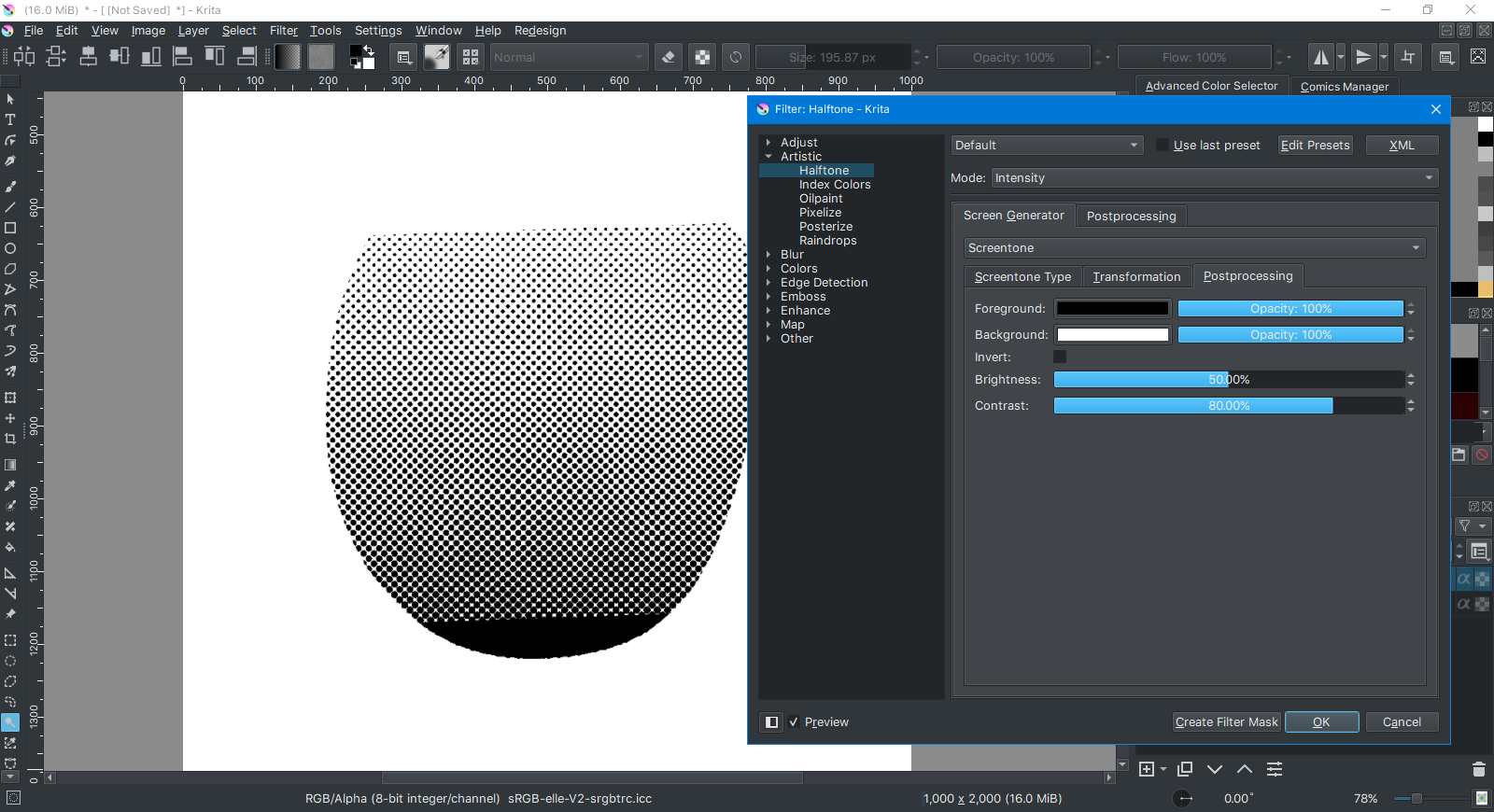
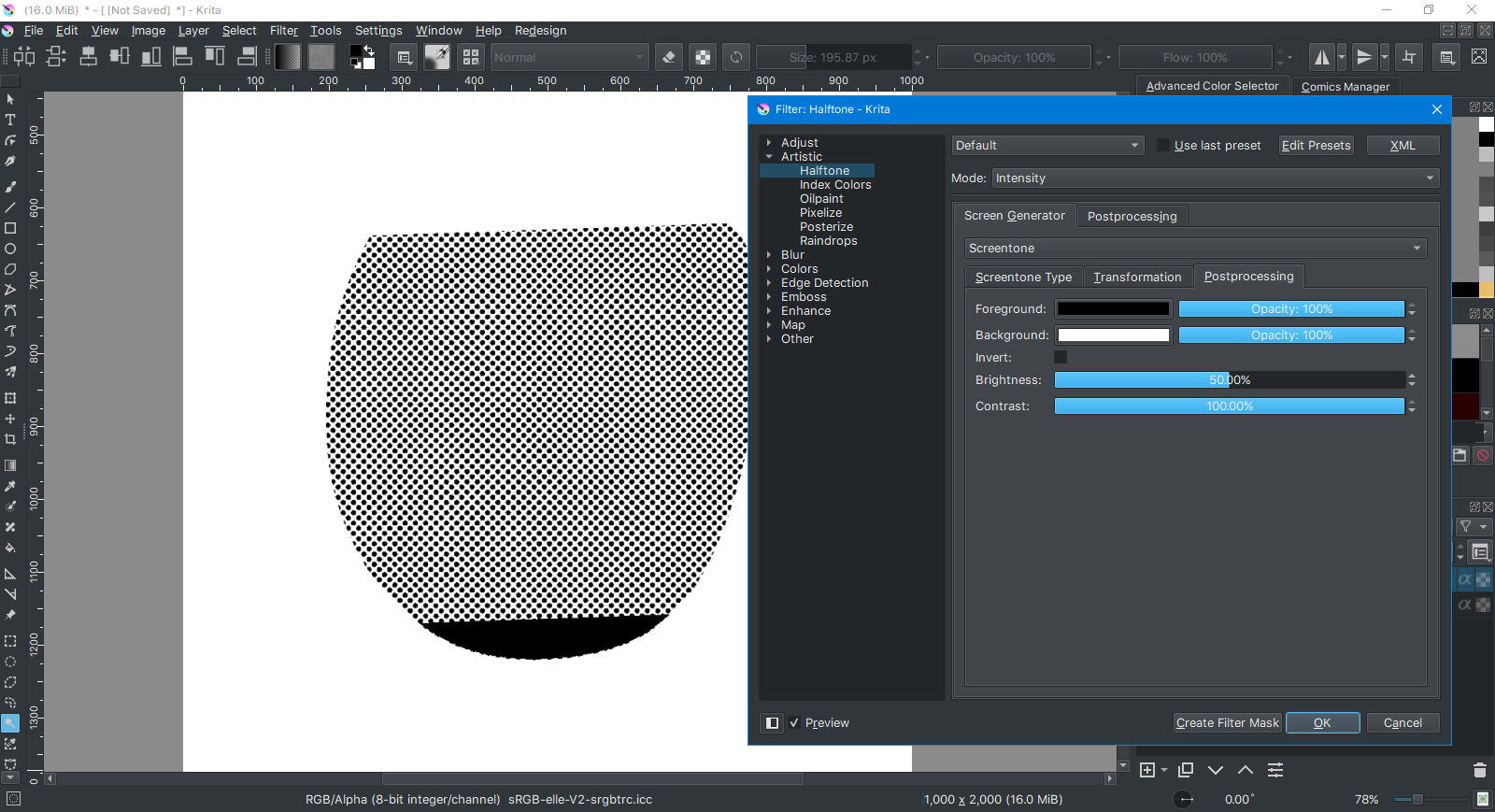
First I used the “screentone” option in the halftone filter with max hardness,
50% brightness and contrast, and with linear interpolation.
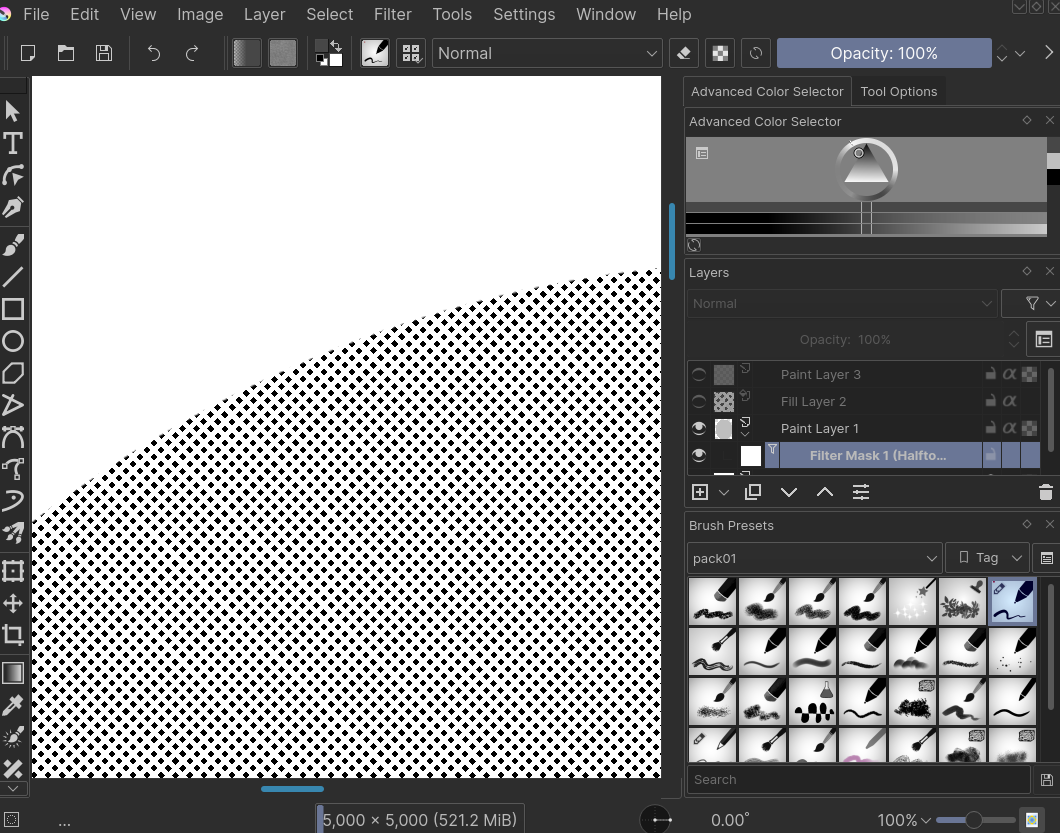
Result in Krita :

Up close(Krita) :
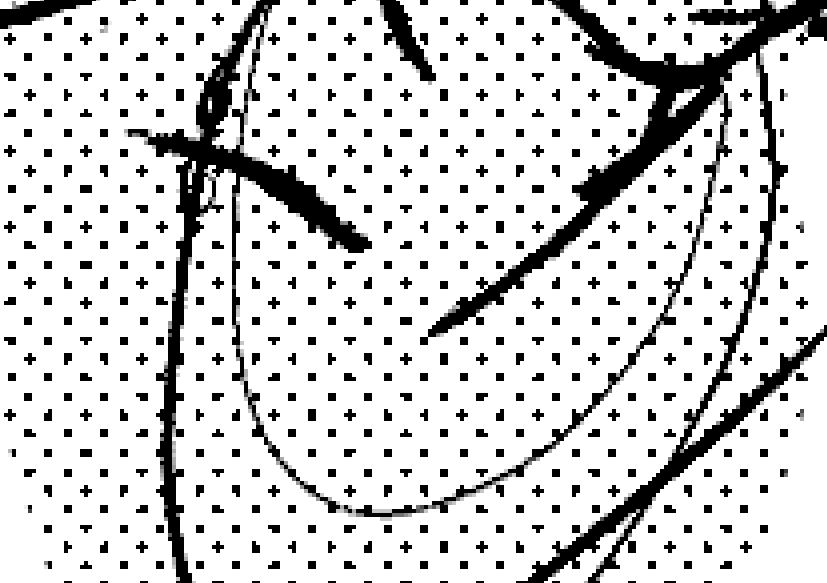
Result in CSP :

up close(CSP) :

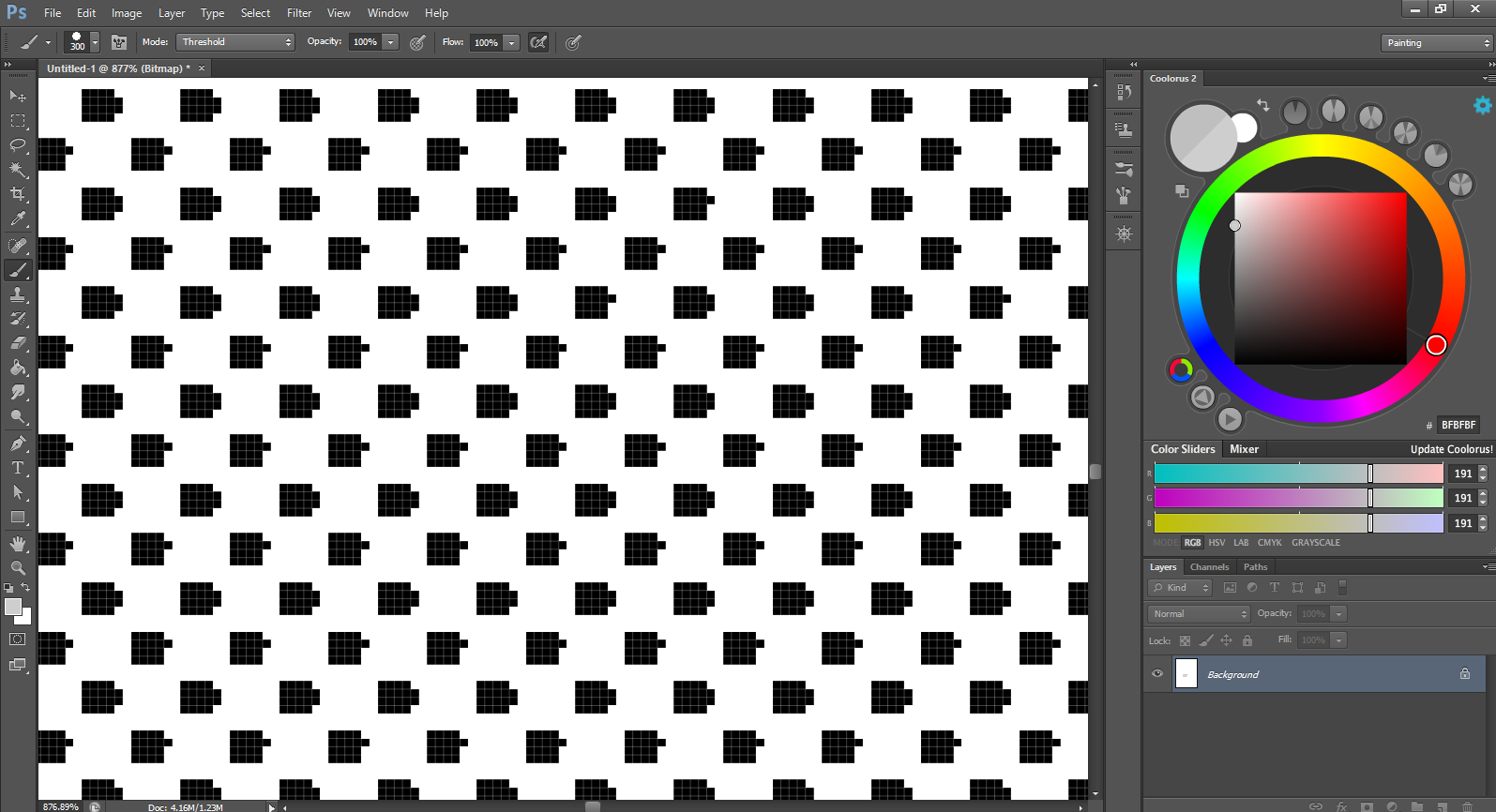
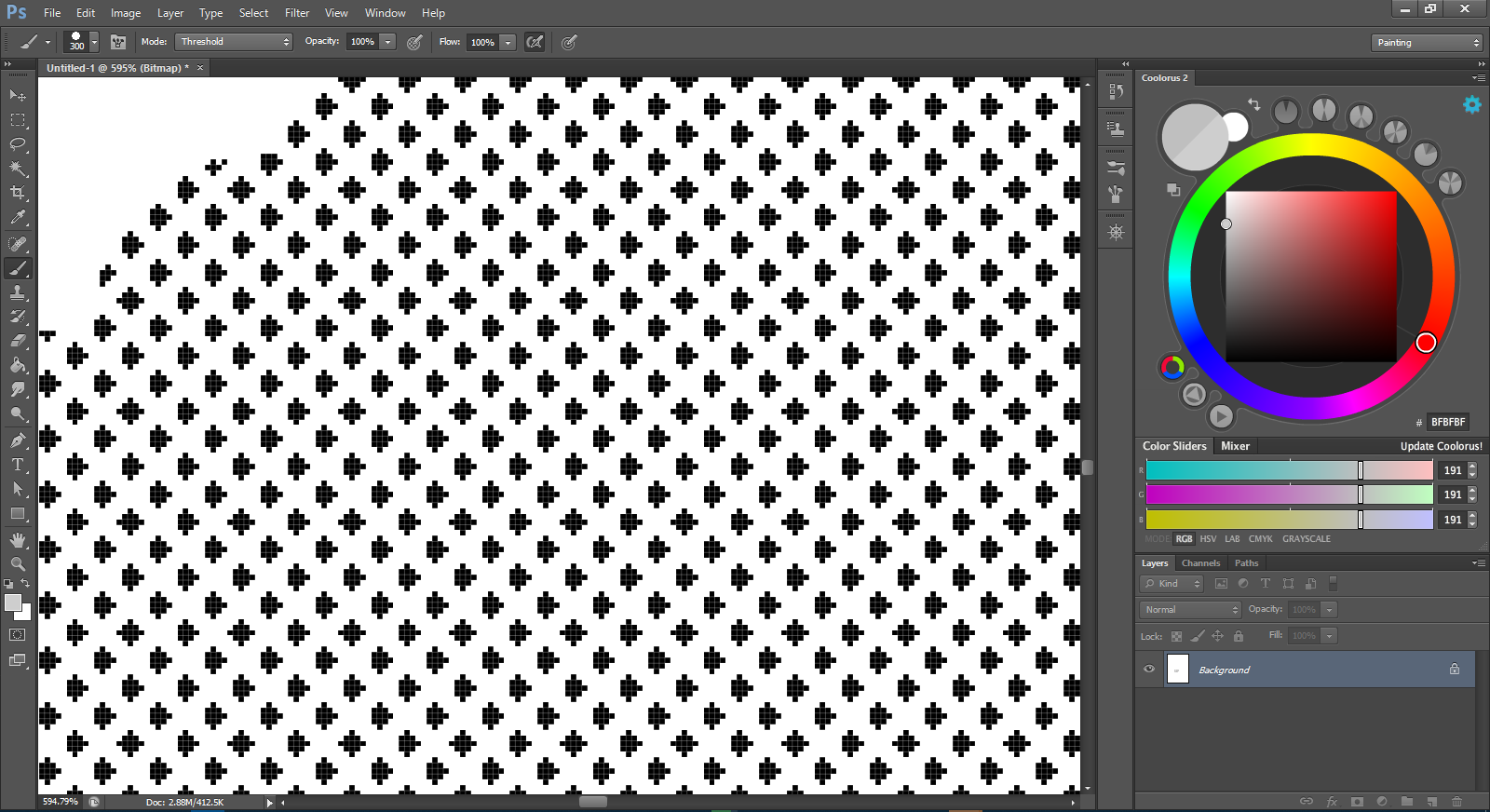
I tried the “pattern” option for the screentone generator.
And used an already made screentone texture. Results were still quite different. A little more consistent, but not that much, there was still a potential for the apparition of moiré with low scale, starting from a certain level(by counting the number of pixels for each dots and comparing both CSP and Krita’s results, consistency was much better in CSP).
And with Krita, I don’t know why, but I can’t find an option to set the number of lines per inch just like in other softwares with this option.
While this least seems just more convenient as it automatically converts value to tone weight,
It only possesses a scale, which means, you can only judge the quality with your eyes.
I must say though, that I’m impressed by the variety of textures one can obtain by using different patterns.
The experiment isn’t over. One more thing I’d do is try printing these screentones and see if the moirés still appear.
One other option, would be to use a vector program, arrange 6.66 pixel circles in them, in a fashion similar to screentoning, and then generate a jpeg or png image from there, just to see how the “nearest neighbor” algorithm would treat the rasterization of the image.



 You are doing a good job in comparing and studying thank you for that. And due to that we know what is offered in other programs. The only problem in your analysis is the conclusion, that is the suggestion to copy.