CURRENT VERSION: SHADEMAKER v.1.1b 2023-03-19T05:00:00Z
Get ShadeMaker Here ► ShadeMaker v1.1b

Release Notes for v1.1b:
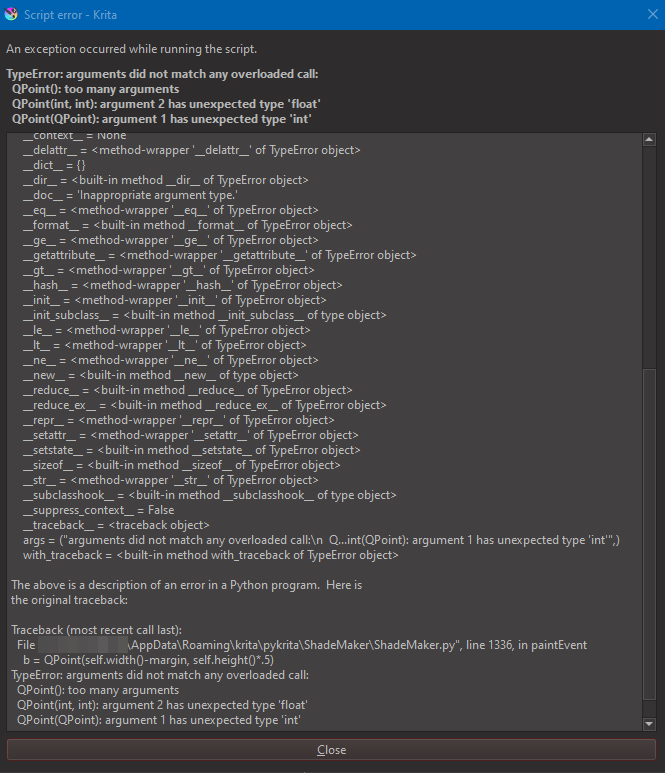
- Fixed an error that occurred when drawing ShadeMaker’s UI in some versions of Krita (see this post)
Release Notes for v1.1a:
- Fixed an error that occurred when setting the bottom value global adjustment
- Removed some debug code
Release Notes for v1.1:
- Now properly supports a custom Krita app data location. This folder path is set in Krita’s settings.
- HSY color blending has been improved; HSY color space now produces more colorful, predictable results.(See this post detailing v1.0’s limitations in this area)
- Improved starting behavior when ShadeMaker first opens along with Krita.
- The shade series can now be arranged within the tray using drag-and-drop behavior.
ORIGINAL POST BELOW
Hey all,
I’m currently developing a plugin for Krita based on how I personally like to manage colors while painting.

While Krita has many useful methods for picking colors and even a few specifically for creating a series of variations on a color, there were still some particular problems I wanted simple solutions to.
I like to pre-mix shading series for direct painting. This requires a carefully controlled transition between colors and there are many ways to achieve the desired results, but I want to eliminate as much of the menial work of palette making as possible (for more on this, see The Dimensions of Colour, shading series, shadow series)
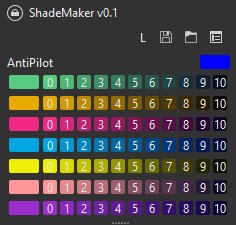
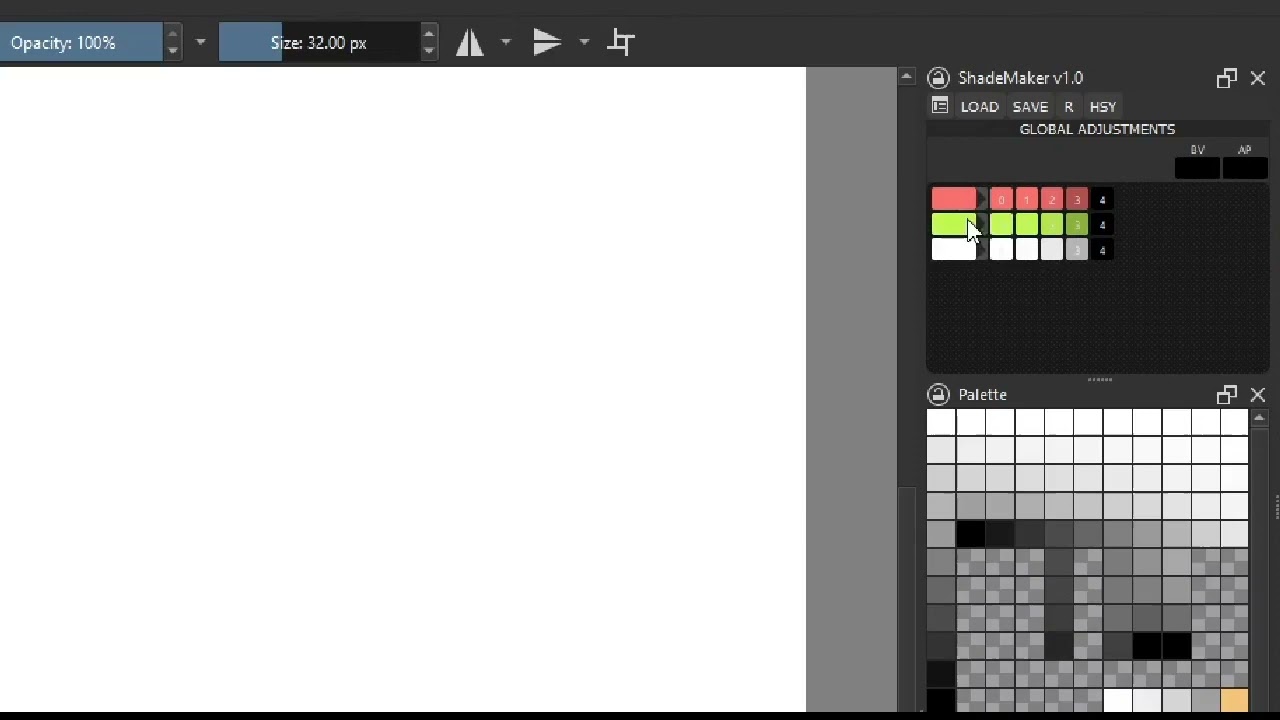
Currently, this docker will take a “pilot color” and use it to generate a string of shades. Where things go from here is more interesting.

ShadeMaker uses an “anti-pilot” to put color of your choosing into the darkness of your palette. This is desirable for a number of reasons.
Scaling straight to black results in a “dead” series and most artists work to avoid this; not only are colorful darks more pleasant to look at, real shadows are almost always lit to some extent and therefore influenced by color.
Separate from this, many pigments used in traditional painting are only “effectively” black. In other words, they are perceived as black, but are in reality an intensely absorptive color such as blue or red. Again, there are many ways to recreate this phenomena digitally, but because digital “black” is always red (Hue:0) steps must be taken to recreate this behavior.

Of course, you can adjust the number of steps in your series or the number of series themselves. There are more features I’d like to add, including:
- Toggle to switch between linear scaling and angle-of-reflectance scaling.
- Alternate anti-pilot blending methods for different results
- Color “anchoring,” a shift in color toward a particular swatch on a series.
- Auto-generation from palette (scaling could be an issue here, it may be a bad idea).
- Auto-generation from gamut (same reservations as above)
- Global and local color influences (all series vs single series adjustments).
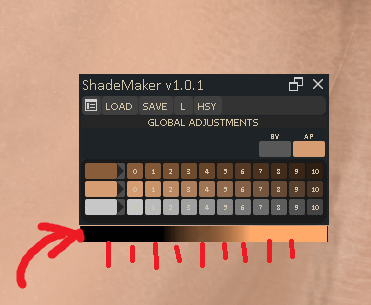
- Setting the bottom value at any desirable value, not just black
A few of these are already under way.
I thought things were in a good enough way to start showing things, so I opened this thread. If any challenges or interesting additions come up, I’ll put them here too. If there are any features you’d like to see in such a plugin, please let me know.
For now, thanks for looking! Here’s an image put together with some of these ideas: