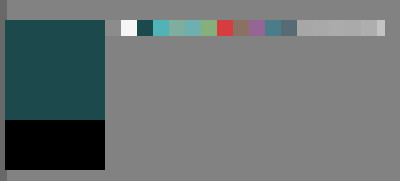
I work on 13"Cintiq, so pop up history palette feels really tiny. Ironically that usually I need last of 3 colors that placed in left corner, and 2mm palette shows with the center under mouse – so any inaccurate moving (>1mm in height) just hides it. Is it possible to make pop-up color history palette bigger or just to stop it hide until I took a color?
Strangely, I found this command more suitable form me than history palette in RMB pop-up wheel.
There is sort of similar topic about “Show color selector”.