hi @Bea2 can i test hese ones? i haven’t seen them in resources

just a moment, the configs may seem confusing because this is the first time I try to use the tilt config in the brushes
@RamonM I can share it with you in the DM because the texture was not made by me, so it would be interesting just as a basis for experiment 
I was thinking about… Why not sharing the brushes in WIP mode for everybody? i will finising them listening all the community feedback. This is Krita, not Other Propietary software. We are a community, We interact together. so…
Here you have the WIP
https://drive.google.com/file/d/1pR67Z-Uv7pxc6HDKGNlcktOpT5Lt3I9Z/view?usp=sharing
You only need to have installed SK_v1. and then download the zip file, unzip wherever you want and import the files as resources.
go to /settings/Manage resources/ import resources
9 Likes

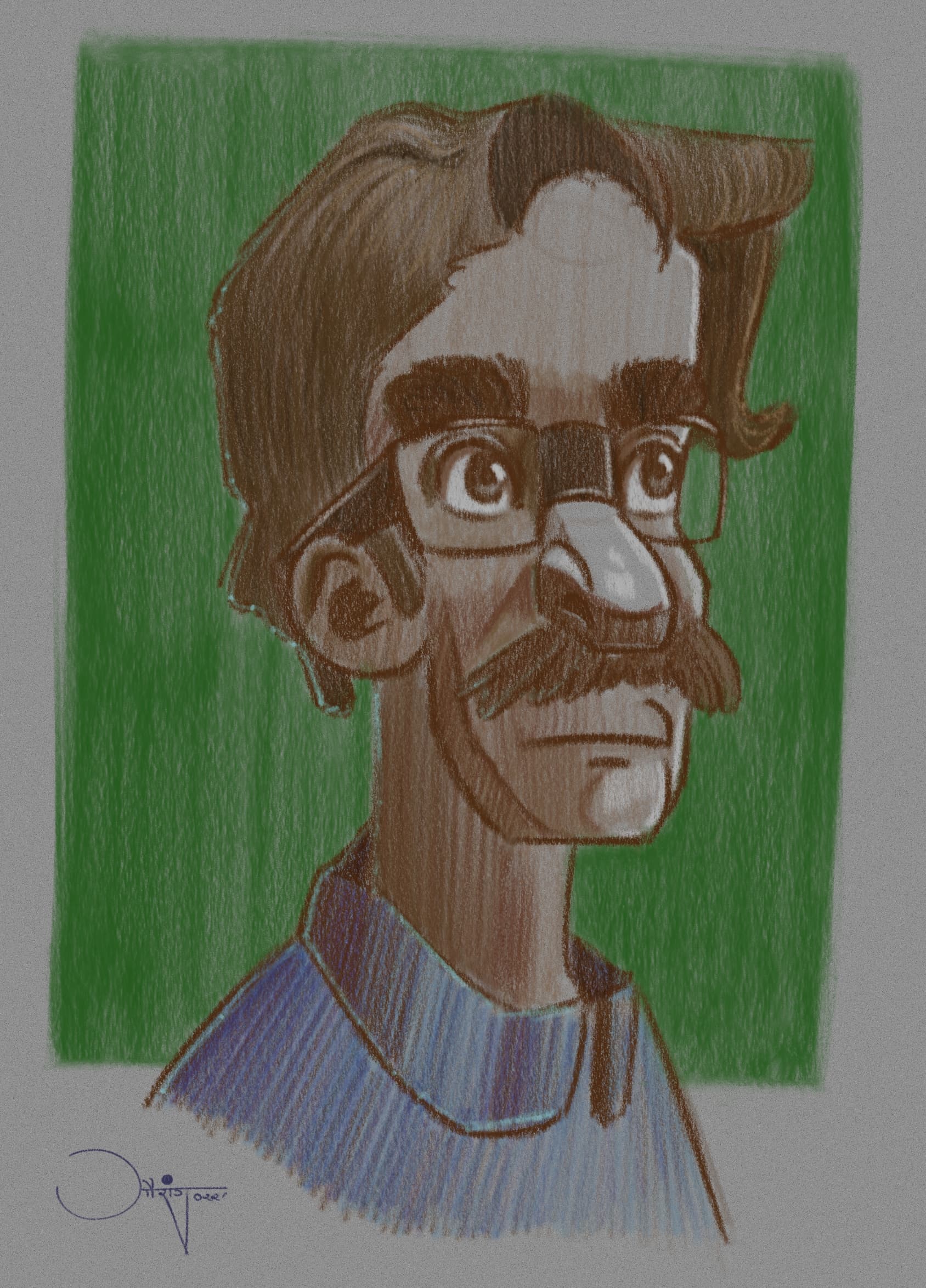
Thank you for letting us test these, @RamonM. I played around with them and then did this drawing. They really behaved like colored pencils. Overlaying additional colors on top created very slight variations, just like in real life.

8 Likes
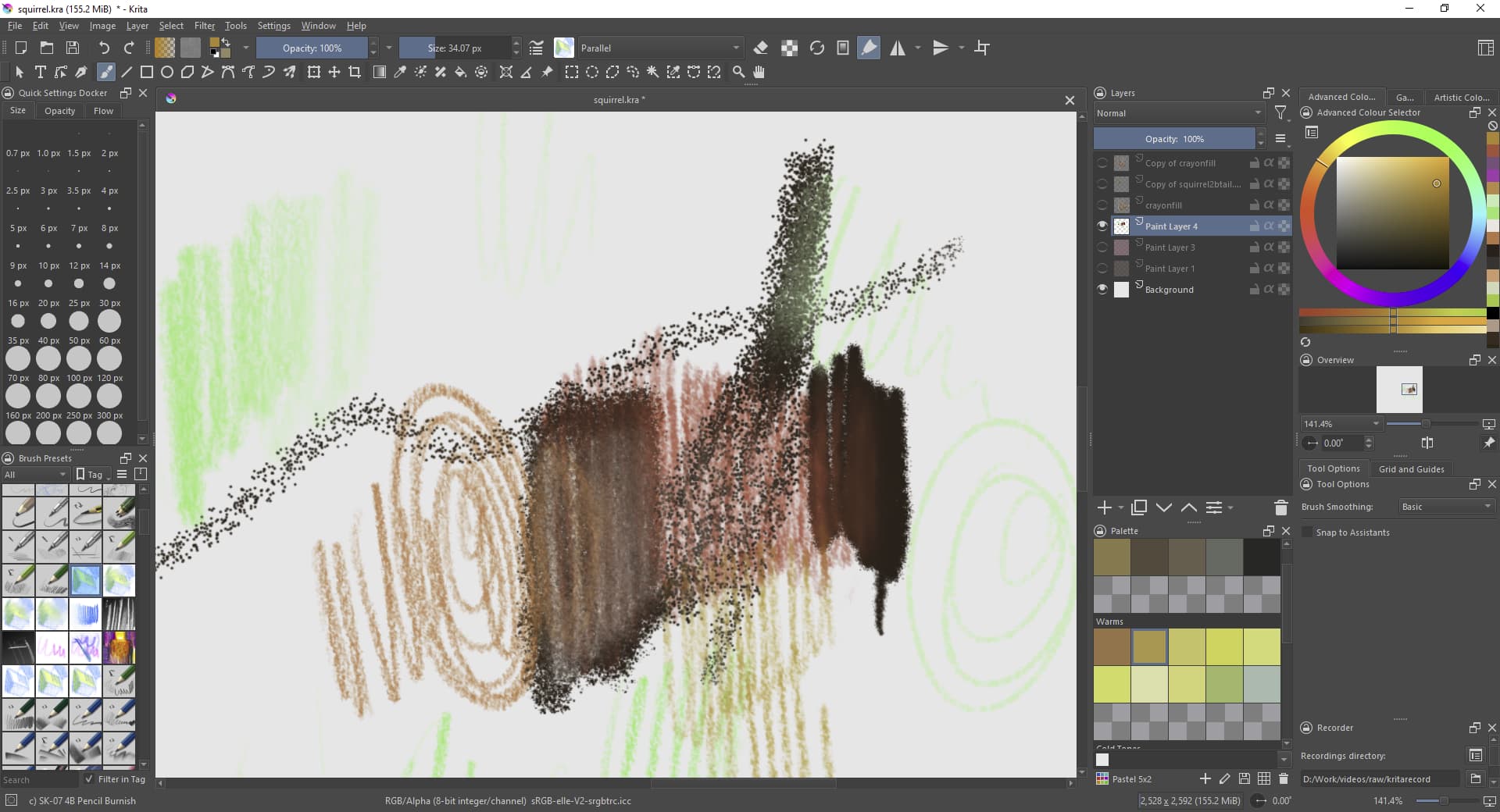
Thanks for these, I’m testing them by drawing a squirrel. Love how they behave, it is good to get back to some drawing as well. Here is a WIP so far.
Screenshot of the workspace (doesn’t display colours very well for my wide gamut sorry)
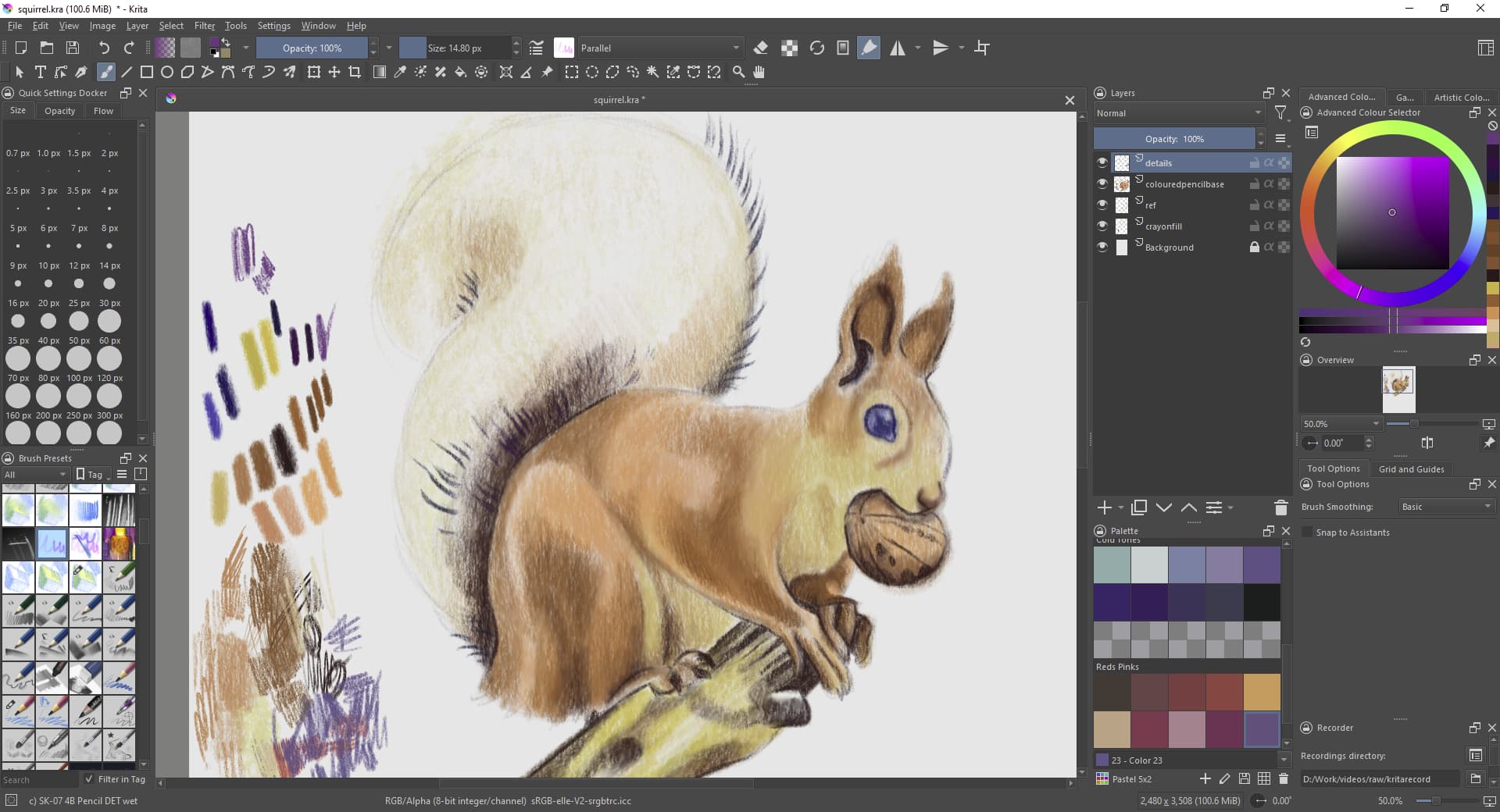
Better preview of the colours

5 Likes
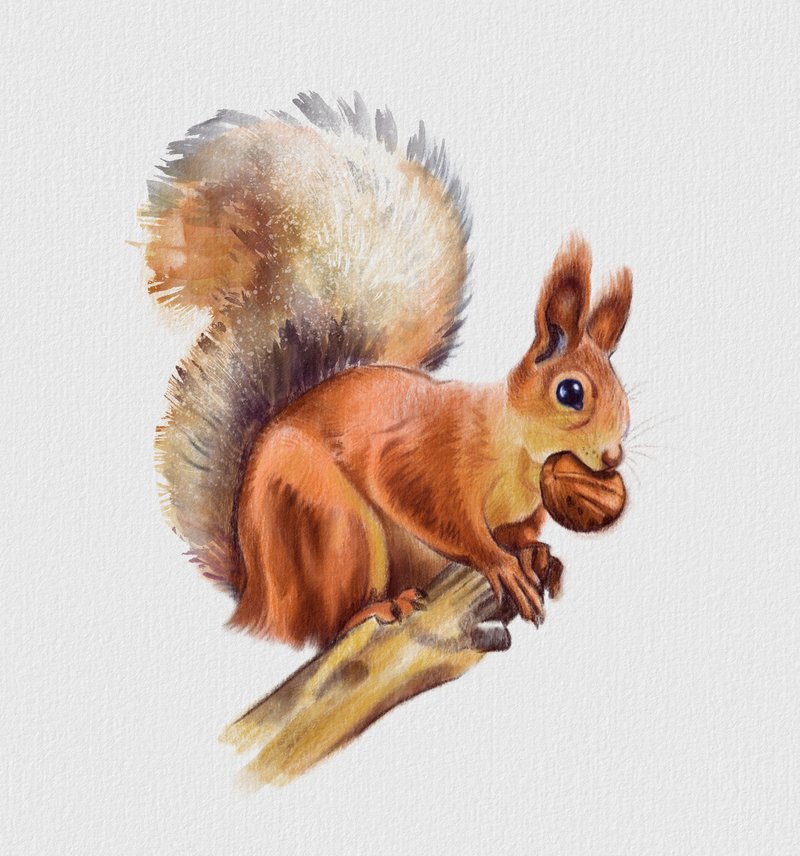
Finished study. I did the tail using Rebelle though because it was taking ages shading in everything (as it does). Happy New Year Krita folks.
13 Likes
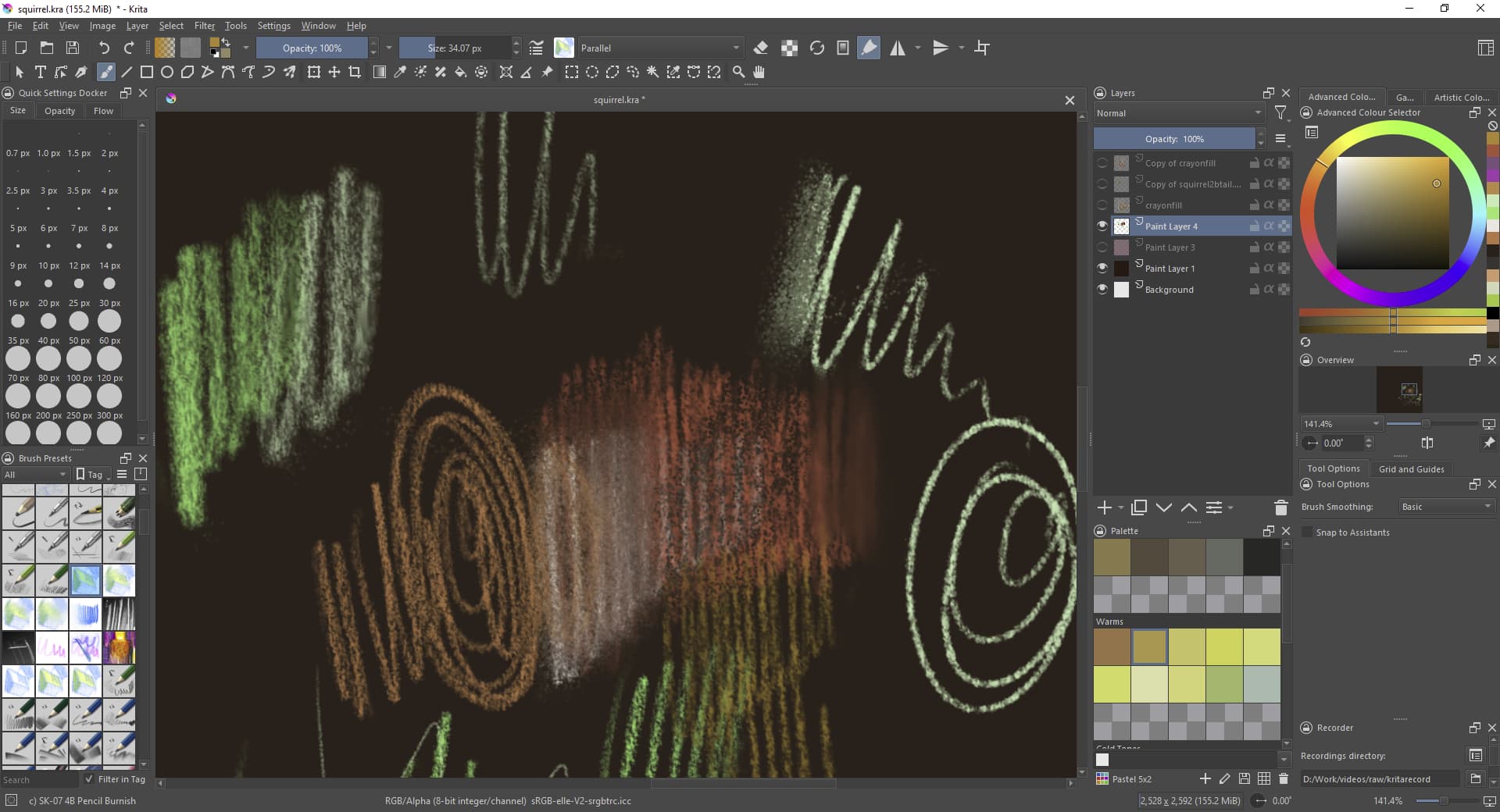
Only something to report on with these brushes when using the blending / burnishing tools it is worth knowing that the background paper layer’s colour will be transferred. Changing paper background colour later on therefore problematic, but just something to know about I guess. I’ve attached examples- tried them on a dark background (work fine), then changed background layer colour to show what I mean clearer.

2 Likes
What if you locked the layer that has the fill?
Or, what if you did the color fill in the layer marked as Background (then locked that)?
It’s an effect of “Overlay Mode”, a feature of the Color Smudge engine which the brushes are using to mix colors with the background.
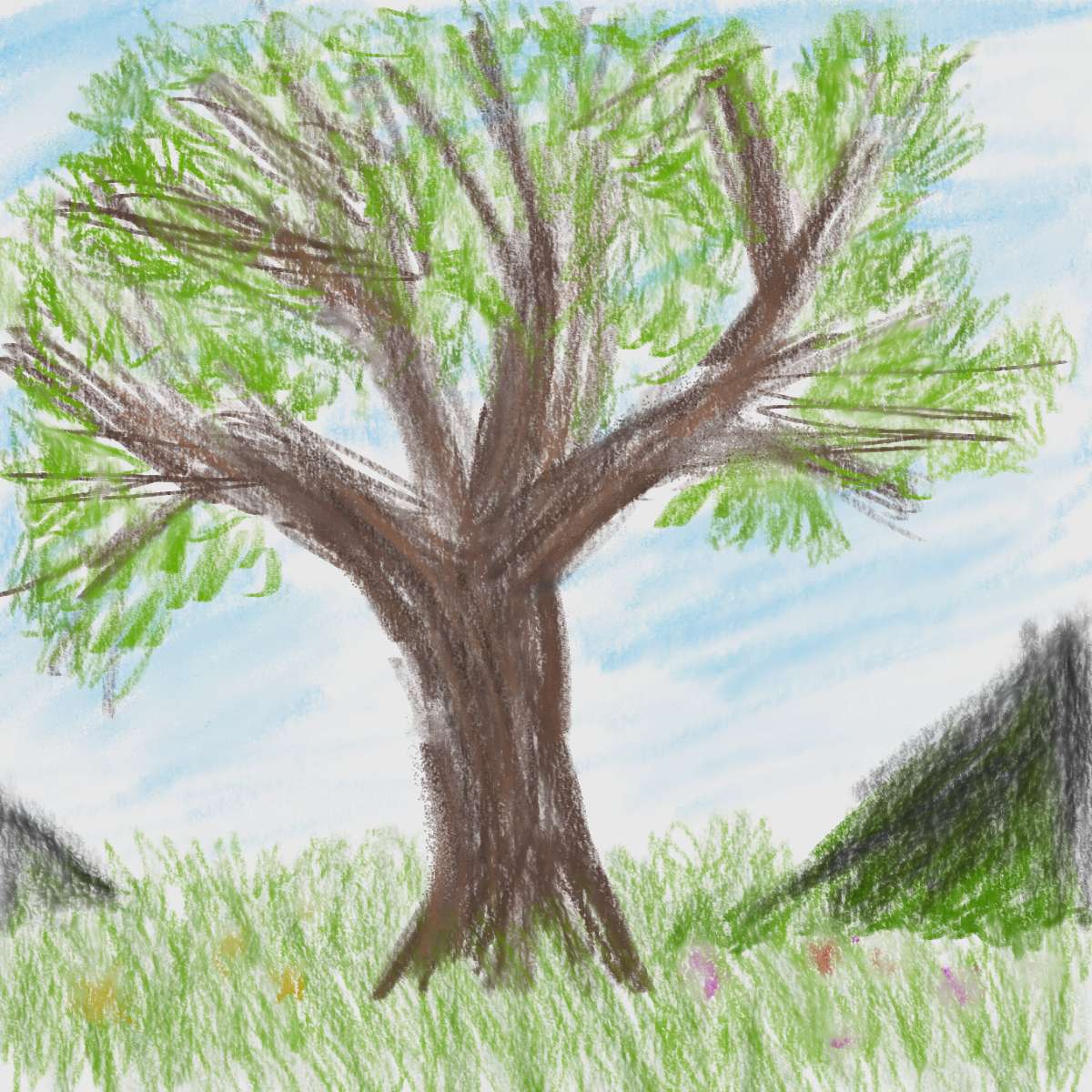
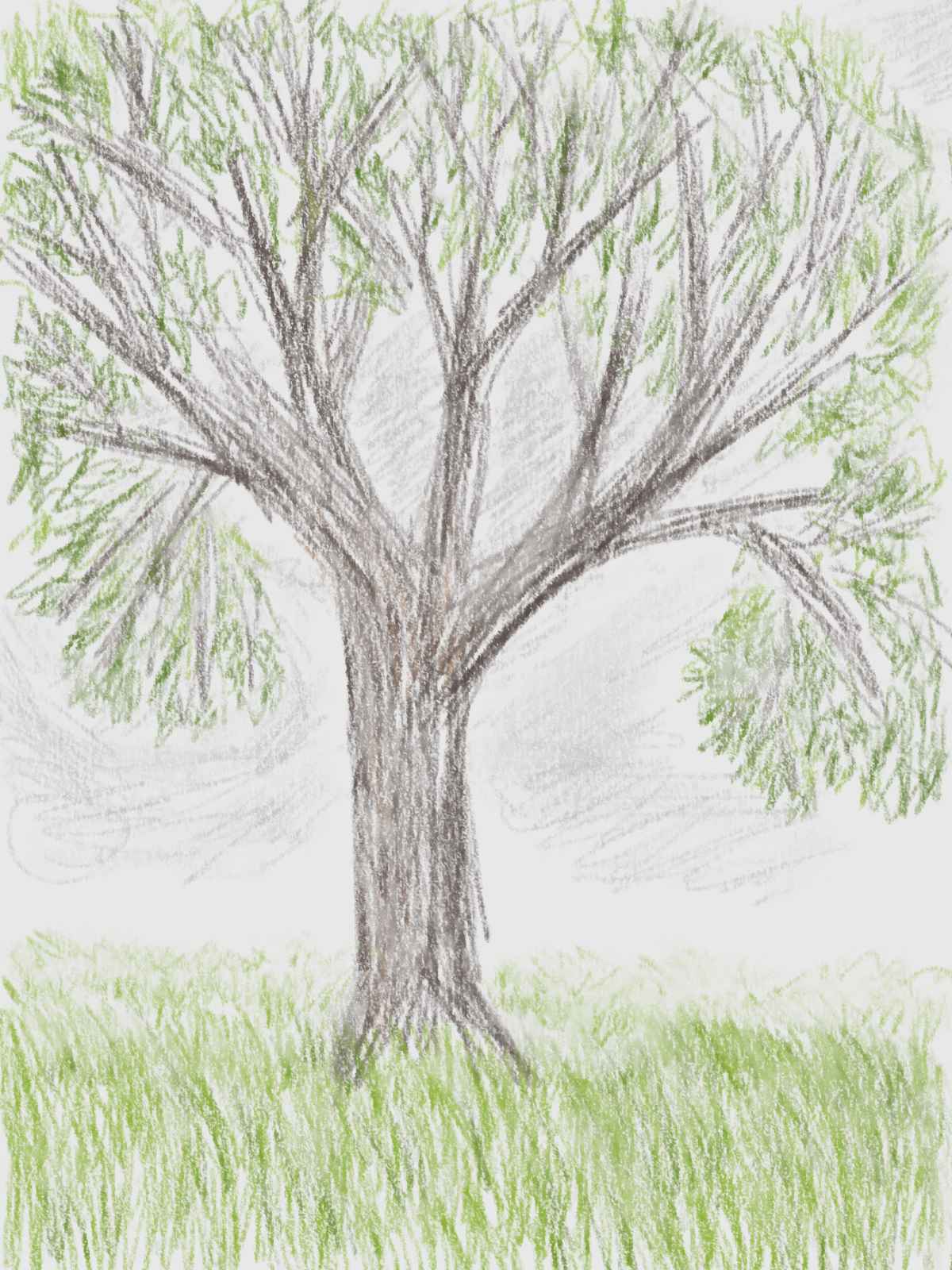
I guess I might as well post my quick 15-minute doodles, though I don’t really have any feedback to give.
The first was using mainly Colored Pencil NORMAL, DET wet, and DET paint-wet, with DET wet 2 as a shader and Burnish 3 and 4 for some smudging. The second one was with DET wet only.
3 Likes
22 Likes
Thank you everybody for all the tests. now i need a bit of time to analize them.
@thimblefolio your images are lovely. thanks a lot. I take note of your feddback. Do you find something else that you will improve or delete or whatever?
@freyalupen your feedback is really interesting and detailed. i take note.
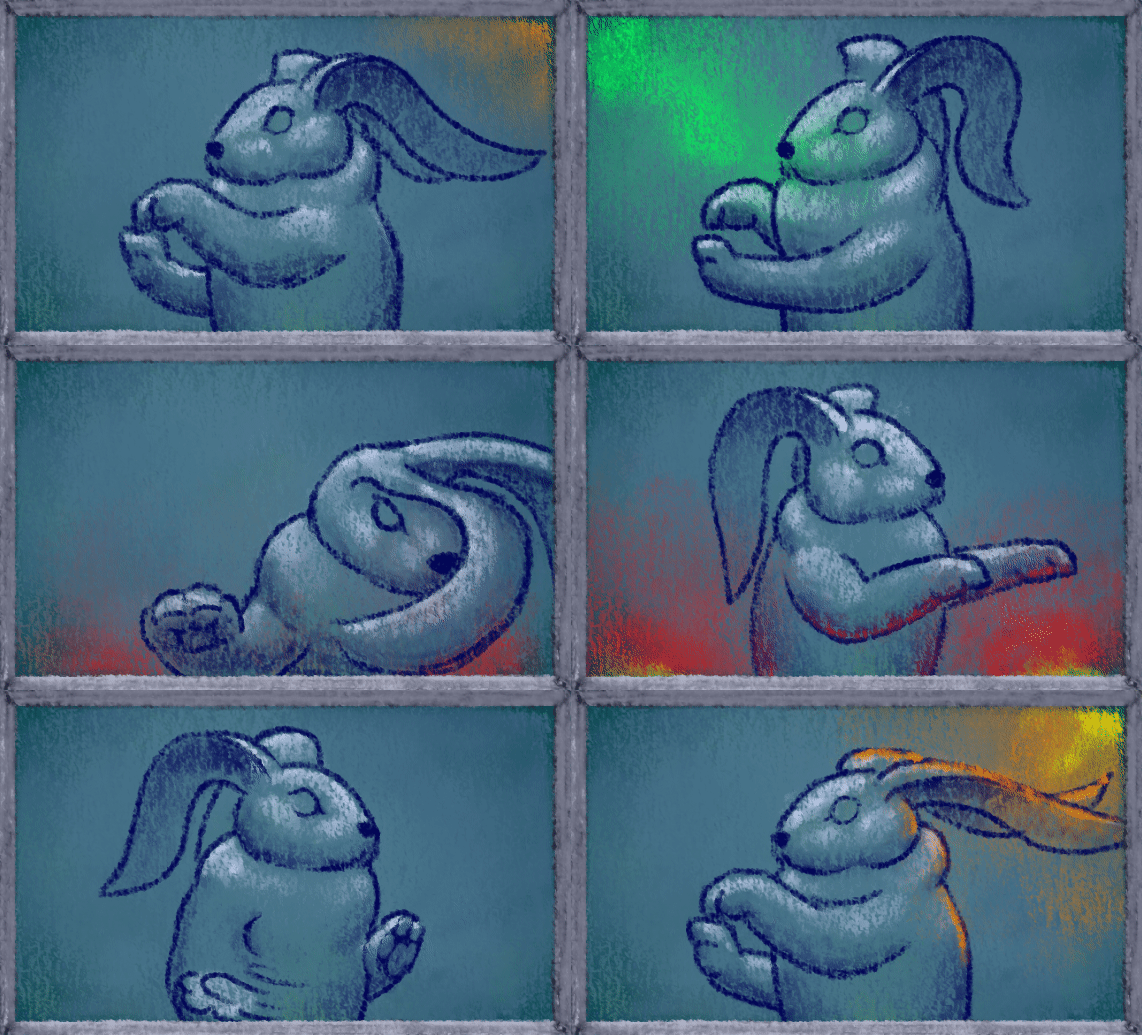
@Andreich_DMBL The animation is superb.
3 Likes
Hi @RamonM thanks. I think all the brushes are great, I can live with the blending issue with the brushes BTW, it is just something I thought I should mention just in case, but I love how they work regardless. It just means I have to choose my background colour wisely before I start shading in things, but that is a good thing to do anyway, especially for this tra-digital process.
I test some similar color pencils in traditional media maybe this is the aproach, we can considered to follow. Its an alternative way of course, but tilted the color pencil brush would be a good idea.
Its aquarella color pencils.
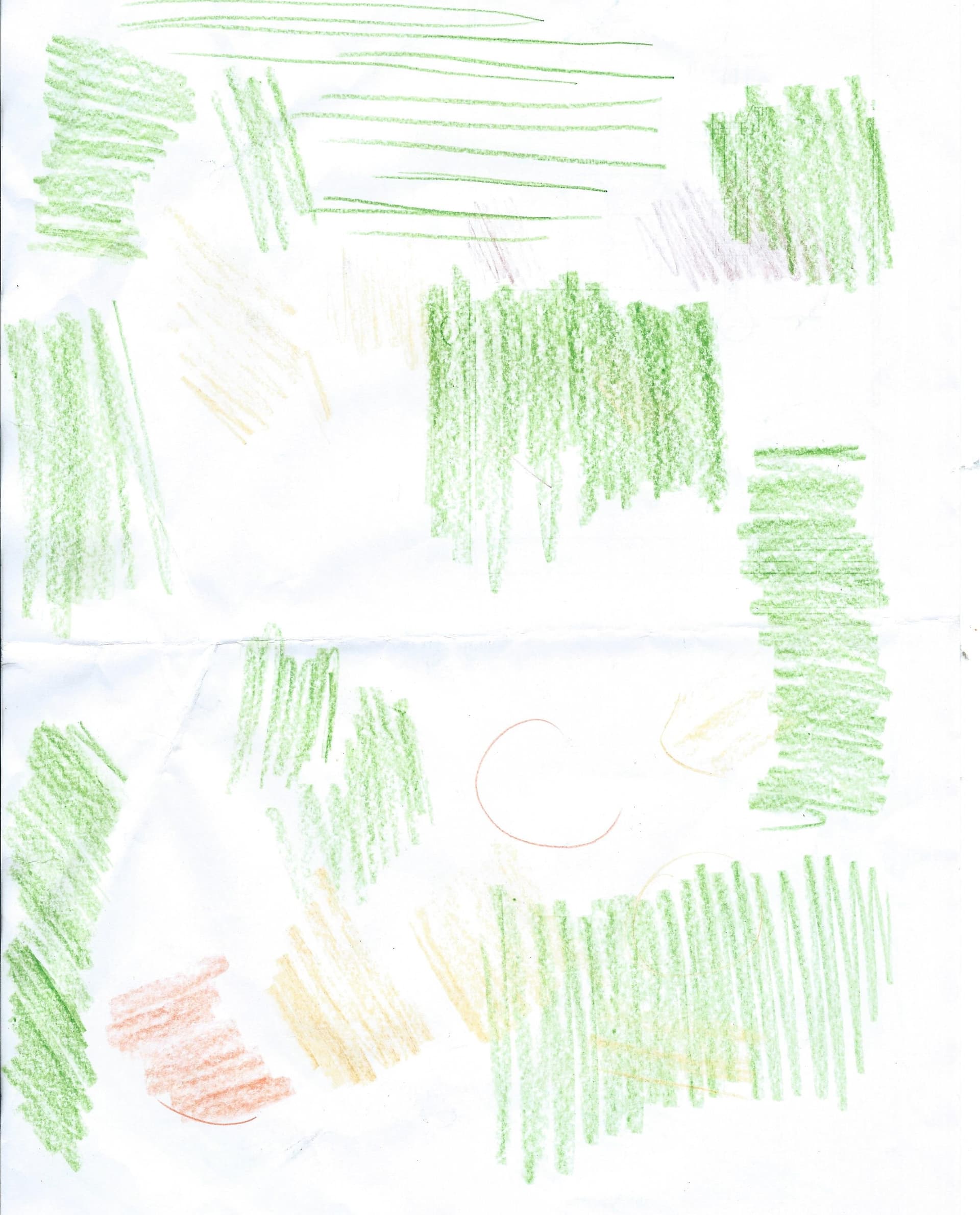
or this one too.
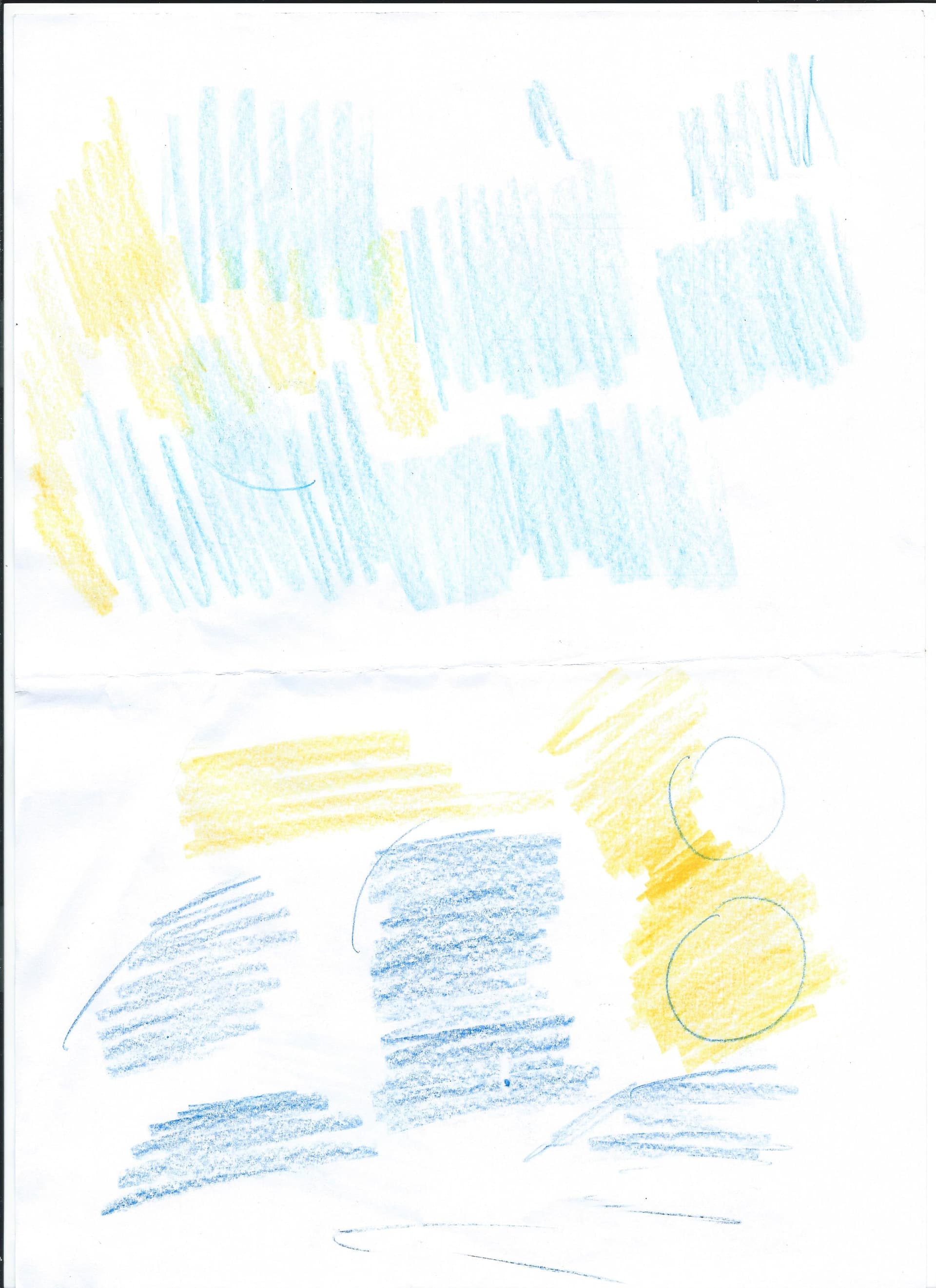
love it
Hi!, i know this is a old post… but somebody can give me a drive file or other way to download it? i try to do it with the page and again make me a error downloading it, i used a VPN to access the page (I have issues to download things on the krita page) but the download dont start. Thanks you if you can give me other link, i love these brushes! the Sketch V2 is cool!
Hello @Crabs99006 - Still having download problems?
Try these links:
SK-V1-Bundle-without-TILT.zip
SK-V1-Bundle-with-TILT.zip
Hello @Michelist
3 Likes
Try this, it is with and without Tilt, and even the preview-bundle is in it:
Michelist
Edit: The story continues! Hello @AhabGreybeard! 

5 Likes
It’s the ‘Michelist Mirror Service’. It runs 24/7/365 
4 Likes