After months of hard work, we have completed a version of Android Krita 5.2.2 that is compatible with SonarPen. Now everyone can use their favorite drawing app, Krita on their Android phone and tablet with a super affordable pressure sensitive stylus, SonarPen.
Pressure works out of the box. However, you might want to adjust the pressure response curve according to your drawing behavior.
Short cut button on the SonarPen is mapped to the “Tab” key, which will toggle between full canvas and the normal UI. Since Krita is not yet optimize for small phone and tablet screen, we thought it is the best solution in the mean time.
Palm rejection is not implemented in this version.
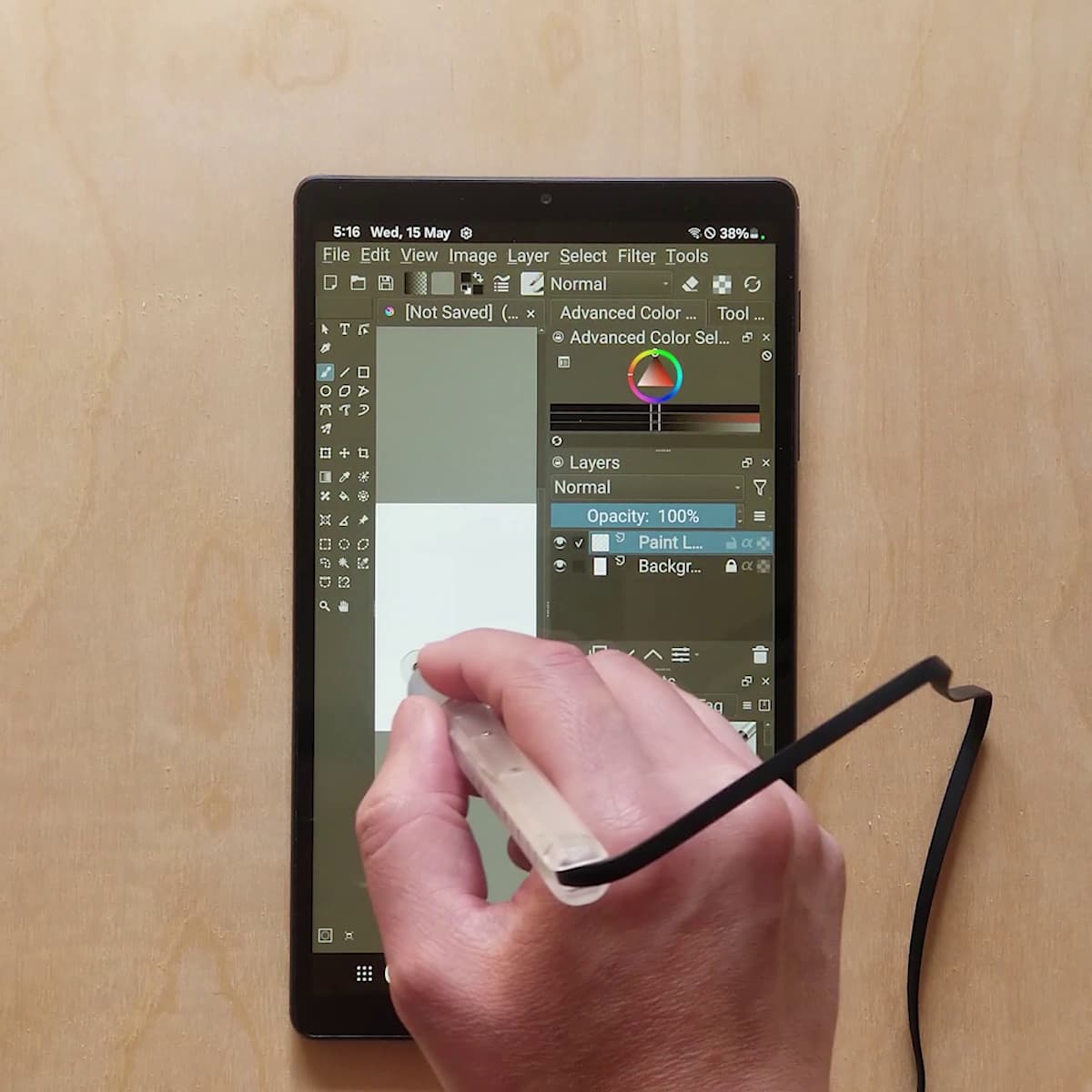
see how it works: https://youtu.be/rA4vnbOGqiU
@halla as you have suggested, all changes are made to QT library but not to the Krita code. The GPL v3 license allow us to distribute the our version. However to eliminate confusion, we are hopping to have the changes included in the official Krita release, so everybody can use SonarPen with the Krita downloaded from the Play store. Can I send you a copy of the SonarPen, so you can try out our build? I can also share modified source code with the team.
If you already own a SonarPen feel free to download the apk and install it on your Android device.
Download the apk that fits your device:
for ARM64 devices: Dropbox - krita-arm64-v8a-5.2.2-release H 20240505.apk - Simplify your life
for ARM devices: Dropbox - krita-armeabi-v7a-5.2.2-release H -20240505.apk - Simplify your life
for X64 devices: Dropbox - krita-x86_64-5.2.2-release H 20240505.apk - Simplify your life
for X86 devices: Dropbox - krita-x86-5.2.2-release H 20240505.apk - Simplify your life
Comments are welcome.
Elton
P.S. For Android phones and tablets with small screen, we recommend to enable custom interface font. It can be enabled by go to Settings menu > Configure Krita > General > Window tab > enable custom interface font > OK. You may need to rotate the device between landscape and portrait to access the button that is outside of the screen.
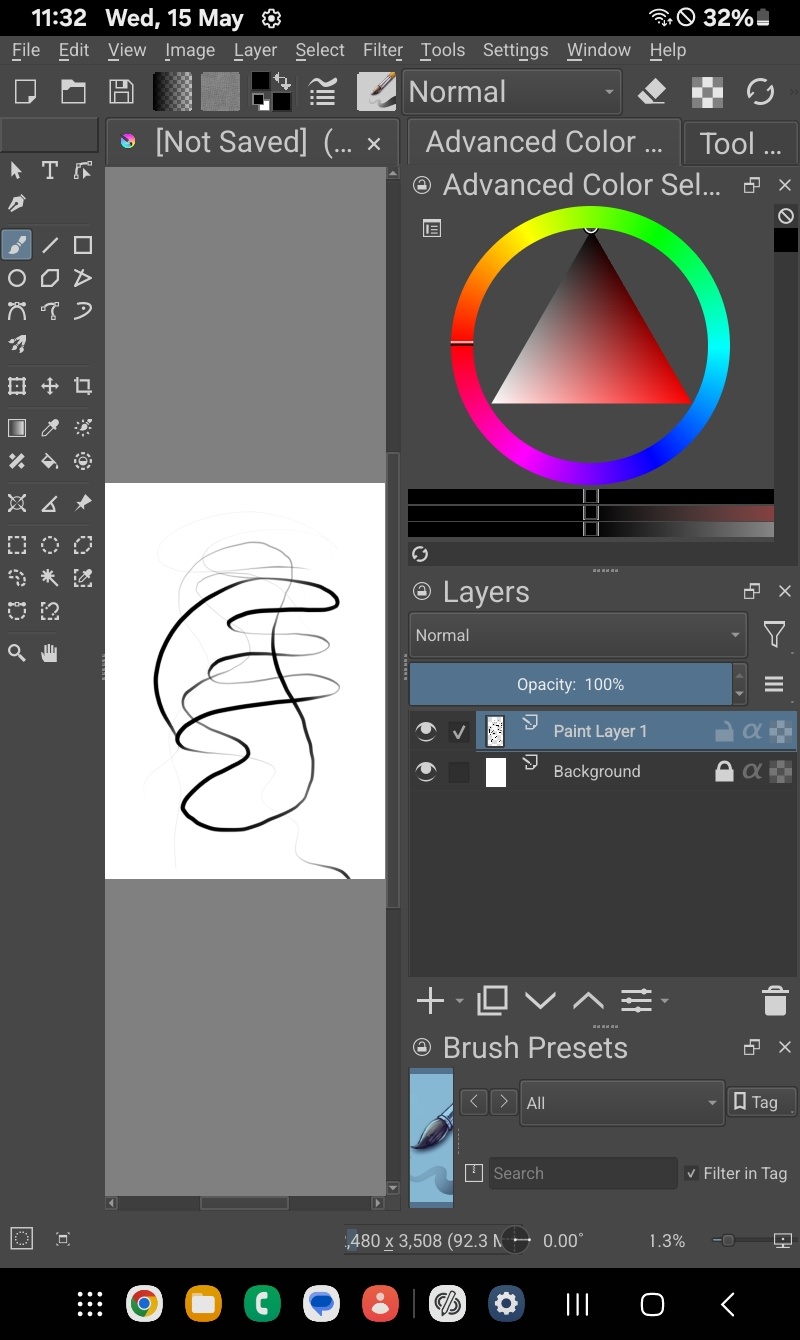
Here is the result:
peca CrazyCatBird though you might be interested to know.

