OK. Greetings everybody.
Greetings to the devs. Greetings to Krita.
It’s Sunday, about 5 PM by my side.
I opened again Clip Studio today.
Noticed one thing :
stroke rendering performance in this app, is just way too pushed(especially with small size brushes).
No matter how sharp or how complex the brush settings are, the program tends to offer real time performance when the brush size is small(1 - 50 pixels).
I don’t know how these Japanese engineers managed to do that, but nothing compares to that kind of performance on the market. They beat everyone on that side, even Photoshop or Sketchbook.
But… I prefer Krita. For how the design of its workflow is easy enough once you get the hand of it.
And also because, well, it’s free, and has a brush outline preview which takes the actual form of the brush tip. But yeah, there’s this experiment.
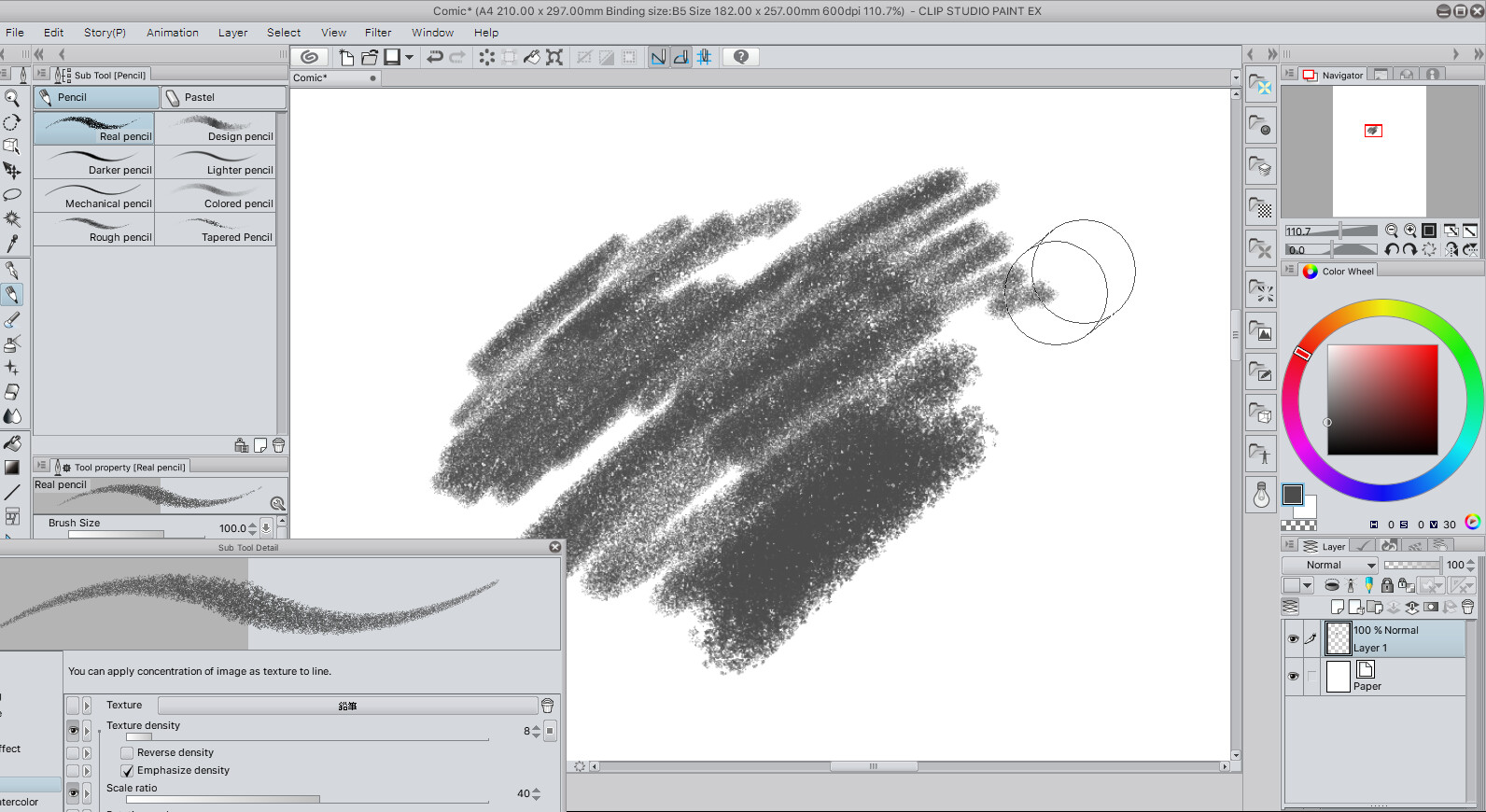
I’m still in CSP. Drawing with different tools for a while, and I notice this awesome real pencil brush
the app possesses. Super sharp, natural like, yet nice strokes(thanks to the ability to deactivate anti-aliasing no matter the brush tip you use). Simply perfect for a digital pencil brush.
I wanted to recreate it in Krita. So I exported the materials as png in their original sizes.
Afterwards, while trying to match the settings, I came accross some cons :
- Krita doesn’t have the ability to deactivate anti-alias for now, so strokes are a bit blurry.
- If sharpness is a workaround, it’s totally different from having anti-alias off. The rendering qualities
offered by both are different in actuality. - Unfortunately, there was a serious performance lag once a few things were set, these include brush tip random rotation(brush resolution is just 512 x 546), pattern for the brush texture scaled at 40%(resolution is just 512*512)
The lag manifested in the following cases very frequently :
- between the end and the start of a new stroke, and the faster you commit strokes, the more the lag is present
- while changing brush modifier curves(very very laggy, series of intervals of 1-2 seconds freeze)
- While changing brush size.
- Unlike CSP, or Photoshop, Krita has no builtin solution to add noise to custom brushes.
- Subtract brush mode in Krita works differently than in CSP. In CSP it’s similar to Photoshop, and allows to make the grays in a texture to appear in a sharp manner. In Krita, those grays are just not possible to obtain, in my opinion. Maybe it’s because Krita doesn’t support application by brush tip rather than by stroke.
- Lastly, I was working on a 4961 * 7015 canvas(A4 sizeat 600 ppi) with same number of layers
in the two apps. But guess what.
Clip Studio consumes 329 MB or RAM during operation, while Krita consumes a freaking amount of 1686 MB of RAM ? Wut ?
Oh, I even did another test.
In the same file I use in CSP, I cropped my canvas to a new smaller resolution, and it happens…
At the speed of light ?
I even undo and redo… And it’s like… a snap of my fingers !?
Anyway.
So the verdict now.
Krita really has awesome features as of now, and I’m sure more will come in the future.
However, better things could’ve been done to improve its performance. I don’t need to tell you.
It’s currently not yet ready for high quality brushes, I would say. (the aura pencil hard brush incident is another proof to this…)
Also, I suspect that the reason CSP is fast… is because some japanese engineers worked on it. 
There’s a saying which states that Japanese people are excellent at tech optimization for some reason. Maybe that’s why CSP is very very fast.