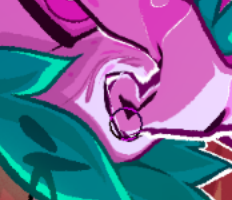
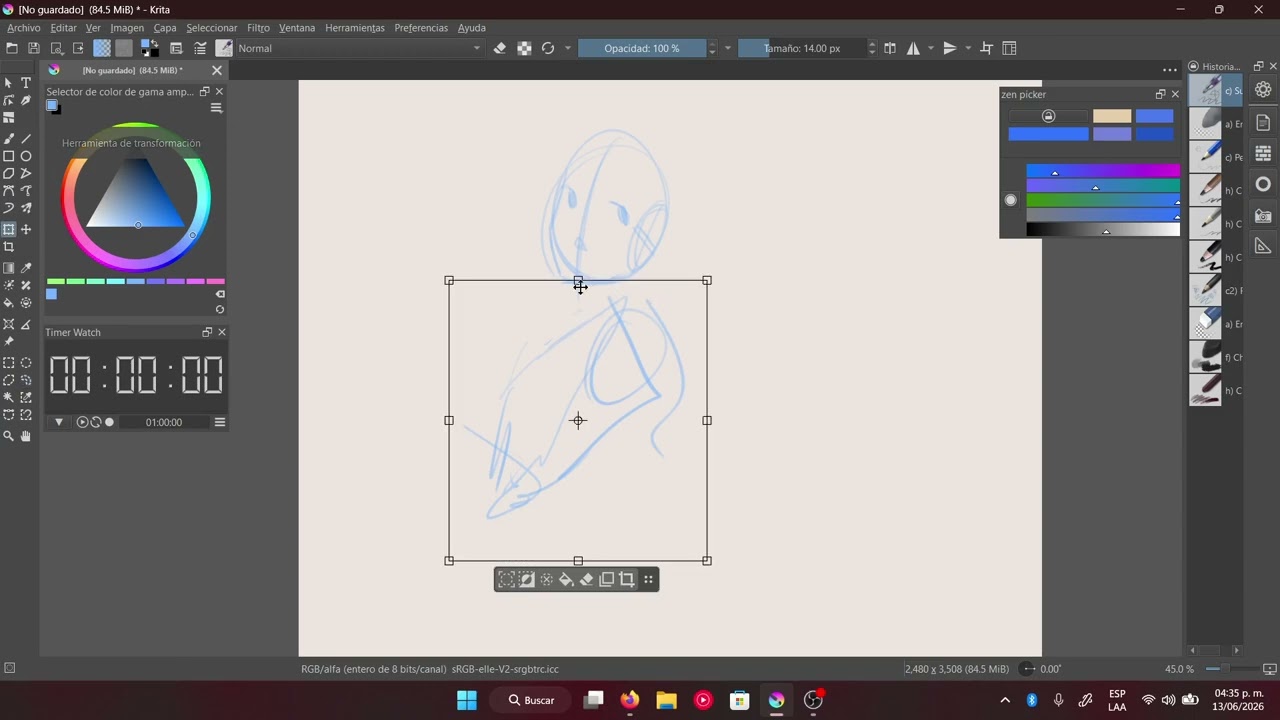
Currently the common trick to get Liquify Tool to be a bit faster is to select a small area and only Liquify in that area. I made it so that selecting a small area is no longer needed, it should be just as fast when selected and when not selected.
However it’s still not multithreaded and the code for calculating the actual changed areas didn’t change enough for it to be much faster, so if you Liquify the whole image, it should be just as slow as before.
What to test
There is a lot of code involved, so if you’re interested in this change, please test the following:
all three modes (Accurate, Accurate with Instant Preview, Fast)
go out of the canvas
zoom in and out in Fast mode
check using transform mask (including saving and loading)
check using selections and not using selections
Compare it with the version you get in Krita Next or with current stable Krita (5.2.13). Tell me if it feels faster or slower or the same, and all the issues you encounter.
Hi! I tested it a little and found a couple of bugs:
When using “Preview: Accurate with Instant Preview” and zoomed out to <= 50%, the preview doesn’t update unless you also brush over the area between the layer being transformed and the top-left of the document, but after that it will update normally.
When testing the above I accidentally put a layer in an apparently cursed location that causes this bug:
It’s finicky to reproduce, but once a bad spot is found it reliably triggers the issue. I’ve got the files saved, I’ll find somewhere to upload them (edit: i uploaded them in a comment on the MR).
Great to see the liquify getting some polish, haven’t had the chance to fully stress test it out but it does seem to be orders of magnitude faster for making small changes to significantly larger canvases.
On a somewhat related note, is a sort of ‘dynamic grid resolution’ something that’s going to be tackled in this MR? Other than GPU accel, that seems to be the only remaining drawback vs other liquify tools is how jagged things get with smaller transforms
It could be a setting. Right now it’s 8x8 pixels, I believe.
Also I didn’t plan to add it now, because tomorrow it’s feature freeze before 5.3… so there’s quite a deadline.
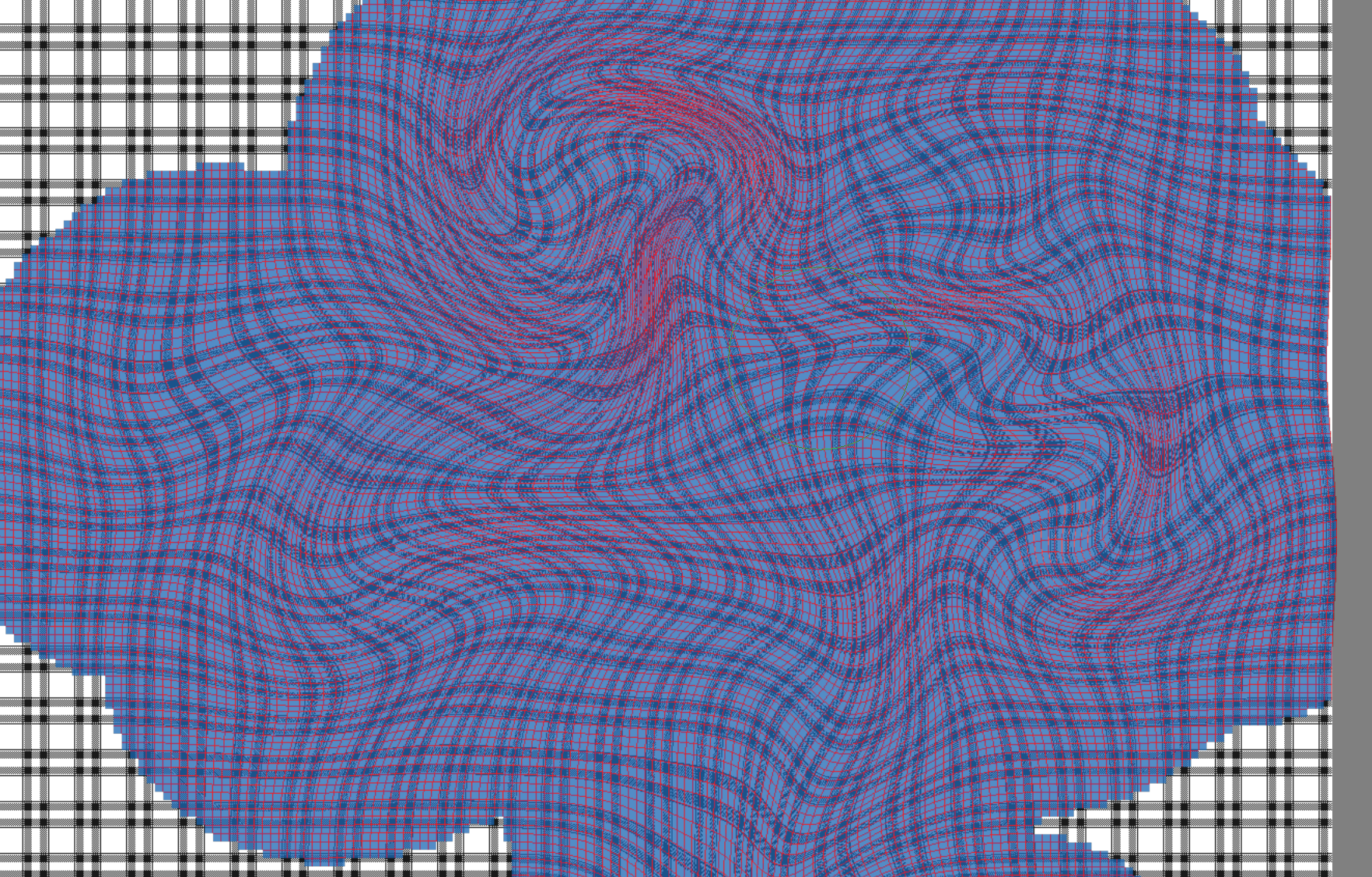
And the jagginess might also be from the fact that Krita’s Liquify is based on polygons, it doesn’t smooth it out in any way like the Mesh Transform can be smoothed out. It’s just 8x8 grid made out of points, the points are moved with the Liquify “brush”, and then it’s rendered using four points around forming a polygon. It usually looks fine. Here you can see the polygons:
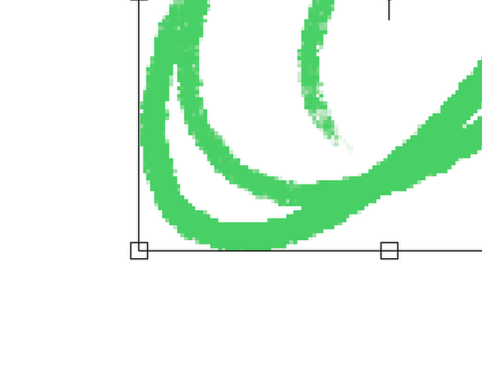
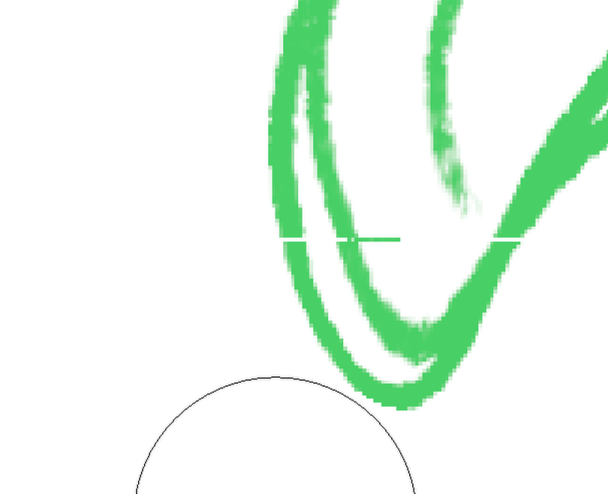
I’m getting a bug on the latest that creates 1 pixel wide lines on the edge of the liquify bounding box. Might be related to the above bug that Stuffin Reported? Shows up on all 3 preview types.
The line is basically a copy of the pixels occupying the outside 1px wide perimeter of the box.
(Not really about the bug, but) this also seems to have fixed the problem where it produced unwanted mismatches at the edge of the selection outline after using Liquify. (happened until ~5.2)
I don’t know if it’s really because of this patch, but my guess is that it’s ‘fixed’ now because now it leaves the edges unprocessed unless you actually touch it.
It was a part of this patch and I spent lots of time on making sure it works correctly… it wasn’t unfortunately a fortunate side effect. A pure side effect was that it would have those unwanted mismatches not at the edges of the selection but at the edges of the processed area.