After timelapse exports, I’ve now also implemented animation exporting on Android. It should be able to export videos with and without audio, GIFs and image sequences. It could use some testing on different devices and animations.
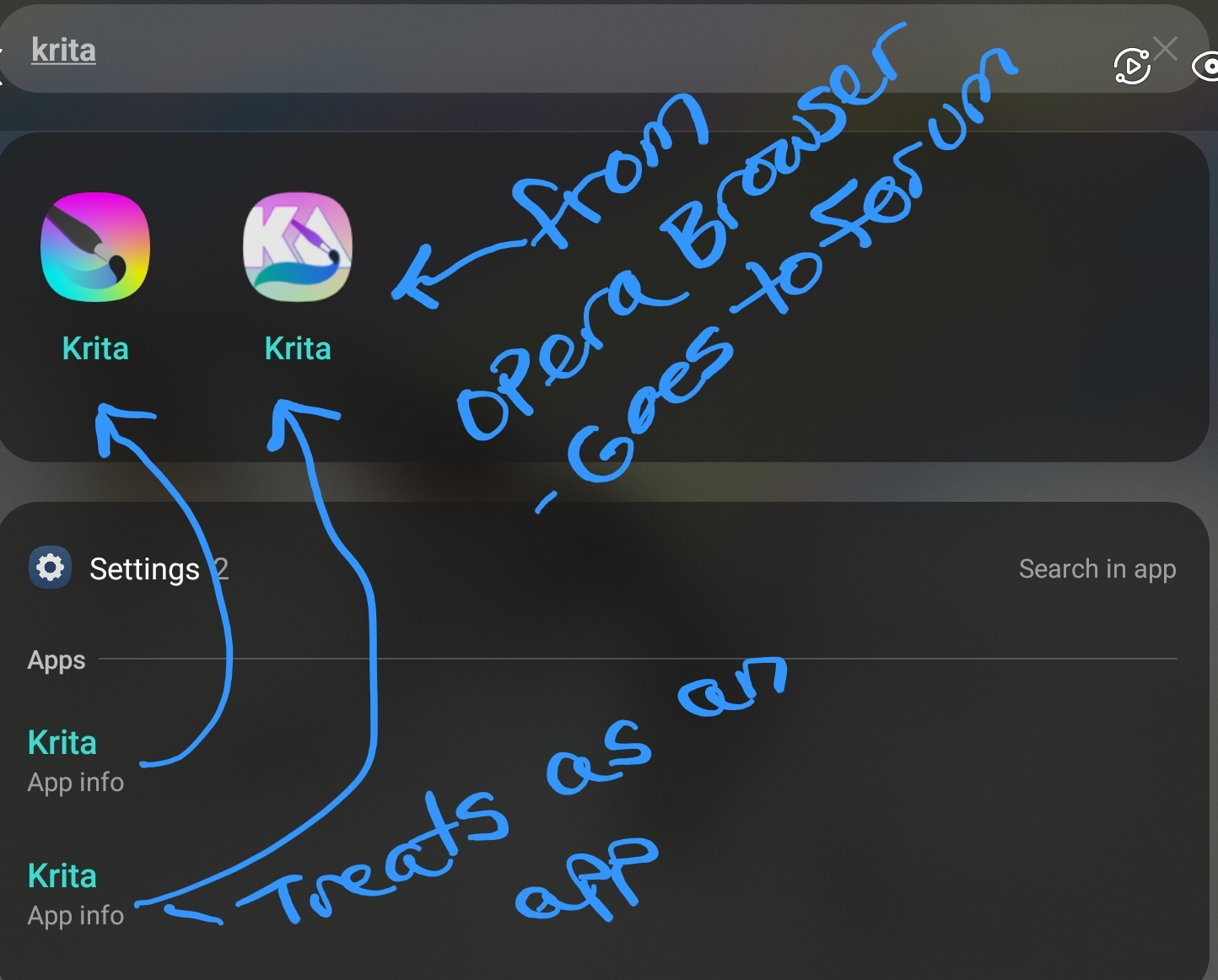
Installing the APK on your Android device will add a new “Krita Debug” application. It won’t clobber your existing Krita installation, but it also won’t have your settings.
- You can download the “normal” 64 bit ARM APK here.
- If you have a weird device, there’s also APKs for 32 bit ARM and 64 bit Intel. If you’re not sure whether you have a device like this, you don’t.
- There’s also builds for Linux and for Windows.
- Source code is here: https://invent.kde.org/graphics/krita/-/merge_requests/2855
What needs to be tested is mainly whether exporting animations on Android works as you’d expect. Checking whether the timelapse export on Android still works would also be nice. And also whether Windows and Linux still work and I didn’t break anything there.
For feedback, comment in this thread, send me a private message on this forum or message me wherever else. Please include what device you’re using. Uploading the offending files can also help a lot in diagnosing the issue (if their contents are against the forum rules, send the links via private message.)
Some things you don’t need to report:
- That the animation and recorder export dialogs are different than on desktop. That’s intentional, Android is different in several aspects.
- That you can’t export both an image series and a video simultaneously on Android. Also intentional, it makes writing frames for the video export much faster and the dialog less screen-eclipsingly tall.
- That Android file handling is annoying. You can’t overwrite files and if you try it will put numbers in parentheses after it. Not rewriting Krita’s file handling here.
- That there’s some other stuff that happens to be in this development build, like a different splash dialog, scaling settings on startup and various other things. Those are unrelated Krita Next features whose discussion doesn’t really belong in this thread.
You don’t need to find errors to leave feedback, “it works” is also good to know. If you have other issues you run across along the way, feel free to report them as well, it’s better to know about them than not. Should a longer discussion come up from those, they can be broken out into their own thread.