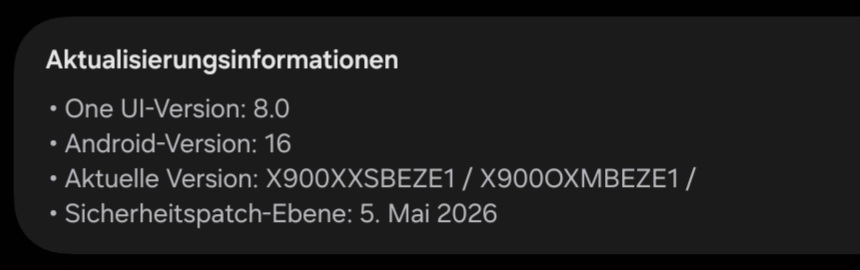
I’ve implemented timelapse exporting for the recorder docker on Android. It uses the operating system’s built-in video encoding capabilities instead of ffmpeg. That could use some testing whether it works on various devices.
You can either comment in this thread or send me a private message on this forum or wherever the heck else you can find me. If it works for you, please say what device you have if you know which one it is. If something doesn’t work, check Help > Show Krita log for but reports for errors.
Some things you don’t need to report:
That the recorder is hard to use or that it the way it exports a pile of images causes them to flood your gallery. I’m not rewriting the recorder here, just the export.
That file handling on Android is wonky or slow or that you can’t overwrite files and instead get numbers appended. Also not rewriting Krita’s file handling.
That there’s buttons and other controls missing in the export dialog. They’re not here because Android works differently, so their absence is intentional.
That you can’t export animation videos. I didn’t implement that yet, the whole audio business makes it more complicated. It’s timelapses only for now.
Also, note that this is built on the current development version of Krita. There may be other issues unrelated to the recorder export. You may report those along with your test results, better to know about them than not.
I’d like to help out by testing, but how do I do it? As in - do I need to first uninstall my current Krita (just by holding the icon down and drag it to the trash?)
Can I have both on the tablet at the same time or will they fight one another? (I like how I configured the current one, it took time)
And then installing the new is setting tablet in dev. mode and installing from the link?
Sorry for stupid questions. I’m not very computer savy and less android savy..
Edit:
I uninstalled previous Krita on my XP-pen notepad and installed the test version.
Recording worked fine, I made a quick sketch, recorded and exported with the pre-chosen options
Not really sure if it’s relevant, but my first try I couldn’t paint in the program. I opened it and started configuring the touch gestures to what I’m used to, but then no matter what I did the brush would not make any mark. I tried resetting all configurations which didn’t help, as well as quiting and starting Krita.
But when I uninstalled and reinstalled the test version again it worked, and I tried changing gestures and such again after testing the recorder and it worked. So either I managed to do something really weird the first time around, or it was just a one time glitch.
Anyhow; recording and exporting on XP-pen magic notepad worked fine.
Thanks for testing it! You should not need to uninstall an existing Krita, the testing one is a different application called “Krita Debug” as far as Android is concerned.
I tested it.
While drawing and importing resources I did not encounter an error.
When exporting as mp4 ( h264 and av1) I could export without an error
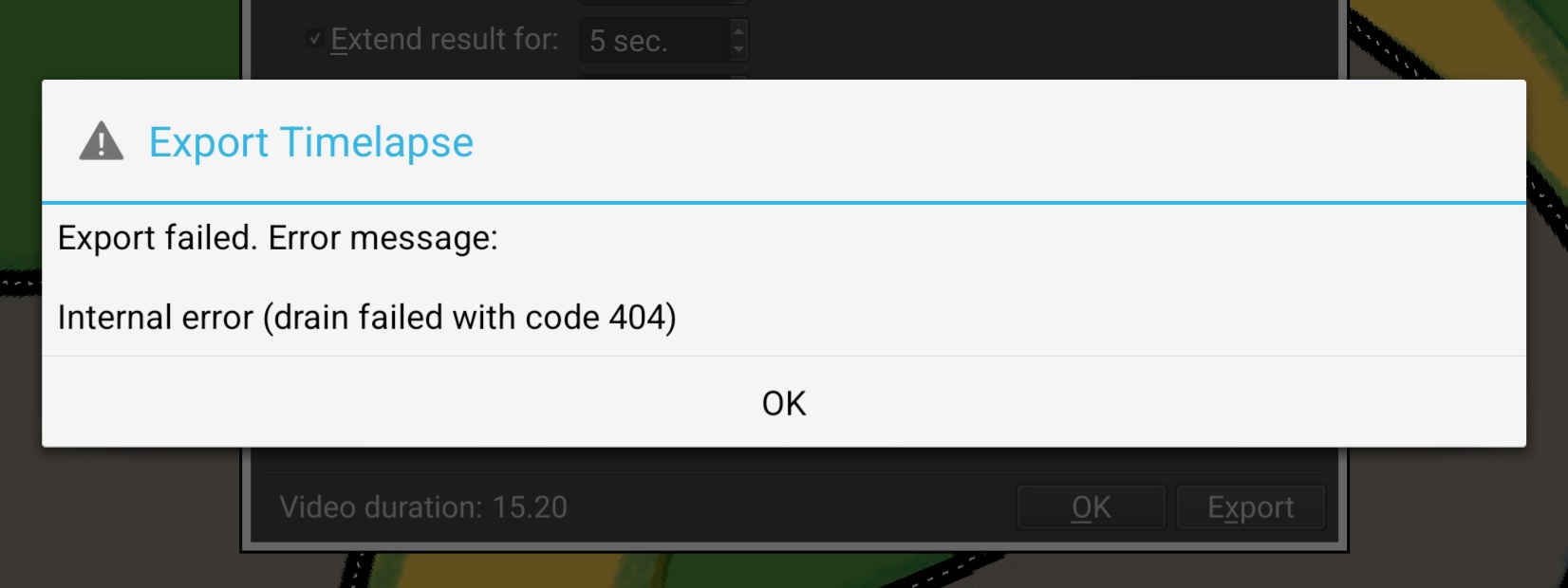
When exporting it as webm I got
Thanks, that error means that the WEBM processor refused to accept the VP8 video, so it’s probably not supported. Does it make a difference which encoder you pick? The setting is behind the button on the right of the format box.
Edit: nevermind, I see what the problem is. It picks the wrong video format.
Looks like the way the pinned message works in Discourse isn’t ideal for this kind of thing, it doesn’t show the post’s title or author and doesn’t link back to the original thread, it just dumps the contents of the post at the top of the page with no context. I made some edits to add a headline and recursive links to the post now, so it should at least be usable now.
In the future, it’d probably be better to pin a separate post in these cases so that the pinned message looks presentable and the post doesn’t require linking back to itself.
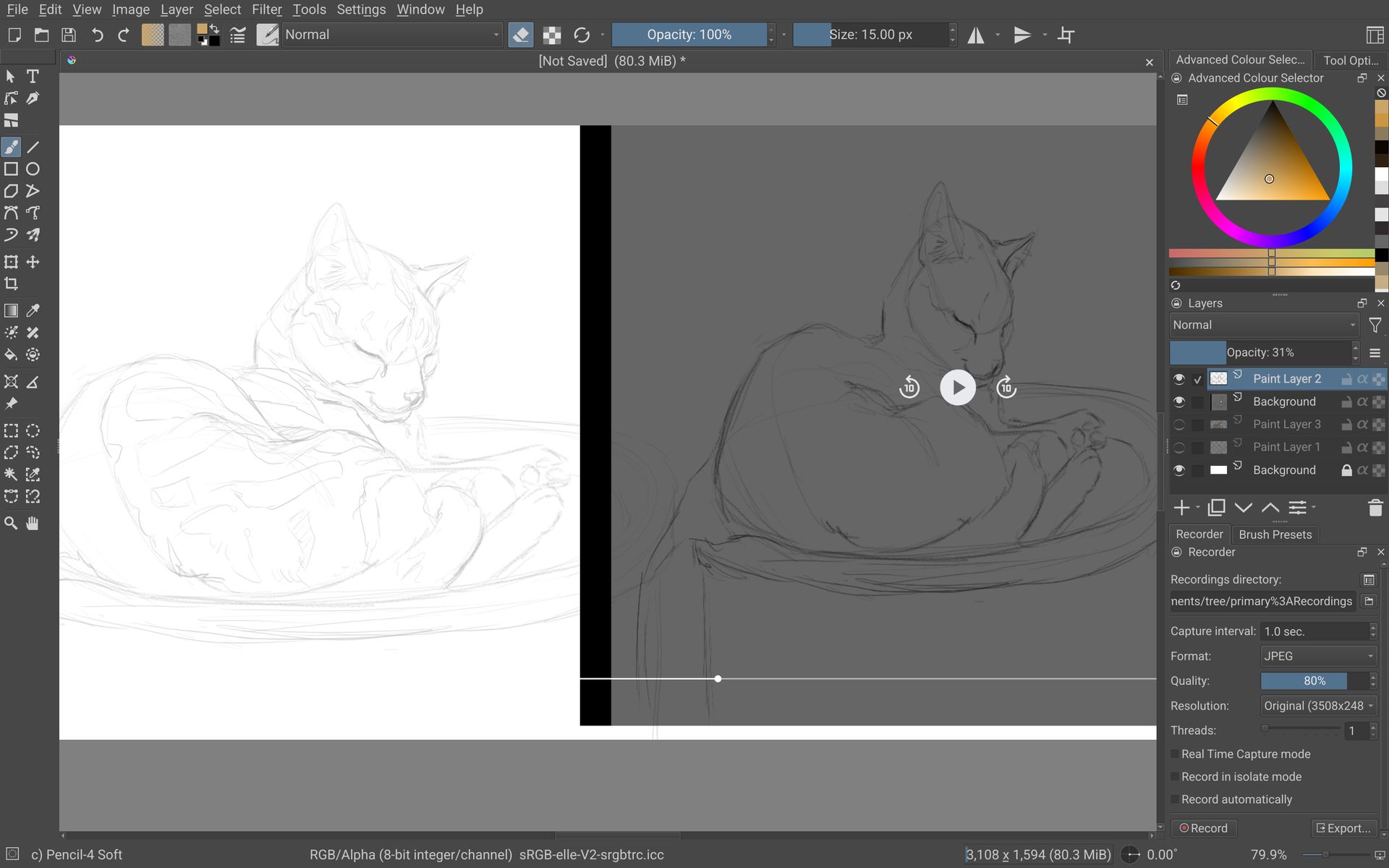
I tried it on a longer drawing session on my movinkpad 14. It worked but for some reason the video got squished. Screenshot shows the original on white and a screenshot of the video on grey. I don’t know if its the video or video player… I only changed the file name, the rest is the default settings.
Thanks, I see why this happens, it incorrectly uses the “resize” values even if you have it unchecked. A fix is building, I’ll update the links once that’s ready.
Yep, checking the resize and putting the right ratio in it produced a proper video.
(also the same happened on the xp-pen, but since I had that document in portrait mode it wan’t as noticable)
The download links in the top posts are updated now. They should fix the issue with the WEBM export reported by @BeARToys and the resize issue by @Zabbio.
Also thanks Takiro for fixing up the pin, that looks much nicer.
Export failed.Error message: Internal error (start failed with code 104).
It saves a 0kb file that cannot be played, and doesn’t start the export process. I get the error message immediately after chosing a folder and name.
I tried all three available file formats (mp4, web-thingy etc)
(I’m on the wacom movinkpad btw)
Hmm, I can get this to happen with large resolutions, is that maybe the cause for you as well? What resolution video are you requesting and does it work if you make it smaller?
The default document size of 3508x2480. Is that what you mean?
quality 80%.
When checking the “change resolution” box it starts decoding. Obviously it will be squished again since I didn’t bother to change the number or ratio, but it worked.