I guess the Create a Backup File on Saving setting is meant, found here:
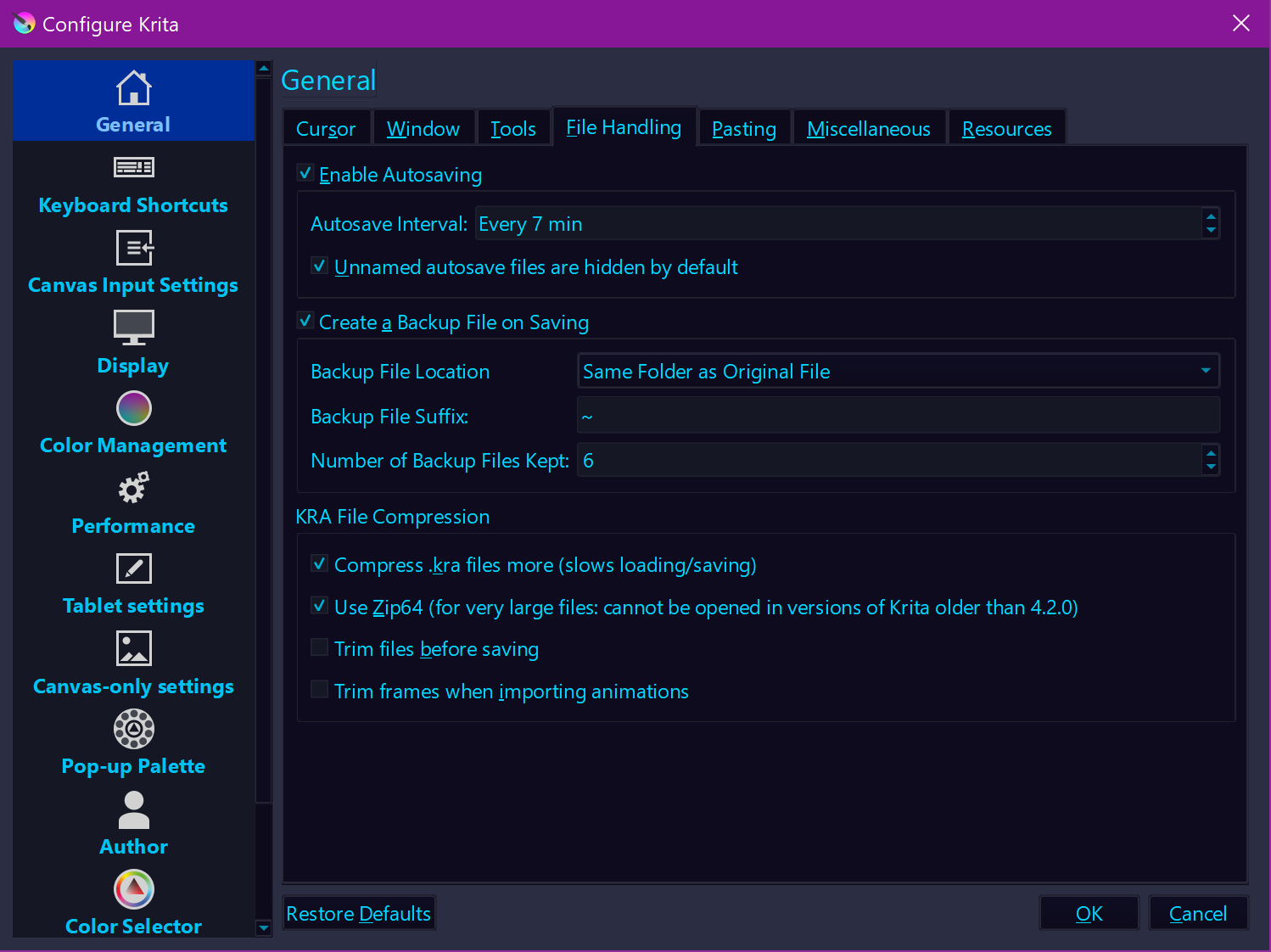
And I try to describe it here, including possible ways to prohibit the next disaster:
Closing Krita randomly on Windows is difficult because of the security prompts, but if you blindly click everything away, the culprit is easy to find in any mirror, but you certainly won’t see Krita there. And if you recklessly shut down programs with the Task Manager, you can look for the culprit in the same place.
In my eyes, everyone should follow a strategy like the one I describe in the linked posting above. And sorry for criticizing, but to work on something for more than a day and not making at least a daily backup to put it aside into a safe place is not very wise. Even these days, anyone should have heard about the importance of backups, but only a few do not believe in their infallibility and create them.
With Krita, you should at least create 4 incremental versions/backups per hour, that at least is my opinion, the drives are big enough these days to take tons of backups while you create something, and when you have finished a work, you can purge them to regain the space they needed for your next project, possible strategies can be found in above linked posting, if you want to go that route.
Michelist