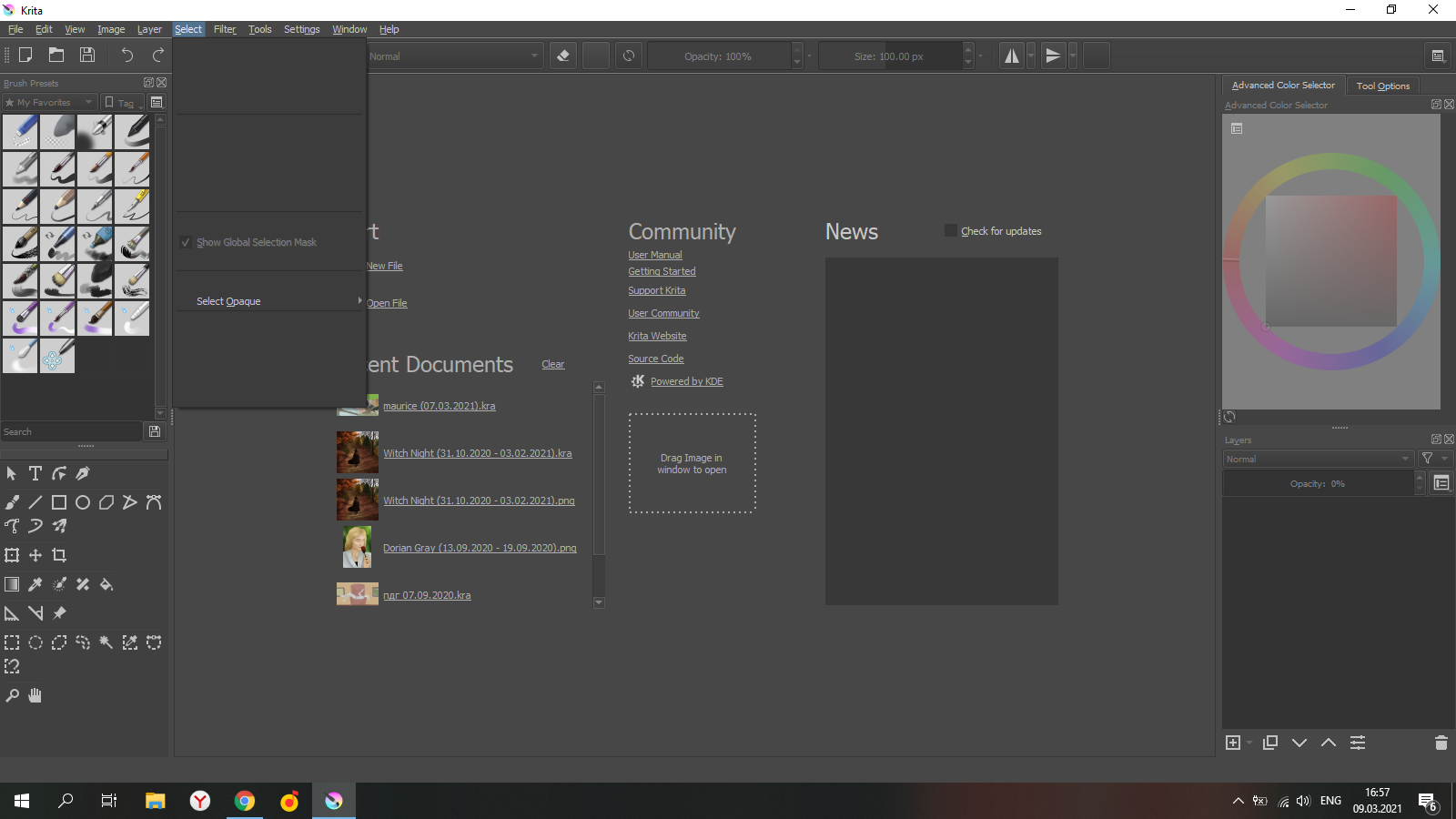
I was working on a painting when Wacom offered to update the drivers. I did it, finished the painting and rebooted the computer to complete the driver update. After rebooting, everything broke: half of the menu became empty (the text is gone; here’s a screenshot), and the program does not recognize pressure sensitivity (in other programs, the tablet works great and everything is fine). I reinstalled Krita and the tablet driver, rebooted the computer, nothing helped.
Please help me.
Tablet: Wacom Intuos (S)
Krita: 4.4.2, 64-bit, Windows 10