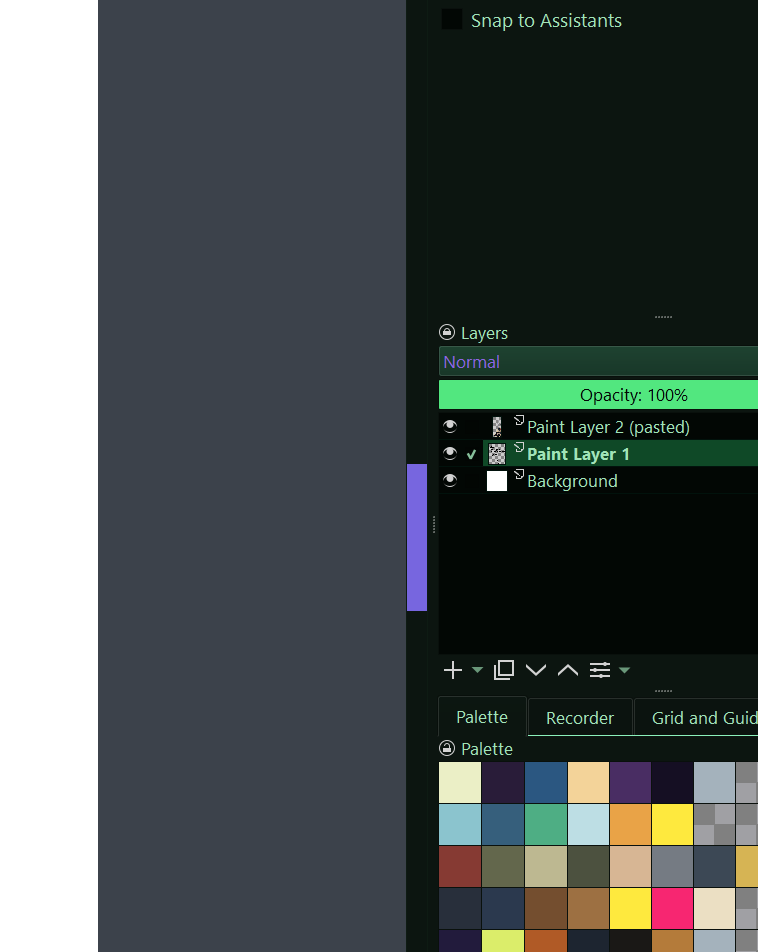
Hello. First time Krita Forums user here. I have trouble seeing the scroll tab against the scroll background. I’ve tried numerous themes to fix it, but none of them really pop. Is there a theme that will help contrast a bit more? I’m on Windows 11.
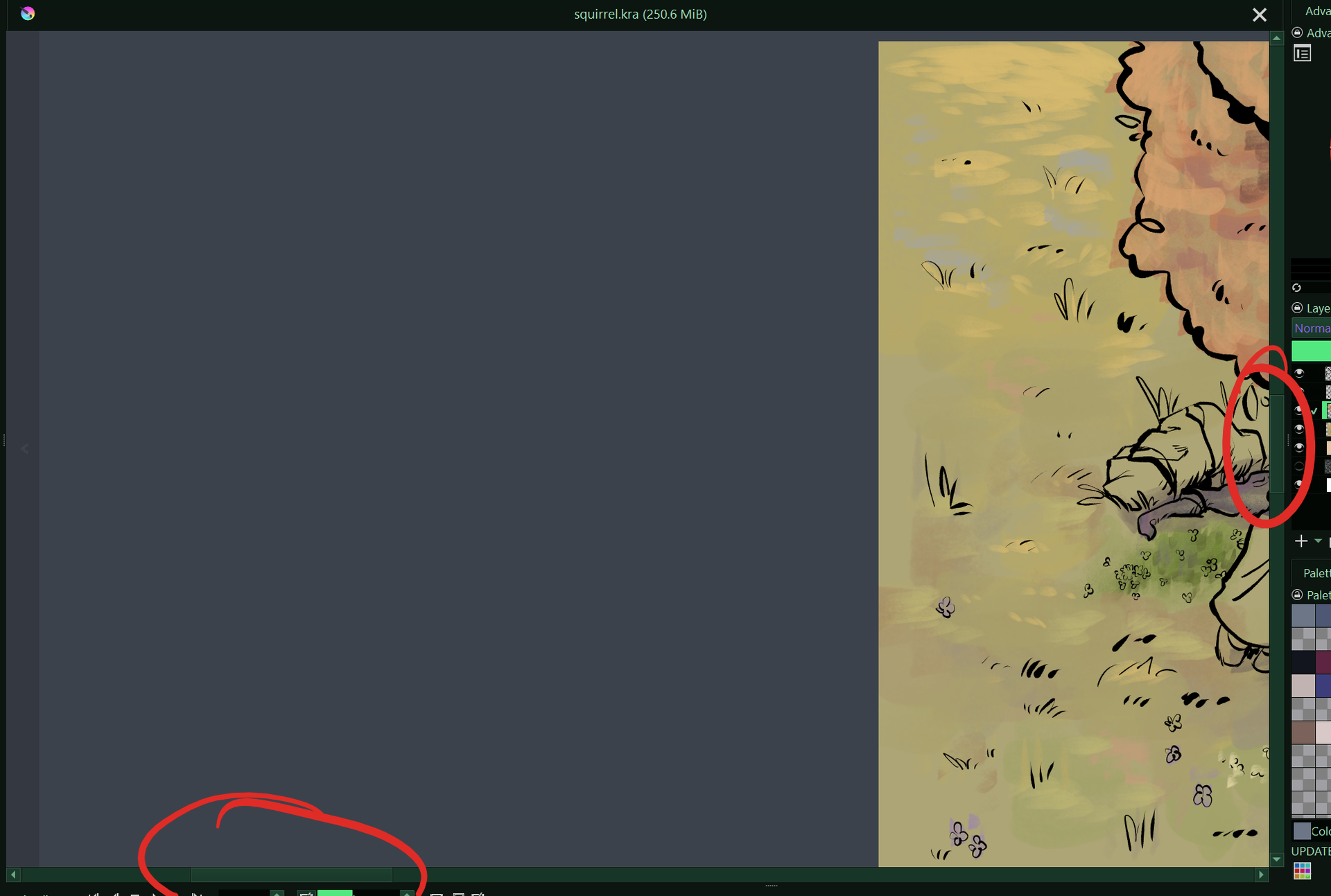
 Hello @bozie, and welcome to the forum!
Use “Krita Green”, internal name: Cyber Green, from @PeacockGolden’s set of schemes, it has a very good contrast:
Michelist
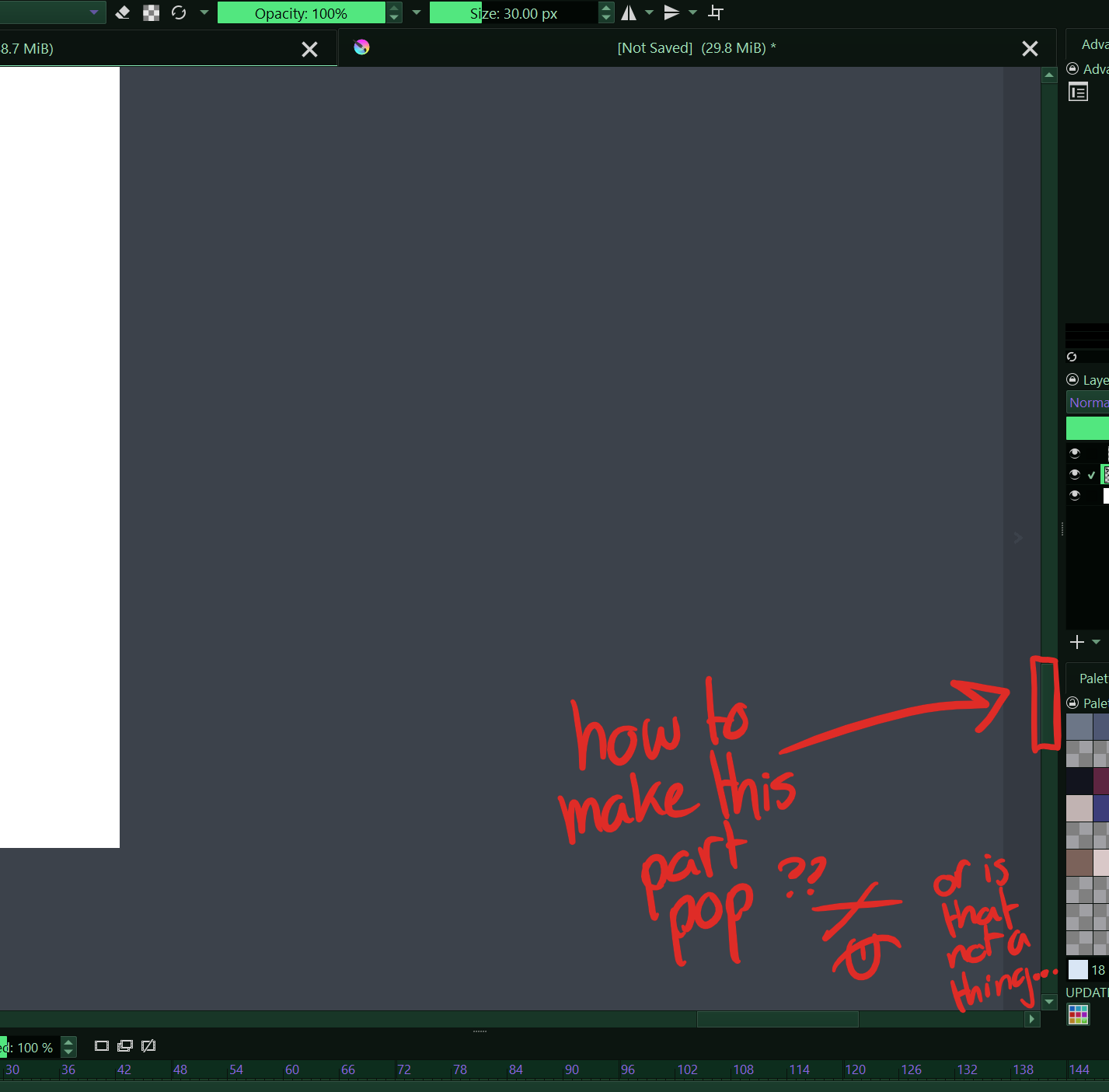
Oh, sorry, you fell victim to my morning grogginess - I reached for the keyboard right after being woken up.
So, there you will need either the Style Sheet Loader Extension plugin and have to create a stylesheet which you can load with the plugin, and probably there will also be a way doing it via scripting of Krita. But since I’m no coder, you have to do it yourself or hope for someone like our script wizard @AkiR who will help you with that.
Michelist
Style Sheet Loader Extension is easiest way to change scroll bar slider color.
add following lines to style sheet text file, and then use Style Sheet Loader.
QScrollBar {
  border: 1px solid rgb(13, 27, 19);
}

QScrollBar::handle {
  background: rgb(177, 78, 129);
}
/AkiR