Hi, new member here, but longtime follower (and donater/kickstarter!) of Krita.
I’m making another attempt at switching from CSP/Sai, Photoshop (work subscription) and a lot of Blender Grease Pencil.
This time I figured I’d keep a list of my thoughts and questions as I discover Krita, and hopefully get feedback on what have I missed, what I got wrong, what’s already being tackled… all welcome!
- Transform masks: Love them!
Sadly, they’re too unstable for me. Toggling them takes a few seconds, and sometimes the entire layer just remains invisible. Being able to toggle the result on and off without lag is crucial for me to analyze the effect! - Performance & Stability:
Related, and possible my biggest concern, but I’m hoping there’s a solution!
There are regular freezes, which sometimes persist and need Krita to be forcibly closed. I’m on a decently specced laptop, and other software performs well at much higher resolutions. I’m averaging five crashes an hour on 5.1, and it’s not workable. This is on Windows 10, Intel i7-8750H CPU @ 2.20GHz
16,0 GB RAM
Small niggles:
- Brush selection
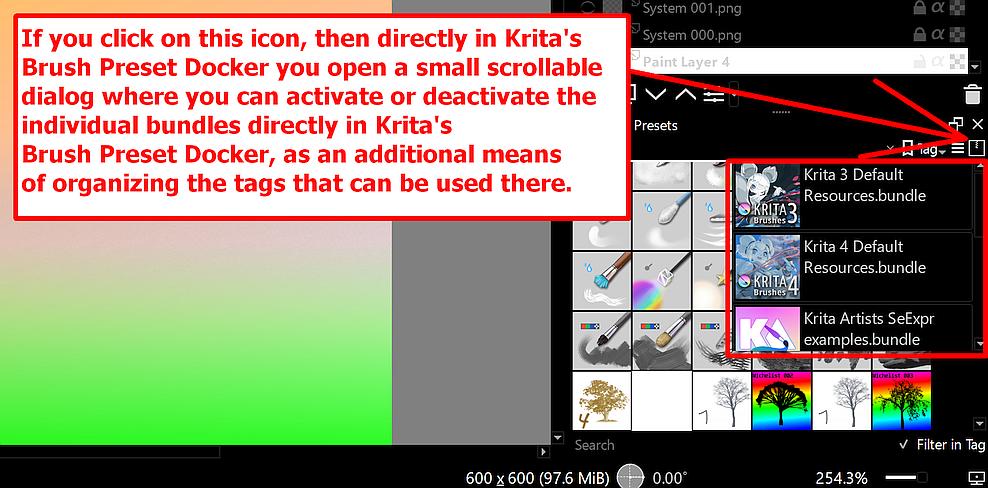
Default brushes don’t show the power in the brush engines. New users needs to wade through multiple bundles to find the good stuff! A small selection of up-to-date quality brushes would be nice. - When dragging a layer around, the layer itself totally obscures the line that shows where it’ll be placed
- So many colour selector dockers!
Things I couldn’t find / feature requests
- Sticky Keys
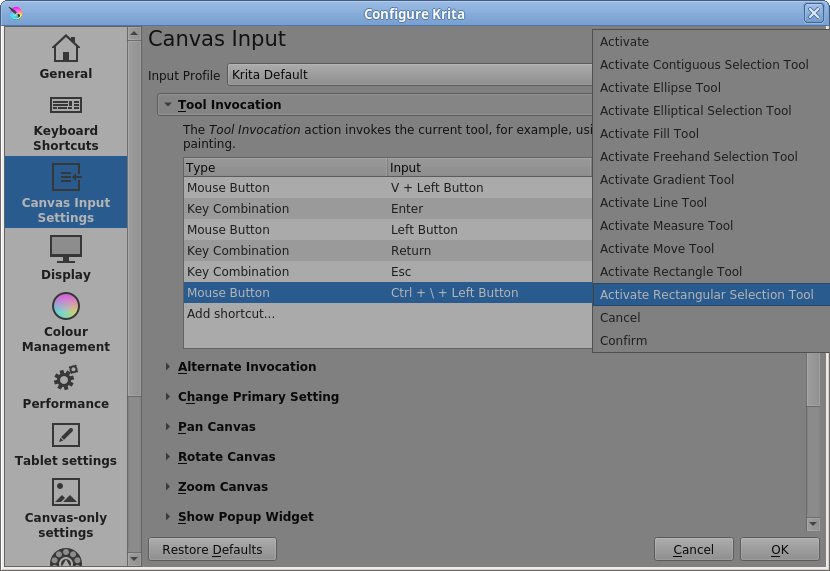
Switching to a selection tool only while holiding down the hotkey, and when releasing it being straight back into the brush tool - Fade last stroke
I often make a textured stroke and want to tweak the opacity afterwards to see the result on canvas - Texture: Is is possible to have a texture global override brushes’s individually set textures, so as to match a ‘canvas’ so to speak?
- Hotkeying dockers to pop up under the mouse. Thankfully an addon does this!
- Brushes: increased dabs at sharp corners? When rotating it’s very obvious there are too few alpha dabs there
- Mapping mousebuttons to other features
Reset rotation, toggle mirroring, move up/down layers etc - ctrl/shift/alt etc hotkeys during tool use, to switch between different versions of a brush (example: switching to a smudge brush on shift)
- Mapping multiple tools/actions to one hotkey, cycling through them per press
- Being able to map tools to onpress/onrelease/ondrag as in Blender opens up a lot of central hotkeys for different uses, including on small keyboards/controllers that fit next to a big painting tablet
- Hotkeying opacity. For instance the number keys, as in Photoshop. Increase/Decrease exists but isn’t as quick
- pressure to opacity on the Shapes Fill brush. I’d love to be able to vary the entire shape’s fill based on an initial or median pen pressure! It’s the main tool I use to make quick concept art, with overlapping shapes on medium opacity, and to be able to vary that would be fantastic
- Texture per stroke
- Infinite Canvas
- Artboards:
Something I use constantly in Photoshop, Figma etc, and would be a great fit for Comicbook frames as well, keeping layers, assistants etc self-contained. - Something I know has been mentioned, but I hope me mentioning it again can confirm it’s wanted: Vector layers with freehand painting and pixel-based brushes
- Toggle in upper Toolbar to have Smudge brush (and clone etc?) use Active layer, All layers, or All below active layer
- Brush docker with closeable categories listed underneath eachother
- I do wonder if I’m going crazy, but on some of the RGBA brushes (which are nice!) there are obvious artifacts of the repeated alpha stamp’s edges, which entirely ruin the effect for me. I’ve seen nobody bring this up, but it’s so obvious!