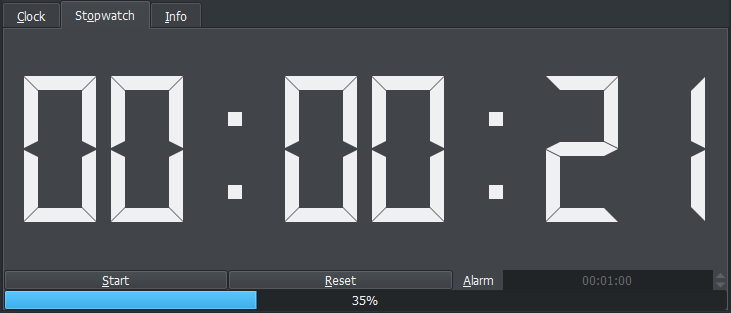
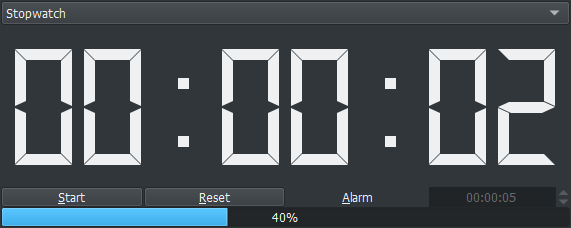
but I made a stopwatch not a countdown… :V the progress bar is just for your aimed goal and the alarm reacts to that. Just because you reached your target goal that does not mean you will have to stop so it makes sense to keep counting and not stop or count negative time numbers.
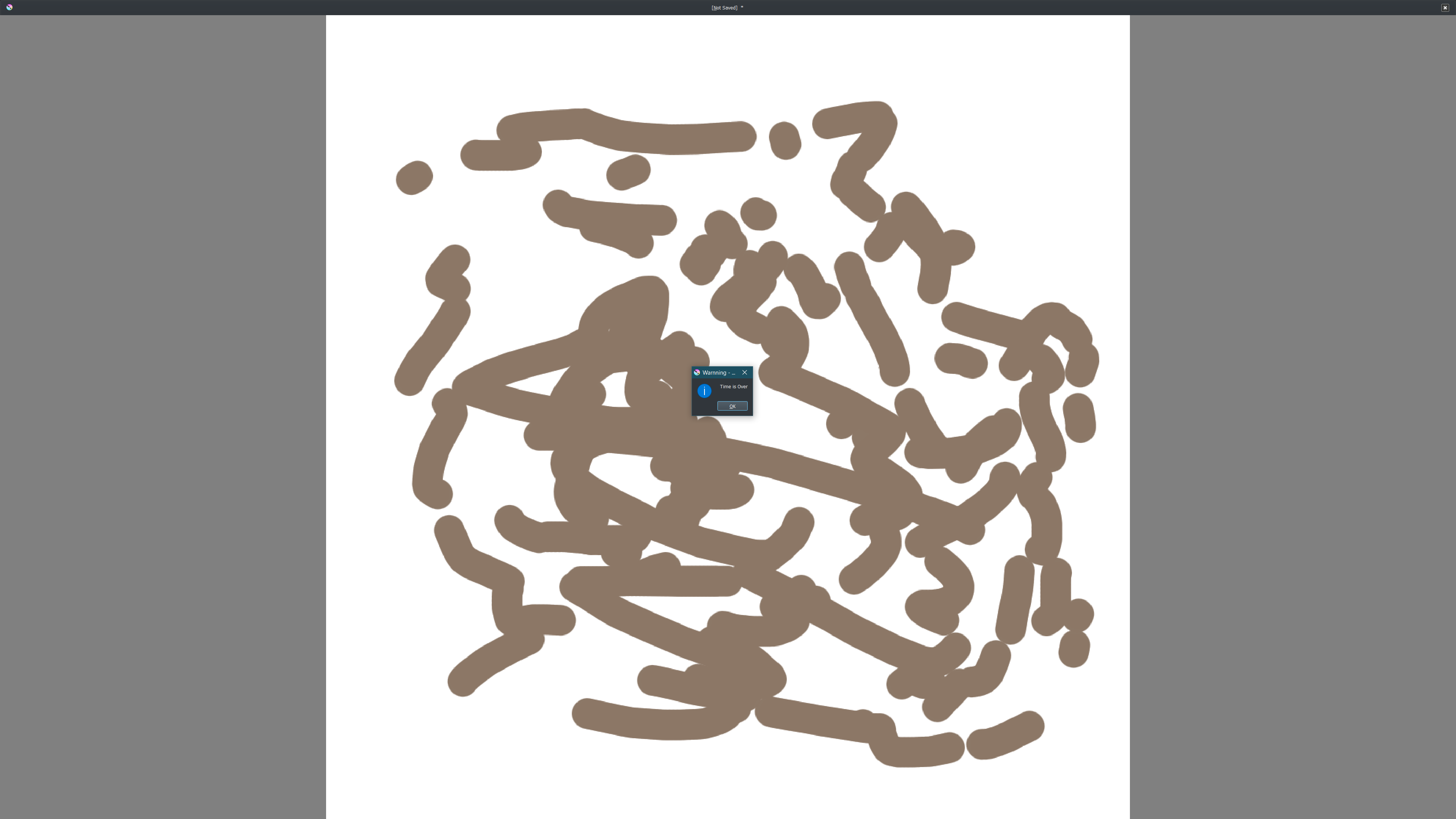
the alarm works quite well in full screen if you want a warnning. If your in full screen it is because you don’t want to look at the time or progress either way as you go along or any other docker for that matter. The argument of convenience here seems exclusive of how you want to use it.
if your not interested in using it your not forced to and that’s cool.
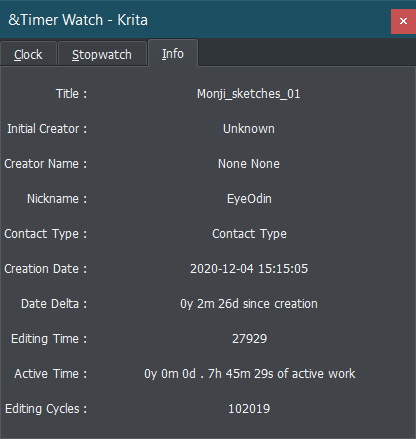
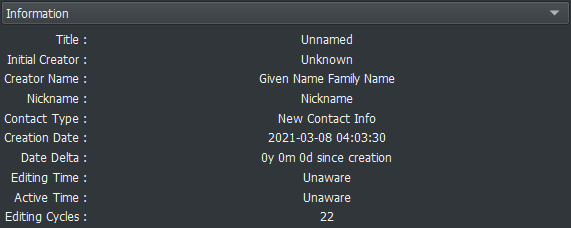
I hate to derail this topic (the plugin looks awesome by the way ), but I just found out about this! Do you know what this actually counts? Is it the active drawing time or the time the document is in focus (or something else entirely)?
Not long ago Windows updated the way how they scaled the display.
Some of my plugins where affected by this (mainly pigmento) on the windows side however this change is very beneficial to the Linux side as the display ratios seem much more similar in Qt than before it allow much smoother transitions of the same plugin in windows and linux without resorting to 2 UI files.
This update change is just the ui scalling of buttons as the functions remain the same.
Hi, what does the alarm do, exactly? In fullscreen there’s no indication that the alarm has been triggered as far as I can tell. Maybe I misunderstood what you were saying.
I was using it and found that the organization of the Info tab was not as clear to read as I was initially expecting it when I grouped it up. Not using it very often makes it harder to read. So I split everything up and made each entry their own line and also tweaked the text for the “Date Delta” and “Active Time” so it is more easily understandable what it means. Also corrected some name entries.
Please update to the new version please if you use this!
I detected a nasty bug that can do a soft lock on krita and force you to kill krita through the task manager as the only way out. With this all should be good.
UI
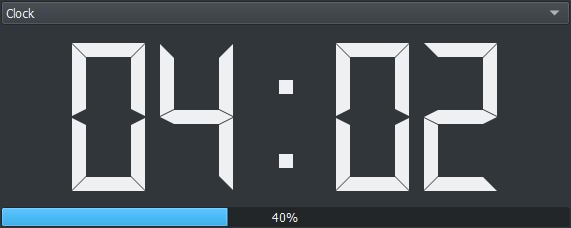
As I was pressing buttons to try and solve my issue I redid a bit the UI. I have been always upset with the tab widget format in krita because it creates a highlight section over your theme you have not to mention you have a horizontal tab sequence under a horizontal tab sequence. I was trying to come up with a easy to use and clean display for it and choose the comboBox it seems in line with my older dockers horizontal display and respects the krita ui and the highlight is just for itself under the tab text. Alarm clock scaling adjusted. At least the buttons are equally sized even if the functions are not as equally important. but regardless of that function is all the same.
I was reviewing the manual and it was outdated from the previous version I forgot to touch on it after as the information there was essentially the same just not quite in the same order. but now it is up to date.
After the installation you have to restart Krita, after the restart click on “Settings” >>> “Configure Krita” and scroll down to the “Python Plugin Manager” click on it scroll down to the plugin “Timer Watch” check the box in front of it confirm with “OK” in the bottom right corner and restart Krita again. After that restart, you should find the plugin in the bottom right corner of your Krita.
Running this on Linux (Manjaro), I’m getting an exception error when I try to start the stopwatch function.
TypeError
Python 3.10.4: /usr/bin/python3
Sun Apr 17 18:51:33 2022
A problem occurred in a Python script. Here is the sequence of
function calls leading up to the error, in the order they occurred.
/home/eqlipse/.local/share/krita/pykrita/timer_watch/timer_watch.py in SW_StartPause(self=<timer_watch.timer_watch.TimerWatchDocker object>)
126 # Select Operation
127 if self.switch == 0:
128 self.SW_Start() # 0=Pause change to Start
129 elif self.switch == 1:
130 self.SW_Pause() # 1=Start change to Pause
self = <timer_watch.timer_watch.TimerWatchDocker object>
self.SW_Start = <bound method TimerWatchDocker.SW_Start of <timer_watch.timer_watch.TimerWatchDocker object>>
/home/eqlipse/.local/share/krita/pykrita/timer_watch/timer_watch.py in SW_Start(self=<timer_watch.timer_watch.TimerWatchDocker object>)
135 # Start Ready
136 self.maximum = self.SW_Time()
137 self.layout.progressBar_1.setMaximum(self.maximum)
138 self.layout.progressBar_2.setMaximum(self.maximum)
139 # Commands
self = <timer_watch.timer_watch.TimerWatchDocker object>
self.layout = <PyQt5.QtWidgets.QWidget object>
self.layout.progressBar_1 = <PyQt5.QtWidgets.QProgressBar object>
self.layout.progressBar_1.setMaximum =
self.maximum = 0.0
TypeError: setMaximum(self, int): argument 1 has unexpected type ‘float’ cause = None class = <class ‘TypeError’> context = None delattr = <method-wrapper ‘delattr’ of TypeError object> dict = {} dir = doc = ‘Inappropriate argument type.’ eq = <method-wrapper ‘eq’ of TypeError object> format = ge = <method-wrapper ‘ge’ of TypeError object> getattribute = <method-wrapper ‘getattribute’ of TypeError object> gt = <method-wrapper ‘gt’ of TypeError object> hash = <method-wrapper ‘hash’ of TypeError object> init = <method-wrapper ‘init’ of TypeError object> init_subclass = le = <method-wrapper ‘le’ of TypeError object> lt = <method-wrapper ‘lt’ of TypeError object> ne = <method-wrapper ‘ne’ of TypeError object> new = reduce = reduce_ex = repr = <method-wrapper ‘repr’ of TypeError object> setattr = <method-wrapper ‘setattr’ of TypeError object> setstate = sizeof = str = <method-wrapper ‘str’ of TypeError object> subclasshook = suppress_context = False traceback =
args = (“setMaximum(self, int): argument 1 has unexpected type ‘float’”,)
with_traceback =
The above is a description of an error in a Python program. Here is
the original traceback:
Traceback (most recent call last):
File “/home/eqlipse/.local/share/krita/pykrita/timer_watch/timer_watch.py”, line 128, in SW_StartPause
self.SW_Start() # 0=Pause change to Start
File “/home/eqlipse/.local/share/krita/pykrita/timer_watch/timer_watch.py”, line 137, in SW_Start
self.layout.progressBar_1.setMaximum(self.maximum)
TypeError: setMaximum(self, int): argument 1 has unexpected type ‘float’
try taking a look at it now. I just updated it.
I don’t know how but some linux distros really seem to make Python work worse. This bug is non reproducable on my side so you need to check it it works.
 ), but I just found out about this! Do you know what this actually counts? Is it the active drawing time or the time the document is in focus (or something else entirely)?