how do you restart krita so I can download your plugin?
@TheTwo
That is a bit odd but will check that out. I can make it not give error message and such but for what I read on the error message you got that template does not have a creation date assigned to it.
All created documents should have a creation date and that is time watcher expecting too. That sounds like a krita mistake.
Either way that section will now be transferred into imagine board I will be correcting that. I will redo the clock to be more simple in the future.
I started redoing pigmento from scratch so imagine board could use it as a module. But the new version will have some slight changes to fix bugs and scalability. Redoing timer watch I guess I could but I will have too see if I can slot it in I can’t remake all of them at the same time and still work. When I can I will post an update with a fix.
@KingRey
Well you restart by restarting… Restarting means closing and opening it again. But that does not block downloads donno what is the problem there but ok.
3 Likes
I don’t remember if there was a similar question earlier…
In stopwatch mode, will it be possible to remember the last “entered” value?
I can do that yes
1 Like
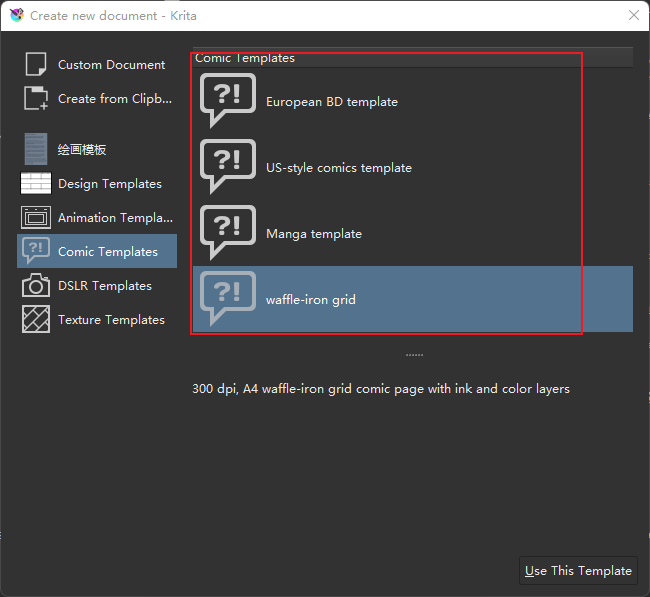
I just tested it again and found that every krita comics template will trigger it.
Look forward to okhsv/okhsl in the new version!
Update:
- Full Rework
Looks the same outside and everything inside is different.
New Logo:

Code:
The code was fully reworked and things are just more simple and as efficient.
XML Information tab was taken off from “Timer Watch” as it will be transferred into “Image Board” as it relates to saved files more actively than “Timer Watch”.
Saves the mode state and time limit to kritarc.
Ui was adjusted to be stream lined with my other plugins:
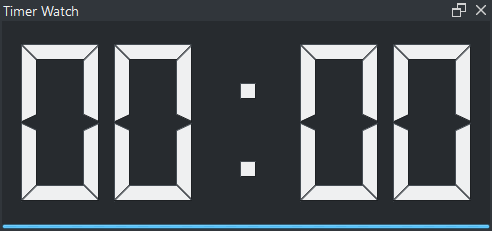
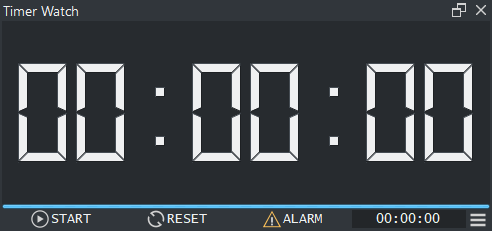
Operations:
- LMB - Changes quickly mode between Clock and Stopwatch.
- RMB - Open context menu to change mode.
- wheel - Changes quickly mode.
Alarm:
Now the alarm plays a small mp3 ping sound to warn the time goal has been reached. “pop”.
Preview:
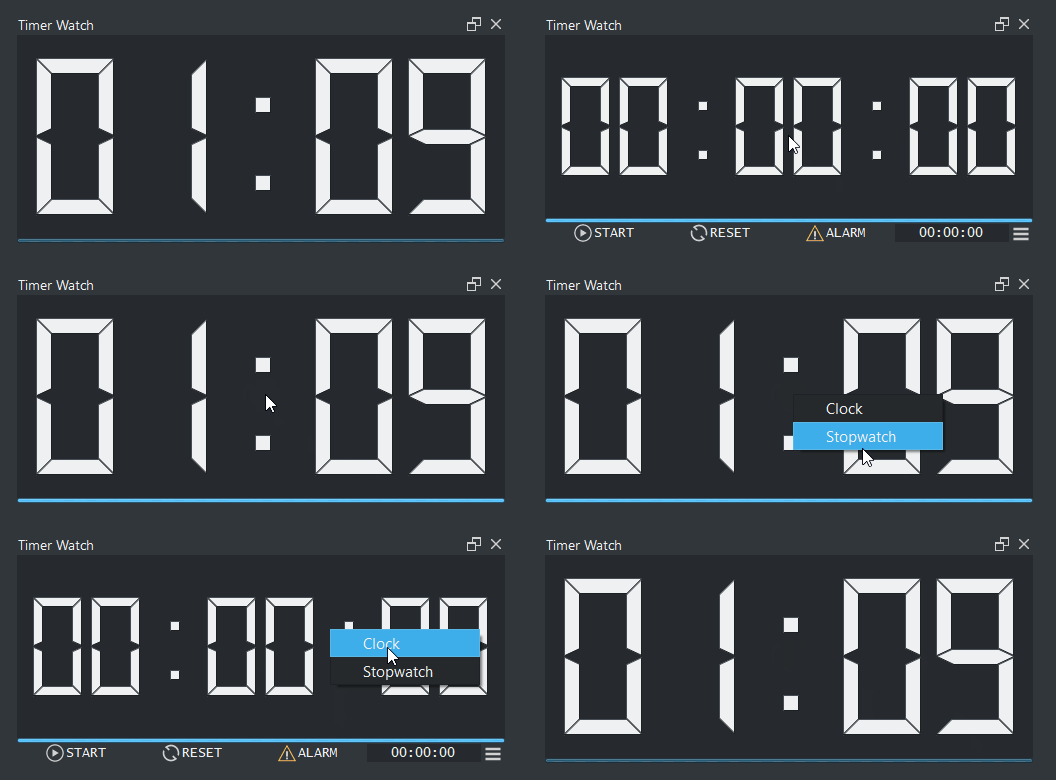
6 Likes
update: Manual
This is a update to the quality of life around the plugin and if it works it will be reflected on all my other plugins alike.
The manual was rewritten and moved into the Github wiki page instead of being present on the python plugin manual area because no one reads it and teaching people how to even reach the manual is the biggest hurdle for people that do not care to read the least bit but still need to be directed. Also this allows me to make some better framing of things with more space to be more readable.
new manual
I also rewrote the how to install plugins file and placed it on the wiki also. Because of that change I tweaked the settings a bit.
New manual inside Krita:

The settings has some new options that are not really that important. The most significant change here is the Manual and copyright buttons having hyperlink connections to the respective pages.
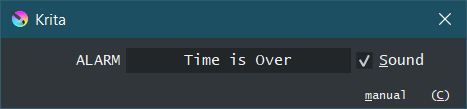
Alarm Message - Edit your alarm message
Alarm Sound - Toggle on and off the sound
Manual - opens a hyperlink on the browser to the manual indicated above
License - opens a hyperlink on the browser to the License.
Reviews to this system might still happen.
5 Likes
For a compact size, maybe switch the buttons to icons only mode, or use alignment from the left edge?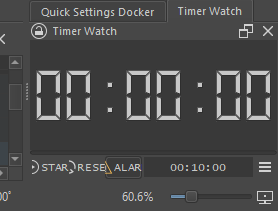
The second thought that comes to me is that with strong lateral compression, the row of buttons and timer input can be divided into two by reducing the empty fields of a large timer. If you think about it, such transfers in the Krita interface are practically not found, I don’t know if this is practical in implementation.
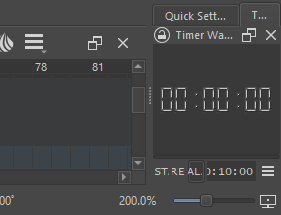 >
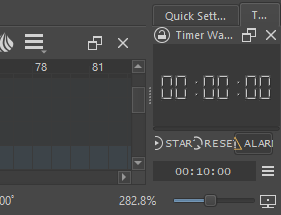
only way to solve that compression is to use icons only.
the way I am building there is no dynamic allowed of the UI.
changed.
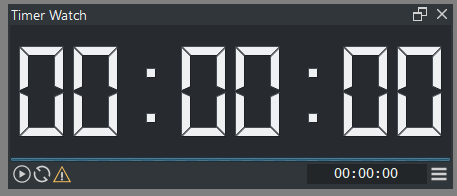
In this case, the question is removed, it is better to keep the original version with text and icons.
Are you able to edit the original post the first one? I remember I had enabled topic edit in this category.
1 Like
The icons change and also the tool tips. It should work alike without the text. Also I already adjusted the preview images. As you showed the compression is not good.
Yes I am able to edit the first post.
2 Likes
An interesting phenomenon is that after the plug-in is installed, the icon shown in the following figure appears in my krita:
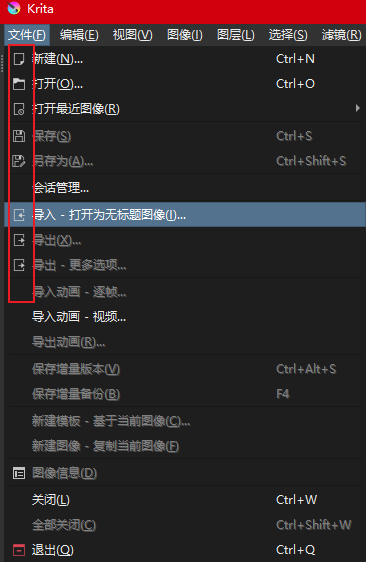
As far as I know, it seems that the icon will appear in the Linux version but not in windows. So when I found out the reason for timer watch, I felt very incredible… (this is not a bad aspect. In fact, I hope windows has it because it is more beautiful.)
1 Like
“Timer Watch” and “Imagine Board” both do it. I still have not found a draw back to unlocking it so I will keep it for now.
1 Like
I was wondering where the icons in version 4.4.8 came from, I thought it was because of update 5… it turns out to be a bonus from EyeOdin
1 Like
Hey, updated krita 5.1.1 to 5.1.5 on Ubuntu and I got a float error.
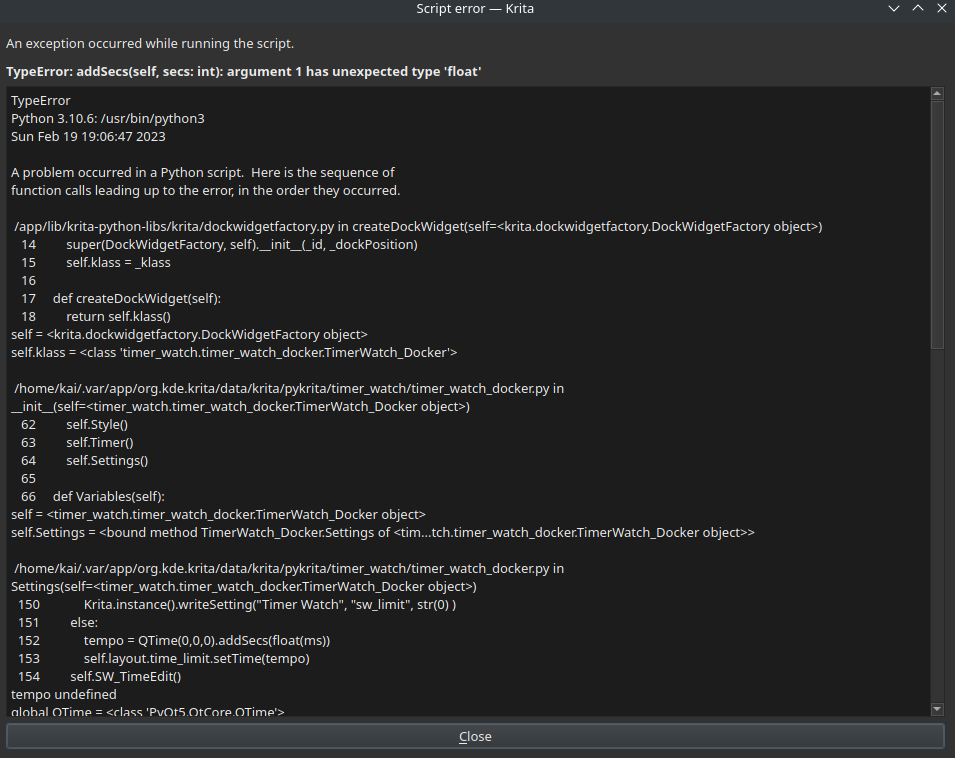
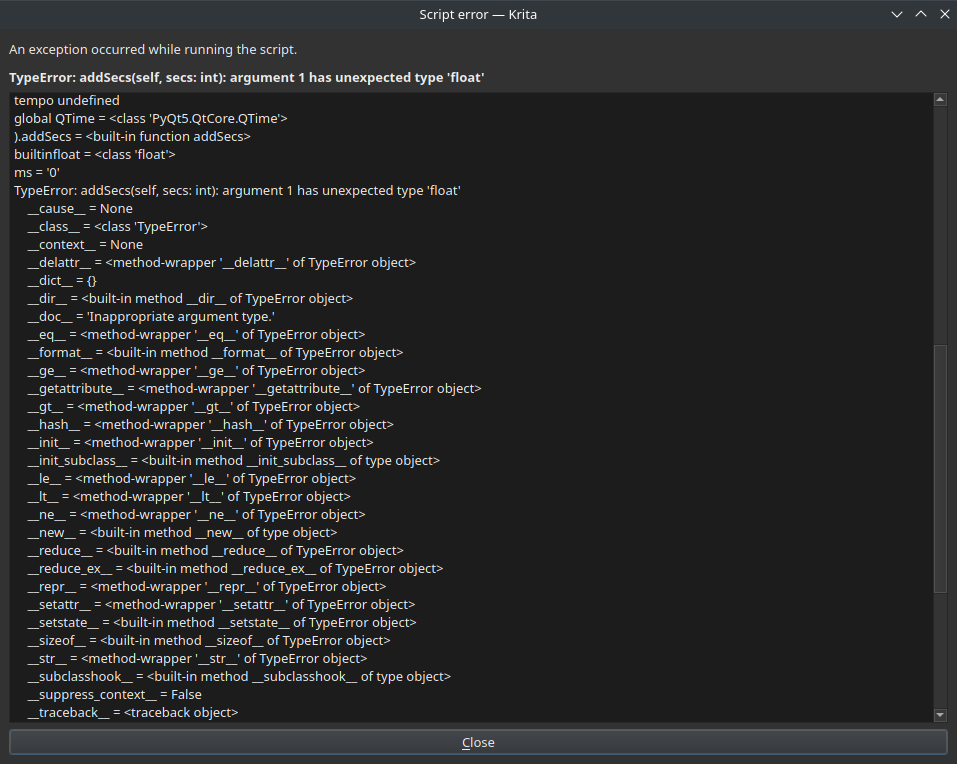
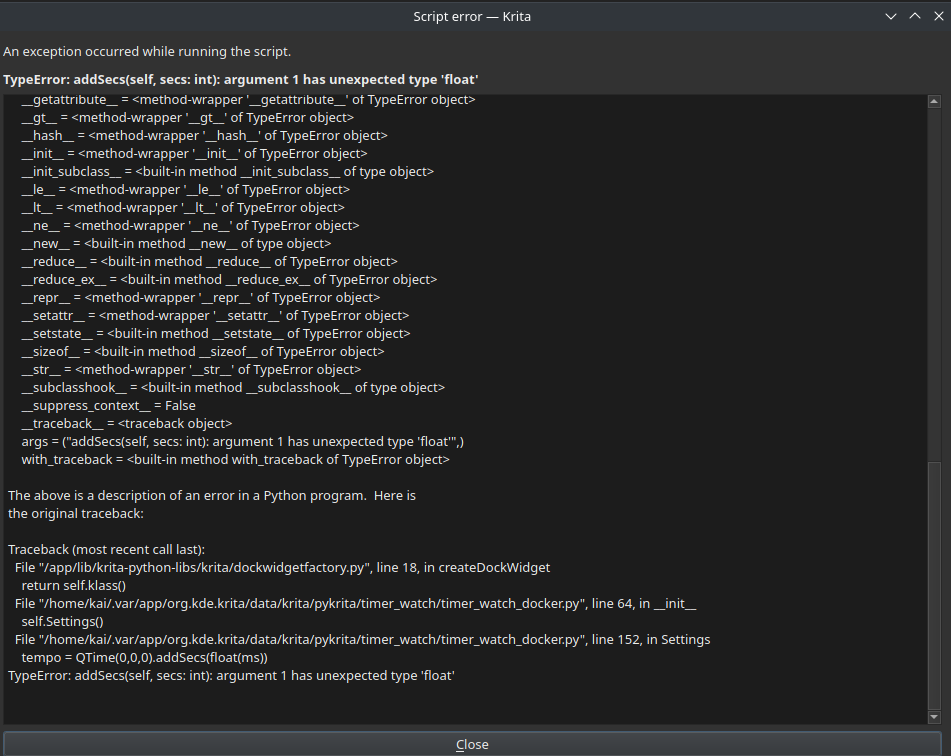
I’m still new to reporting these things and reading about these things.
Trying to figure out currently how to fix this.
1 Like
should be fixed now
2 Likes
Warning
Please uninstall timer watch before updating to krita 5.2.
There are missing modules so I’ll probably have to cut the alarm due to the mlt audio work flow and chopping of pyqt5. If the mlt audio work flow is accessible though python remains to be seen.
All reports of it will be ignored.
2 Likes
Update
- Krita 5.2 compatiable
- Logo Update
Due to this compatibility I was forced to delete the sound from the Alarm because the PyQt5 basic sound modules were stripped away for the new krita version. Now you can contemplate on the message alone.
5 Likes
Update:
- Quality of Life
Just did an adjustment to the settings behavior. Should not be in the way as much.
6 Likes